- Batasan usia4+
- KategoriPendidikan
- PengembangVentura Educational Systems
- BahasaInggris
- Ukuran10,1 MB
Tertaut ke halaman resmi App Store
Download.org tidak menyimpan file Morse Code Toolkit apa pun. Tombol ini membuka halaman aplikasi di App Store, tempat Ventura Educational Systems menerbitkannya. Halaman terakhir diperiksa pada 20/11/2026.
Tangkapan layar


Tentang
Pengembang belum menyediakan teks ini dalam bahasa Anda.
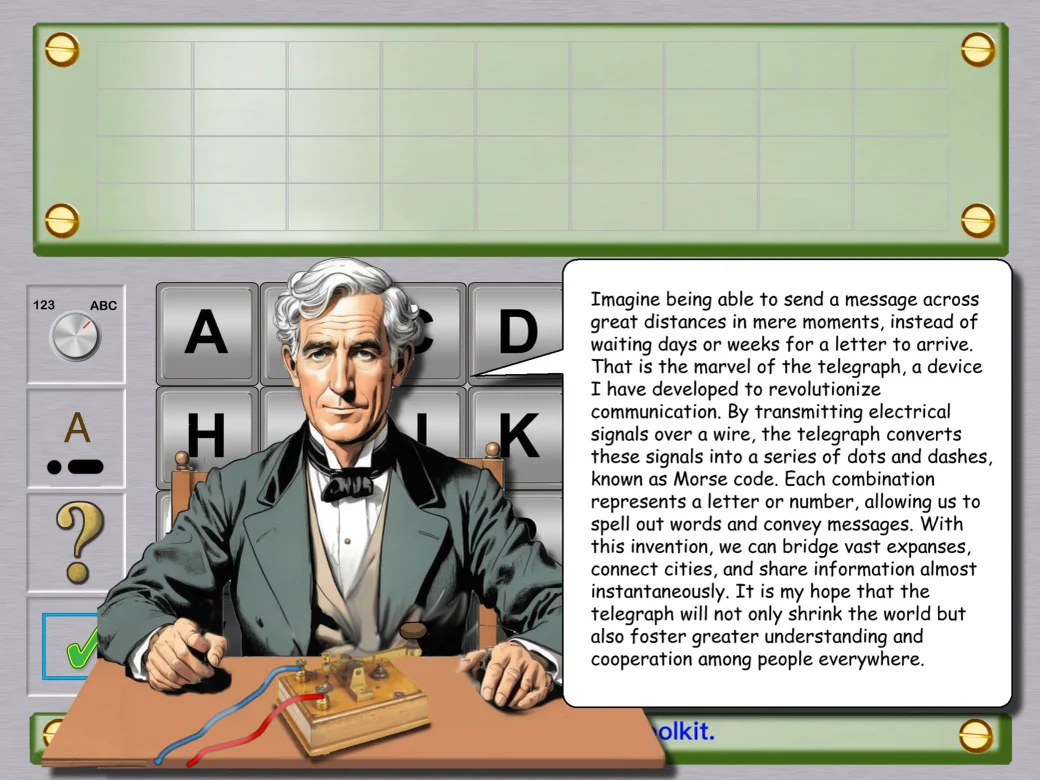
Learning to use the Morse Code is an fun way to send secret messages to your friends. It is also a way for teachers to introduce the history of how electricity was first used to send messages. Learning about the Morse Code is important because it encourages them to experiment and gives them confidence to be creative. It also provides a historical perspective on a communication that was an important that helped in the expansion and settlement of the western parts of the United States.
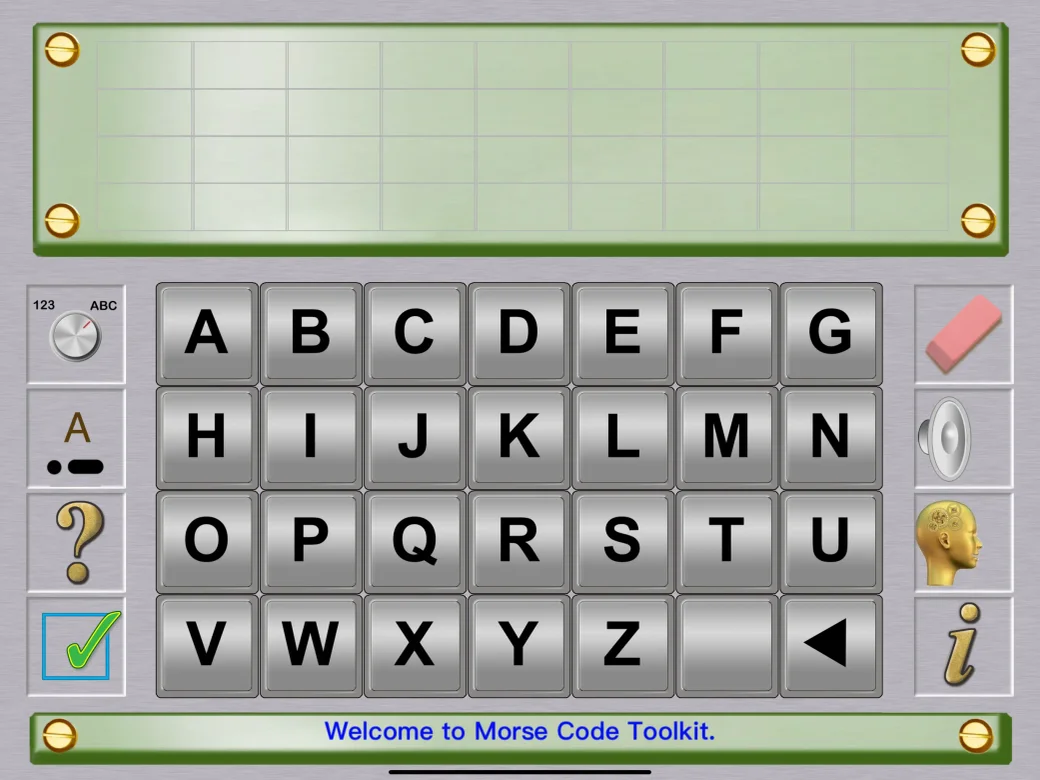
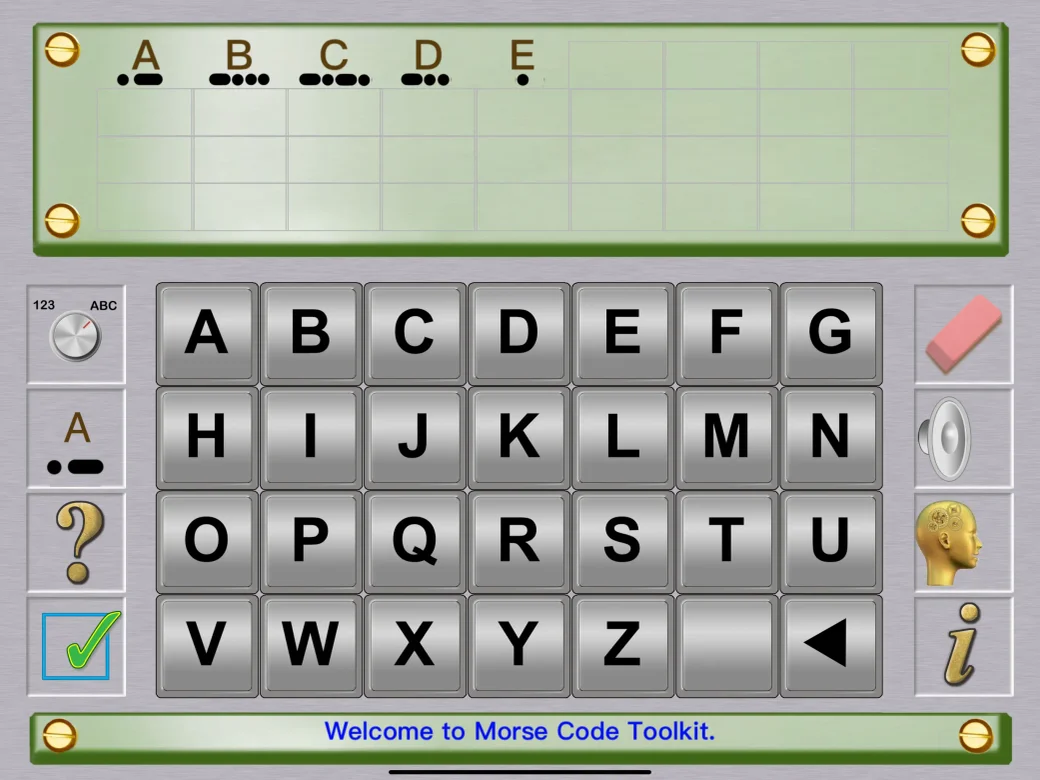
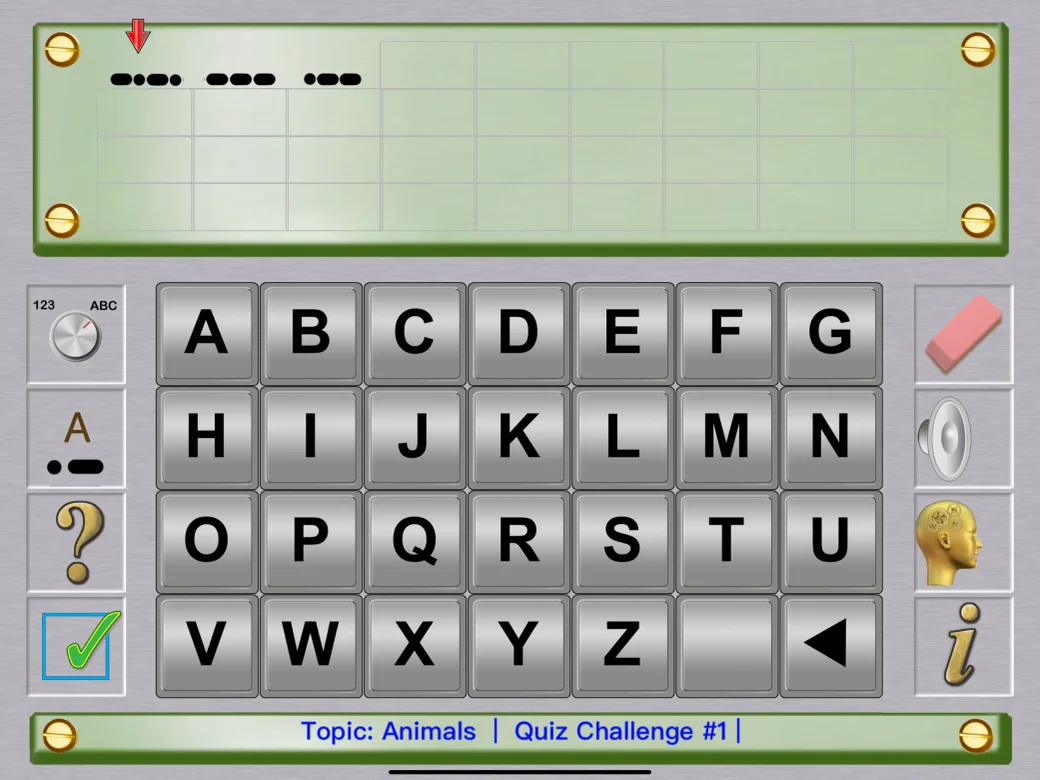
The Morse Code Toolkit is an interactive learning tool for introducing the signalling system used in the middle part of the 19th century. Invented by Samuel Morse, the coding system is made up of sequences of dots and dashes. It is still used today by ham radio operators and others. When using the app In the exploration mode users can press any key and see the how to represent the associated letter in dots and dashes. Using the keyboard students can see how to spell a word using Morse Code. Switch to the number mode to learn how to represent numbers from zero to ten. Press any key in this mode and see how to represent the number using a series of dots and dashes.
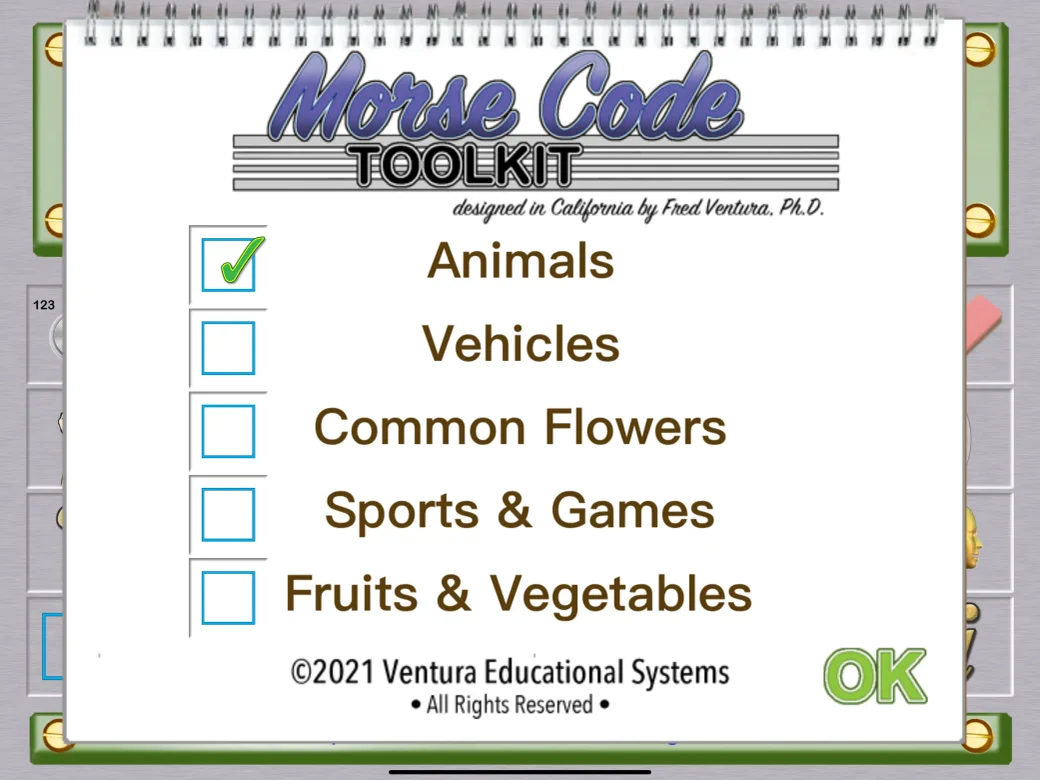
Students who are learning Morse Code will find the quiz feature helpful. After pressing the question mark to start the quiz a word is randomly selected from the word list. The way to spell the word using Morse Code is shown. The object is for the student to recognize the dots and dashes for the letters in the word and to type them on the keyboard.
Speech effects are provided so that when a letter is pressed on the keyboard it is pronounced aloud and also played as an audible series of dots and dashes. This feature can optionally be turned on or off.
Yang baru
Versi 2.0 · 18/5/2024
This version provides an update to recommended settings and enhanced graphics.
Privasi aplikasi
Yang dinyatakan Ventura Educational Systems di App Store tentang cara aplikasi ini menangani data.
-
Data tidak dikumpulkan
Pengembang tidak mengumpulkan data apa pun dari aplikasi ini.
Praktik privasi dapat bervariasi, misalnya berdasarkan fitur yang Anda gunakan atau usia Anda.
Informasi
- Penjual
- Ventura Educational Systems
- Kategori
- Pendidikan
- Versi
- 2.0
- Diperbarui
- 18/5/2024
- Dirilis
- 1/12/2021
- Ukuran
- 10,1 MB
- Memerlukan
- iOS 13.2 atau yang lebih baru
- Batasan usia
- 4+
- Harga
- Rp 39ribu
- Bahasa
- Inggris
- Hak cipta
- ©2024 Ventura Educational Systems • All Rights Reserved
Mungkin Anda juga suka
-
 READING MAGIC 5 for SchoolsPendidikan
-
 Tabel Periodik Quiz ProApakah Anda tahu kimia?
-
 iMusTalk AAC & Messaging appPendidikan
-
 Beautiful MathPendidikan
-
 Little Worlds: StickersPendidikan
-
 Fast AAC: School & ClinicPendidikan
-
 Learn Top 300 French WordsPendidikan
-
 Phonics StarsPendidikan
-
 SpellerShipPendidikan
-
 Toddler Science - Solar SystemPendidikan