- Độ tuổi4+
- Danh mụcGiáo Dục
- Nhà phát triểnVentura Educational Systems
- Ngôn ngữTiếng Anh
- Kích thước10,1 MB
Liên kết đến trang App Store chính thức
Download.org không lưu trữ tệp nào của Morse Code Toolkit. Nút này mở trang ứng dụng trên App Store, nơi Ventura Educational Systems phát hành ứng dụng. Trang được kiểm tra lần cuối: 20/11/2026.
Ảnh chụp màn hình


Giới thiệu
Nhà phát triển chưa cung cấp nội dung này bằng ngôn ngữ của bạn.
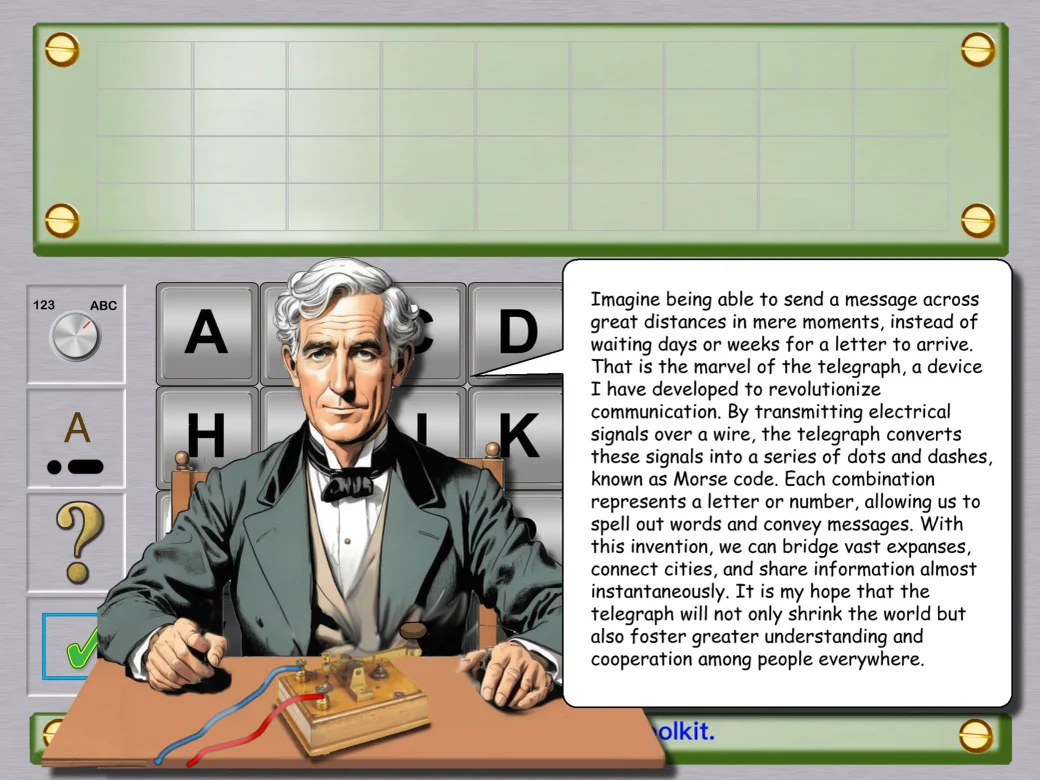
Learning to use the Morse Code is an fun way to send secret messages to your friends. It is also a way for teachers to introduce the history of how electricity was first used to send messages. Learning about the Morse Code is important because it encourages them to experiment and gives them confidence to be creative. It also provides a historical perspective on a communication that was an important that helped in the expansion and settlement of the western parts of the United States.
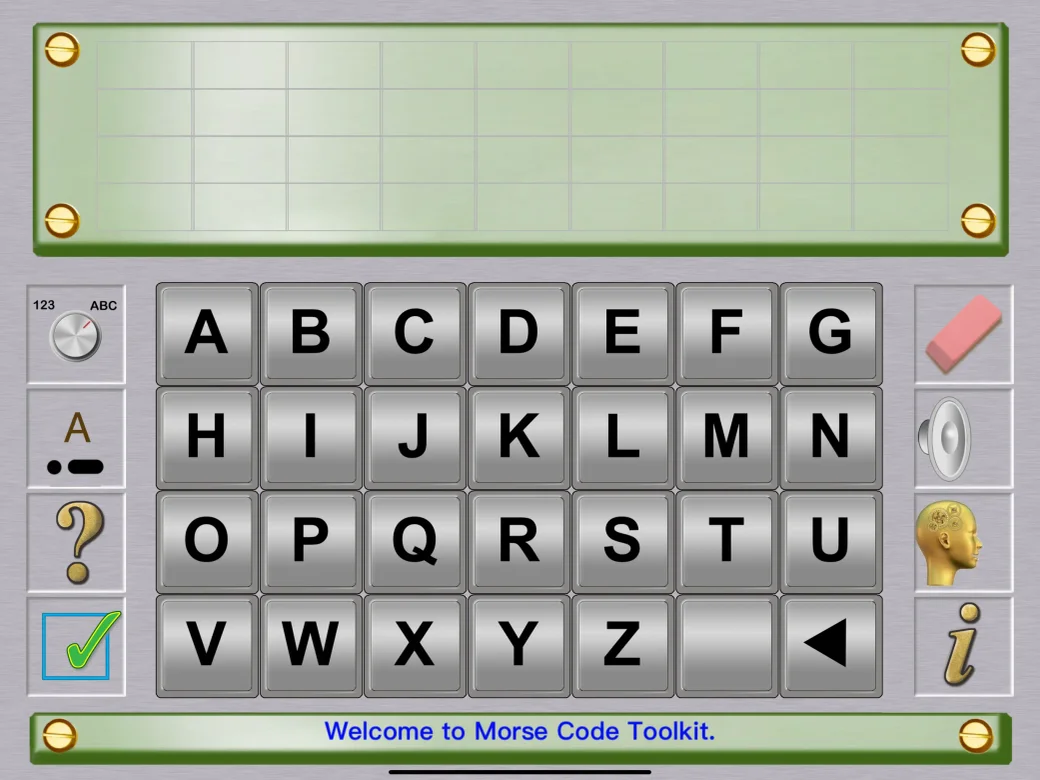
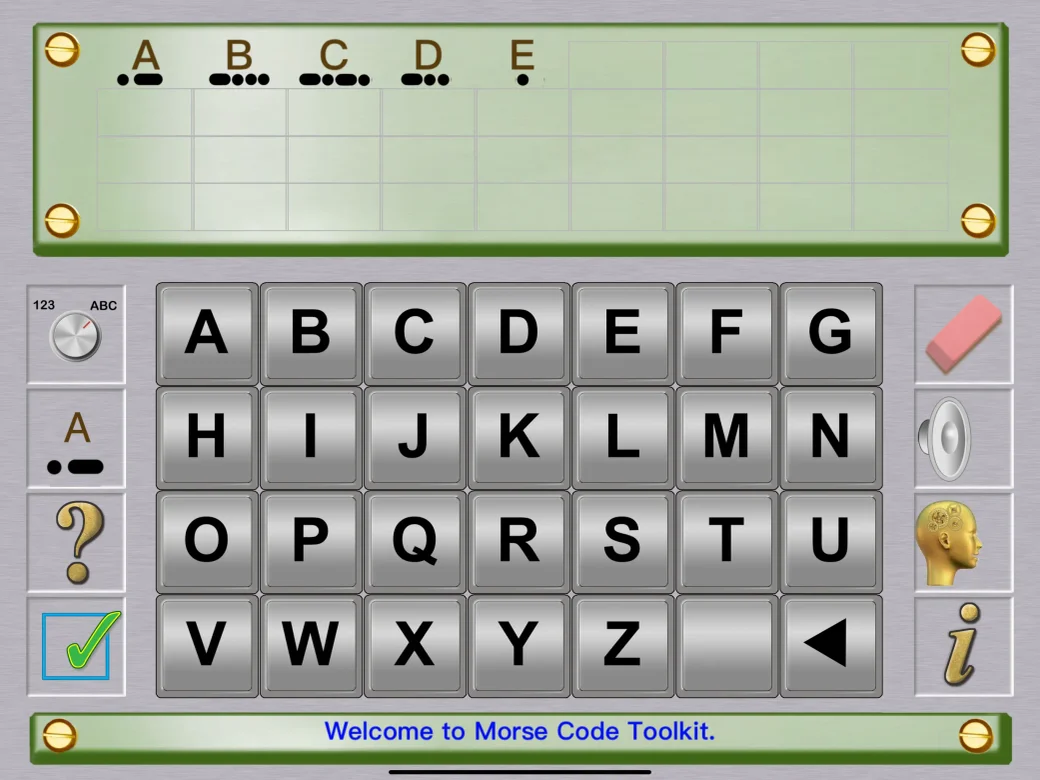
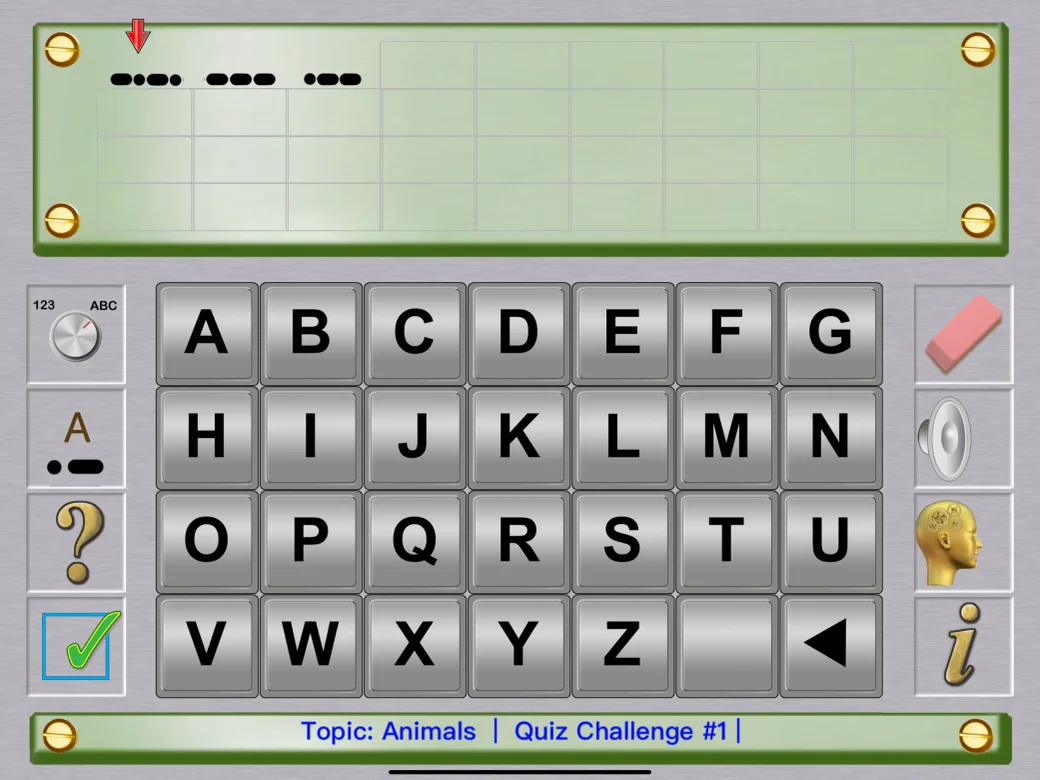
The Morse Code Toolkit is an interactive learning tool for introducing the signalling system used in the middle part of the 19th century. Invented by Samuel Morse, the coding system is made up of sequences of dots and dashes. It is still used today by ham radio operators and others. When using the app In the exploration mode users can press any key and see the how to represent the associated letter in dots and dashes. Using the keyboard students can see how to spell a word using Morse Code. Switch to the number mode to learn how to represent numbers from zero to ten. Press any key in this mode and see how to represent the number using a series of dots and dashes.
Students who are learning Morse Code will find the quiz feature helpful. After pressing the question mark to start the quiz a word is randomly selected from the word list. The way to spell the word using Morse Code is shown. The object is for the student to recognize the dots and dashes for the letters in the word and to type them on the keyboard.
Speech effects are provided so that when a letter is pressed on the keyboard it is pronounced aloud and also played as an audible series of dots and dashes. This feature can optionally be turned on or off.
Có gì mới
Phiên bản 2.0 · 18/05/2024
This version provides an update to recommended settings and enhanced graphics.
Quyền riêng tư của ứng dụng
Những gì Ventura Educational Systems khai báo trên App Store về cách ứng dụng này xử lý dữ liệu.
-
Dữ liệu không được thu thập
Nhà phát triển không thu thập bất kỳ dữ liệu nào từ ứng dụng này.
Phương thức đảm bảo quyền riêng tư có thể khác nhau, chẳng hạn như tuỳ theo các tính năng bạn sử dụng hoặc độ tuổi của bạn.
Thông tin
- Người bán
- Ventura Educational Systems
- Danh mục
- Giáo Dục
- Phiên bản
- 2.0
- Cập nhật
- 18/05/2024
- Phát hành
- 01/12/2021
- Kích thước
- 10,1 MB
- Yêu cầu
- iOS 13.2 trở lên
- Độ tuổi
- 4+
- Giá
- 59.000đ
- Ngôn ngữ
- Tiếng Anh
- Bản quyền
- ©2024 Ventura Educational Systems • All Rights Reserved
Có thể bạn cũng thích
-
 READING MAGIC 5 for SchoolsGiáo Dục
-
 Bảng Tuần Hoàn ProBạn có biết hóa học không?
-
 iMusTalk AAC & Messaging appGiáo Dục
-
 Beautiful MathGiáo Dục
-
 Little Worlds: StickersGiáo Dục
-
 Fast AAC: School & ClinicGiáo Dục
-
 Learn Top 300 French WordsGiáo Dục
-
 Phonics StarsGiáo Dục
-
 SpellerShipGiáo Dục
-
 Toddler Science - Solar SystemGiáo Dục