- 対象年齢4+
- カテゴリ教育
- 開発元Ventura Educational Systems
- 言語英語
- サイズ10.1 MB
App Storeの公式ページにリンクしています
Download.orgはMorse Code Toolkitのファイルを一切ホストしていません。ボタンを押すと、Ventura Educational Systemsが公開しているApp Storeのアプリページが開きます。ページの最終確認:2026/11/20。
スクリーンショット


概要
開発元はこのテキストをお使いの言語で提供していません。
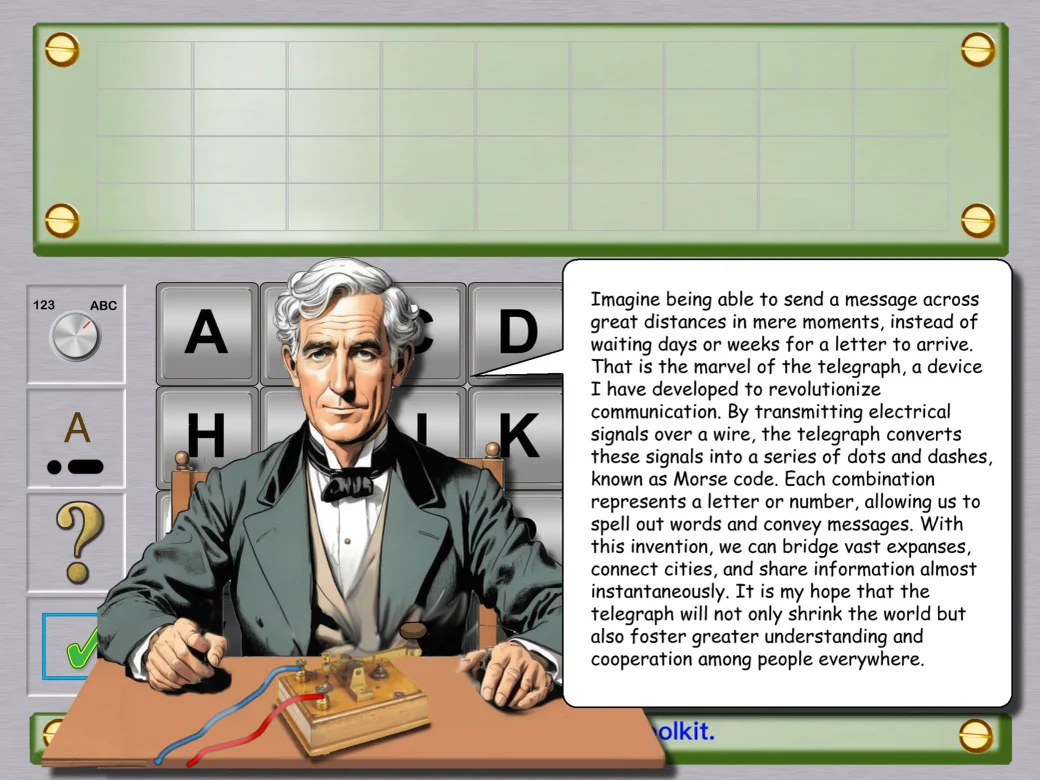
Learning to use the Morse Code is an fun way to send secret messages to your friends. It is also a way for teachers to introduce the history of how electricity was first used to send messages. Learning about the Morse Code is important because it encourages them to experiment and gives them confidence to be creative. It also provides a historical perspective on a communication that was an important that helped in the expansion and settlement of the western parts of the United States.
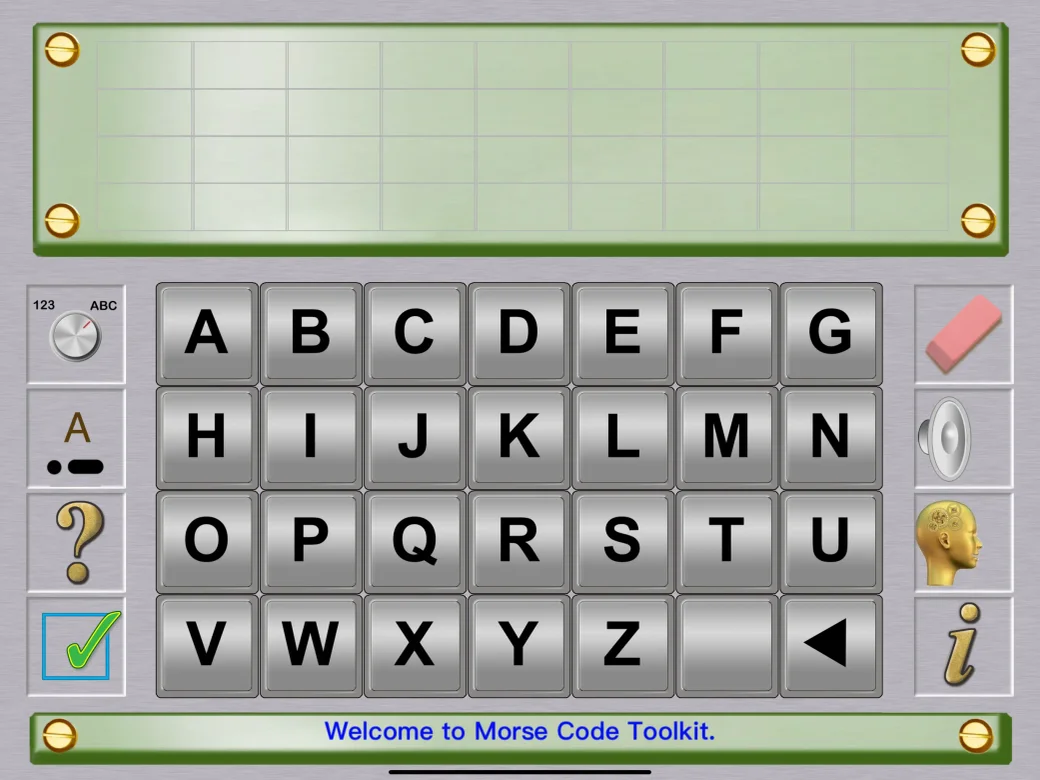
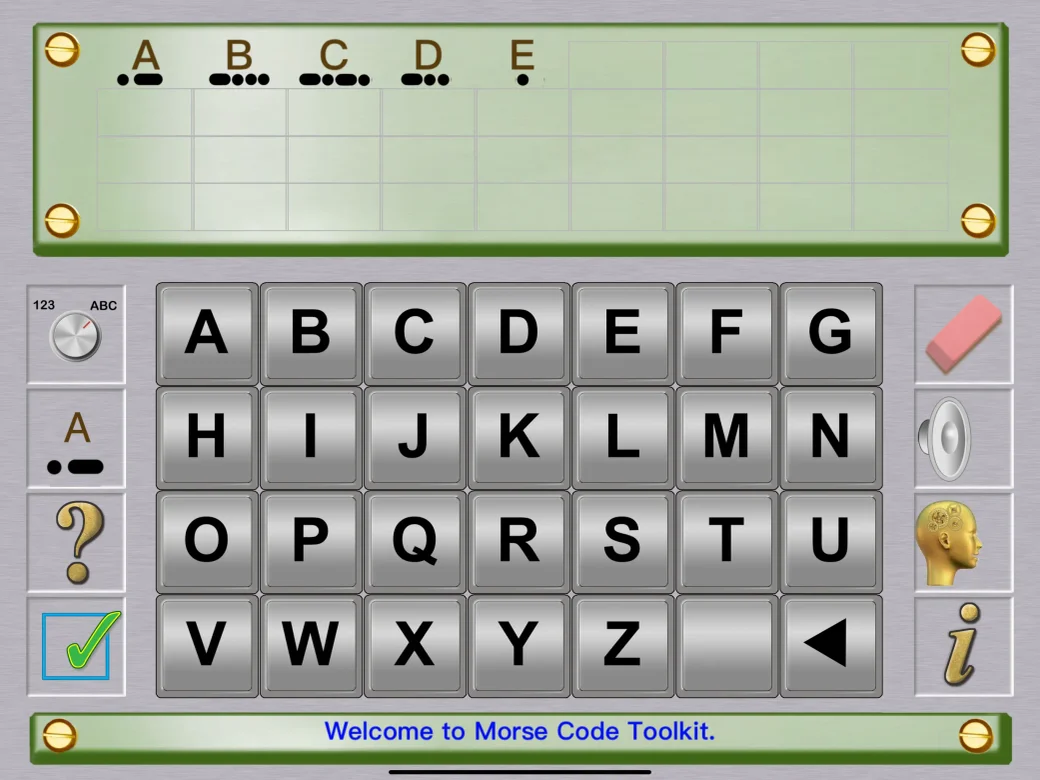
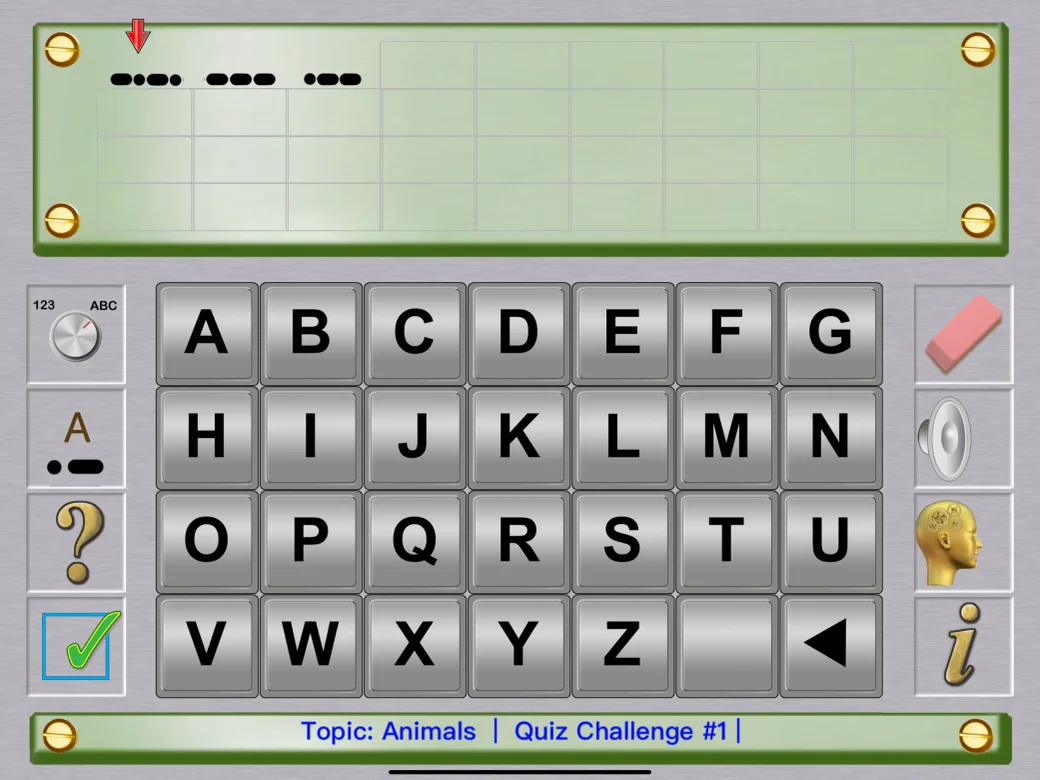
The Morse Code Toolkit is an interactive learning tool for introducing the signalling system used in the middle part of the 19th century. Invented by Samuel Morse, the coding system is made up of sequences of dots and dashes. It is still used today by ham radio operators and others. When using the app In the exploration mode users can press any key and see the how to represent the associated letter in dots and dashes. Using the keyboard students can see how to spell a word using Morse Code. Switch to the number mode to learn how to represent numbers from zero to ten. Press any key in this mode and see how to represent the number using a series of dots and dashes.
Students who are learning Morse Code will find the quiz feature helpful. After pressing the question mark to start the quiz a word is randomly selected from the word list. The way to spell the word using Morse Code is shown. The object is for the student to recognize the dots and dashes for the letters in the word and to type them on the keyboard.
Speech effects are provided so that when a letter is pressed on the keyboard it is pronounced aloud and also played as an audible series of dots and dashes. This feature can optionally be turned on or off.
新機能
バージョン 2.0 · 2024/5/18
This version provides an update to recommended settings and enhanced graphics.
アプリのプライバシー
このアプリのデータの取り扱いについて、Ventura Educational SystemsがApp Storeで申告している内容です。
-
データの収集なし
開発元はこのアプリからデータを収集しません。
プライバシーの取り扱いは、ご利用の機能やお客様の年齢などに応じて異なる場合があります。
情報
- 販売元
- Ventura Educational Systems
- カテゴリ
- 教育
- バージョン
- 2.0
- 更新日
- 2024/5/18
- リリース
- 2021/12/1
- サイズ
- 10.1 MB
- 必要条件
- iOS 13.2以降
- 対象年齢
- 4+
- 価格
- ¥300
- 言語
- 英語
- 著作権
- ©2024 Ventura Educational Systems • All Rights Reserved