
Offtime: Physical App Blocker
Screen Time, Focus, QR/NFC
Dirancang untuk iPhone
Gratis · Pembelian dalam aplikasi
- Batasan usia4+
- KategoriProduktivitas
- PengembangLouie Gaiser
- BahasaInggris+ 4 lainnya
- Ukuran15,2 MB
Tertaut ke halaman resmi App Store
Download.org tidak menyimpan file Offtime: Physical App Blocker apa pun. Tombol ini membuka halaman aplikasi di App Store, tempat Louie Gaiser menerbitkannya. Halaman terakhir diperiksa pada 23/11/2026.
Tangkapan layar

Tentang
Pengembang belum menyediakan teks ini dalam bahasa Anda.
OFFTIME – THE APP AGAINST APPS
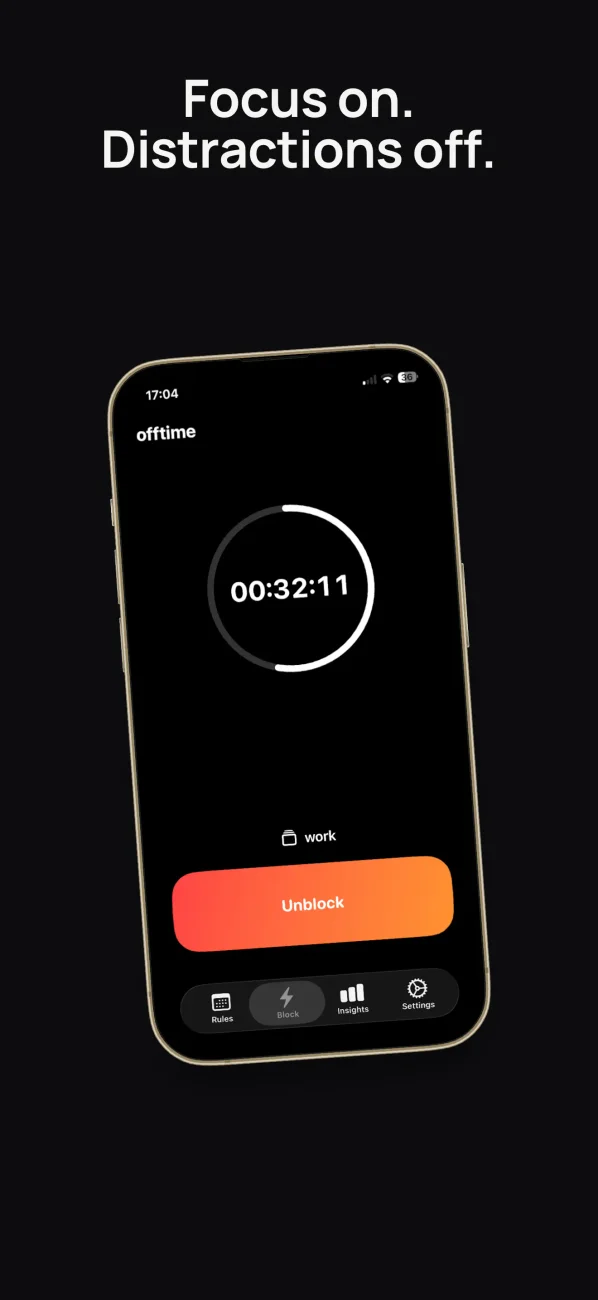
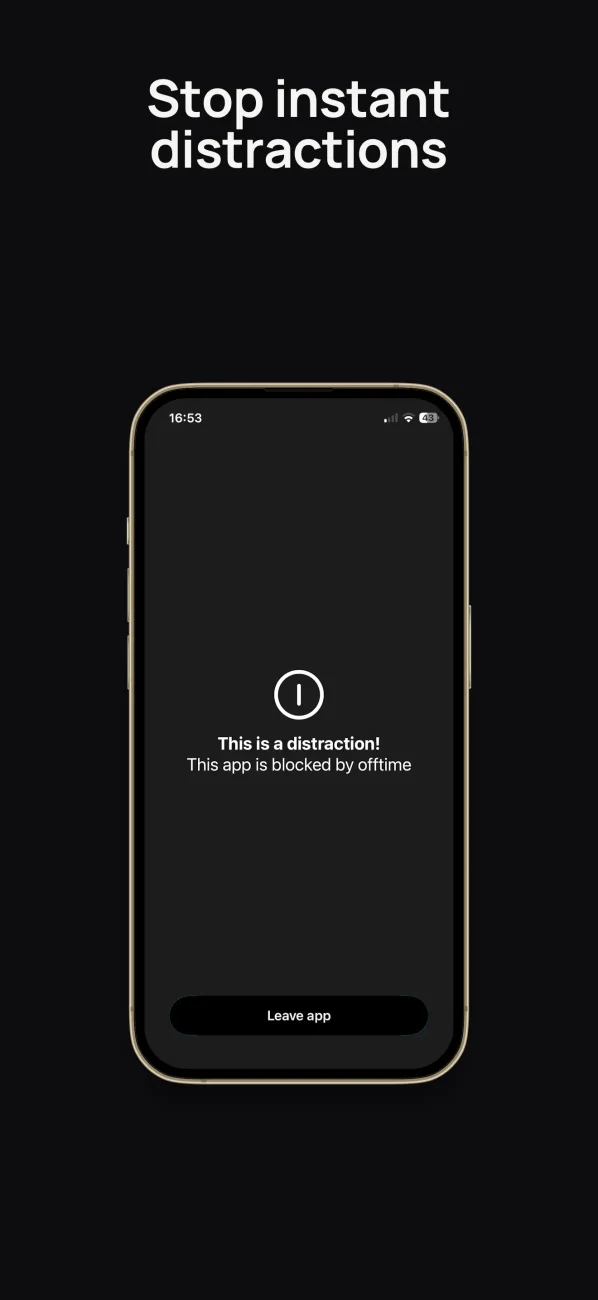
Block distracting apps – and make unlocking them take real effort.
Hold to block your distracting apps, and unlock them only by scanning a QR code or NFC tag that you keep out of reach. That small physical step creates distance, clarity and focus – before you start scrolling.
HOW IT WORKS
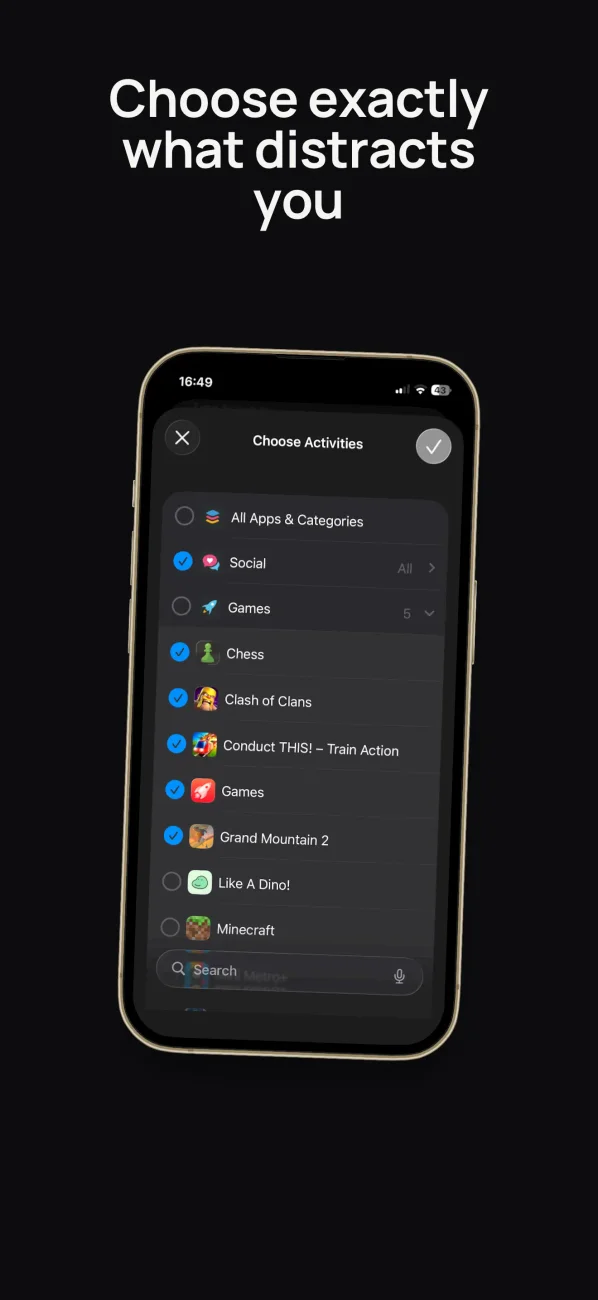
* Choose the apps and categories that distract you
* Hold to start blocking
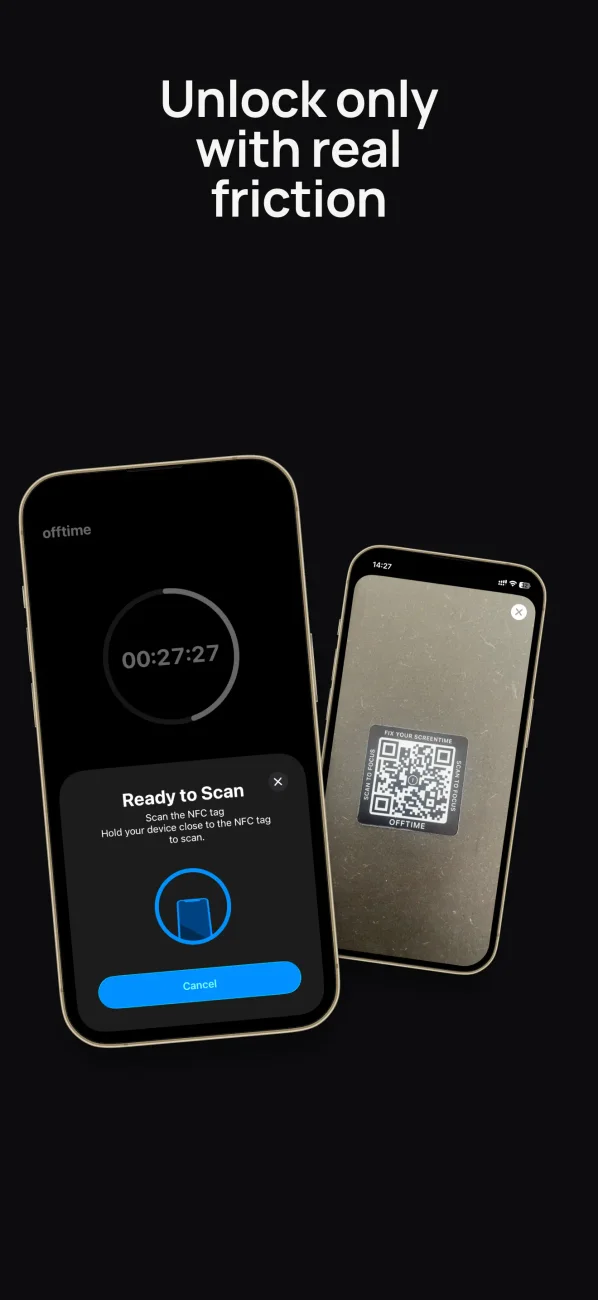
* Keep your QR code or NFC tag out of reach – in the hallway, on a shelf, in another room
* Apps stay blocked until you scan the code, wait out the delay or your schedule ends
FEATURES
- PHYSICAL UNLOCK WITH QR CODE OR NFC
Print your QR code or write your own NFC tag right in the app. Moving to unlock stops impulsive scrolling.
- UNLOCK WITH A WAIT
Prefer no hardware? Set a waiting time before a blocked app can be opened.
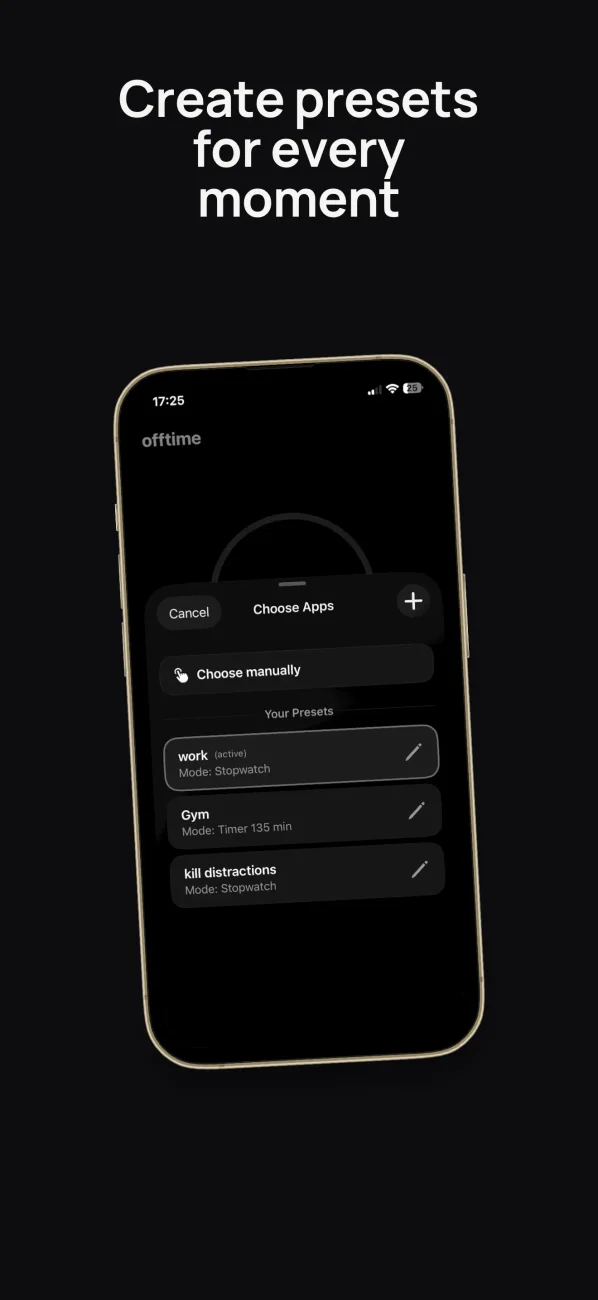
- PRESETS
Save sets of apps and categories for different situations, like work, studying or bedtime.
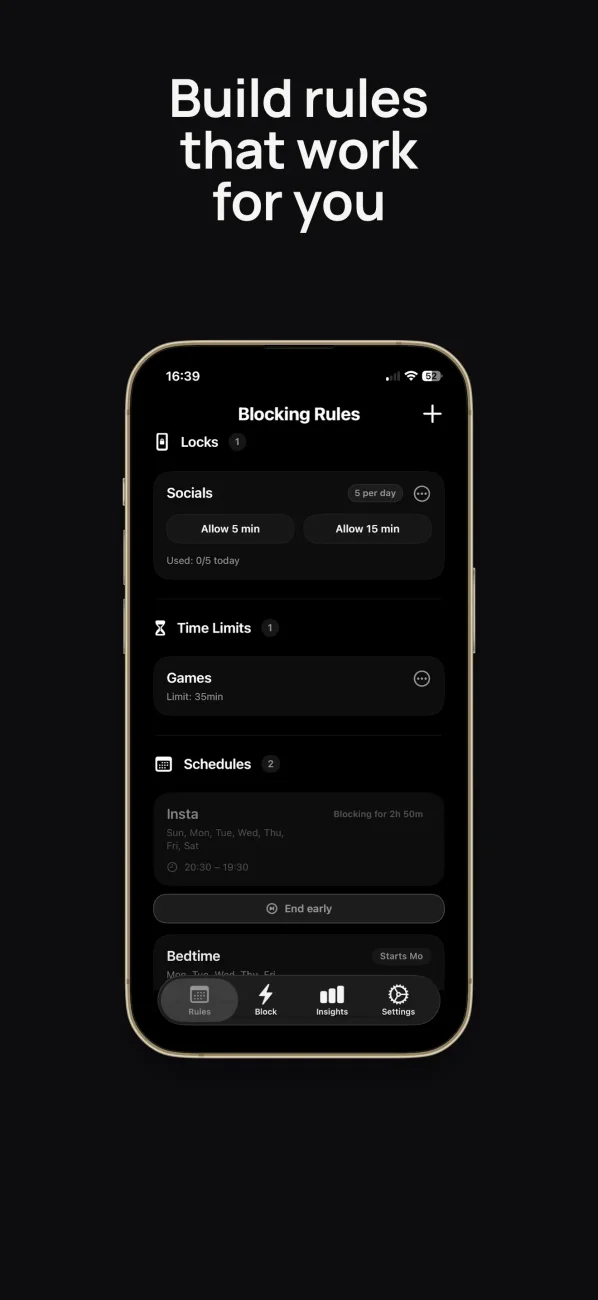
- SCHEDULES
Block automatically at set times, on the days you choose. Schedules keep running when the app is closed. Choose Normal or Strict mode, with or without breaks.
- TIME LIMITS
Set daily limits for apps that eat your time.
- LOCKS
Define how often and how long a blocked app may be opened.
- INSIGHTS
See your week at a glance, compare it with the last one, track your streaks and the impulses you prevented.
- NO ACCOUNT NEEDED
Offtime works without registration.
- LANGUAGES
English, German, French, Spanish and Dutch.
WHY OFFTIME?
Most app blockers can be switched off with one tap – exactly when your willpower is lowest. Offtime adds a physical layer. Your unlock key is a printed QR code or an NFC tag that you place out of reach, so lifting the block is a deliberate decision. That makes digital discipline feel effortless.
FREE AND PRO
Start for free with one lock, one schedule, one time limit and your standard preset plus one of your own.
UNLOCK THE PRO VERSION
* Unlimited presets
* Up to 18 active schedules at the same time
* Detailed insights
* Unlimited locks
* Unlimited time limits
Privacy Policy: https://www.useofftime.com/privacy/app
Terms of Use: https://www.apple.com/legal/internet-services/itunes/dev/stdeula/
Yang baru
Versi 1.3.1 · 18/11/2026
This version includes bug fixes and performance improvements.
Privasi aplikasi
Yang dinyatakan Louie Gaiser di App Store tentang cara aplikasi ini menangani data.
-
Data yang tidak ditautkan dengan Anda
Dapat dikumpulkan, tetapi tidak ditautkan dengan identitas Anda.
- Pembelian
- Pengenal
- Data penggunaan
Praktik privasi dapat bervariasi, misalnya berdasarkan fitur yang Anda gunakan atau usia Anda.
Informasi
- Penjual
- Louie Gaiser
- Kategori
- Produktivitas
- Versi
- 1.3.1
- Diperbarui
- 18/11/2026
- Dirilis
- 5/11/2025
- Ukuran
- 15,2 MB
- Memerlukan
- iOS 26.0 atau yang lebih baru
- Batasan usia
- 4+
- Harga
- Gratis
- Pembelian dalam aplikasi
- Ya
- Bahasa
- Inggris, Belanda, Prancis, Jerman, Spanyol
- Hak cipta
- © 2026 Louie Gaiser
Mungkin Anda juga suka
-
 Engross: Focus Timer & To-DoProduktivitas
-
 Barrier: Screen Time For FocusProduktivitas
-
 Stay Focused Blokir AplikasiPemblokir Waktu Layar Situs
-
 Focus Lock - Screen Time LimitProduktivitas
-
 DetoxLock: Extreme App BlockerProduktivitas
-
 Detox: Digital DetoxProduktivitas
-
 StayFree - Block Apps & SitesProduktivitas
-
 AppBlock–Memblokir Apk & SitusKurang terganggu
-
 Flipd: focus & study timerProduktivitas
-
 Freedom: Screen Time ControlProduktivitas