
- 対象年齢4+
- カテゴリ仕事効率化
- 開発元Louie Gaiser
- 言語英語ほか4言語
- サイズ15.2 MB
App Storeの公式ページにリンクしています
Download.orgはOfftime: Physical App Blockerのファイルを一切ホストしていません。ボタンを押すと、Louie Gaiserが公開しているApp Storeのアプリページが開きます。ページの最終確認:2026/11/23。
スクリーンショット

概要
開発元はこのテキストをお使いの言語で提供していません。
OFFTIME – THE APP AGAINST APPS
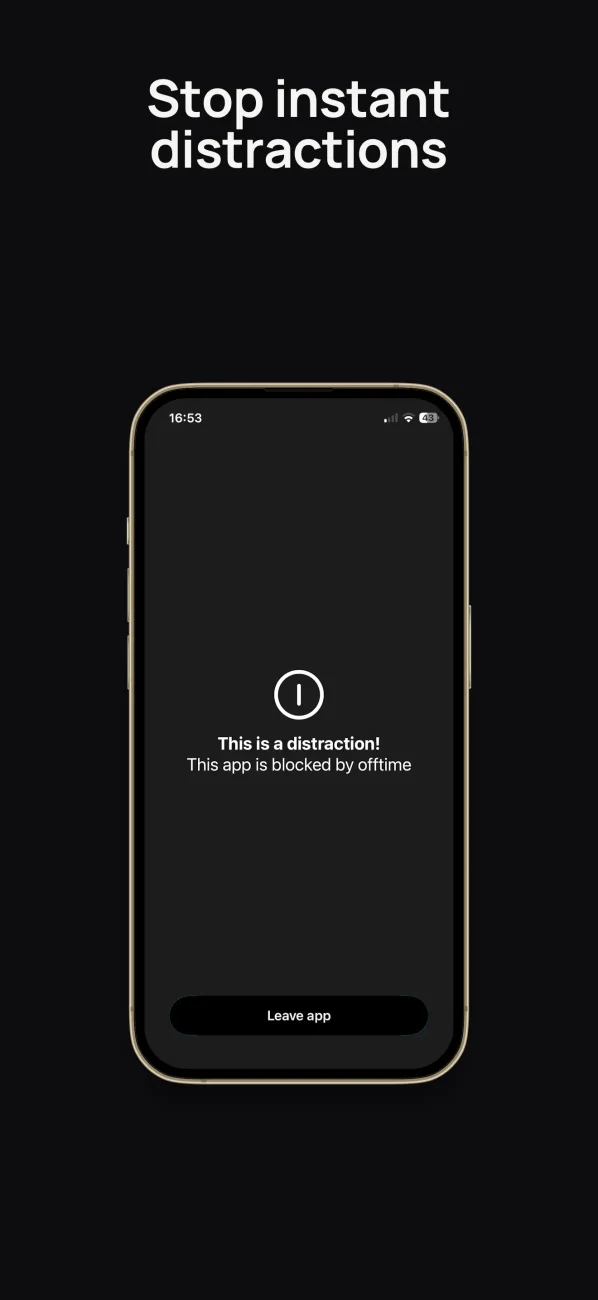
Block distracting apps – and make unlocking them take real effort.
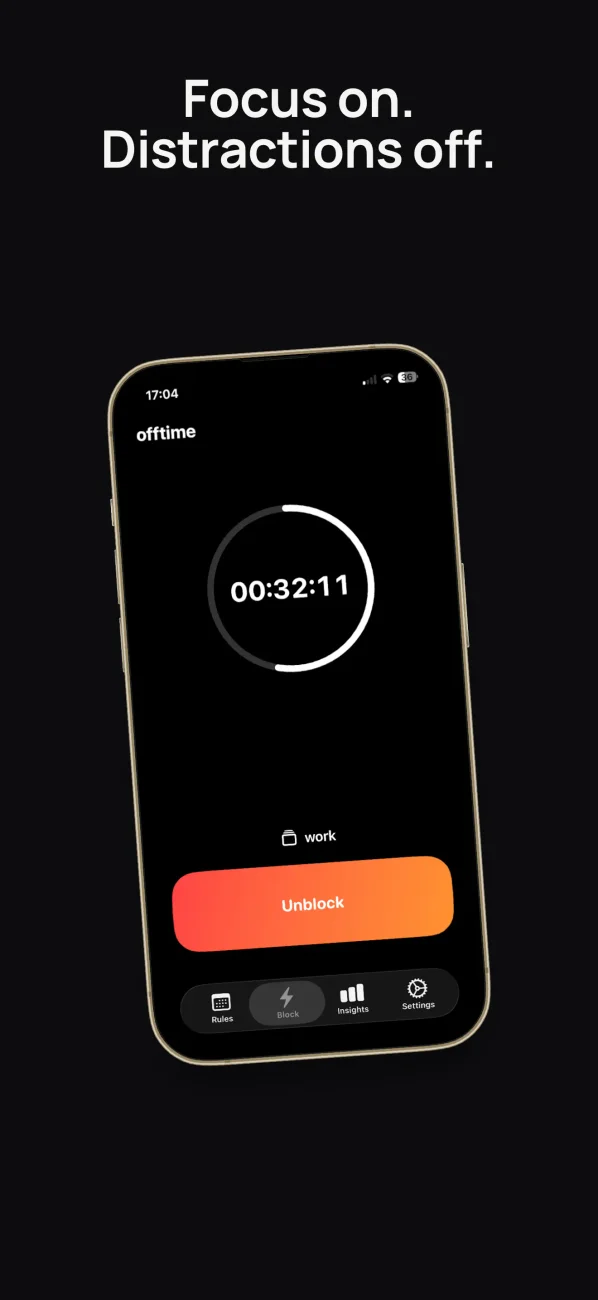
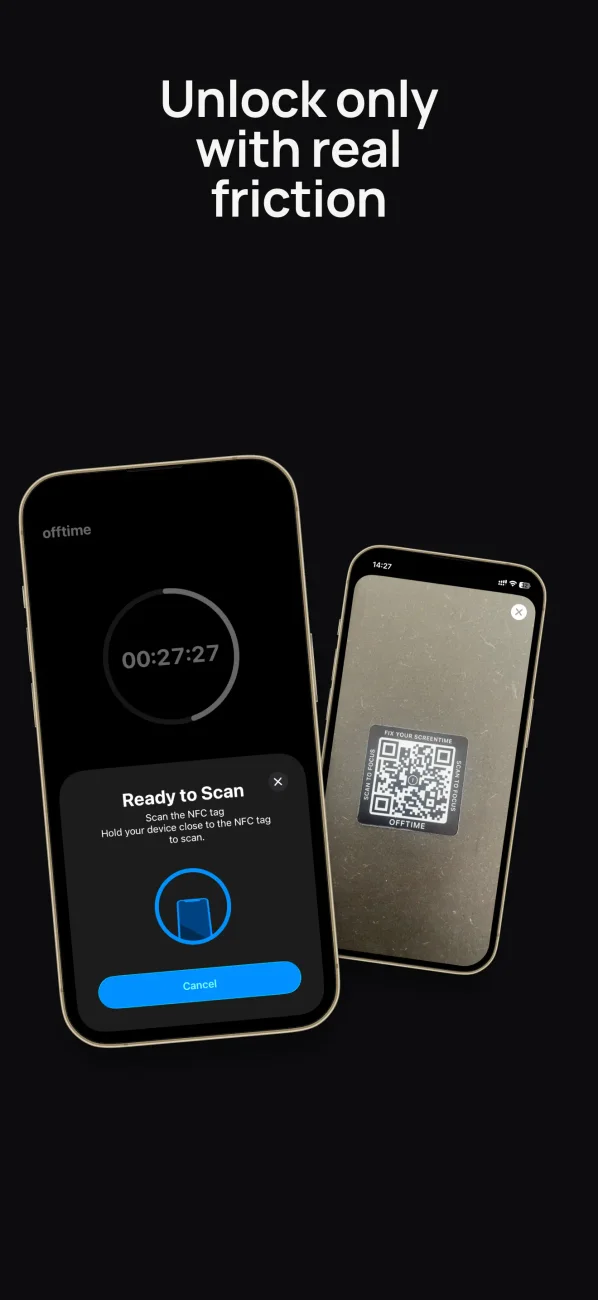
Hold to block your distracting apps, and unlock them only by scanning a QR code or NFC tag that you keep out of reach. That small physical step creates distance, clarity and focus – before you start scrolling.
HOW IT WORKS
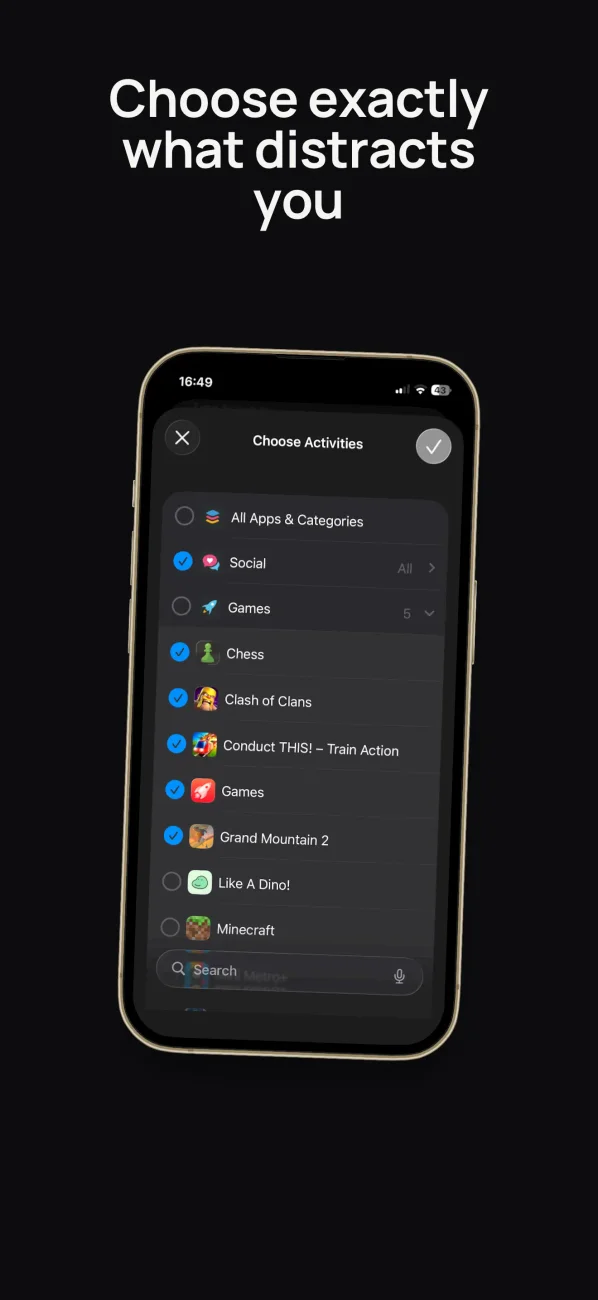
* Choose the apps and categories that distract you
* Hold to start blocking
* Keep your QR code or NFC tag out of reach – in the hallway, on a shelf, in another room
* Apps stay blocked until you scan the code, wait out the delay or your schedule ends
FEATURES
- PHYSICAL UNLOCK WITH QR CODE OR NFC
Print your QR code or write your own NFC tag right in the app. Moving to unlock stops impulsive scrolling.
- UNLOCK WITH A WAIT
Prefer no hardware? Set a waiting time before a blocked app can be opened.
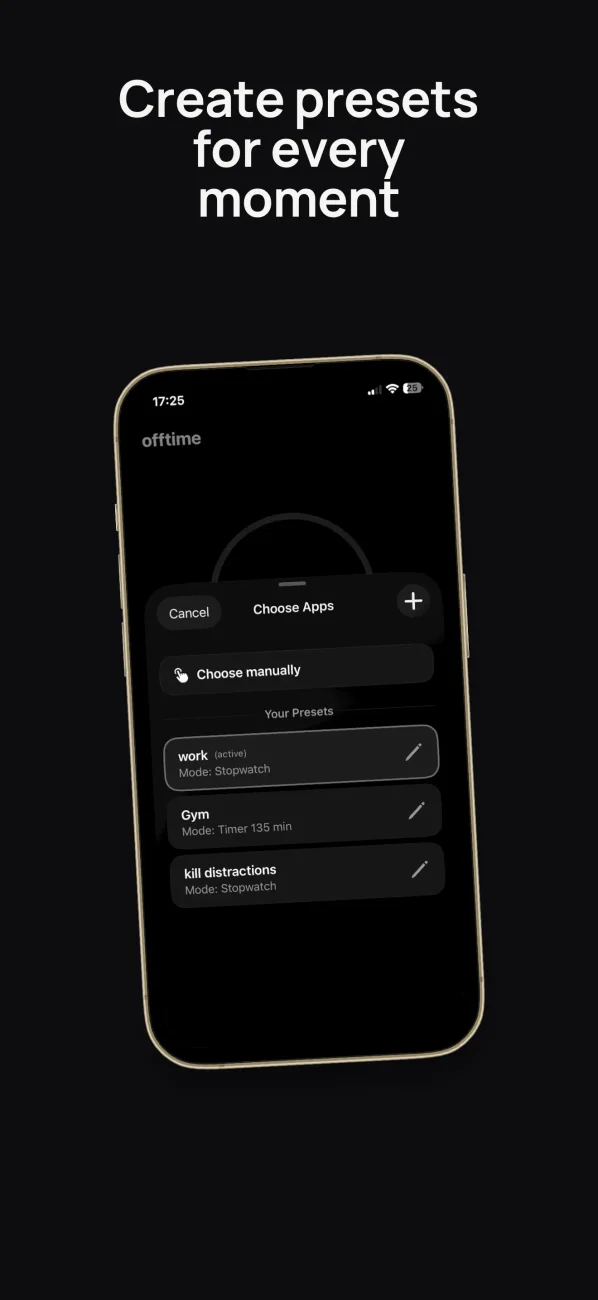
- PRESETS
Save sets of apps and categories for different situations, like work, studying or bedtime.
- SCHEDULES
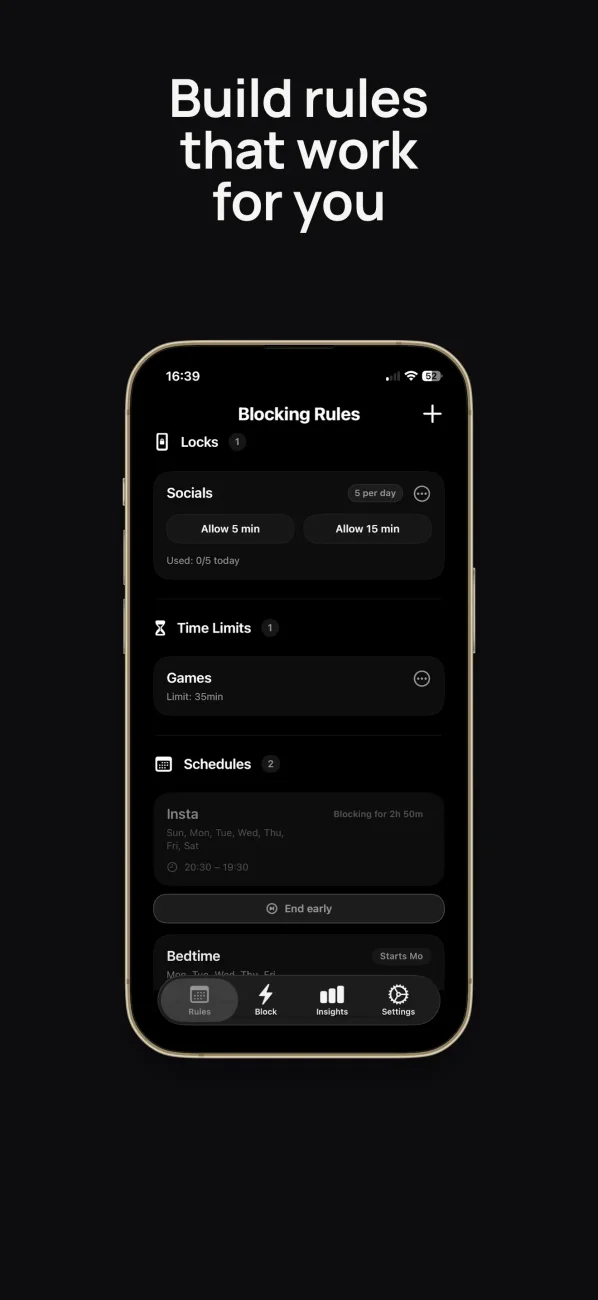
Block automatically at set times, on the days you choose. Schedules keep running when the app is closed. Choose Normal or Strict mode, with or without breaks.
- TIME LIMITS
Set daily limits for apps that eat your time.
- LOCKS
Define how often and how long a blocked app may be opened.
- INSIGHTS
See your week at a glance, compare it with the last one, track your streaks and the impulses you prevented.
- NO ACCOUNT NEEDED
Offtime works without registration.
- LANGUAGES
English, German, French, Spanish and Dutch.
WHY OFFTIME?
Most app blockers can be switched off with one tap – exactly when your willpower is lowest. Offtime adds a physical layer. Your unlock key is a printed QR code or an NFC tag that you place out of reach, so lifting the block is a deliberate decision. That makes digital discipline feel effortless.
FREE AND PRO
Start for free with one lock, one schedule, one time limit and your standard preset plus one of your own.
UNLOCK THE PRO VERSION
* Unlimited presets
* Up to 18 active schedules at the same time
* Detailed insights
* Unlimited locks
* Unlimited time limits
Privacy Policy: https://www.useofftime.com/privacy/app
Terms of Use: https://www.apple.com/legal/internet-services/itunes/dev/stdeula/
新機能
バージョン 1.3.1 · 2026/11/18
This version includes bug fixes and performance improvements.
アプリのプライバシー
このアプリのデータの取り扱いについて、Louie GaiserがApp Storeで申告している内容です。
-
ユーザーに関連付けられないデータ
収集される場合がありますが、ユーザーの識別情報には関連付けられません。
- 購入
- ID
- 使用状況データ
プライバシーの取り扱いは、ご利用の機能やお客様の年齢などに応じて異なる場合があります。
情報
- 販売元
- Louie Gaiser
- カテゴリ
- 仕事効率化
- バージョン
- 1.3.1
- 更新日
- 2026/11/18
- リリース
- 2025/11/5
- サイズ
- 15.2 MB
- 必要条件
- iOS 26.0以降
- 対象年齢
- 4+
- 価格
- 無料
- アプリ内課金
- あり
- 言語
- 英語, オランダ語, フランス語, ドイツ語, スペイン語
- 著作権
- © 2026 Louie Gaiser
こちらもおすすめ
-
 Engross: 集中タイマー&タスク管理集中力維持・タスク管理・習慣化
-
 Barrier: Screen Time For Focusアプリをブロックし、スクリーンタイムを制限する
-
 Stay Focused 集中・スマホ依存対策勉強タイマー・アプリ/サイトブロック・スマホ制限
-
 Focus Lock - Screen Time Limit仕事効率化
-
 スマホ制限・スタロック|アプリ制限・アプリロック・勉強集中スマホ依存対策・スクリーンタイム管理なら時間制限スマホロック
-
 Detox: SNSとショート動画を制限スマホ依存・使いすぎ対策
-
 StayFree - Block Apps & Sites仕事効率化
-
 AppBlock アプリ・サイトをブロックしてスマホ依存克服スマホ制限・スクリーンタイム管理。デジタルデトックスで集中力
-
 Flipd: focus & study timer仕事効率化
-
 Freedom: Screen Time Control仕事効率化