OneLens: Cloud Camera for Work
Auto upload, timestamp & GPS
Dirancang untuk iPhone
Gratis · Pembelian dalam aplikasi
- Batasan usia4+
- KategoriFoto & Video
- PengembangBrunch Development IS
- BahasaInggris+ 4 lainnya
- Ukuran89,3 MB
Tertaut ke halaman resmi App Store
Download.org tidak menyimpan file OneLens: Cloud Camera for Work apa pun. Tombol ini membuka halaman aplikasi di App Store, tempat Brunch Development IS menerbitkannya. Halaman terakhir diperiksa pada 25/11/2026.
Tangkapan layar
Tentang
Pengembang belum menyediakan teks ini dalam bahasa Anda.
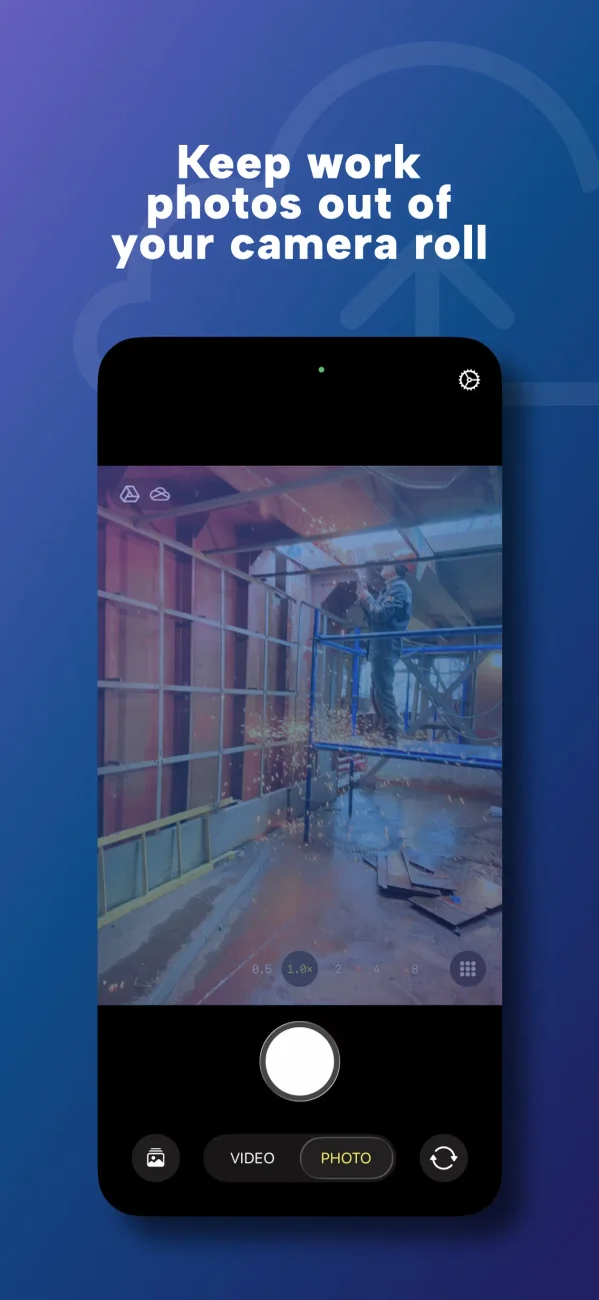
Keep your work photos out of your personal camera roll.
OneLens is a camera app that uploads photos and videos directly to your cloud as you take them. They never touch Apple's Photos app.
No filenames to enter, no folders to browse, no repeated upload prompts. Open the app, take the photo, done.
Straight to the cloud
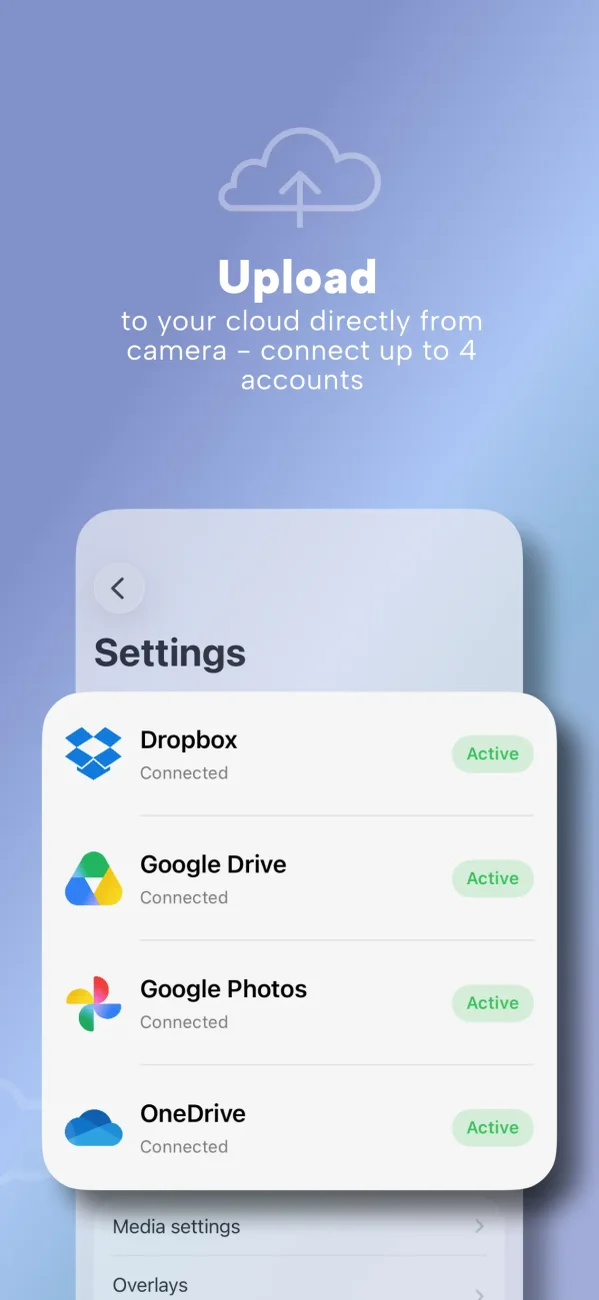
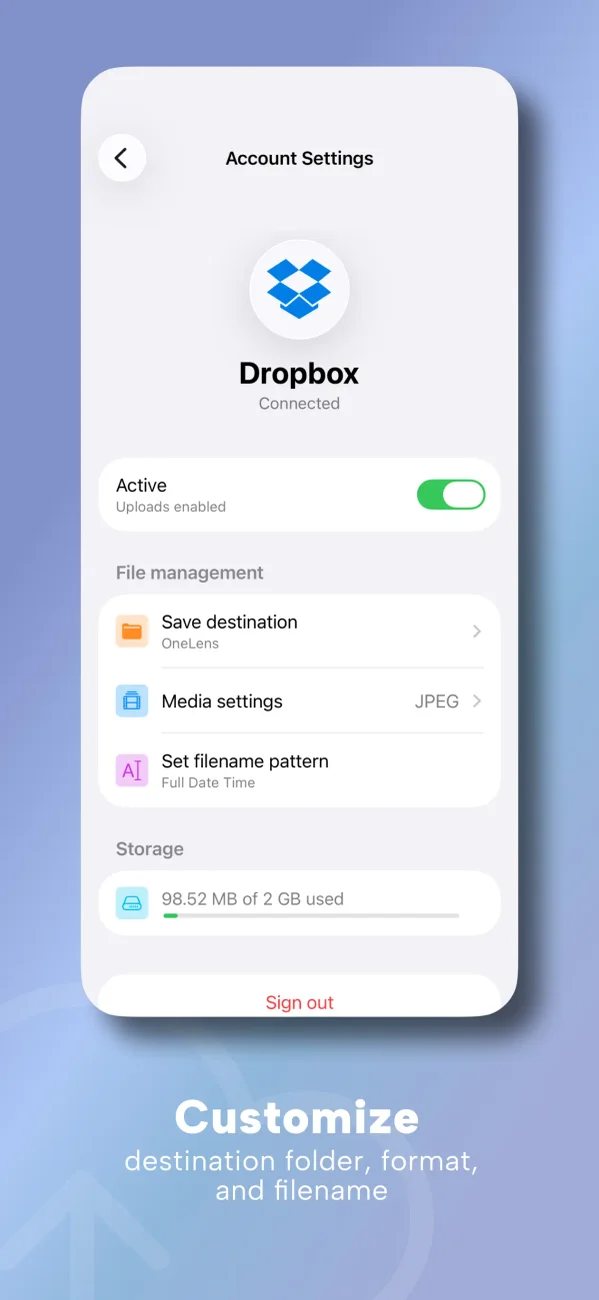
Photos go directly to OneDrive, Google Drive, Google Photos, or Dropbox. Choose your destination folder and define how files are named — by date, time, or both.
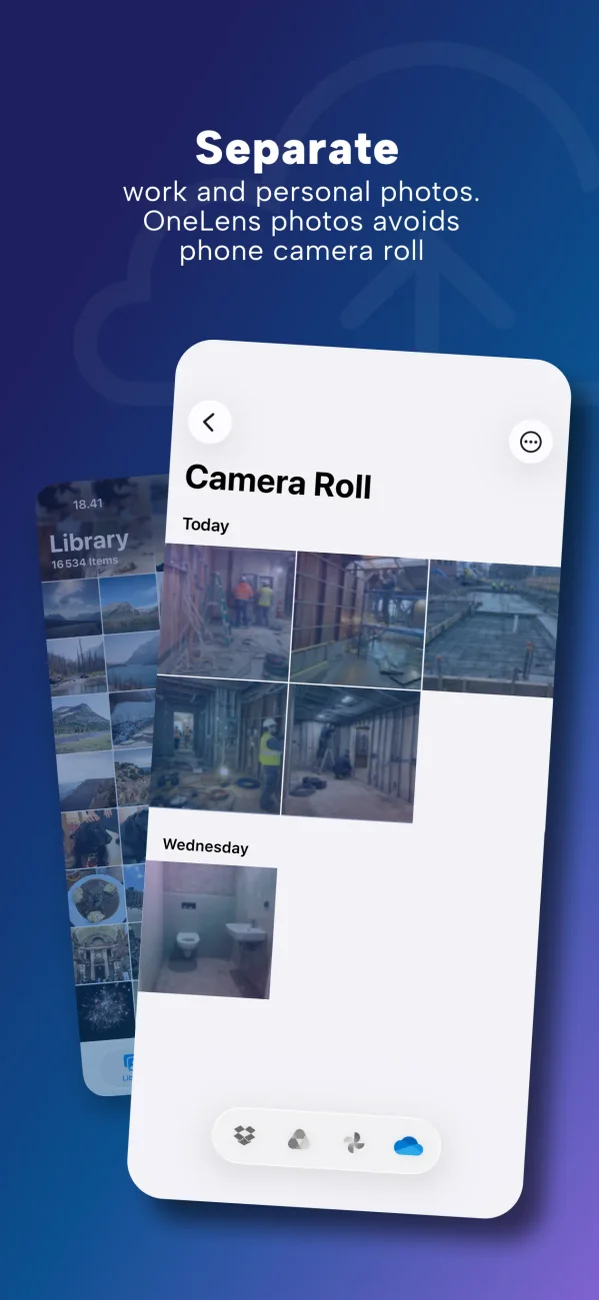
Stays off your camera roll
Everything shot in OneLens lives only in your cloud. You can use iPhone Camera for personal photos, OneLens for everything else.
Fast to open
Add OneLens to your Lock Screen, as a widget or to Action Button.
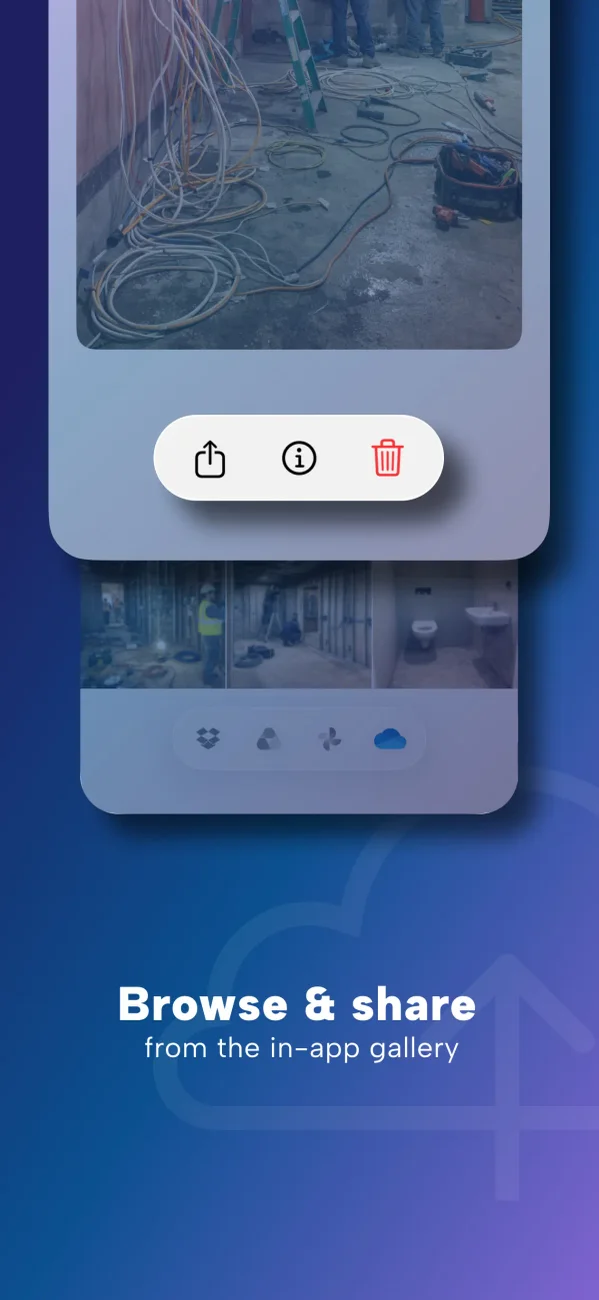
Built-in gallery
Browse, share, and delete your uploaded files without opening a separate cloud app. Share via AirDrop, Mail, Messages, or whatever else you need.
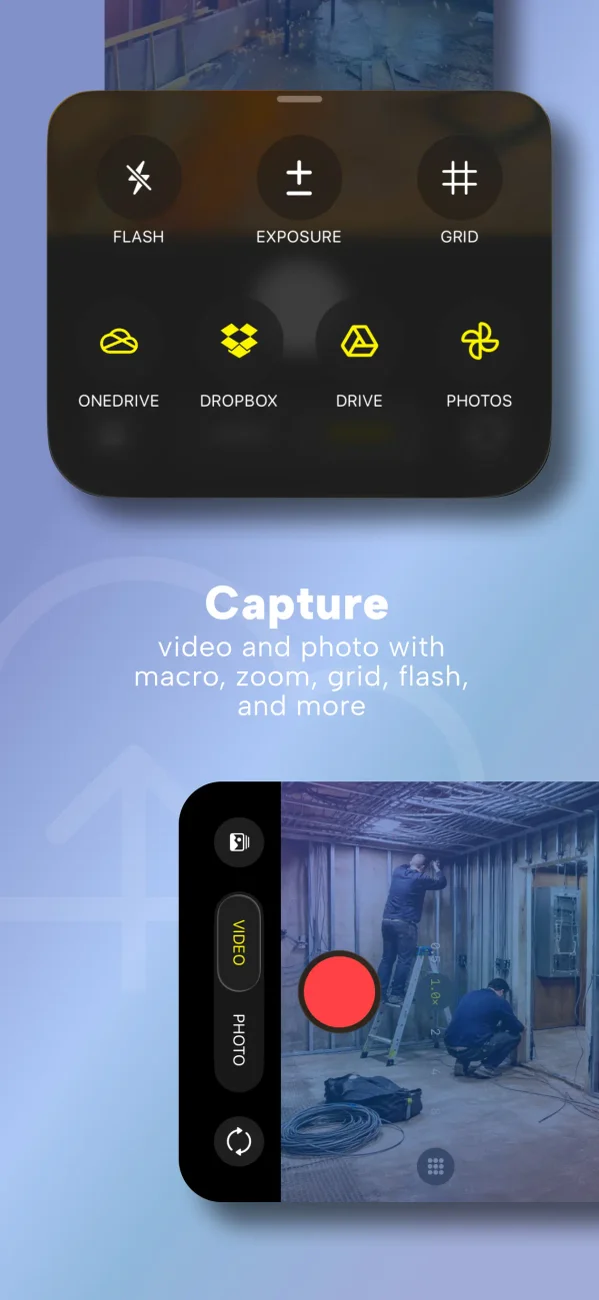
Full camera controls
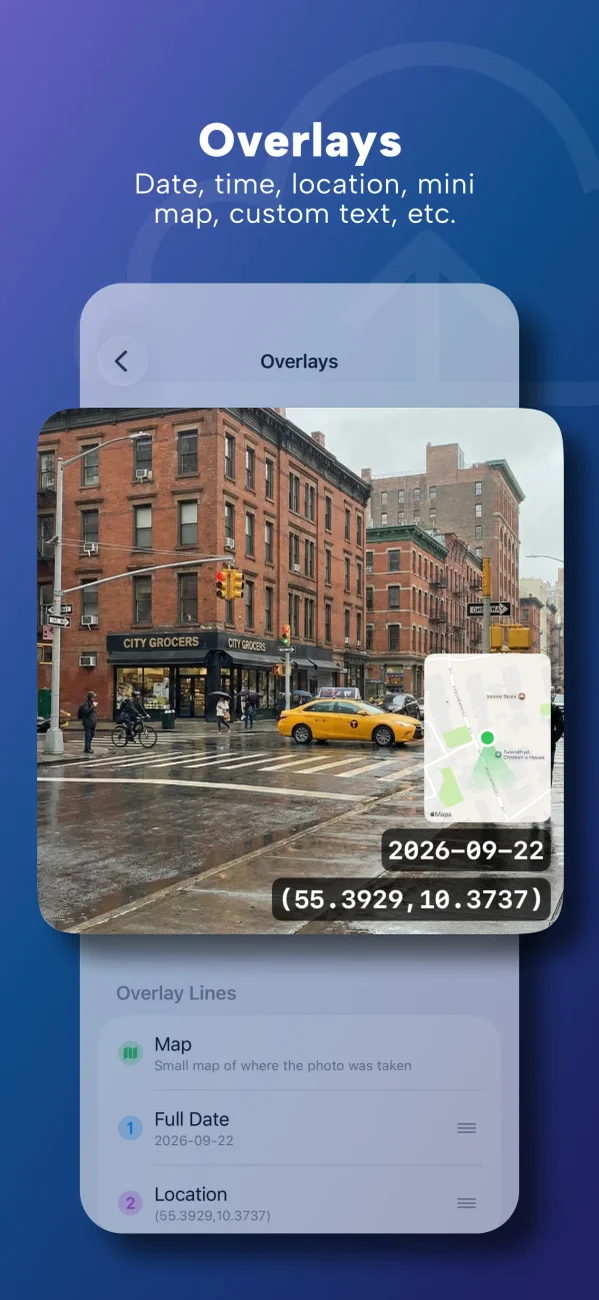
All lenses including macro and fusion, up to 50x zoom, manual exposure, flash on/off/auto, and a grid overlay. Optional GPS tagging if location metadata
matters for your work.
Private by design
Authentication goes directly through the cloud providers OAuth2 and their official APIs. We don't collect, track, or store your media. We use only anonymous usage analytics to improve the app, and you can turn them off in Settings.
Supported formats: JPEG, PNG, HEIC in full quality.
Promotional Photos and videos are AI generated, as we didn't have construction site at hand - but you might.
Terms of Use (EULA): https://www.apple.com/legal/internet-services/itunes/dev/stdeula/
Yang baru
Versi 3.3.0 · 24/11/2026
Read feature requests in your own language with one tap, and see which ideas are in development right now. Plus: the first video after opening OneLens keeps its sound.
New
• Translate any feature request into your language, right on the card.
• An In development seal shows which requests are being built, and shipped requests show the version they arrived in.
• Long requests fold open with More, so the board stays easy to scan.
Improved
• Sharper icons for Stamp and for Google Drive, Google Photos, OneDrive and Dropbox.
Fixed
• The first video you record after opening OneLens no longer ends up without sound.
• Large videos no longer fail to upload before they start.
• Uploading a file to Dropbox when one with the same name exists no longer reports a missing folder. The new file is saved under a new name.
Privasi aplikasi
Yang dinyatakan Brunch Development IS di App Store tentang cara aplikasi ini menangani data.
-
Data yang tidak ditautkan dengan Anda
Dapat dikumpulkan, tetapi tidak ditautkan dengan identitas Anda.
- Pengenal
- Data penggunaan
- Diagnostik
Praktik privasi dapat bervariasi, misalnya berdasarkan fitur yang Anda gunakan atau usia Anda.
Informasi
- Penjual
- Brunch Development IS
- Kategori
- Foto & Video
- Versi
- 3.3.0
- Diperbarui
- 24/11/2026
- Dirilis
- 3/6/2026
- Ukuran
- 89,3 MB
- Memerlukan
- iOS 26.0 atau yang lebih baru
- Batasan usia
- 4+
- Harga
- Gratis
- Pembelian dalam aplikasi
- Ya
- Bahasa
- Inggris, Dansk (Denmark), Prancis, Jerman, Portugis
- Hak cipta
- © 2026 BrunchDevelopment
Mungkin Anda juga suka
-
 Camera to Files: Work PhotosFoto & Video
-
 Camera Boss for OneDriveFoto & Video
-
 Sidecam – Work CameraFoto & Video
-
 FolderCam - Kamera KerjaFoto ke folder, hapus serentak
-
 Arrow CameraFoto & Video
-
 File CameraFoto & Video
-
 Silo - Work PhotosFoto & Video
-
 Grain - Pro Film CameraFoto & Video
-
 Bee Vision CamFoto & Video
-
 PrivacyCam: Hide My PhotosFoto & Video