OneLens: Cloud Camera for Work
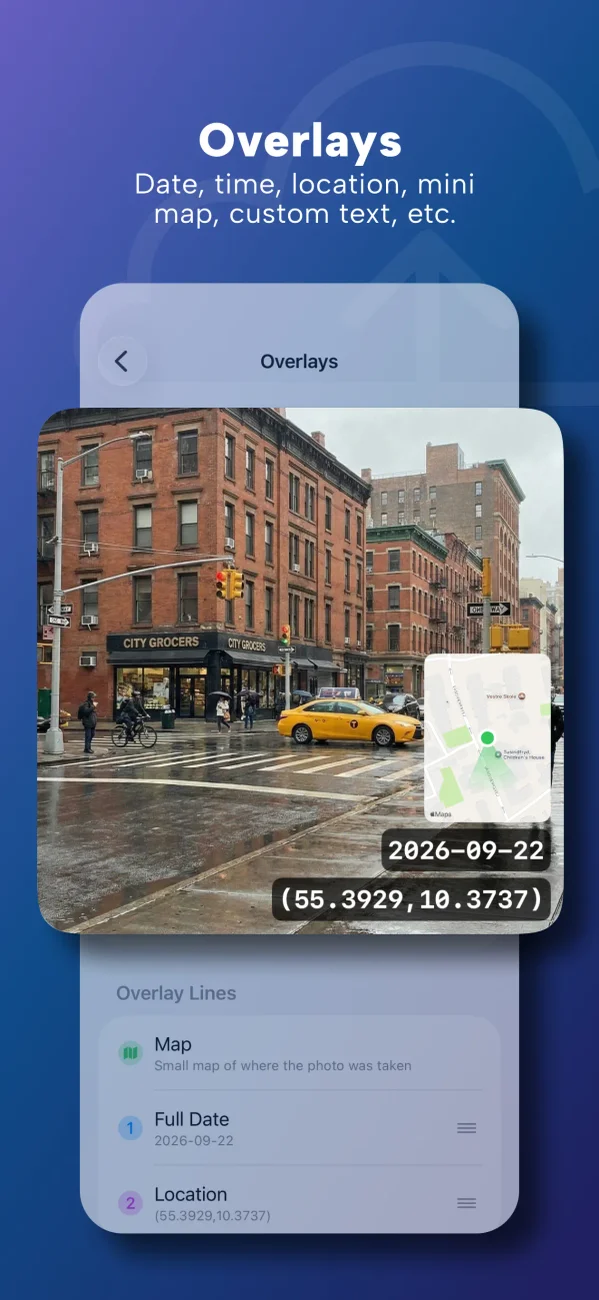
Auto upload, timestamp & GPS
Designed for iPhone
Free · In-app purchases
- Age rating4+
- CategoryPhoto & Video
- DeveloperBrunch Development IS
- LanguagesEnglish+ 4 more
- Size88.6 MB
Links to the official App Store page
Download.org hosts no file of OneLens: Cloud Camera for Work. The button opens its official App Store page, published by Brunch Development IS. Listing last checked on Nov 20, 2026.
Screenshots
About
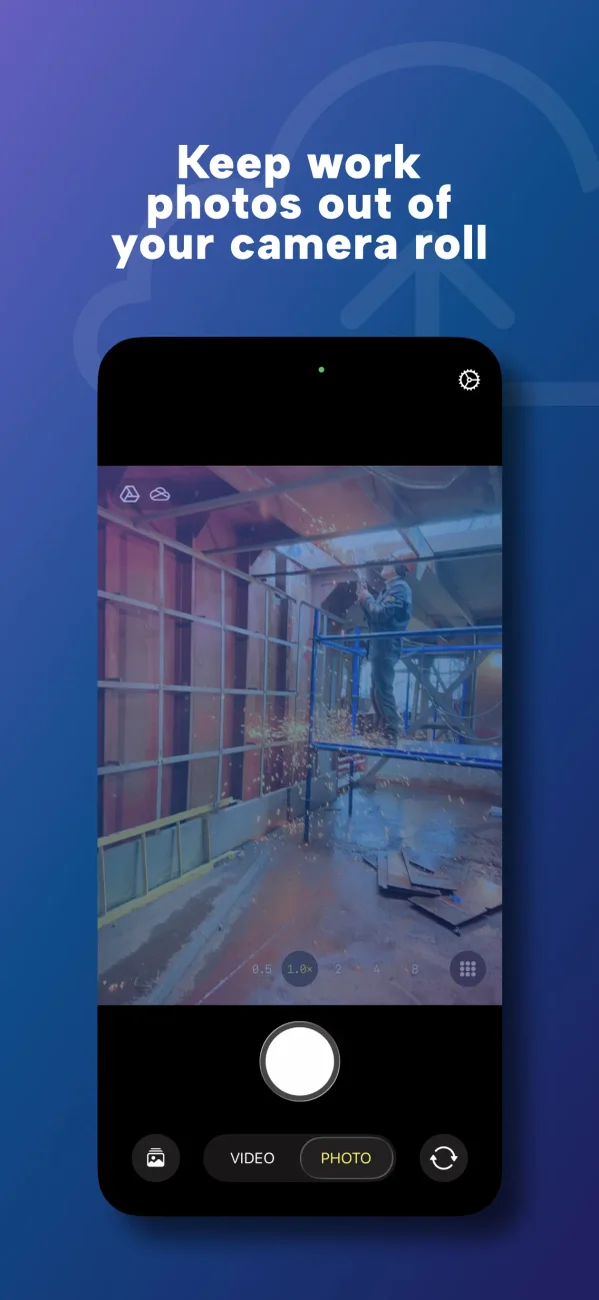
Keep your work photos out of your personal camera roll.
OneLens is a camera app that uploads photos and videos directly to your cloud as you take them. They never touch Apple's Photos app.
No filenames to enter, no folders to browse, no repeated upload prompts. Open the app, take the photo, done.
Straight to the cloud
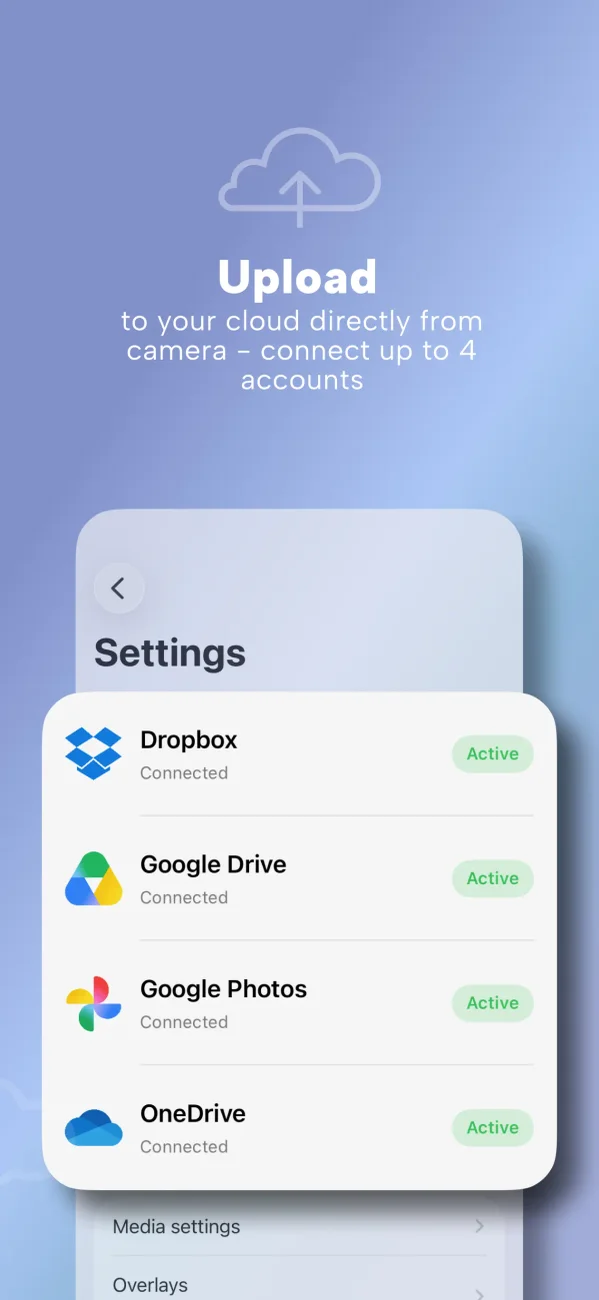
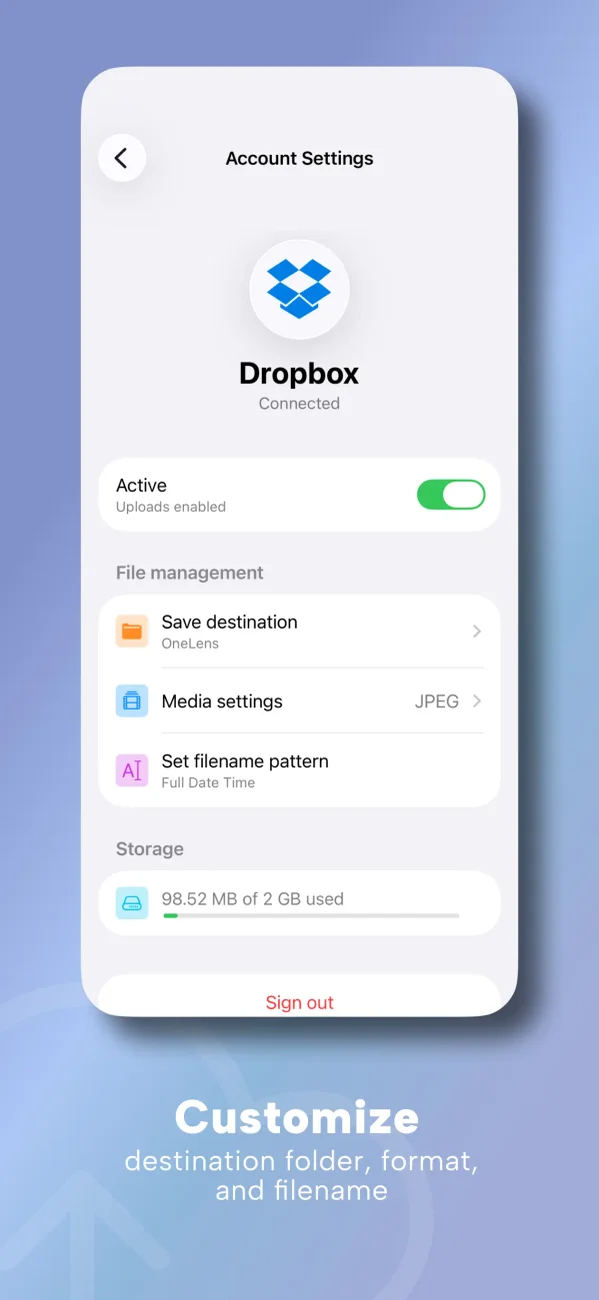
Photos go directly to OneDrive, Google Drive, Google Photos, or Dropbox. Choose your destination folder and define how files are named — by date, time, or both.
Stays off your camera roll
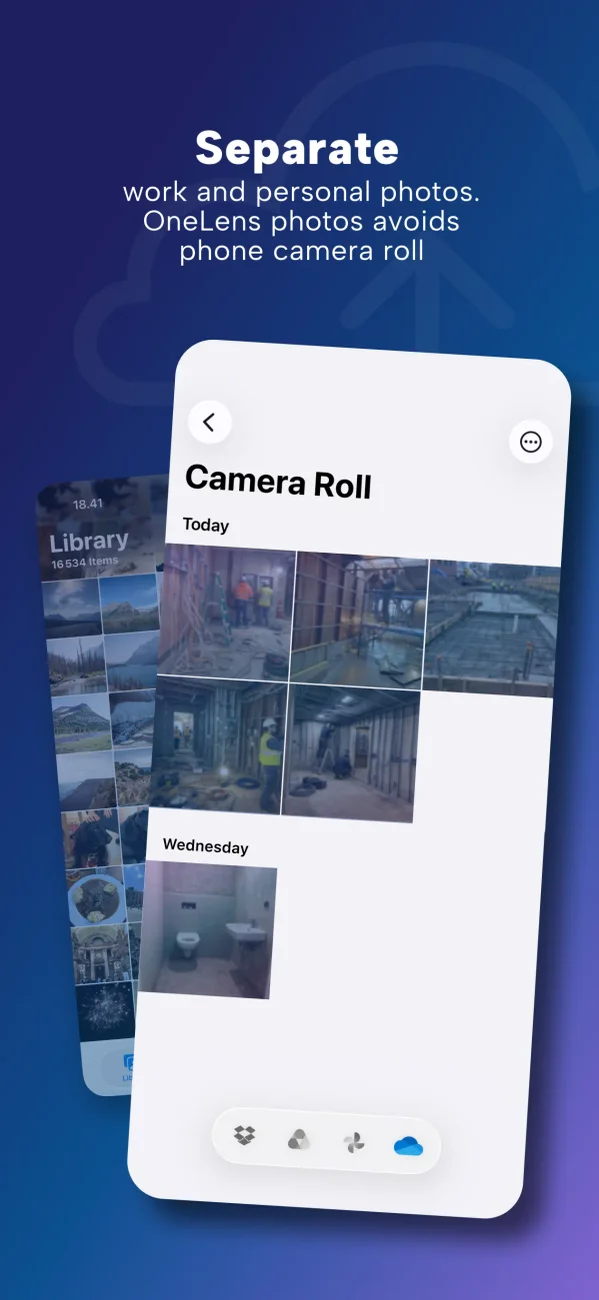
Everything shot in OneLens lives only in your cloud. You can use iPhone Camera for personal photos, OneLens for everything else.
Fast to open
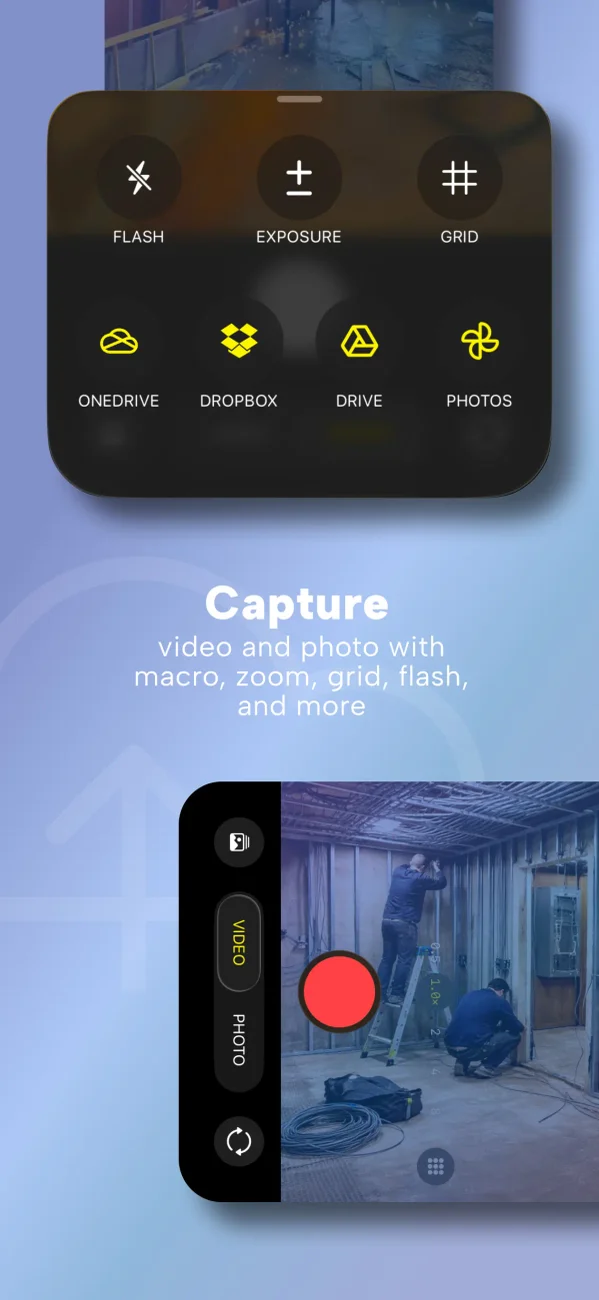
Add OneLens to your Lock Screen, as a widget or to Action Button.
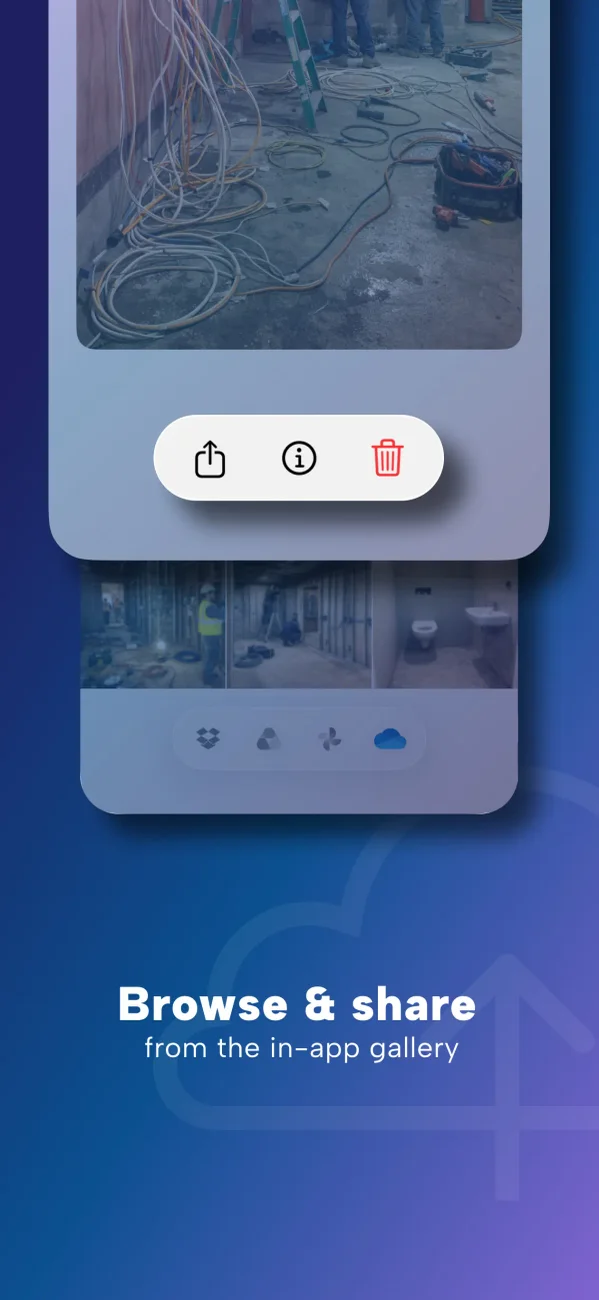
Built-in gallery
Browse, share, and delete your uploaded files without opening a separate cloud app. Share via AirDrop, Mail, Messages, or whatever else you need.
Full camera controls
All lenses including macro and fusion, up to 50x zoom, manual exposure, flash on/off/auto, and a grid overlay. Optional GPS tagging if location metadata
matters for your work.
Private by design
Authentication goes directly through the cloud providers OAuth2 and their official APIs. We don't collect, track, or store your media. We use only anonymous usage analytics to improve the app, and you can turn them off in Settings.
Supported formats: JPEG, PNG, HEIC in full quality.
Promotional Photos and videos are AI generated, as we didn't have construction site at hand - but you might.
Terms of Use (EULA): https://www.apple.com/legal/internet-services/itunes/dev/stdeula/
What’s new
Version 3.2.0 · Nov 17, 2026
Settings has a new look that makes everything easier to find.
Fixed
• Renaming a Dropbox folder at the top of the OneLens folder now works.
• On iPhones with 8x zoom, the zoom buttons no longer cover the uploads counter.
• Photos from the last days of December get the right year.
App privacy
What Brunch Development IS declares on the App Store about how this app handles data.
-
Data not linked to you
May be collected but is not linked to your identity.
- Identifiers
- Usage data
- Diagnostics
Privacy practices may vary, for example with the features you use or your age.
Information
- Seller
- Brunch Development IS
- Category
- Photo & Video
- Version
- 3.2.0
- Updated
- Nov 17, 2026
- Released
- Jun 3, 2026
- Size
- 88.6 MB
- Requires
- iOS 26.0 or later
- Age rating
- 4+
- Price
- Free
- In-app purchases
- Yes
- Languages
- English, Danish, French, German, Portuguese
- Copyright
- © 2026 BrunchDevelopment
You might also like
-
 Camera to Files: Work PhotosJob Folders & Smart Naming
-
 Camera Boss for OneDriveOne Tap Camera to OneDrive
-
 Sidecam – Work CameraYour separate camera for work
-
 FolderCam - Work CameraShoot to folders. Bulk delete.
-
 Arrow CameraPractical photos, organized
-
 File CameraAnother place to store photos
-
 Silo - Work PhotosPhoto & Video
-
 Grain - Pro Film CameraNo AI. Just RAW and real film.
-
 Bee Vision CamSee Reality Through Honeycombs
-
 PrivacyCam: Hide My PhotosSecret Vault, Encrypted Camera