- 対象年齢4+
- カテゴリ写真/ビデオ
- 開発元Brunch Development IS
- 言語英語ほか4言語
- サイズ89.3 MB
App Storeの公式ページにリンクしています
Download.orgはOneLens: Cloud Camera for Workのファイルを一切ホストしていません。ボタンを押すと、Brunch Development ISが公開しているApp Storeのアプリページが開きます。ページの最終確認:2026/11/25。
スクリーンショット
概要
開発元はこのテキストをお使いの言語で提供していません。
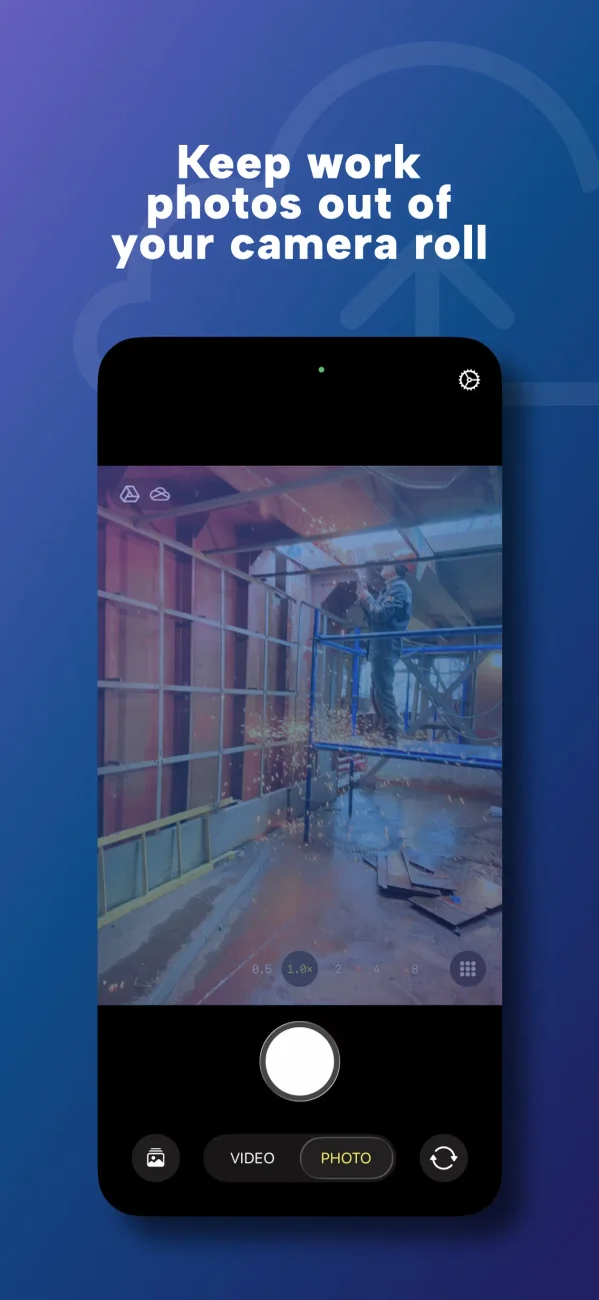
Keep your work photos out of your personal camera roll.
OneLens is a camera app that uploads photos and videos directly to your cloud as you take them. They never touch Apple's Photos app.
No filenames to enter, no folders to browse, no repeated upload prompts. Open the app, take the photo, done.
Straight to the cloud
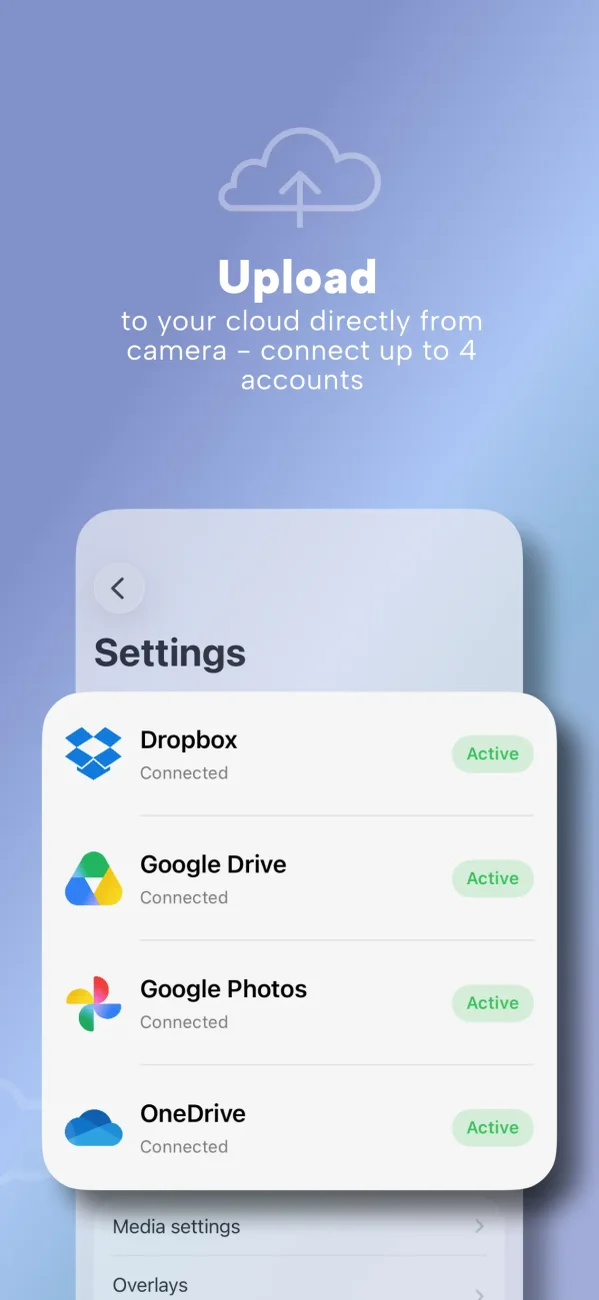
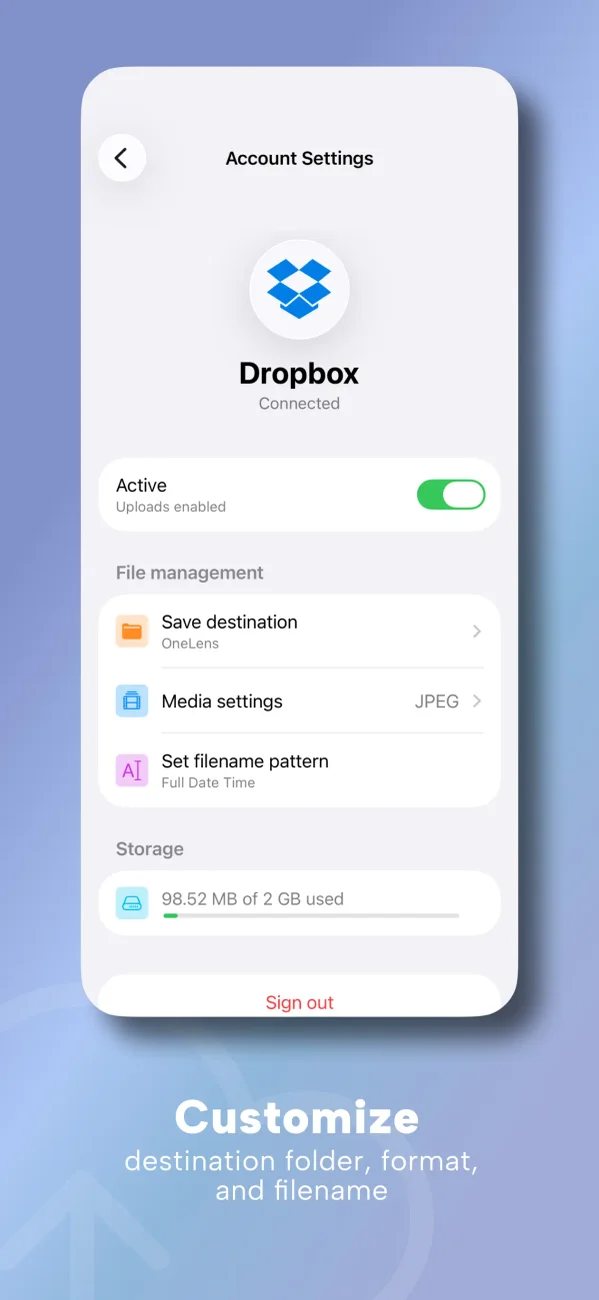
Photos go directly to OneDrive, Google Drive, Google Photos, or Dropbox. Choose your destination folder and define how files are named — by date, time, or both.
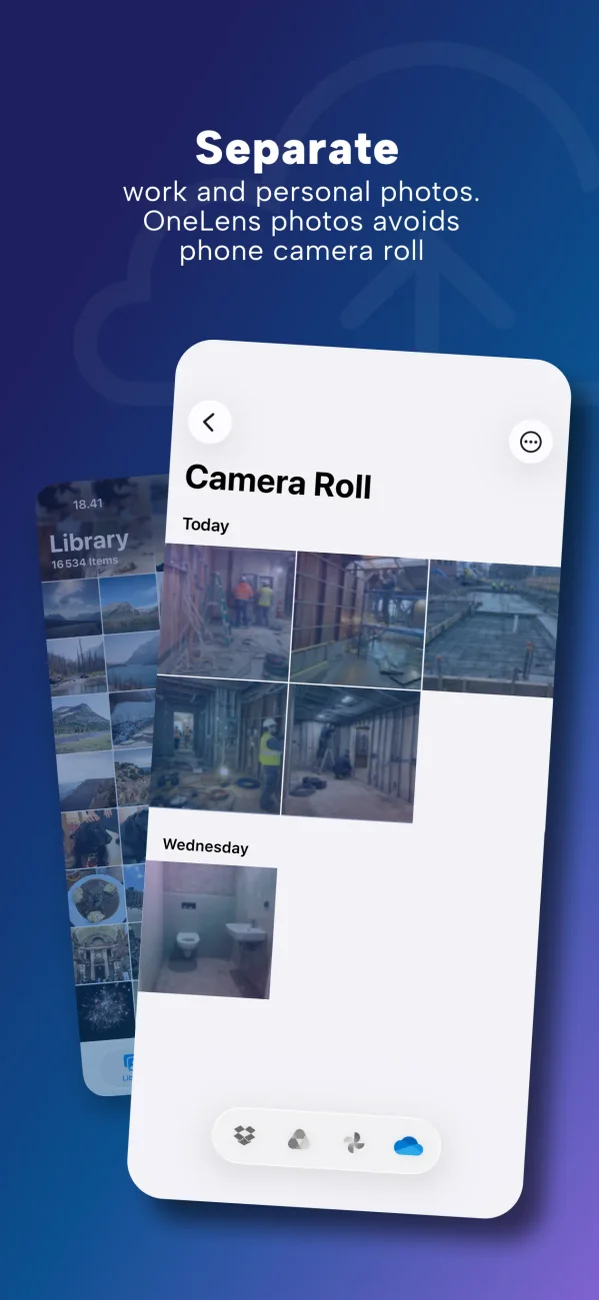
Stays off your camera roll
Everything shot in OneLens lives only in your cloud. You can use iPhone Camera for personal photos, OneLens for everything else.
Fast to open
Add OneLens to your Lock Screen, as a widget or to Action Button.
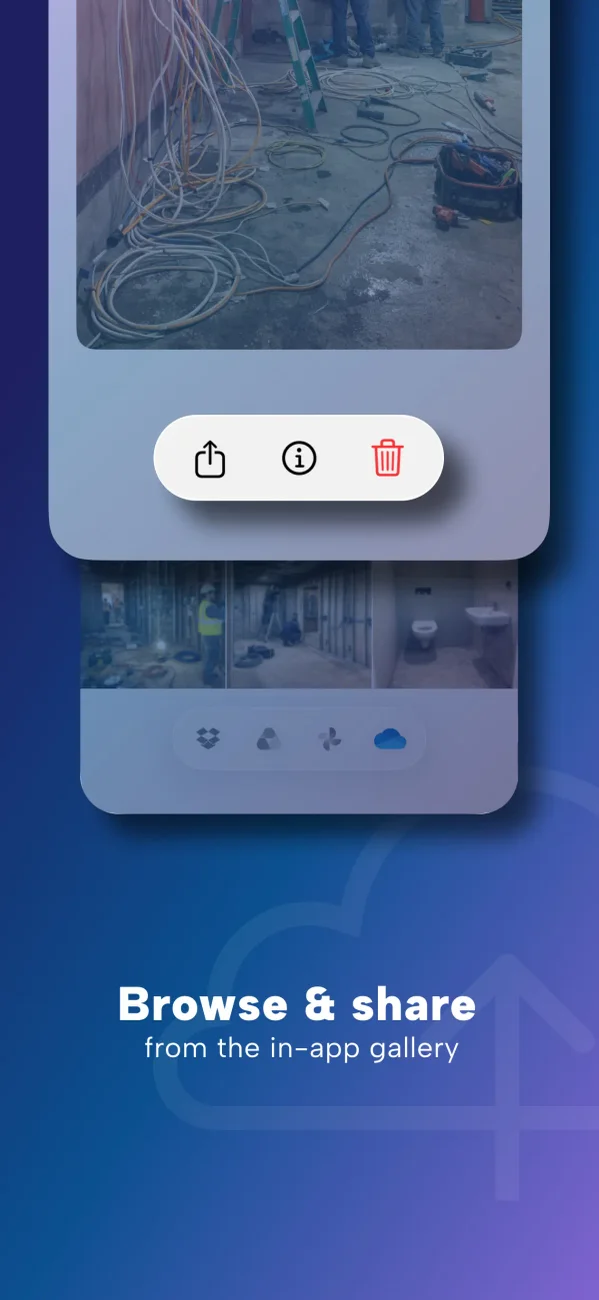
Built-in gallery
Browse, share, and delete your uploaded files without opening a separate cloud app. Share via AirDrop, Mail, Messages, or whatever else you need.
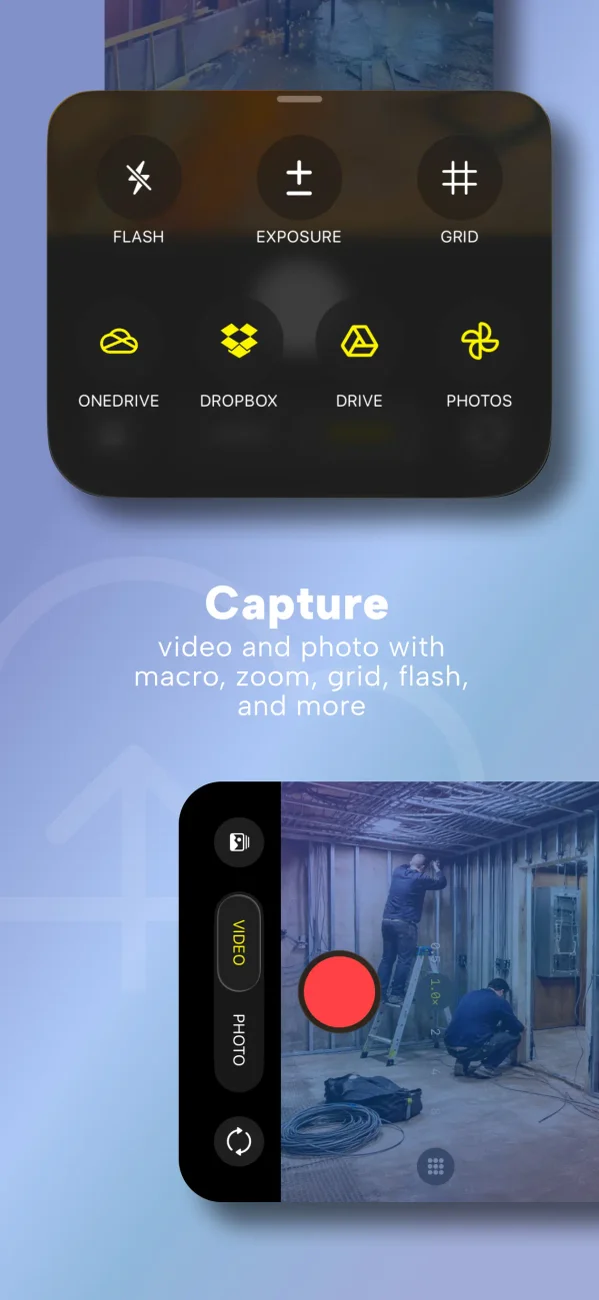
Full camera controls
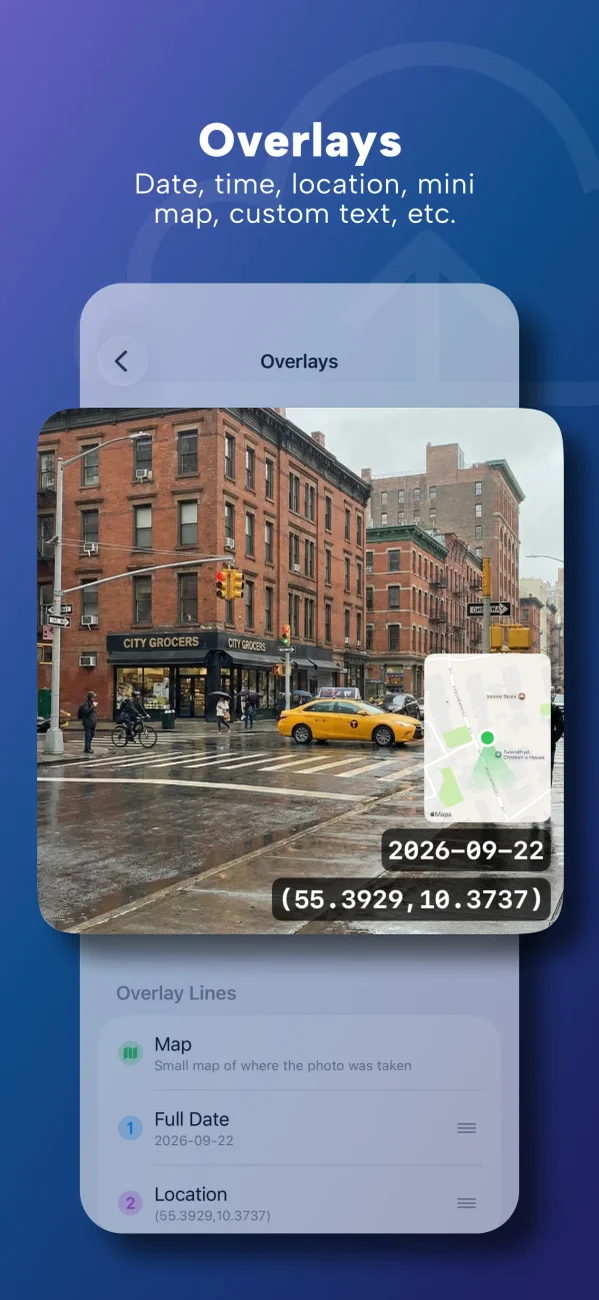
All lenses including macro and fusion, up to 50x zoom, manual exposure, flash on/off/auto, and a grid overlay. Optional GPS tagging if location metadata
matters for your work.
Private by design
Authentication goes directly through the cloud providers OAuth2 and their official APIs. We don't collect, track, or store your media. We use only anonymous usage analytics to improve the app, and you can turn them off in Settings.
Supported formats: JPEG, PNG, HEIC in full quality.
Promotional Photos and videos are AI generated, as we didn't have construction site at hand - but you might.
Terms of Use (EULA): https://www.apple.com/legal/internet-services/itunes/dev/stdeula/
新機能
バージョン 3.3.0 · 2026/11/24
Read feature requests in your own language with one tap, and see which ideas are in development right now. Plus: the first video after opening OneLens keeps its sound.
New
• Translate any feature request into your language, right on the card.
• An In development seal shows which requests are being built, and shipped requests show the version they arrived in.
• Long requests fold open with More, so the board stays easy to scan.
Improved
• Sharper icons for Stamp and for Google Drive, Google Photos, OneDrive and Dropbox.
Fixed
• The first video you record after opening OneLens no longer ends up without sound.
• Large videos no longer fail to upload before they start.
• Uploading a file to Dropbox when one with the same name exists no longer reports a missing folder. The new file is saved under a new name.
アプリのプライバシー
このアプリのデータの取り扱いについて、Brunch Development ISがApp Storeで申告している内容です。
-
ユーザーに関連付けられないデータ
収集される場合がありますが、ユーザーの識別情報には関連付けられません。
- ID
- 使用状況データ
- 診断
プライバシーの取り扱いは、ご利用の機能やお客様の年齢などに応じて異なる場合があります。
情報
- 販売元
- Brunch Development IS
- カテゴリ
- 写真/ビデオ
- バージョン
- 3.3.0
- 更新日
- 2026/11/24
- リリース
- 2026/6/3
- サイズ
- 89.3 MB
- 必要条件
- iOS 26.0以降
- 対象年齢
- 4+
- 価格
- 無料
- アプリ内課金
- あり
- 言語
- 英語, デンマーク語, フランス語, ドイツ語, ポルトガル語
- 著作権
- © 2026 BrunchDevelopment
こちらもおすすめ
-
 Camera to Files:写真をフォルダに保存現場・案件ごとにフォルダ分け、ファイル名も自動
-
 Camera Boss for OneDrive写真/ビデオ
-
 Sidecam – Work Camera写真/ビデオ
-
 FolderCam - 仕事の必須カメラ仕事の写真はフォルダに保存!まとめて削除も!
-
 Arrow Camera写真/ビデオ
-
 ファイルカメラファイルアプリで写真を管理
-
 Silo - Work Photos写真/ビデオ
-
 Grain - Pro Film Camera写真/ビデオ
-
 Bee Vision Cam写真/ビデオ
-
 PrivacyCam: Hide My Photos写真/ビデオ