
- Batasan usia4+
- KategoriProduktivitas
- Pengembangseungkoo lee
- BahasaKorea+ 1 lainnya
- Ukuran15,2 MB
Tertaut ke halaman resmi App Store
Download.org tidak menyimpan file OpenShell apa pun. Tombol ini membuka halaman aplikasi di App Store, tempat seungkoo lee menerbitkannya. Halaman terakhir diperiksa pada 12/11/2026.
Tangkapan layar
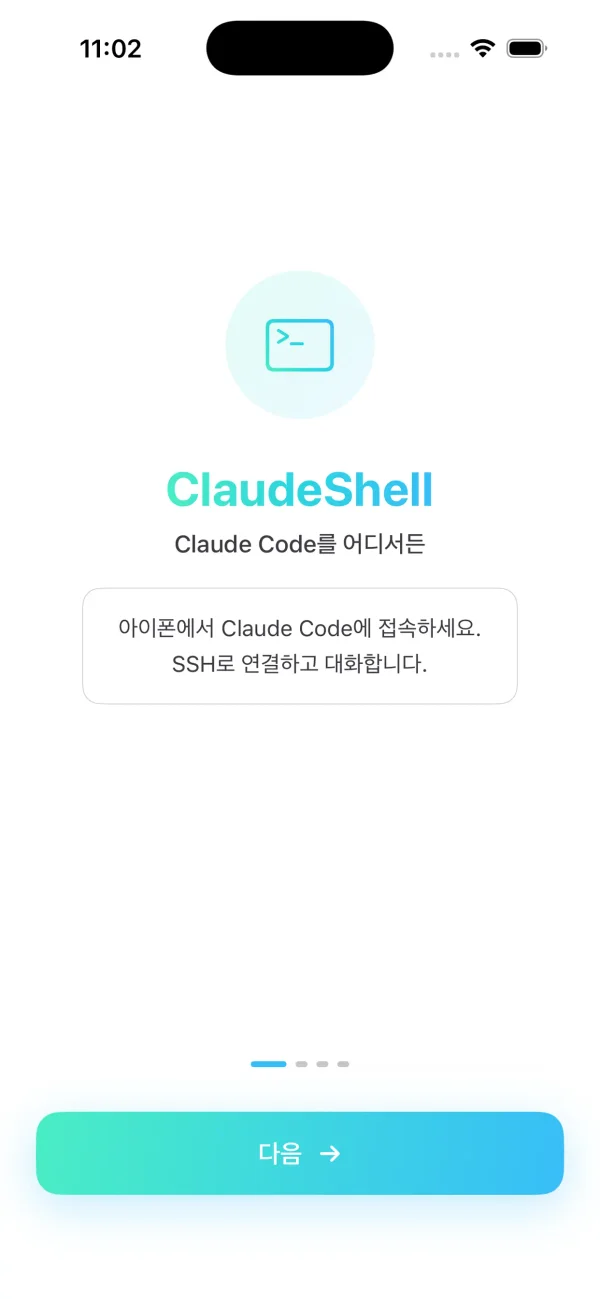

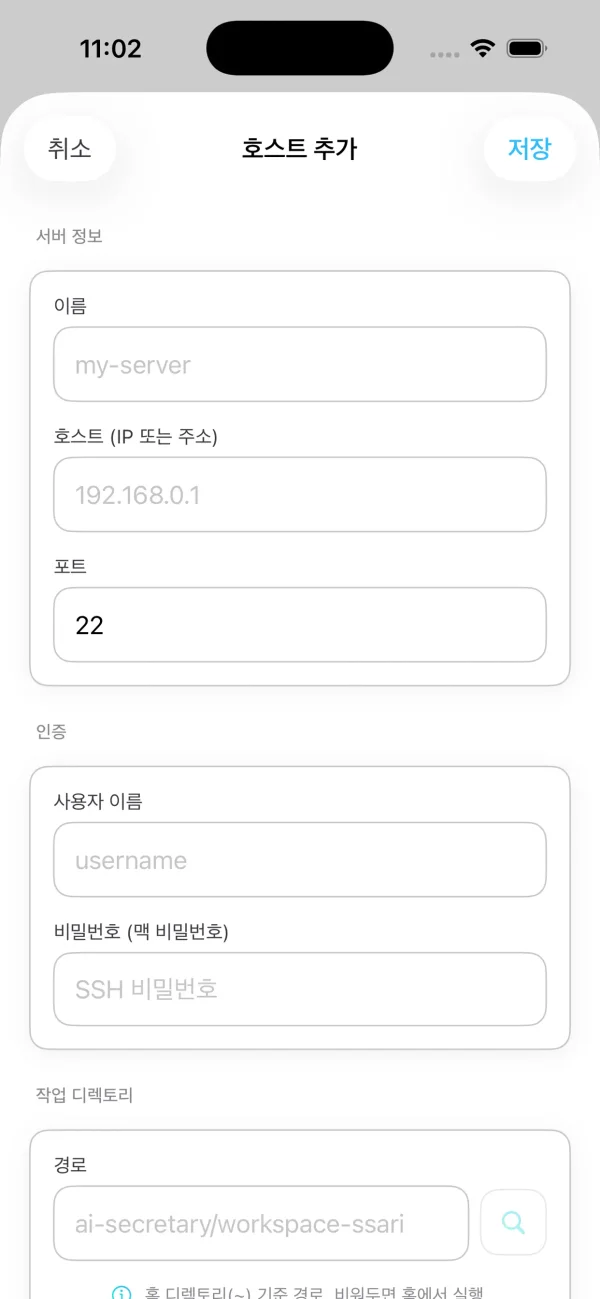
Tentang
Pengembang belum menyediakan teks ini dalam bahasa Anda.
OpenShell — a unified AI client for your iPhone: local LLMs, cloud APIs, and remote coding over SSH, all in one app.
Chat with Ollama, MLX, and LM Studio local models; OpenAI, xAI Grok, and Nous Hermes cloud APIs; or drive Claude Code on a remote Mac over SSH. Pick the backend you want and work in the same app — from quick questions to code reviews, file edits, and builds, straight from your iPhone.
Yang baru
Versi 1.2.2 · 31/7/2026
[Connection & usability]
- Automatic response recovery — if your connection drops (screen lock, network
switch), reopening the session restores any response that finished while you
were away (no lost replies)
- Auto-reconnect — a dropped connection recovers on its own when you wake the
screen or switch networks (no manual reconnect)
- SSH key authentication — connect securely with an SSH key instead of a
password (password login still supported)
- Connection status badge — when a connection fails, see the cause at a glance
(network, Mac, or authentication)
- Tap a completion notification to jump right in — opens the exact session
that finished
- Session management — rename sessions, confirm before deleting, and remember
permission mode per session
[Security]
- Safer token storage — daemon access tokens now live in the device Keychain.
Existing tokens move over automatically the first time you open the app, so
there's nothing to re-enter
- Tighter network policy — the app's plaintext traffic is now limited to home
network and Tailscale addresses
- "Copy Claude credentials" now off by default — in host setup this option
starts disabled, and turning it on shows a notice that your credentials will
be copied to the target machine as a file
- Bundled daemon updated — refreshed to the latest version, with stricter
checks on connection scope and launch options
[Please note]
- If you connected to Tailscale by typing a raw IP address (100.x.x.x), switch
to the MagicDNS hostname instead (for example, mymac.tail-xxxx.ts.net). Home
network addresses such as 192.168.x.x continue to work as before.
Privasi aplikasi
Yang dinyatakan seungkoo lee di App Store tentang cara aplikasi ini menangani data.
-
Data tidak dikumpulkan
Pengembang tidak mengumpulkan data apa pun dari aplikasi ini.
Praktik privasi dapat bervariasi, misalnya berdasarkan fitur yang Anda gunakan atau usia Anda.
Informasi
- Penjual
- seungkoo lee
- Kategori
- Produktivitas
- Versi
- 1.2.2
- Diperbarui
- 31/7/2026
- Dirilis
- 16/4/2026
- Ukuran
- 15,2 MB
- Memerlukan
- iOS 26.0 atau yang lebih baru
- Batasan usia
- 4+
- Harga
- Gratis
- Bahasa
- Korea, Inggris
- Hak cipta
- © 2026 MIGHTY