OpenShell
iPhone에서 Claude·로컬·API 원격 운용
iPhone, iPad için tasarlandı
Ücretsiz
- Yaş sınırı4+
- KategoriÜretkenlik
- Geliştiriciseungkoo lee
- DillerKorece+ 1 dil daha
- Boyut15,2 MB
Resmi App Store sayfasına bağlanır
Download.org, OpenShell için hiçbir dosya barındırmaz. Düğme, uygulamanın App Store üzerindeki sayfasını açar; uygulamayı orada seungkoo lee yayınlar. Sayfanın son kontrolü: 12.11.2026.
Ekran görüntüleri

Hakkında
Geliştirici bu metni dilinizde sunmamış.
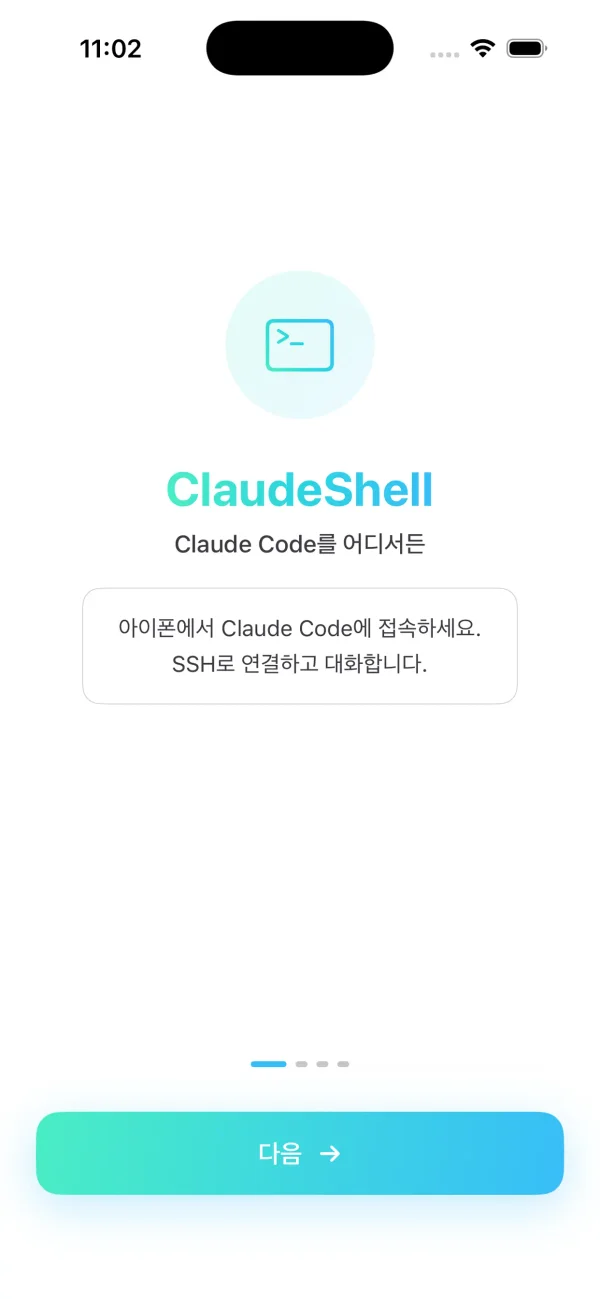
OpenShell — a unified AI client for your iPhone: local LLMs, cloud APIs, and remote coding over SSH, all in one app.
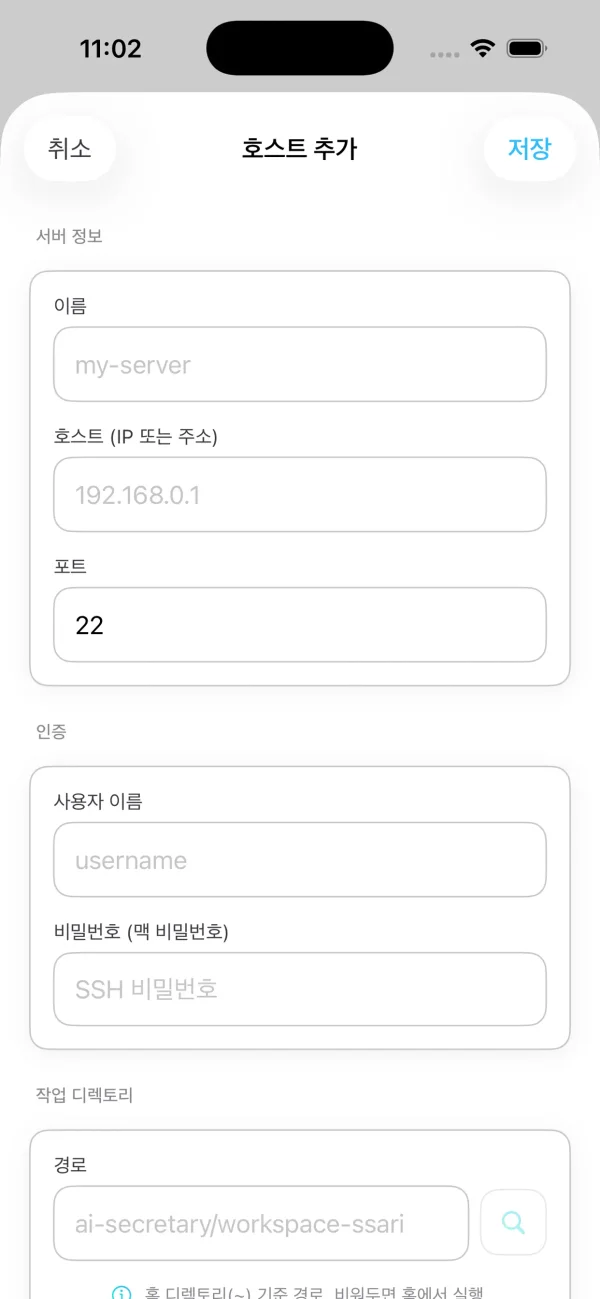
Chat with Ollama, MLX, and LM Studio local models; OpenAI, xAI Grok, and Nous Hermes cloud APIs; or drive Claude Code on a remote Mac over SSH. Pick the backend you want and work in the same app — from quick questions to code reviews, file edits, and builds, straight from your iPhone.
Yenilikler
Sürüm 1.2.2 · 31.07.2026
[Connection & usability]
- Automatic response recovery — if your connection drops (screen lock, network
switch), reopening the session restores any response that finished while you
were away (no lost replies)
- Auto-reconnect — a dropped connection recovers on its own when you wake the
screen or switch networks (no manual reconnect)
- SSH key authentication — connect securely with an SSH key instead of a
password (password login still supported)
- Connection status badge — when a connection fails, see the cause at a glance
(network, Mac, or authentication)
- Tap a completion notification to jump right in — opens the exact session
that finished
- Session management — rename sessions, confirm before deleting, and remember
permission mode per session
[Security]
- Safer token storage — daemon access tokens now live in the device Keychain.
Existing tokens move over automatically the first time you open the app, so
there's nothing to re-enter
- Tighter network policy — the app's plaintext traffic is now limited to home
network and Tailscale addresses
- "Copy Claude credentials" now off by default — in host setup this option
starts disabled, and turning it on shows a notice that your credentials will
be copied to the target machine as a file
- Bundled daemon updated — refreshed to the latest version, with stricter
checks on connection scope and launch options
[Please note]
- If you connected to Tailscale by typing a raw IP address (100.x.x.x), switch
to the MagicDNS hostname instead (for example, mymac.tail-xxxx.ts.net). Home
network addresses such as 192.168.x.x continue to work as before.
Uygulama gizliliği
Bu uygulamanın verileri nasıl işlediği hakkında seungkoo lee tarafından App Store üzerinde yapılan beyan.
-
Veri toplanmıyor
Geliştirici bu uygulamadan hiçbir veri toplamıyor.
Gizlilik uygulamaları, örneğin kullandığınız özelliklere veya yaşınıza göre değişiklik gösterebilir.
Bilgiler
- Satıcı
- seungkoo lee
- Kategori
- Üretkenlik
- Sürüm
- 1.2.2
- Güncellendi
- 31.07.2026
- Yayın tarihi
- 16.04.2026
- Boyut
- 15,2 MB
- Gereksinim
- iOS 26.0 veya sonrası
- Yaş sınırı
- 4+
- Fiyat
- Ücretsiz
- Diller
- Korece, İngilizce
- Telif hakkı
- © 2026 MIGHTY