
- Age rating4+
- CategoryProductivity
- Developerseungkoo lee
- LanguagesKorean+ 1 more
- Size15.2 MB
Links to the official App Store page
Download.org hosts no file of OpenShell. The button opens its official App Store page, published by seungkoo lee. Listing last checked on Nov 12, 2026.
Screenshots
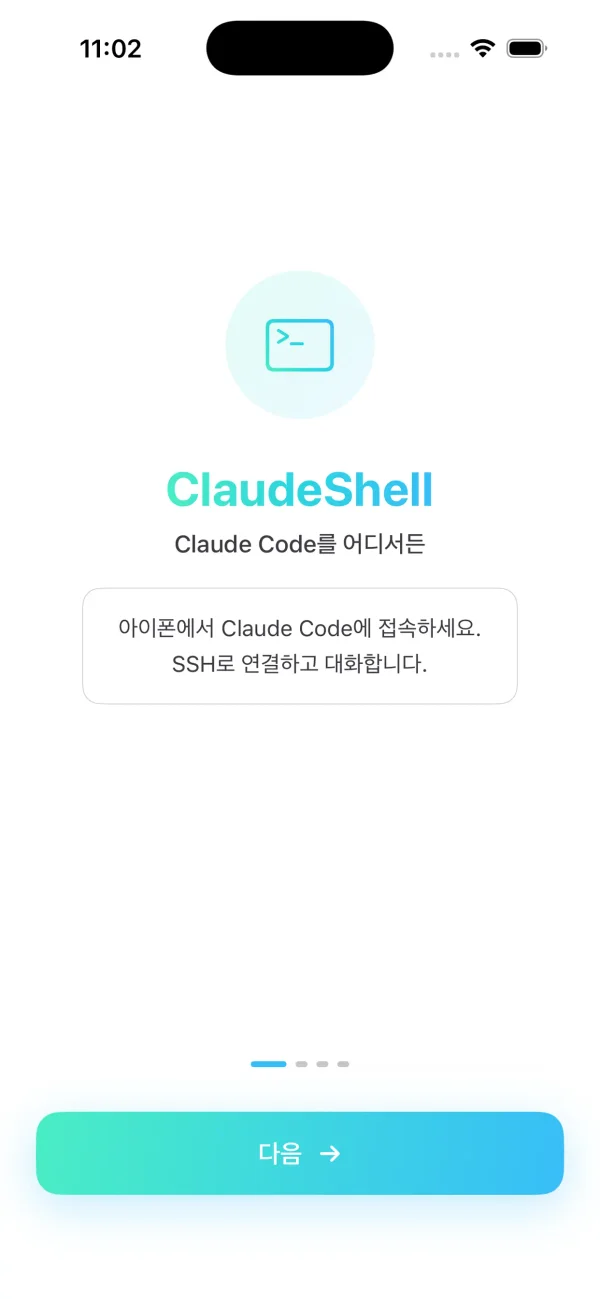

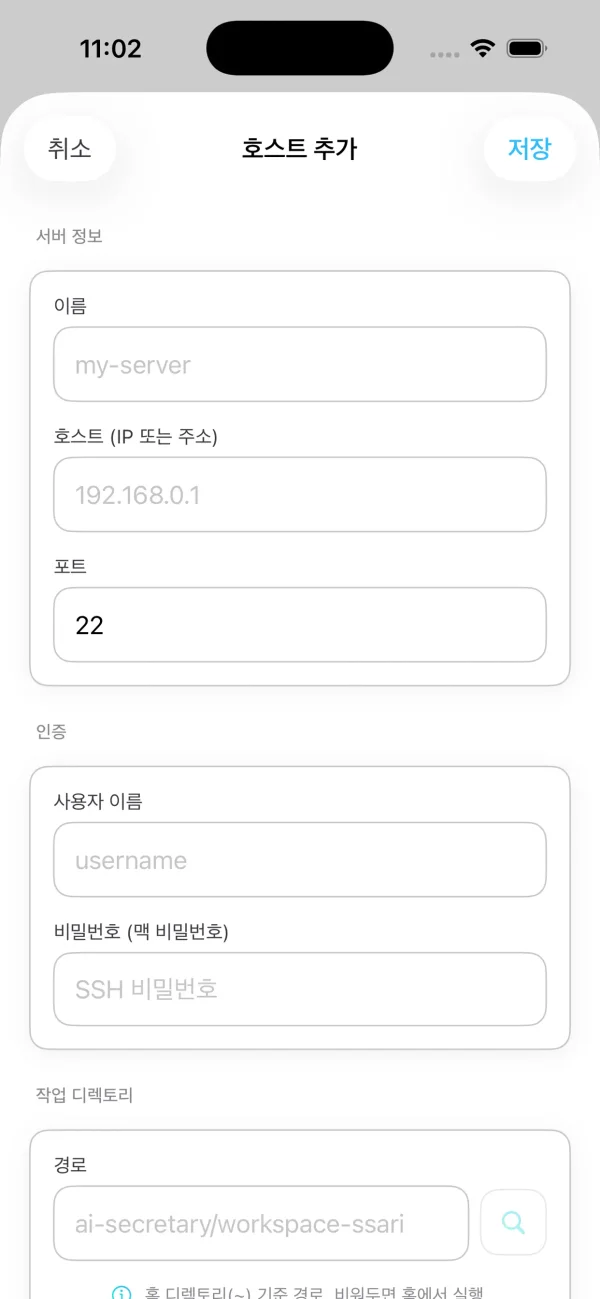
About
OpenShell — a unified AI client for your iPhone: local LLMs, cloud APIs, and remote coding over SSH, all in one app.
Chat with Ollama, MLX, and LM Studio local models; OpenAI, xAI Grok, and Nous Hermes cloud APIs; or drive Claude Code on a remote Mac over SSH. Pick the backend you want and work in the same app — from quick questions to code reviews, file edits, and builds, straight from your iPhone.
What’s new
Version 1.2.2 · Jul 31, 2026
[Connection & usability]
- Automatic response recovery — if your connection drops (screen lock, network
switch), reopening the session restores any response that finished while you
were away (no lost replies)
- Auto-reconnect — a dropped connection recovers on its own when you wake the
screen or switch networks (no manual reconnect)
- SSH key authentication — connect securely with an SSH key instead of a
password (password login still supported)
- Connection status badge — when a connection fails, see the cause at a glance
(network, Mac, or authentication)
- Tap a completion notification to jump right in — opens the exact session
that finished
- Session management — rename sessions, confirm before deleting, and remember
permission mode per session
[Security]
- Safer token storage — daemon access tokens now live in the device Keychain.
Existing tokens move over automatically the first time you open the app, so
there's nothing to re-enter
- Tighter network policy — the app's plaintext traffic is now limited to home
network and Tailscale addresses
- "Copy Claude credentials" now off by default — in host setup this option
starts disabled, and turning it on shows a notice that your credentials will
be copied to the target machine as a file
- Bundled daemon updated — refreshed to the latest version, with stricter
checks on connection scope and launch options
[Please note]
- If you connected to Tailscale by typing a raw IP address (100.x.x.x), switch
to the MagicDNS hostname instead (for example, mymac.tail-xxxx.ts.net). Home
network addresses such as 192.168.x.x continue to work as before.
App privacy
What seungkoo lee declares on the App Store about how this app handles data.
-
Data not collected
The developer does not collect any data from this app.
Privacy practices may vary, for example with the features you use or your age.
Information
- Seller
- seungkoo lee
- Category
- Productivity
- Version
- 1.2.2
- Updated
- Jul 31, 2026
- Released
- Apr 16, 2026
- Size
- 15.2 MB
- Requires
- iOS 26.0 or later
- Age rating
- 4+
- Languages
- Korean, English
- Copyright
- © 2026 MIGHTY
You might also like
-
 Paigy AIThe AI harness that calls you.
-
 Trifecta: Judgment & FocusThe 3-habit decision system
-
 Shoulder: Screen to AIHelps with anything you share
-
 Mio AI AgentYour personal AI agent
-
 Craftify: BYOK AI shortcutsText tools with your own LLM
-
 Use ViaPlan less, do more
-
 Aglit AIProductivity
-
 Astrid AI ClientYour hardware. Your AI.
-
 Playground For LMRun AI Models On Your Device
-
 Stella - Your AIYour Personal AI Assistant