
PaceScan: PDF Scanner & OCR
Document, Photo, Receipt & ID
Dirancang untuk iPhone, iPad, iPod touch
Gratis · Pembelian dalam aplikasi
- Batasan usia4+
- KategoriKegunaan
- PengembangNanjing Baoluan Information Technology Co., Ltd.
- BahasaInggris+ 12 lainnya
- Ukuran206,2 MB
Tertaut ke halaman resmi App Store
Download.org tidak menyimpan file PaceScan: PDF Scanner & OCR apa pun. Tombol ini membuka halaman aplikasi di App Store, tempat Nanjing Baoluan Information Technology Co., Ltd. menerbitkannya. Halaman terakhir diperiksa pada 14/11/2026.
Tangkapan layar
Tentang
Pengembang belum menyediakan teks ini dalam bahasa Anda.
Turn your iPhone into a private document scanner.
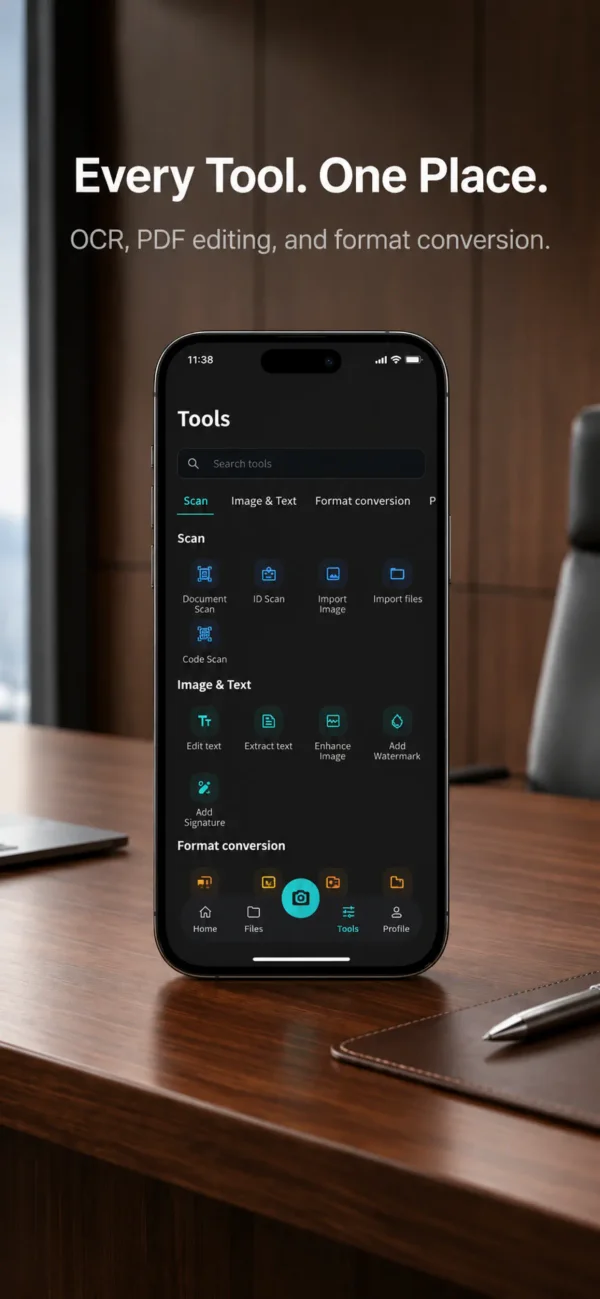
Scan paperwork, IDs, receipts, and photos into clean PDFs. Use OCR to extract text, then convert, edit, organize, protect, and export files from one local-first document library. No account required.
PaceScan is built for work documents, study materials, receipts, IDs, contracts, invoices, notes, and everyday personal paperwork.
SCAN DOCUMENTS
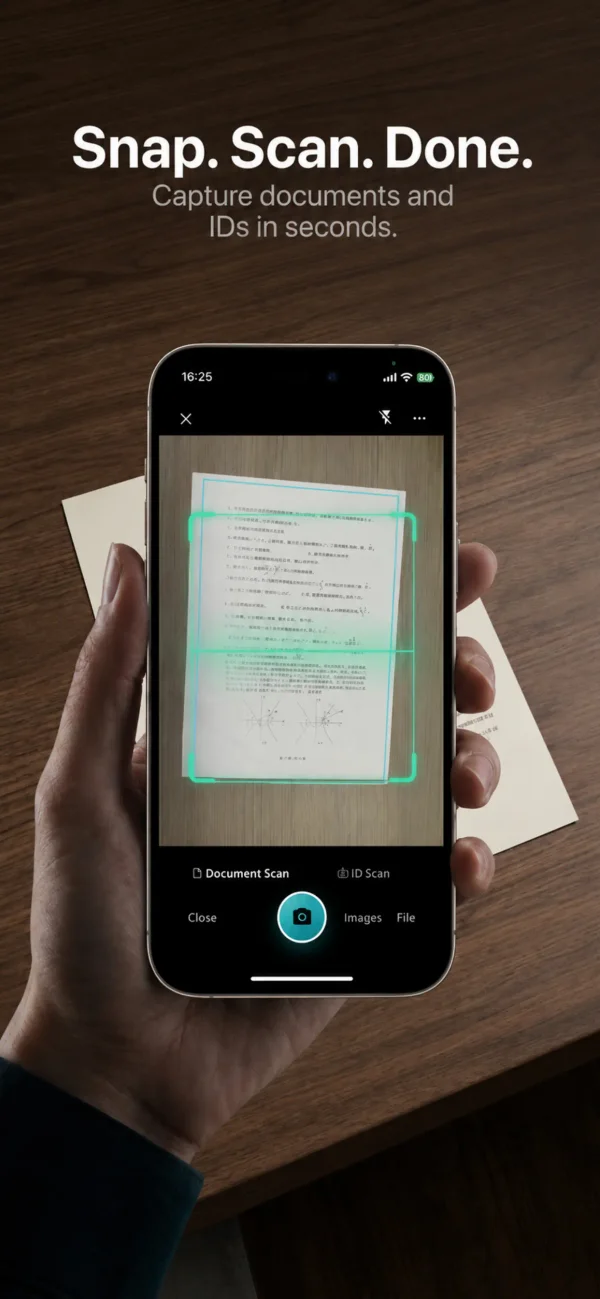
• Capture paper documents with automatic edge detection and image enhancement
• Scan IDs, passports, contracts, receipts, invoices, notes, and study materials
• Import photos from your library or open an existing PDF for further work
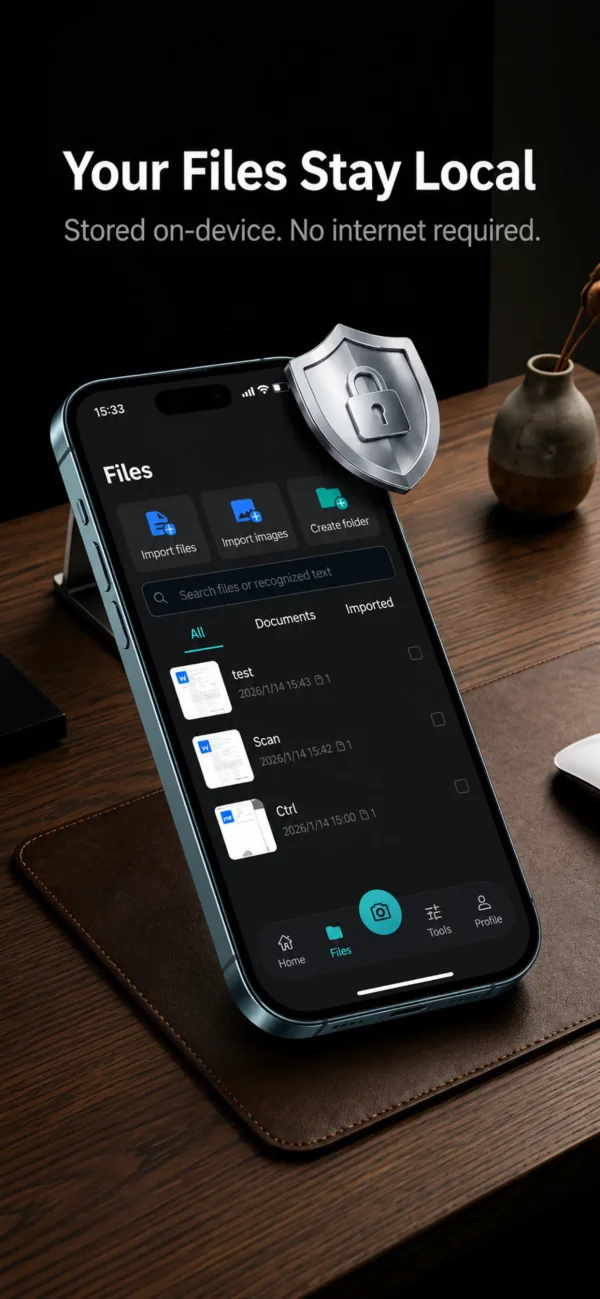
• Keep scans, imported files, and recognized text organized in one place
EXTRACT TEXT WITH OCR
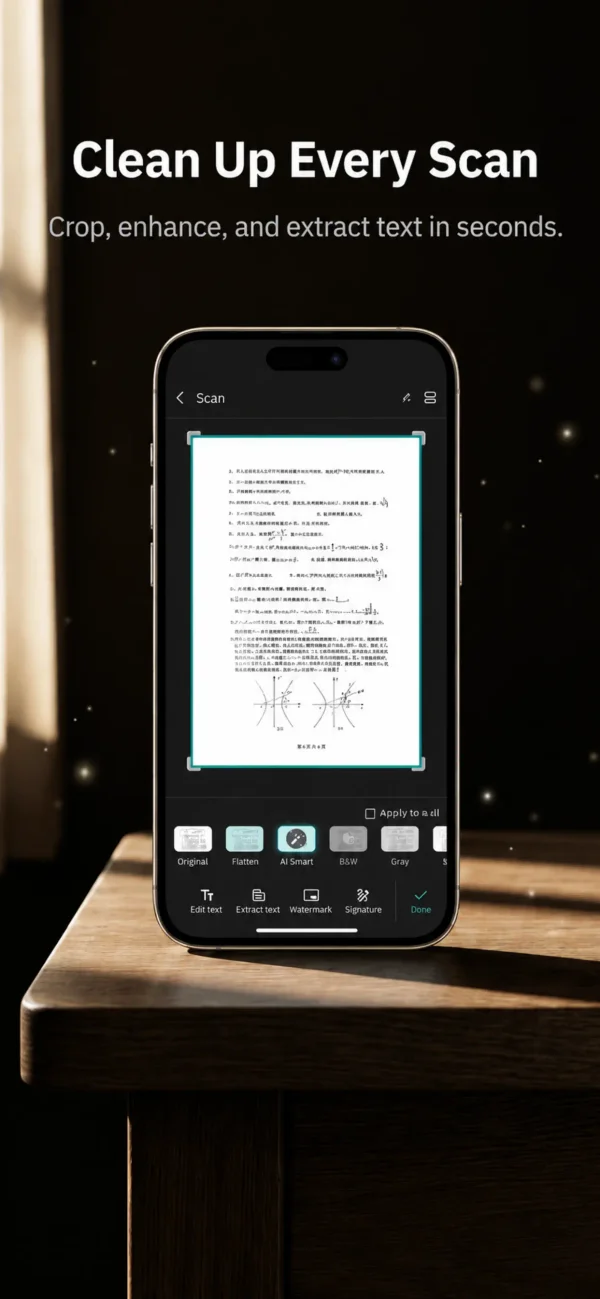
• Recognize text in images and scanned PDF pages
• Copy, search, and export recognized text instead of typing it again
• Turn paper and images into reusable text for work or study
• PaceScan Premium supports batch OCR and expanded processing workflows
CONVERT, EDIT, AND MANAGE PDF FILES
• Convert photos and images to PDF or export PDF pages as images
• Merge or split PDFs, delete pages, rotate pages, and change page order
• Compress PDF files for easier storage and sharing
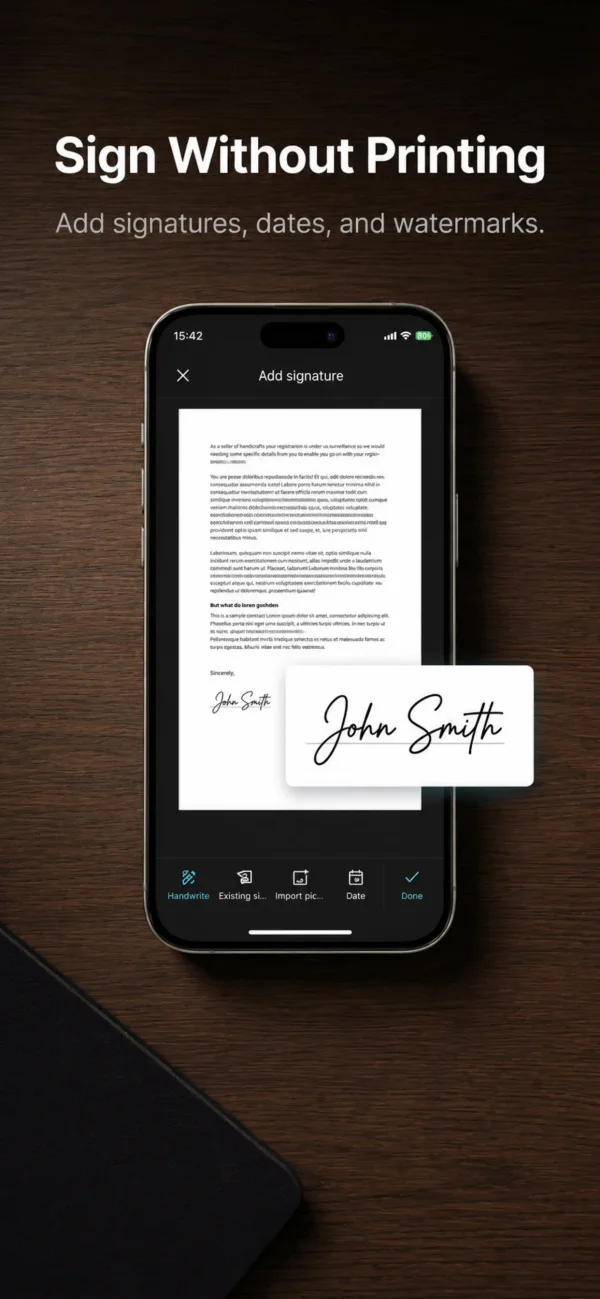
• Add signatures and text or image watermarks
• Protect PDF files with a password
PRIVATE BY DEFAULT
• Start without creating a PaceScan account
• Scans, imported files, and document records stay on your device by default
• Save, print, export, and share actions run only when you choose them
• You decide when and how a file leaves the PaceScan workspace
THREE SIMPLE STEPS
1. Scan with the camera or import from Photos and Files
2. Crop, recognize, convert, edit, and organize the pages
3. Save as PDF, print, export, or share through the system share sheet
Some advanced PDF tools, batch OCR features, and expanded export workflows require PaceScan Premium. Available features, pricing, and subscription terms are shown on the in-app purchase screen.
Download PaceScan and handle scanning, OCR, conversion, and PDF editing from one private mobile workspace.
Privacy Policy: https://baocloud.net/privascan/privacy-policy.html
Terms of Use (EULA): https://www.apple.com/legal/internet-services/itunes/dev/stdeula/
Yang baru
Versi 1.5.1 · 27/8/2026
Fixed known issues and further improved app stability and overall user experience.
Privasi aplikasi
Yang dinyatakan Nanjing Baoluan Information Technology Co., Ltd. di App Store tentang cara aplikasi ini menangani data.
-
Data yang tidak ditautkan dengan Anda
Dapat dikumpulkan, tetapi tidak ditautkan dengan identitas Anda.
- Lokasi
- Pengenal
- Data penggunaan
- Diagnostik
Praktik privasi dapat bervariasi, misalnya berdasarkan fitur yang Anda gunakan atau usia Anda.
Informasi
- Penjual
- Nanjing Baoluan Information Technology Co., Ltd.
- Kategori
- Kegunaan
- Versi
- 1.5.1
- Diperbarui
- 27/8/2026
- Dirilis
- 29/7/2026
- Ukuran
- 206,2 MB
- Memerlukan
- iOS 15.5 atau yang lebih baru
- Batasan usia
- 4+
- Harga
- Gratis
- Pembelian dalam aplikasi
- Ya
- Bahasa
- Inggris, Arab, Prancis, Jerman, Bahasa Indonesia, Jepang, Korea, Bahasa Melayu, Portugis, Tionghoa Sederhana, Spanyol, Tionghoa Tradisional + 1 lainnya
- Hak cipta
- © 2026 Nanjing Baoluan Information Technology Co., Ltd.
Mungkin Anda juga suka
-
 PDF Converter - Photo to PDF.Kegunaan
-
 Auto Clicker-Automatic TapperKegunaan
-
 归途VPN-海外回国加速器Kegunaan
-
 AdBlocker - Remove your AdsAdBlock for Safari Browser
-
 Air Tag finder: Device trackerKegunaan
-
 FaxDoc — Send Fax from PhoneKirim & eFax Dokumen PDF
-
 Interpretasi Mimpi: JurnalBuku Mimpi, Penafsir, Makna
-
 Sign documents Fast & SecureKegunaan
-
 Kalkulator Sempurna: SerbagunaMatematika, unit & mata uang
-
 Air Share Files - DropKegunaan