
PaceScan: PDF Scanner & OCR
Document, Photo, Receipt & ID
Designed for iPhone, iPad, iPod touch
Free · In-app purchases
- Age rating4+
- CategoryUtilities
- DeveloperNanjing Baoluan Information Technology Co., Ltd.
- LanguagesEnglish+ 12 more
- Size206.2 MB
Links to the official App Store page
Download.org hosts no file of PaceScan: PDF Scanner & OCR. The button opens its official App Store page, published by Nanjing Baoluan Information Technology Co., Ltd. Listing last checked on Nov 14, 2026.
Screenshots
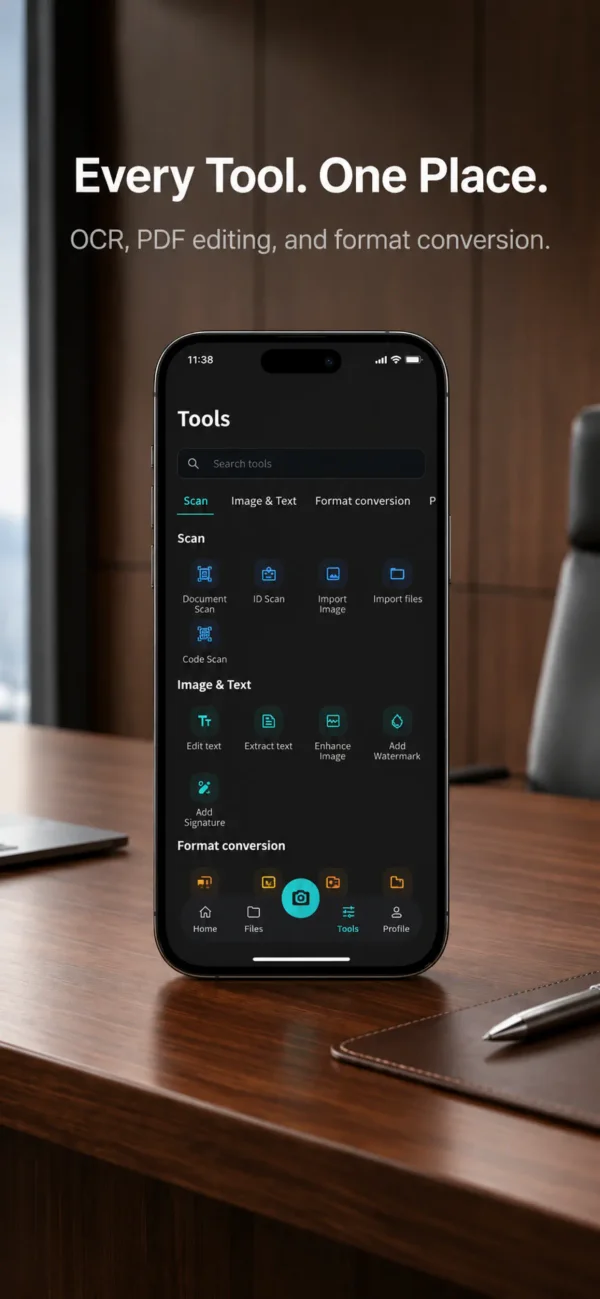
About
Turn your iPhone into a private document scanner.
Scan paperwork, IDs, receipts, and photos into clean PDFs. Use OCR to extract text, then convert, edit, organize, protect, and export files from one local-first document library. No account required.
PaceScan is built for work documents, study materials, receipts, IDs, contracts, invoices, notes, and everyday personal paperwork.
SCAN DOCUMENTS
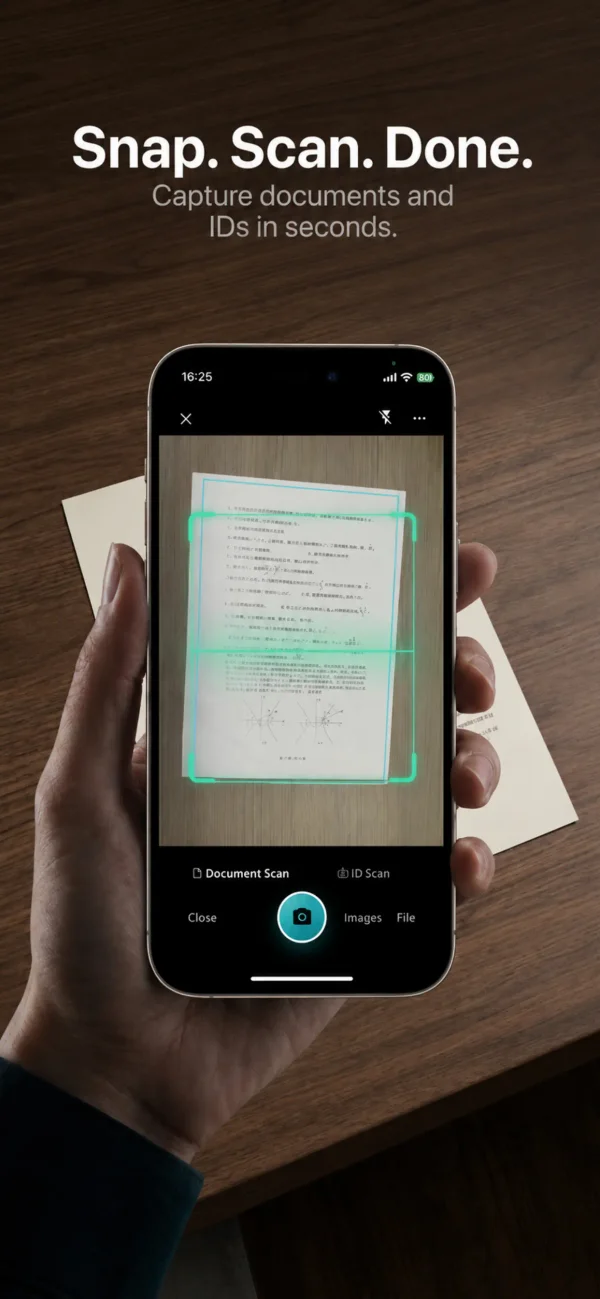
• Capture paper documents with automatic edge detection and image enhancement
• Scan IDs, passports, contracts, receipts, invoices, notes, and study materials
• Import photos from your library or open an existing PDF for further work
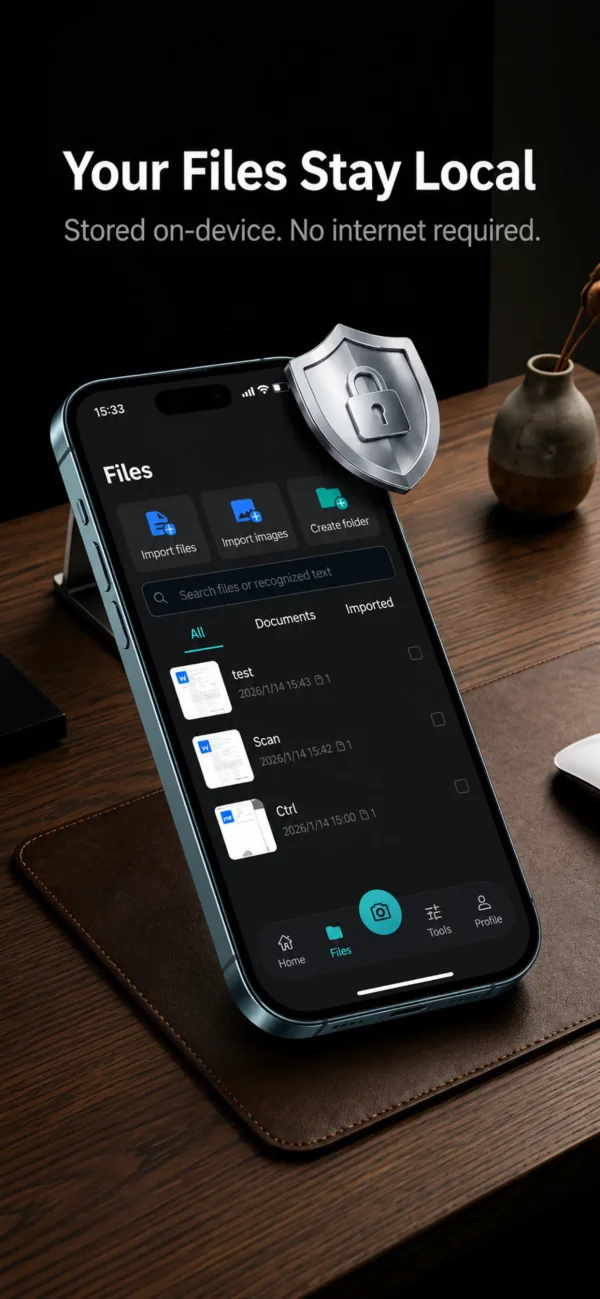
• Keep scans, imported files, and recognized text organized in one place
EXTRACT TEXT WITH OCR
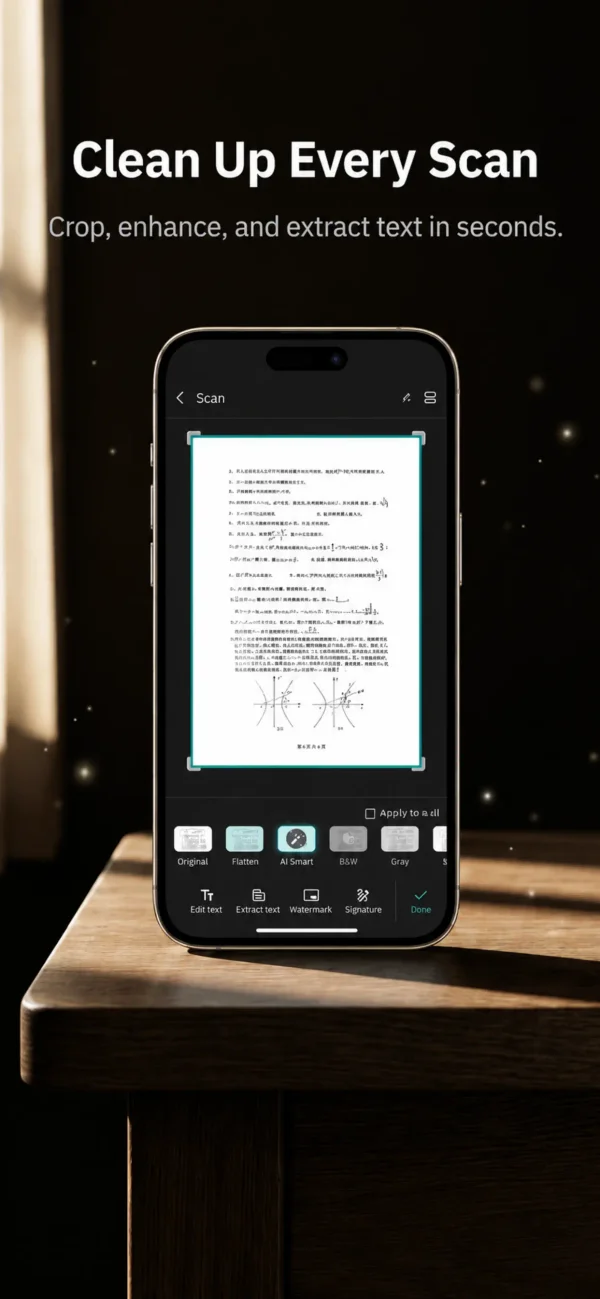
• Recognize text in images and scanned PDF pages
• Copy, search, and export recognized text instead of typing it again
• Turn paper and images into reusable text for work or study
• PaceScan Premium supports batch OCR and expanded processing workflows
CONVERT, EDIT, AND MANAGE PDF FILES
• Convert photos and images to PDF or export PDF pages as images
• Merge or split PDFs, delete pages, rotate pages, and change page order
• Compress PDF files for easier storage and sharing
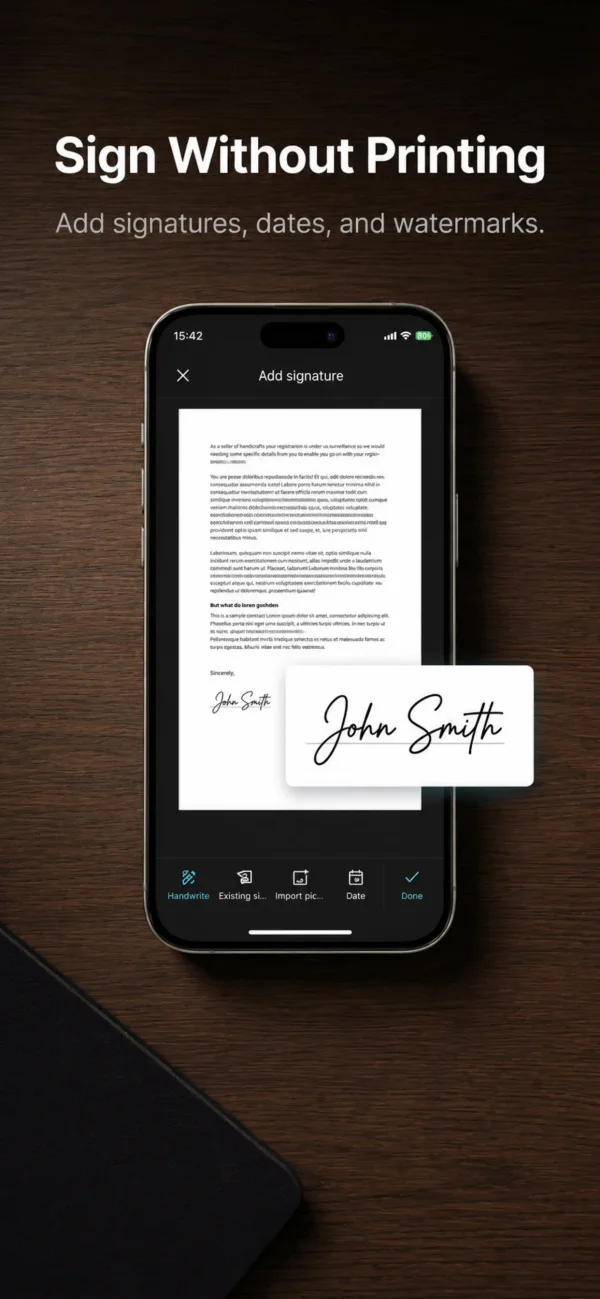
• Add signatures and text or image watermarks
• Protect PDF files with a password
PRIVATE BY DEFAULT
• Start without creating a PaceScan account
• Scans, imported files, and document records stay on your device by default
• Save, print, export, and share actions run only when you choose them
• You decide when and how a file leaves the PaceScan workspace
THREE SIMPLE STEPS
1. Scan with the camera or import from Photos and Files
2. Crop, recognize, convert, edit, and organize the pages
3. Save as PDF, print, export, or share through the system share sheet
Some advanced PDF tools, batch OCR features, and expanded export workflows require PaceScan Premium. Available features, pricing, and subscription terms are shown on the in-app purchase screen.
Download PaceScan and handle scanning, OCR, conversion, and PDF editing from one private mobile workspace.
Privacy Policy: https://baocloud.net/privascan/privacy-policy.html
Terms of Use (EULA): https://www.apple.com/legal/internet-services/itunes/dev/stdeula/
What’s new
Version 1.5.1 · Aug 27, 2026
Fixed known issues and further improved app stability and overall user experience.
App privacy
What Nanjing Baoluan Information Technology Co., Ltd. declares on the App Store about how this app handles data.
-
Data not linked to you
May be collected but is not linked to your identity.
- Location
- Identifiers
- Usage data
- Diagnostics
Privacy practices may vary, for example with the features you use or your age.
Information
- Seller
- Nanjing Baoluan Information Technology Co., Ltd.
- Category
- Utilities
- Version
- 1.5.1
- Updated
- Aug 27, 2026
- Released
- Jul 29, 2026
- Size
- 206.2 MB
- Requires
- iOS 15.5 or later
- Age rating
- 4+
- Price
- Free
- In-app purchases
- Yes
- Languages
- English, Arabic, French, German, Indonesian, Japanese, Korean, Malay, Portuguese, Simplified Chinese, Spanish, Traditional Chinese + 1 more
- Copyright
- © 2026 Nanjing Baoluan Information Technology Co., Ltd.
You might also like
-
 PDF Converter - Photo to PDF.Scan, Read, Edit & Sign Docs
-
 Auto Clicker-Automatic TapperUtilities
-
 归途VPN-海外回国加速器安全加密连接,保护上网隐私
-
 AdBlocker - Remove your AdsAdBlock for Safari Browser
-
 Air Tag finder: Device trackerAirtag detector: Find devices
-
 FaxDoc — Send Fax from PhoneSend & eFax PDF Documents
-
 Dream Interpretation: JournalDream Book Meaning Interpreter
-
 Sign documents Fast & SecureCreate & Send PDFs Easily
-
 PerfectCalc: Calculator SuiteAll-in-One:Math,Unit,Converter
-
 Air Share Files - DropTransfer Data