
PaceScan: PDF Scanner & OCR
Document, Photo, Receipt & ID
Được thiết kế cho iPhone, iPad, iPod touch
Miễn phí · Mua hàng trong ứng dụng
- Độ tuổi4+
- Danh mụcTiện Ích
- Nhà phát triểnNanjing Baoluan Information Technology Co., Ltd.
- Ngôn ngữTiếng Anh+ 12 ngôn ngữ khác
- Kích thước206,2 MB
Liên kết đến trang App Store chính thức
Download.org không lưu trữ tệp nào của PaceScan: PDF Scanner & OCR. Nút này mở trang ứng dụng trên App Store, nơi Nanjing Baoluan Information Technology Co., Ltd. phát hành ứng dụng. Trang được kiểm tra lần cuối: 14/11/2026.
Ảnh chụp màn hình
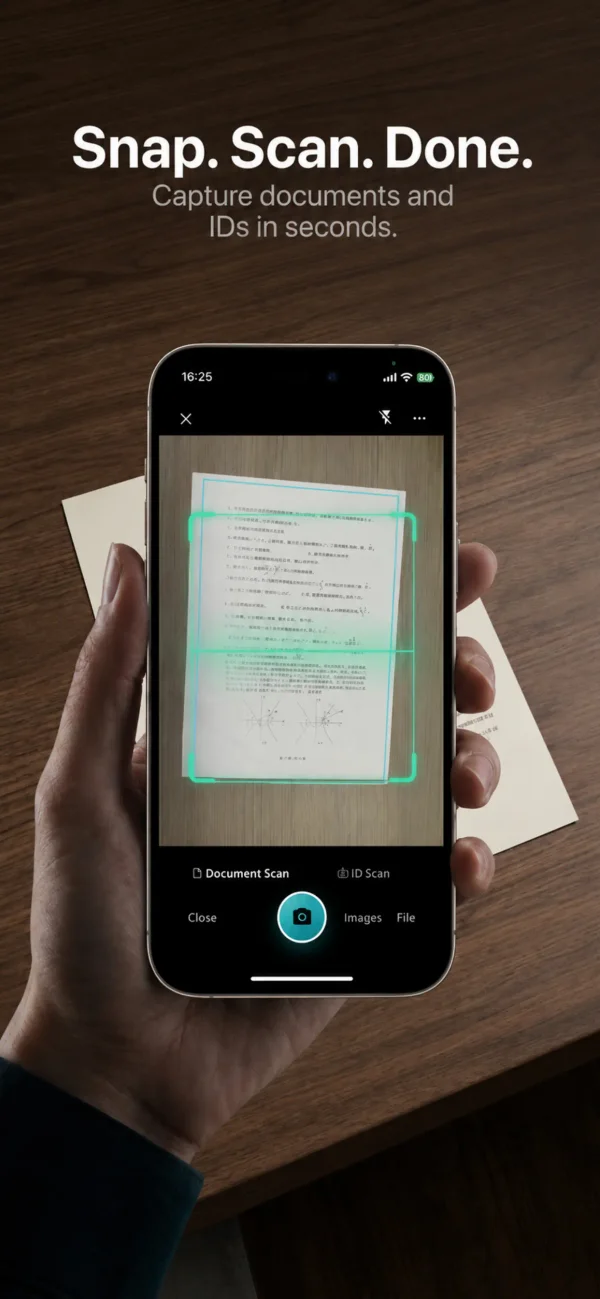
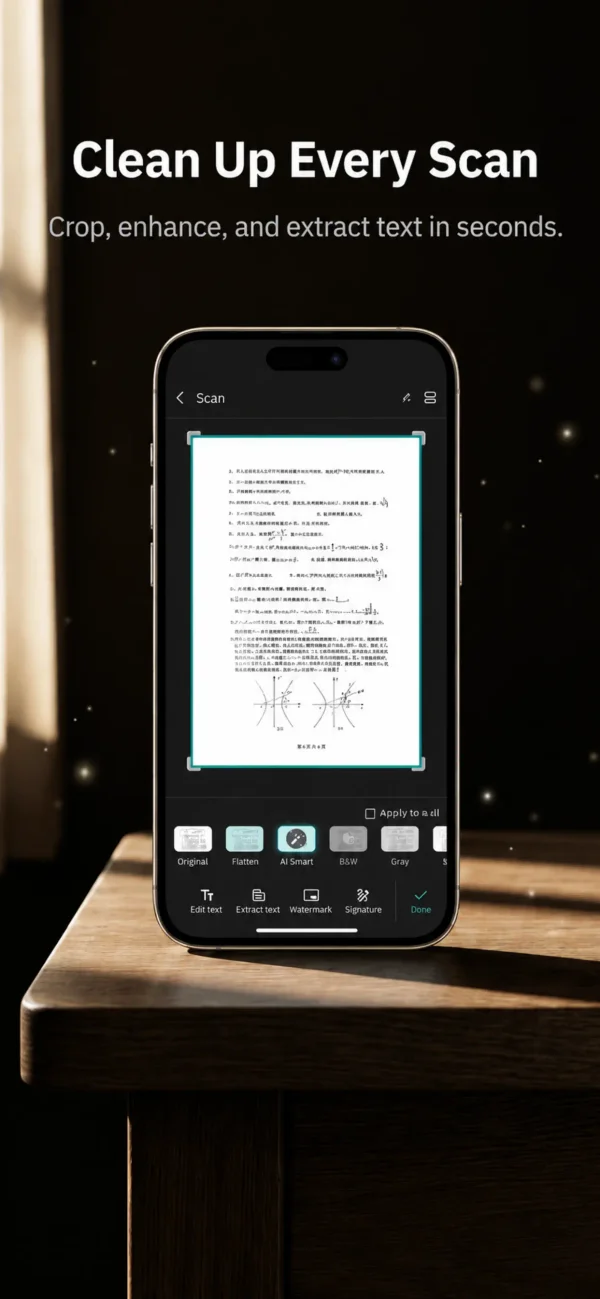
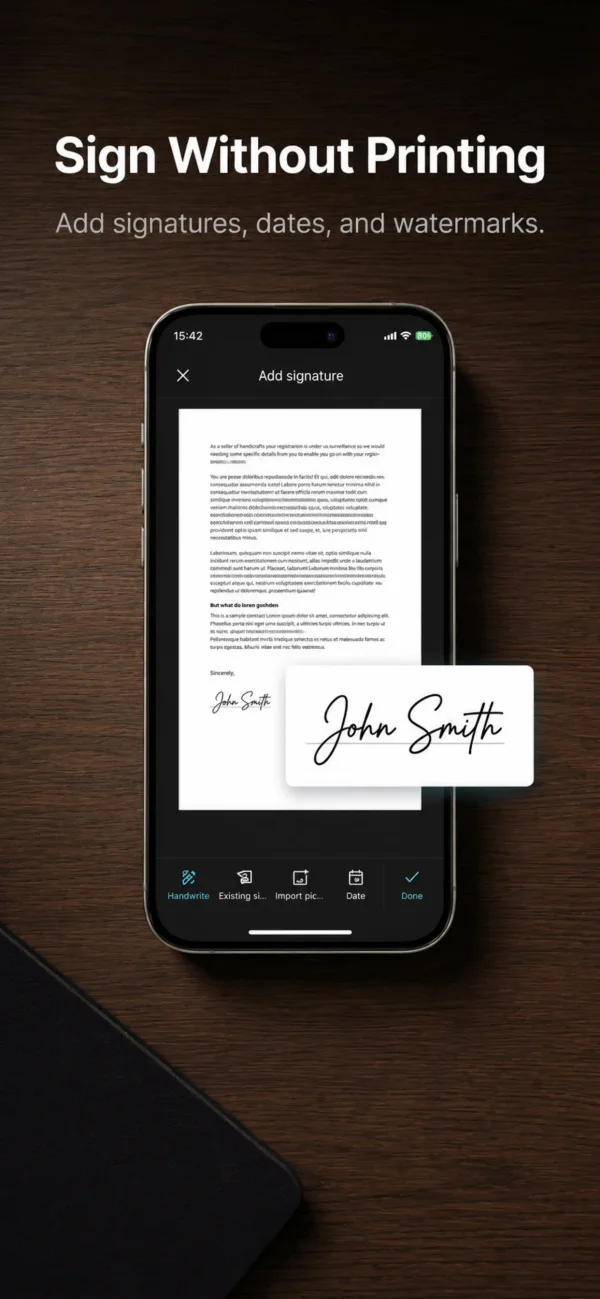
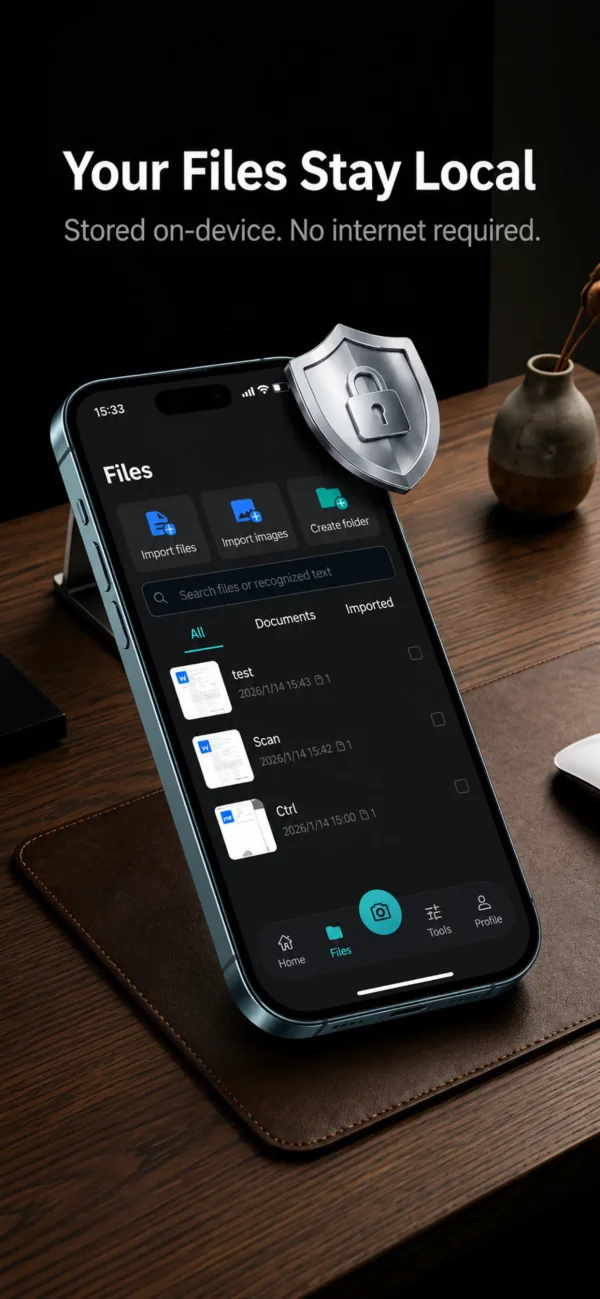
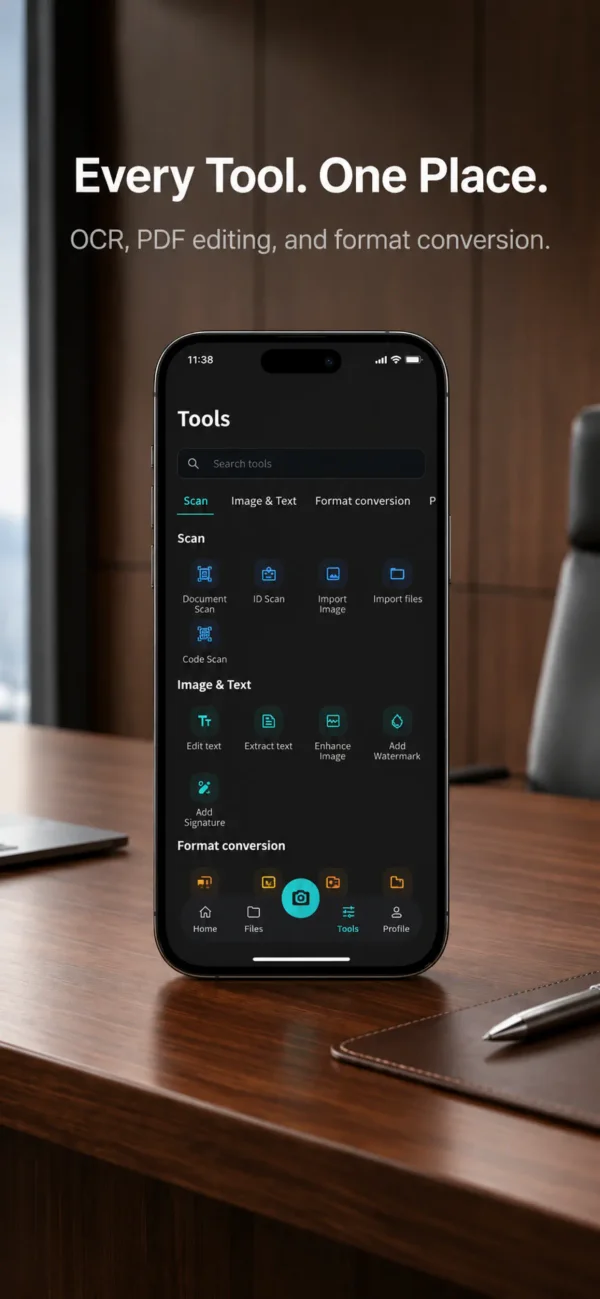
Giới thiệu
Nhà phát triển chưa cung cấp nội dung này bằng ngôn ngữ của bạn.
Turn your iPhone into a private document scanner.
Scan paperwork, IDs, receipts, and photos into clean PDFs. Use OCR to extract text, then convert, edit, organize, protect, and export files from one local-first document library. No account required.
PaceScan is built for work documents, study materials, receipts, IDs, contracts, invoices, notes, and everyday personal paperwork.
SCAN DOCUMENTS
• Capture paper documents with automatic edge detection and image enhancement
• Scan IDs, passports, contracts, receipts, invoices, notes, and study materials
• Import photos from your library or open an existing PDF for further work
• Keep scans, imported files, and recognized text organized in one place
EXTRACT TEXT WITH OCR
• Recognize text in images and scanned PDF pages
• Copy, search, and export recognized text instead of typing it again
• Turn paper and images into reusable text for work or study
• PaceScan Premium supports batch OCR and expanded processing workflows
CONVERT, EDIT, AND MANAGE PDF FILES
• Convert photos and images to PDF or export PDF pages as images
• Merge or split PDFs, delete pages, rotate pages, and change page order
• Compress PDF files for easier storage and sharing
• Add signatures and text or image watermarks
• Protect PDF files with a password
PRIVATE BY DEFAULT
• Start without creating a PaceScan account
• Scans, imported files, and document records stay on your device by default
• Save, print, export, and share actions run only when you choose them
• You decide when and how a file leaves the PaceScan workspace
THREE SIMPLE STEPS
1. Scan with the camera or import from Photos and Files
2. Crop, recognize, convert, edit, and organize the pages
3. Save as PDF, print, export, or share through the system share sheet
Some advanced PDF tools, batch OCR features, and expanded export workflows require PaceScan Premium. Available features, pricing, and subscription terms are shown on the in-app purchase screen.
Download PaceScan and handle scanning, OCR, conversion, and PDF editing from one private mobile workspace.
Privacy Policy: https://baocloud.net/privascan/privacy-policy.html
Terms of Use (EULA): https://www.apple.com/legal/internet-services/itunes/dev/stdeula/
Có gì mới
Phiên bản 1.5.1 · 27/08/2026
Fixed known issues and further improved app stability and overall user experience.
Quyền riêng tư của ứng dụng
Những gì Nanjing Baoluan Information Technology Co., Ltd. khai báo trên App Store về cách ứng dụng này xử lý dữ liệu.
-
Dữ liệu không liên kết với bạn
Có thể được thu thập nhưng không liên kết với danh tính của bạn.
- Vị trí
- Mã định danh
- Dữ liệu sử dụng
- Chẩn đoán
Phương thức đảm bảo quyền riêng tư có thể khác nhau, chẳng hạn như tuỳ theo các tính năng bạn sử dụng hoặc độ tuổi của bạn.
Thông tin
- Người bán
- Nanjing Baoluan Information Technology Co., Ltd.
- Danh mục
- Tiện Ích
- Phiên bản
- 1.5.1
- Cập nhật
- 27/08/2026
- Phát hành
- 29/07/2026
- Kích thước
- 206,2 MB
- Yêu cầu
- iOS 15.5 trở lên
- Độ tuổi
- 4+
- Giá
- Miễn phí
- Mua hàng trong ứng dụng
- Có
- Ngôn ngữ
- Tiếng Anh, Tiếng Ả Rập, Tiếng Pháp, Tiếng Đức, Tiếng Indonesia, Tiếng Nhật, Tiếng Hàn, Tiếng Mã Lai, Tiếng Bồ Đào Nha, Tiếng Trung Giản thể, Tiếng Tây Ban Nha, Tiếng Trung Phồn thể + 1 ngôn ngữ khác
- Bản quyền
- © 2026 Nanjing Baoluan Information Technology Co., Ltd.
Có thể bạn cũng thích
-
 PDF Converter - Photo to PDF.Tiện Ích
-
 Auto Clicker-Automatic TapperTiện Ích
-
 归途VPN-海外回国加速器Tiện Ích
-
 AdBlocker - Remove your AdsAdBlock for Safari Browser
-
 Air Tag finder: Device trackerTiện Ích
-
 FaxDoc — Send Fax from PhoneGửi & eFax Tài liệu PDF
-
 Giải mã giấc mơ: Nhật kýSổ mơ, Người giải mã, Ý nghĩa
-
 Sign documents Fast & SecureTiện Ích
-
 Máy tính hoàn hảo: Đa năngToán, đơn vị, tiền tệ và BMI
-
 Air Share Files - DropTiện Ích