
Presentation Remote Projector
PDF Controller of attachedMail
Dirancang untuk iPhone, iPad
Gratis
- Batasan usia4+
- KategoriBisnis
- Pengembangkobunachou ozawa
- BahasaInggris+ 8 lainnya
- Ukuran1.000,0 KB
Tertaut ke halaman resmi App Store
Download.org tidak menyimpan file Presentation Remote Projector apa pun. Tombol ini membuka halaman aplikasi di App Store, tempat kobunachou ozawa menerbitkannya. Halaman terakhir diperiksa pada 24/11/2026.
Tangkapan layar
Tentang
Pengembang belum menyediakan teks ini dalam bahasa Anda.
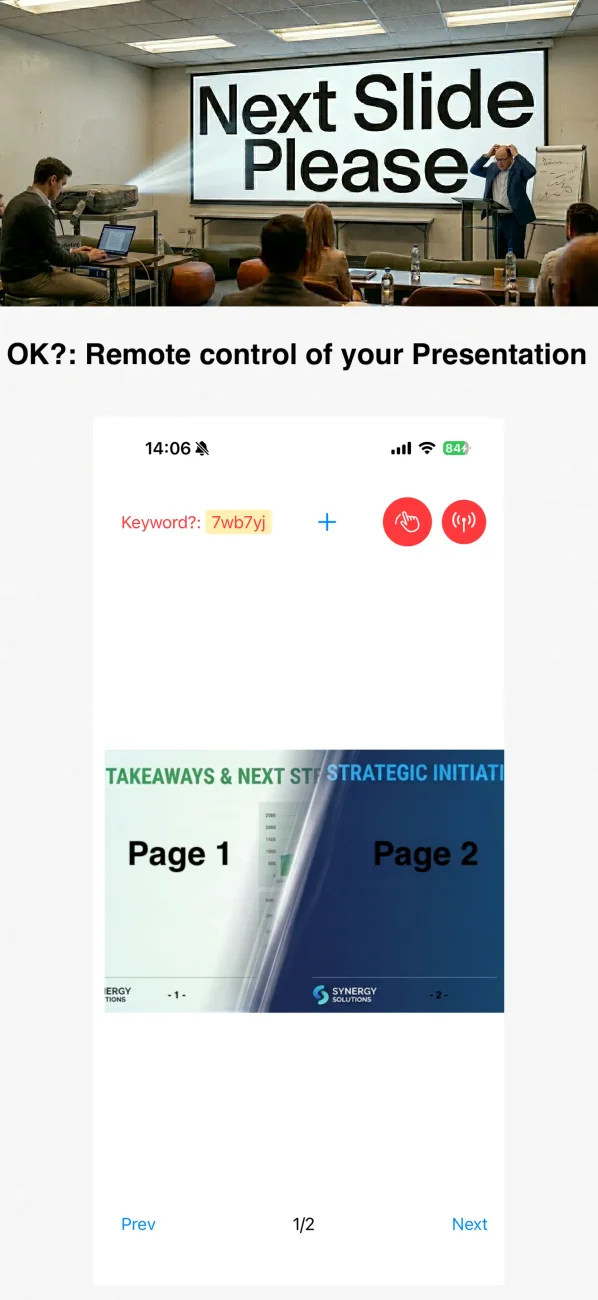
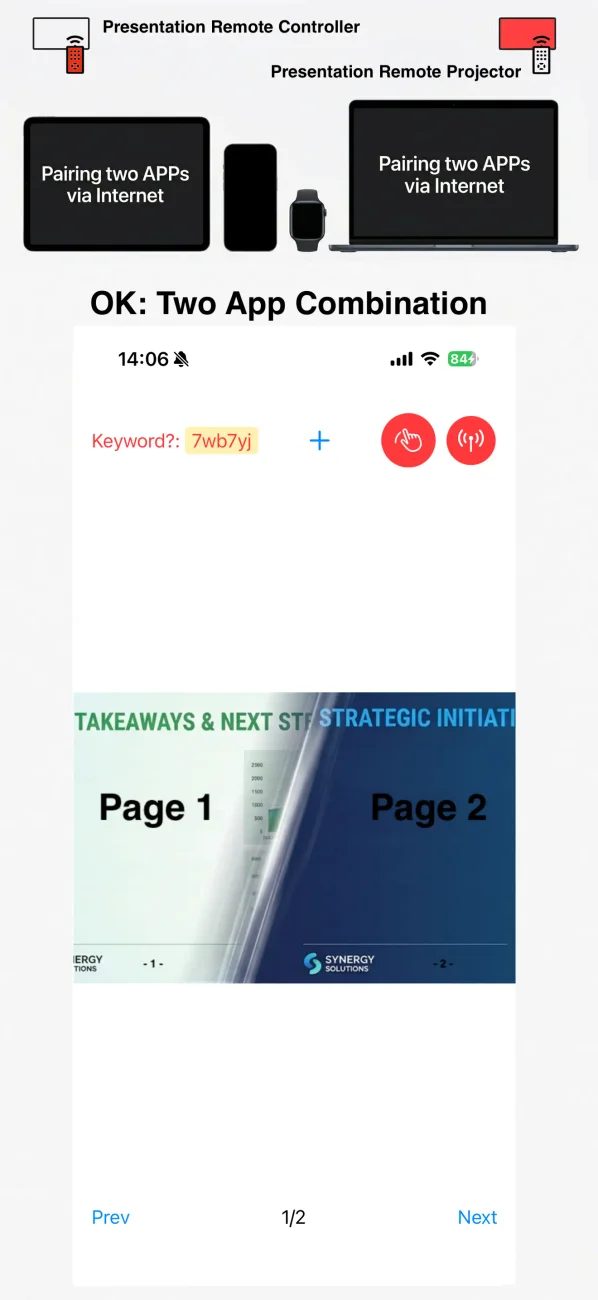
“Presentation Remote Projector” is a projector app for presentations that allows you to wirelessly flip through photos and PDF slides over the internet.
~ Features ~
- "Device Connectivity" Beyond Bluetooth Limitations
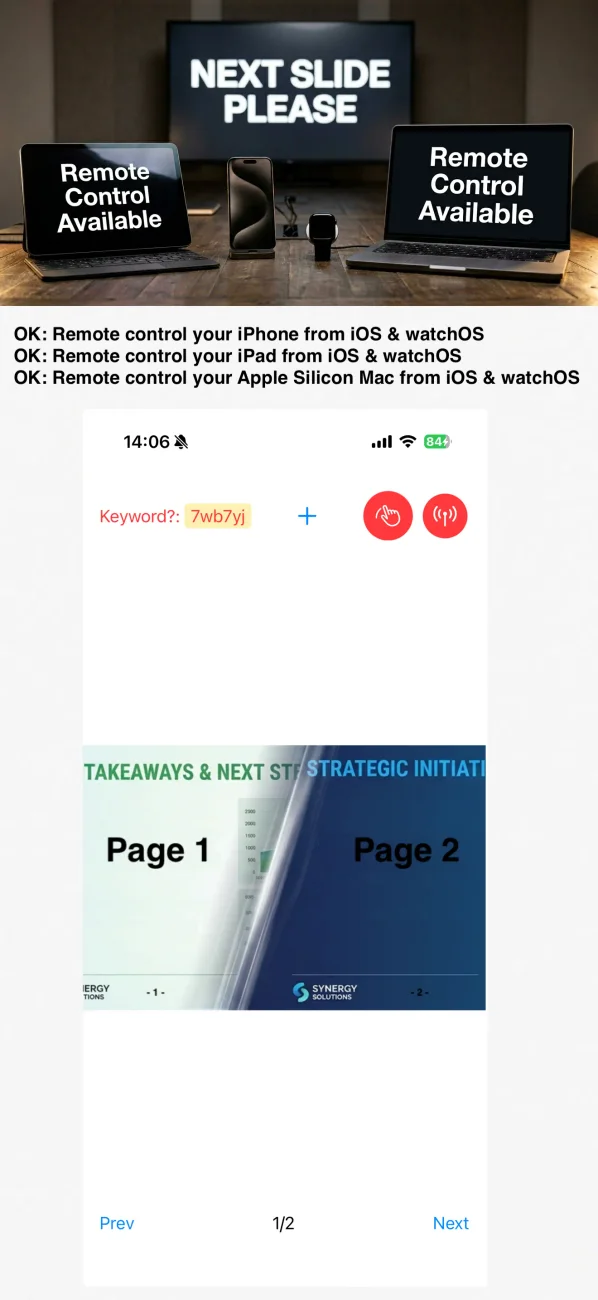
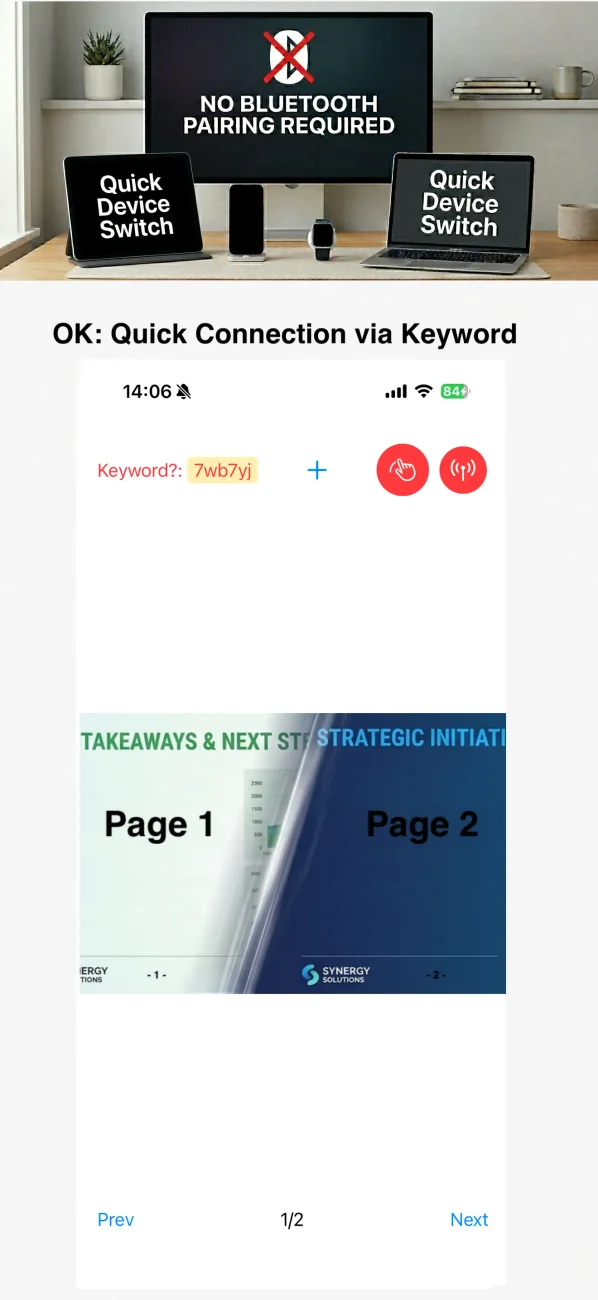
No tedious pairing is required. Combinations like "controlling an iPad remotely from an Apple Watch," which are impossible with standard Bluetooth connections, can be easily achieved via the internet.
- "Control a Friend's Device" Regardless of Apple ID
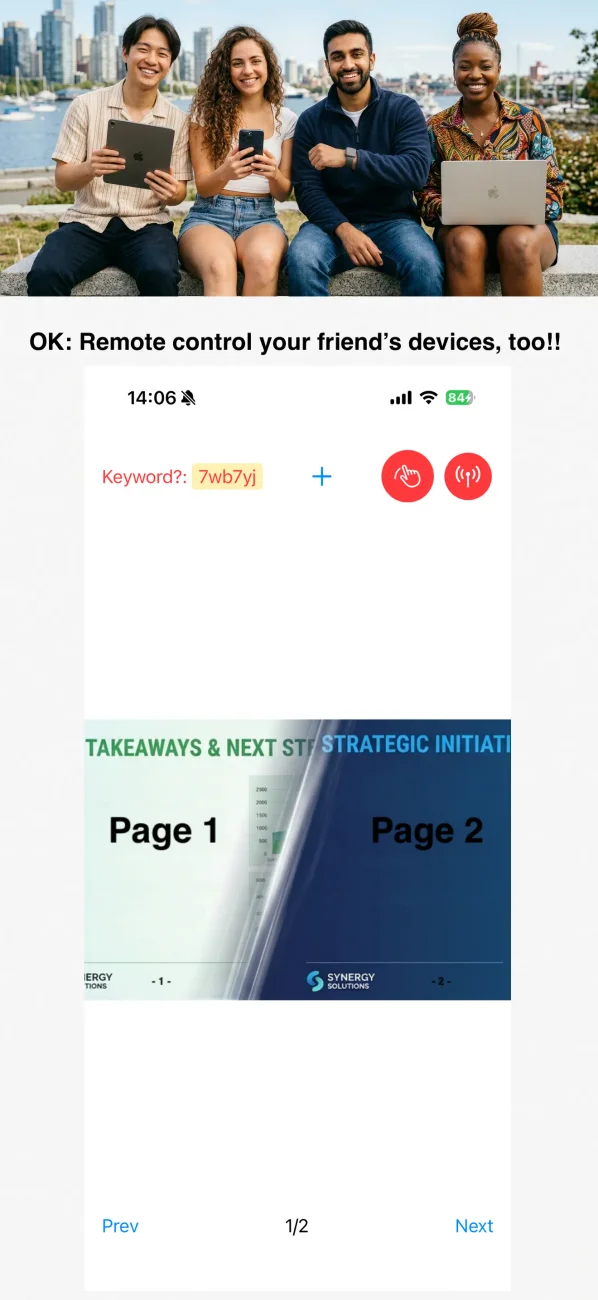
There is no need for iCloud syncing or using the same Apple ID. You can remotely flip through pages even on a friend's device with a different Apple ID just by sharing a keyword.
- Turn Any Device into a "Projector" by Linking with Other Apps!
With the remote control app (Presentation Remote Controller), not only iPads and iPhones but even PCs can be controlled remotely, provided they are in an iOS app-compatible environment such as an Apple Silicon Mac.
~ Operating Procedures (Linked Operation of Two Apps) ~
1 A 6-digit keyword is automatically generated upon startup in Presentation Remote Controller.
2 Enter that 6-digit keyword into Presentation Remote Projector.
3 Import presentation slides from photos or iCloud using the "+" button at the top.
4 Confirm that a slide with multiple pages is displayed.
5 Ensure you are connected to the internet and press the antenna button in the upper right.
6 Return to Presentation Remote Controller and press the Next button or other controls to move the slides.
7 When finished with the remote operation, tap the antenna button again to end the remote connection.
Steps 2-5 and 7 are operations performed within this app, Presentation Remote Projector.
- Video
Search for our website: "Shin APP Tech"
(User Guide: https://shin-app.tech/en)
Yang baru
Versi 3.8 · 2/4/2026
-bugs fixed
Privasi aplikasi
Yang dinyatakan kobunachou ozawa di App Store tentang cara aplikasi ini menangani data.
-
Data tidak dikumpulkan
Pengembang tidak mengumpulkan data apa pun dari aplikasi ini.
Praktik privasi dapat bervariasi, misalnya berdasarkan fitur yang Anda gunakan atau usia Anda.
Informasi
- Penjual
- kobunachou ozawa
- Kategori
- Bisnis
- Versi
- 3.8
- Diperbarui
- 2/4/2026
- Dirilis
- 27/3/2018
- Ukuran
- 1.000,0 KB
- Memerlukan
- iOS 26.2 atau yang lebih baru
- Batasan usia
- 4+
- Harga
- Gratis
- Bahasa
- Inggris, Prancis, Jerman, Italia, Jepang, Korea, Tionghoa Sederhana, Spanyol, Tionghoa Tradisional
- Hak cipta
- © Shin APP Tech
Mungkin Anda juga suka
-
 Clicker - Presentation RemoteProduktivitas
-
 Epson Projector Config ToolProduktivitas
-
 Smart Projector ControlProduktivitas
-
 ViewSonic ProjectorProduktivitas
-
 Epson Setting AssistantProduktivitas
-
 IP RemoteBisnis
-
 Epson iProjectionProduktivitas
-
 Osmo ProjectorProduktivitas
-
 InstaControlBisnis
-
 WorshipStorm Projector ClassicProduktivitas