Presentation Remote Projector
PDF Controller of attachedMail
iPhone, iPad için tasarlandı
Ücretsiz
- Yaş sınırı4+
- Kategoriİş
- Geliştiricikobunachou ozawa
- Dillerİngilizce+ 8 dil daha
- Boyut1.000,0 KB
Resmi App Store sayfasına bağlanır
Download.org, Presentation Remote Projector için hiçbir dosya barındırmaz. Düğme, uygulamanın App Store üzerindeki sayfasını açar; uygulamayı orada kobunachou ozawa yayınlar. Sayfanın son kontrolü: 24.11.2026.
Ekran görüntüleri
Hakkında
Geliştirici bu metni dilinizde sunmamış.
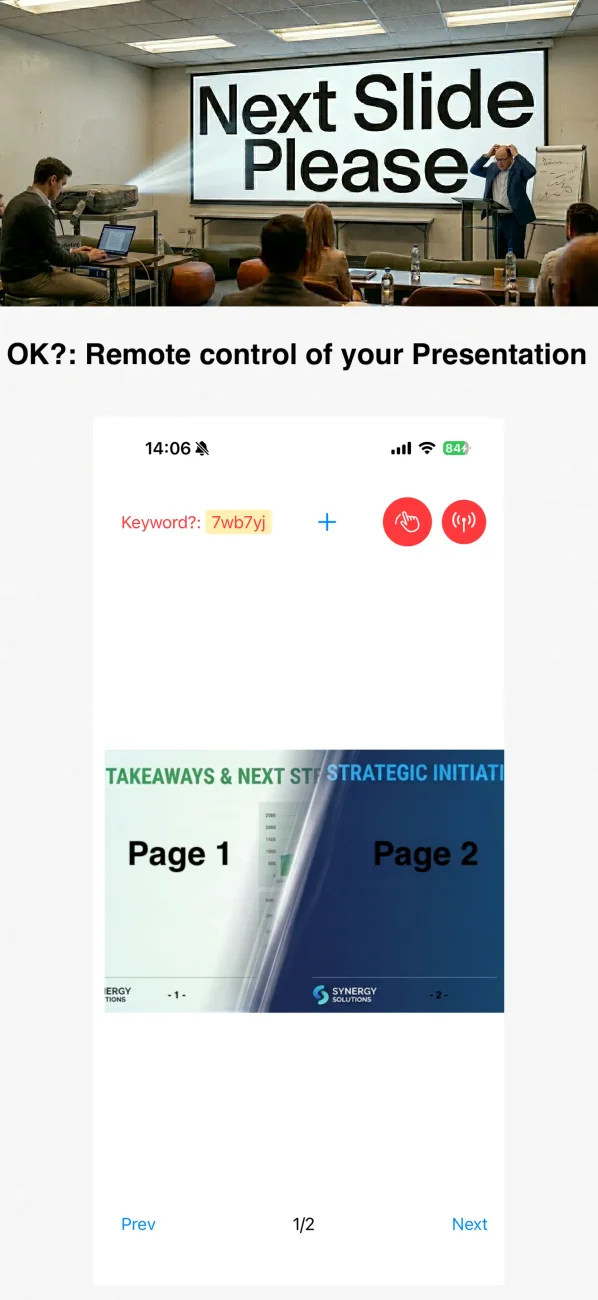
“Presentation Remote Projector” is a projector app for presentations that allows you to wirelessly flip through photos and PDF slides over the internet.
~ Features ~
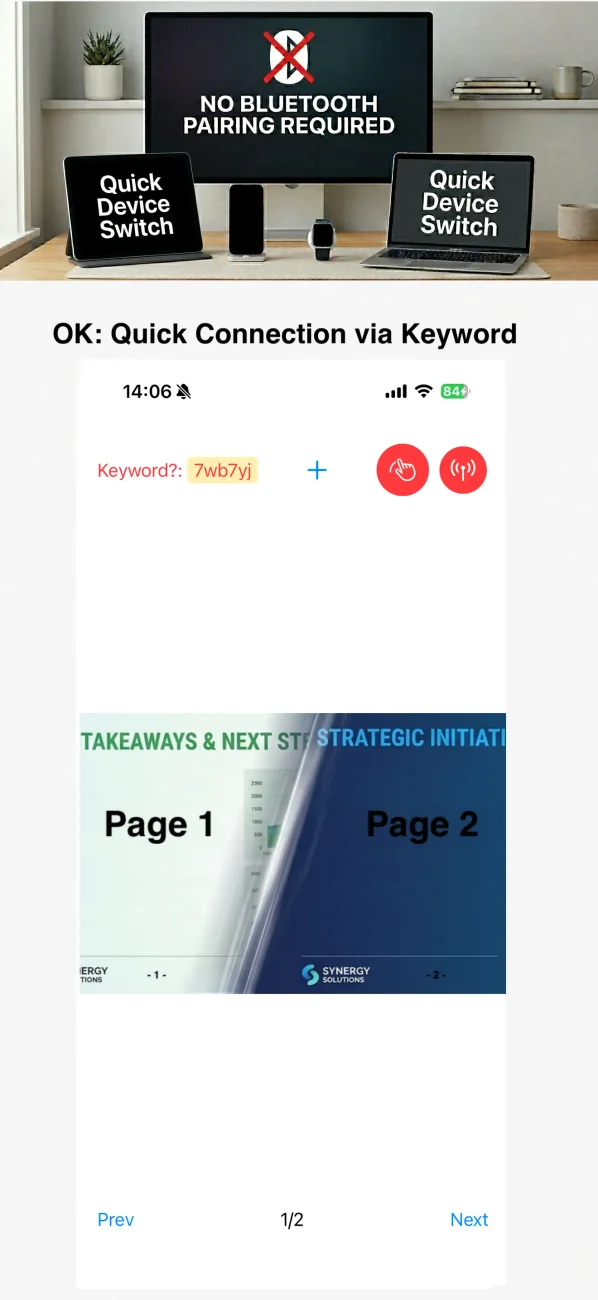
- "Device Connectivity" Beyond Bluetooth Limitations
No tedious pairing is required. Combinations like "controlling an iPad remotely from an Apple Watch," which are impossible with standard Bluetooth connections, can be easily achieved via the internet.
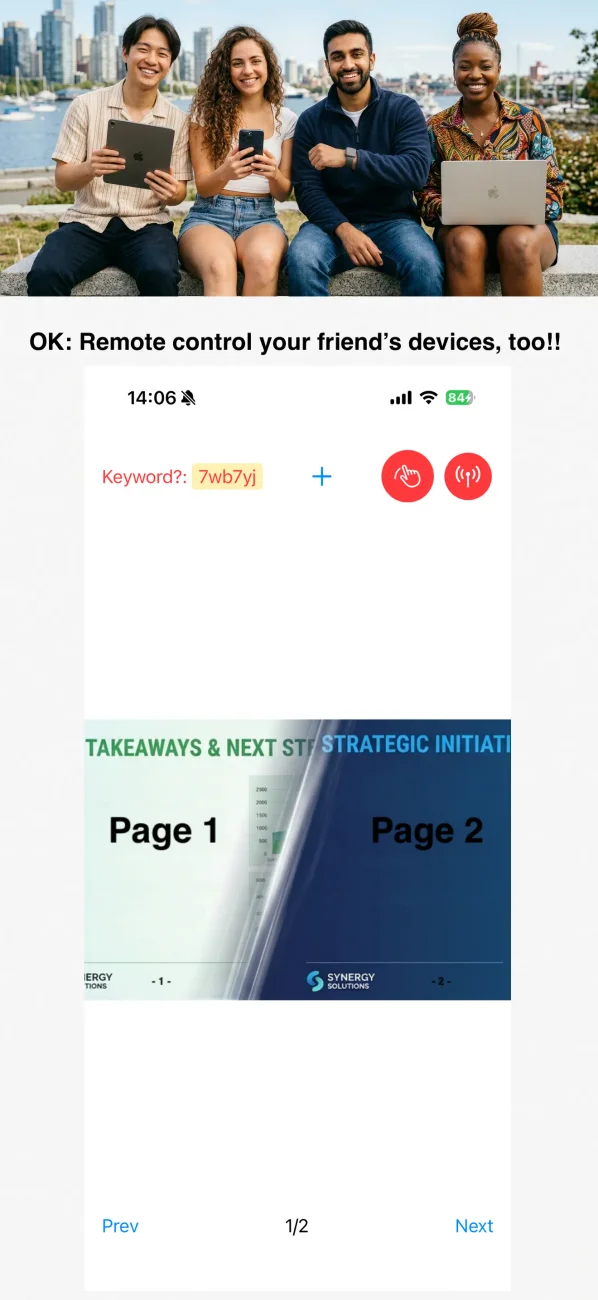
- "Control a Friend's Device" Regardless of Apple ID
There is no need for iCloud syncing or using the same Apple ID. You can remotely flip through pages even on a friend's device with a different Apple ID just by sharing a keyword.
- Turn Any Device into a "Projector" by Linking with Other Apps!
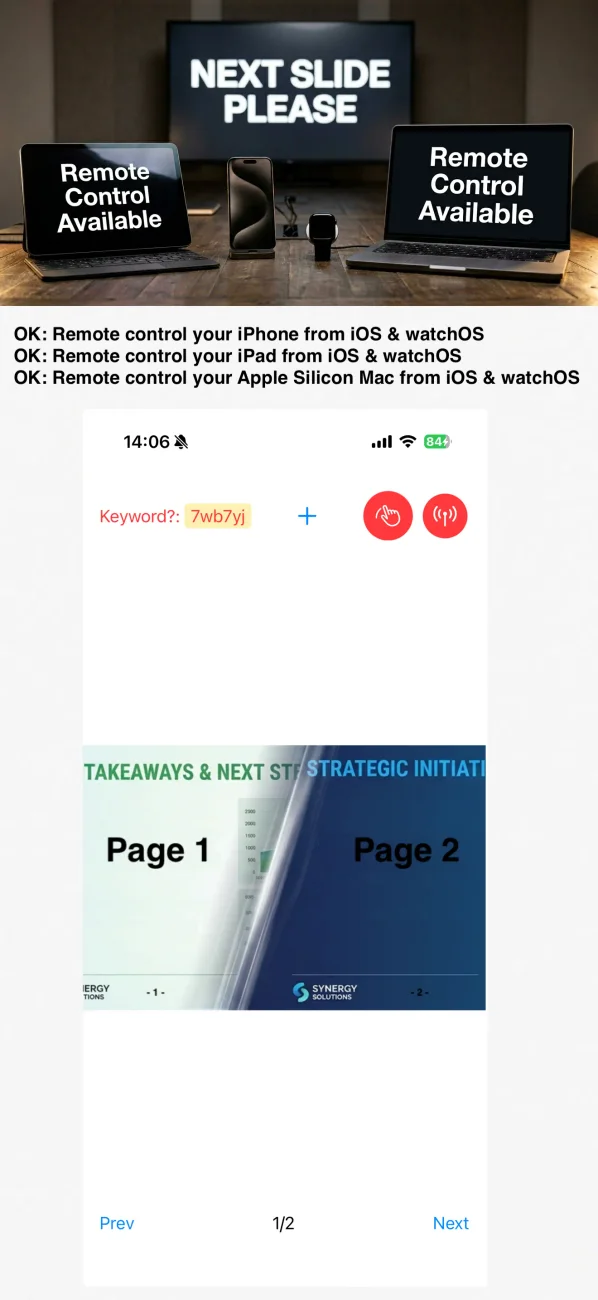
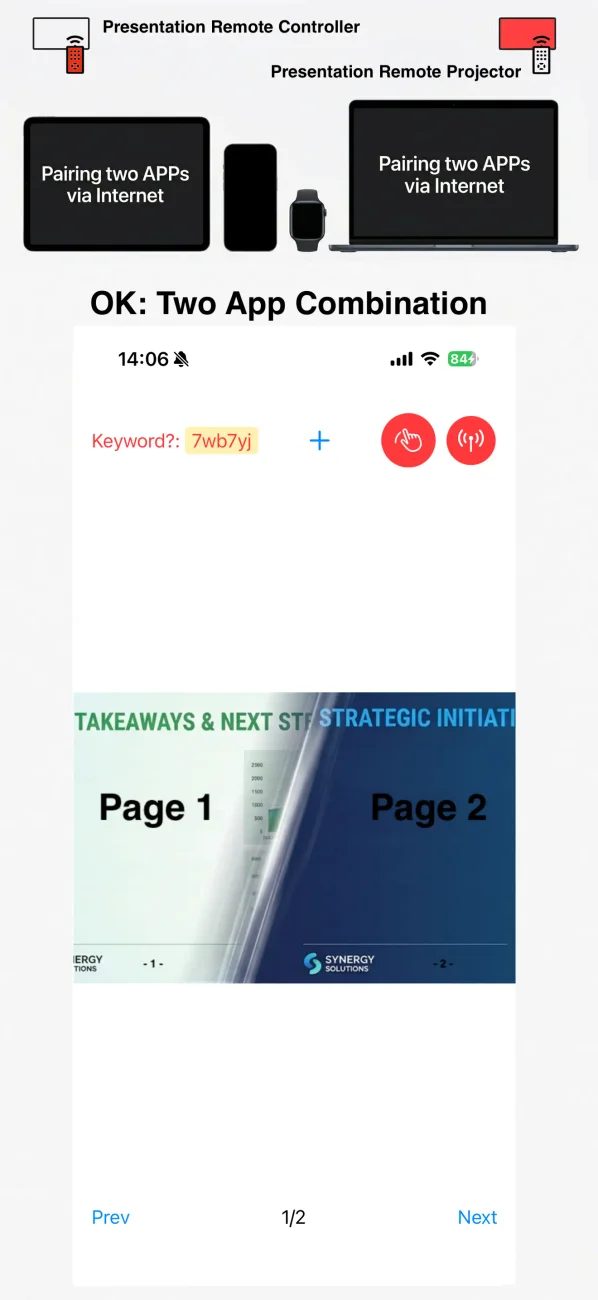
With the remote control app (Presentation Remote Controller), not only iPads and iPhones but even PCs can be controlled remotely, provided they are in an iOS app-compatible environment such as an Apple Silicon Mac.
~ Operating Procedures (Linked Operation of Two Apps) ~
1 A 6-digit keyword is automatically generated upon startup in Presentation Remote Controller.
2 Enter that 6-digit keyword into Presentation Remote Projector.
3 Import presentation slides from photos or iCloud using the "+" button at the top.
4 Confirm that a slide with multiple pages is displayed.
5 Ensure you are connected to the internet and press the antenna button in the upper right.
6 Return to Presentation Remote Controller and press the Next button or other controls to move the slides.
7 When finished with the remote operation, tap the antenna button again to end the remote connection.
Steps 2-5 and 7 are operations performed within this app, Presentation Remote Projector.
- Video
Search for our website: "Shin APP Tech"
(User Guide: https://shin-app.tech/en)
Yenilikler
Sürüm 3.8 · 02.04.2026
-bugs fixed
Uygulama gizliliği
Bu uygulamanın verileri nasıl işlediği hakkında kobunachou ozawa tarafından App Store üzerinde yapılan beyan.
-
Veri toplanmıyor
Geliştirici bu uygulamadan hiçbir veri toplamıyor.
Gizlilik uygulamaları, örneğin kullandığınız özelliklere veya yaşınıza göre değişiklik gösterebilir.
Bilgiler
- Satıcı
- kobunachou ozawa
- Kategori
- İş
- Sürüm
- 3.8
- Güncellendi
- 02.04.2026
- Yayın tarihi
- 27.03.2018
- Boyut
- 1.000,0 KB
- Gereksinim
- iOS 26.2 veya sonrası
- Yaş sınırı
- 4+
- Fiyat
- Ücretsiz
- Diller
- İngilizce, Fransızca, Almanca, İtalyanca, Japonca, Korece, Basitleştirilmiş Çince, İspanyolca, Geleneksel Çince
- Telif hakkı
- © Shin APP Tech