
- Batasan usia4+
- KategoriBisnis
- PengembangOwletLabs LLC
- BahasaJepang+ 1 lainnya
- Ukuran31,7 MB
Tertaut ke halaman resmi App Store
Download.org tidak menyimpan file ReceptionAlpha apa pun. Tombol ini membuka halaman aplikasi di App Store, tempat OwletLabs LLC menerbitkannya. Halaman terakhir diperiksa pada 12/11/2026.
Tangkapan layar

Tentang
Pengembang belum menyediakan teks ini dalam bahasa Anda.
ReceptionAlpha turns an iPad at your entrance into an unattended reception desk. Visitor calls arrive in Slack, so your team can respond without walking to the door.
FOR VISITORS (iPad)
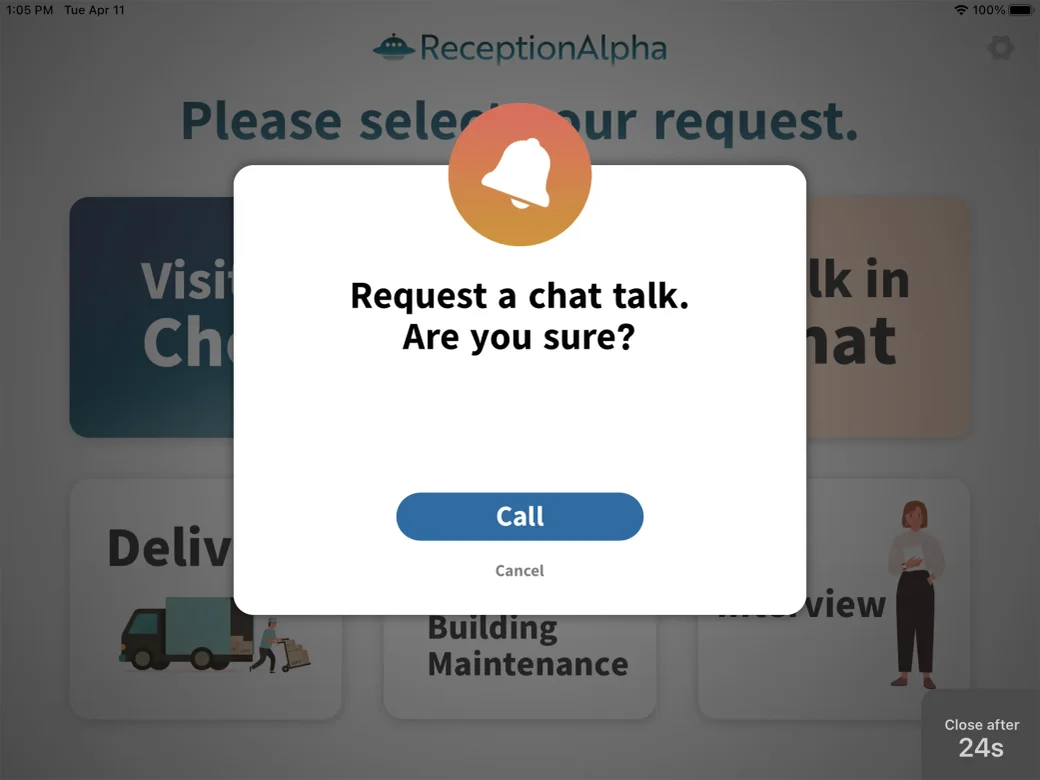
- Large buttons for common purposes such as Sales visit, Delivery, Interview and General reception. The number of buttons, their labels, colors and images are fully customizable.
- Optional entry of company, name and purpose.
- Optional snapshot of the visitor, attached to the notification.
- The reception screen can switch between two languages (main and sub).
- After the call, the iPad shows a "Calling…" screen and then the message that matches your team's response.
FOR YOUR TEAM (Slack)
- Every check-in is posted to the channel you choose when you install the app, with the visitor's details, photo and three buttons.
- Accept: the iPad tells the visitor that someone is on their way.
- Decline: the iPad shows a polite message that the visit cannot be accepted.
- Start chat: a chat screen opens on the iPad. Write "@ReceptionAlpha your message" in the channel and it appears on the iPad; the visitor's replies are posted back to the channel. Ask who they are looking for or give directions without going to the entrance.
KEY FEATURES
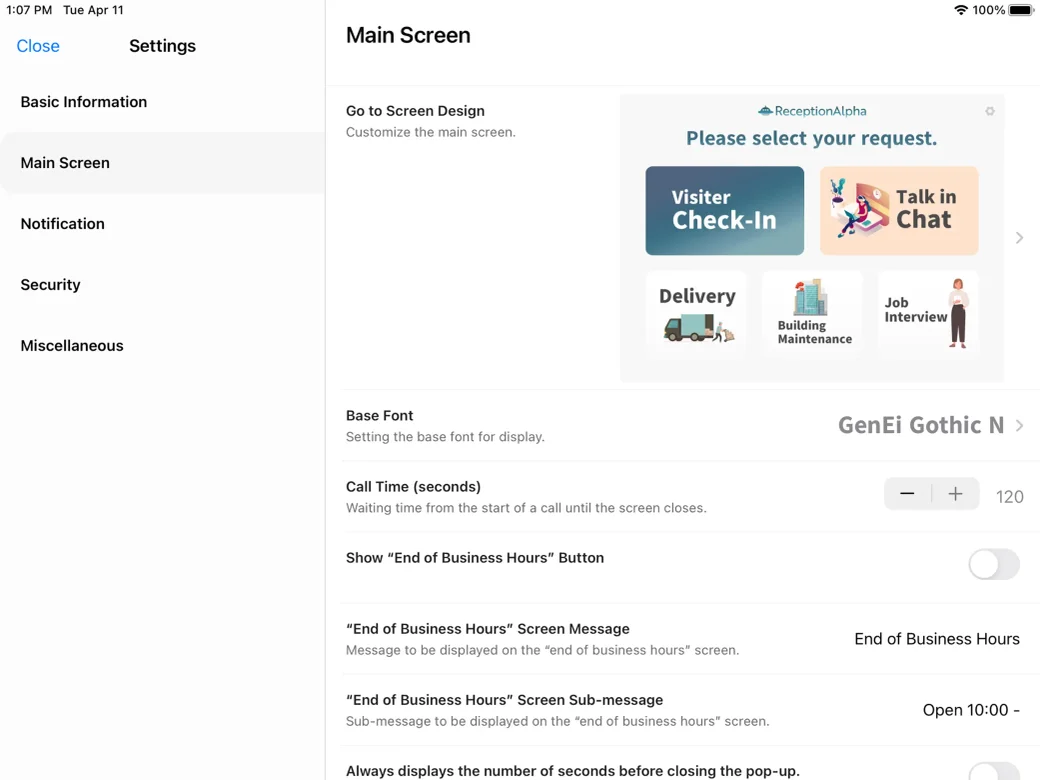
- Customizable reception screen: buttons, colors, background image and wording
- Visitor information entry (company, name, purpose)
- Optional visitor snapshot
- Two-language display
- Configurable call timeout (seconds to wait for a response)
- One-tap "End of business hours" screen
- Passcode protection for the settings screen
- Export of settings templates (handy for several locations with the same setup)
- Advanced mode using your own Slack Bot Token (chat is not available in this mode)
GETTING STARTED
1. Install the app on an iPad, create an account with your email address and sign in.
2. Open Settings > Notification, tap "Integrate with Slack" and choose your workspace and channel.
3. Adjust the buttons and wording, then place the iPad at your entrance.
You can be up and running in minutes.
PLEASE NOTE
- iPad only, landscape orientation.
- A Slack workspace is required (the free plan works).
- The app only posts to the channel you selected, only receives the button responses on its own notifications and @ReceptionAlpha mentions, and never reads other channel history.
- Visitor photos are deleted automatically after 30 days.
- See the privacy policy and terms of service for details.
Privacy policy: https://receptionalpha.com/privacy.html
Terms of service: https://receptionalpha.com/terms.html
Contact: https://receptionalpha.com/contact.html
Yang baru
Versi 1.0.3 · 15/10/2026
- Support for iOS27
Privasi aplikasi
Yang dinyatakan OwletLabs LLC di App Store tentang cara aplikasi ini menangani data.
-
Data yang tidak ditautkan dengan Anda
Dapat dikumpulkan, tetapi tidak ditautkan dengan identitas Anda.
- Pengenal
Praktik privasi dapat bervariasi, misalnya berdasarkan fitur yang Anda gunakan atau usia Anda.
Informasi
- Penjual
- OwletLabs LLC
- Kategori
- Bisnis
- Versi
- 1.0.3
- Diperbarui
- 15/10/2026
- Dirilis
- 1/2/2023
- Ukuran
- 31,7 MB
- Memerlukan
- iOS 15.0 atau yang lebih baru
- Batasan usia
- 4+
- Harga
- Gratis
- Bahasa
- Jepang, Inggris
- Hak cipta
- © OwletLabs LLC