
Remote Keyboard
Type Faster From Desktop
Dirancang untuk iPhone, iPad
Gratis · Pembelian dalam aplikasi
- Batasan usia4+
- KategoriProduktivitas
- Pengembang峰 朱
- BahasaInggris+ 10 lainnya
- Ukuran11,5 MB
Tertaut ke halaman resmi App Store
Download.org tidak menyimpan file Remote Keyboard apa pun. Tombol ini membuka halaman aplikasi di App Store, tempat 峰 朱 menerbitkannya. Halaman terakhir diperiksa pada 24/11/2026.
Tangkapan layar


Tentang
Pengembang belum menyediakan teks ini dalam bahasa Anda.
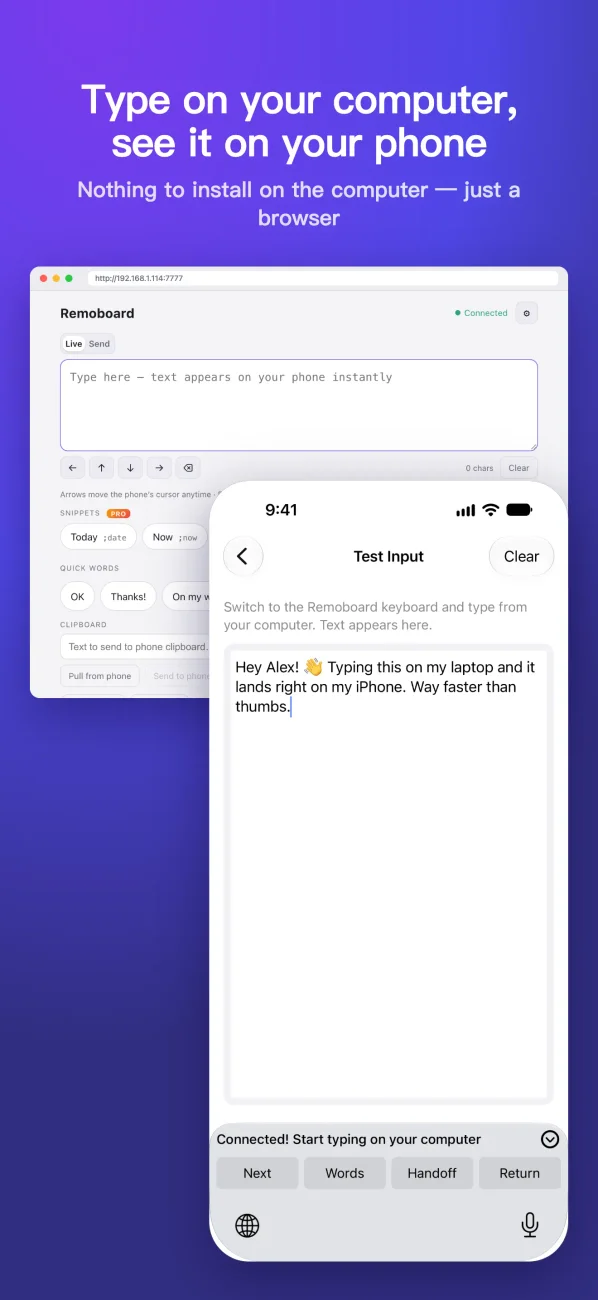
Remoboard turns your computer browser into a keyboard for your iPhone or iPad. Type in a text field on your device from a Mac, Windows, or Linux computer on the same Wi-Fi network. No desktop app or account is required.
Getting started
1. Add the Remoboard keyboard in iOS or iPadOS Settings and allow Full Access for local network access.
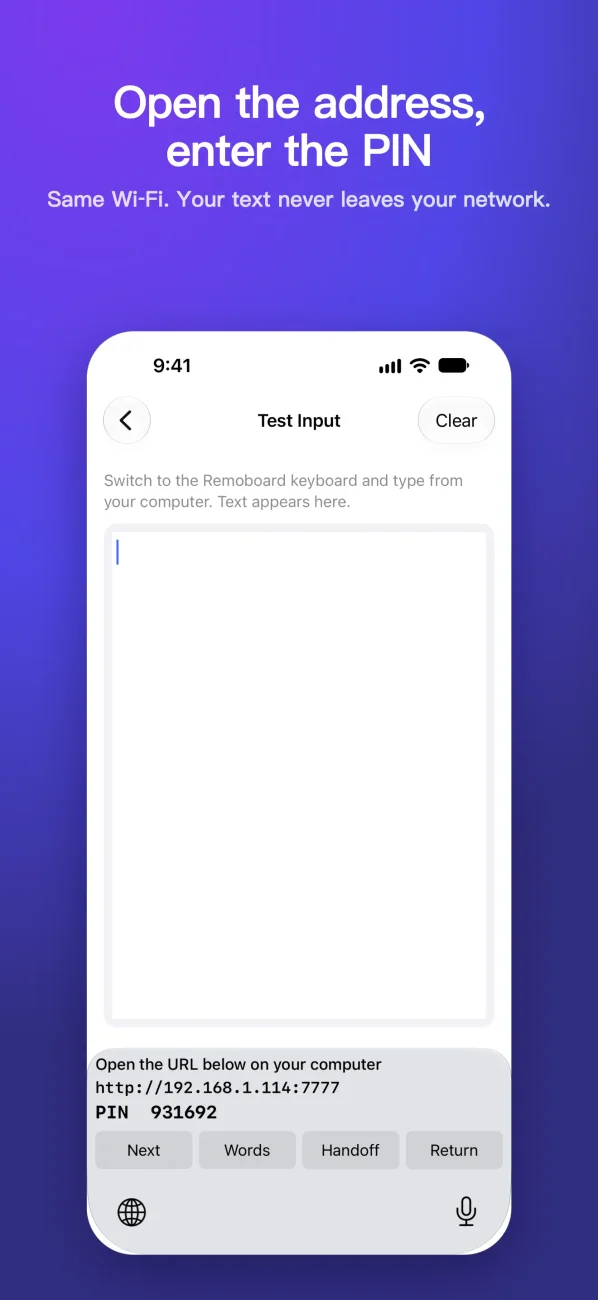
2. Switch to the Remoboard keyboard in any text field. Open the URL shown on the keyboard in your computer browser.
3. If PIN pairing is enabled (on by default), enter the six-digit code shown on the keyboard, then start typing.
Features
• Smoother Chinese and other composed text input.
• Automatic reconnection and clear connection status.
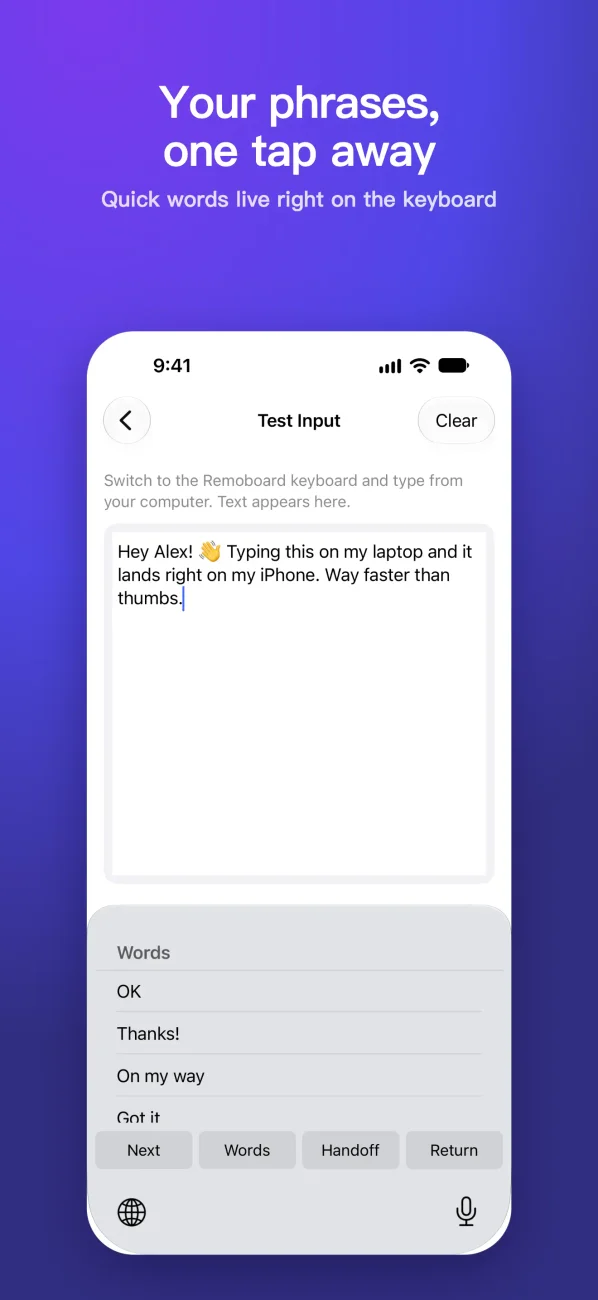
• Reusable phrases for text you type often.
• Browser controls for text entry and clipboard actions.
• Light and dark appearance, with support for 10 languages.
Both devices must be on the same local network. Full Access lets the keyboard serve its local page.
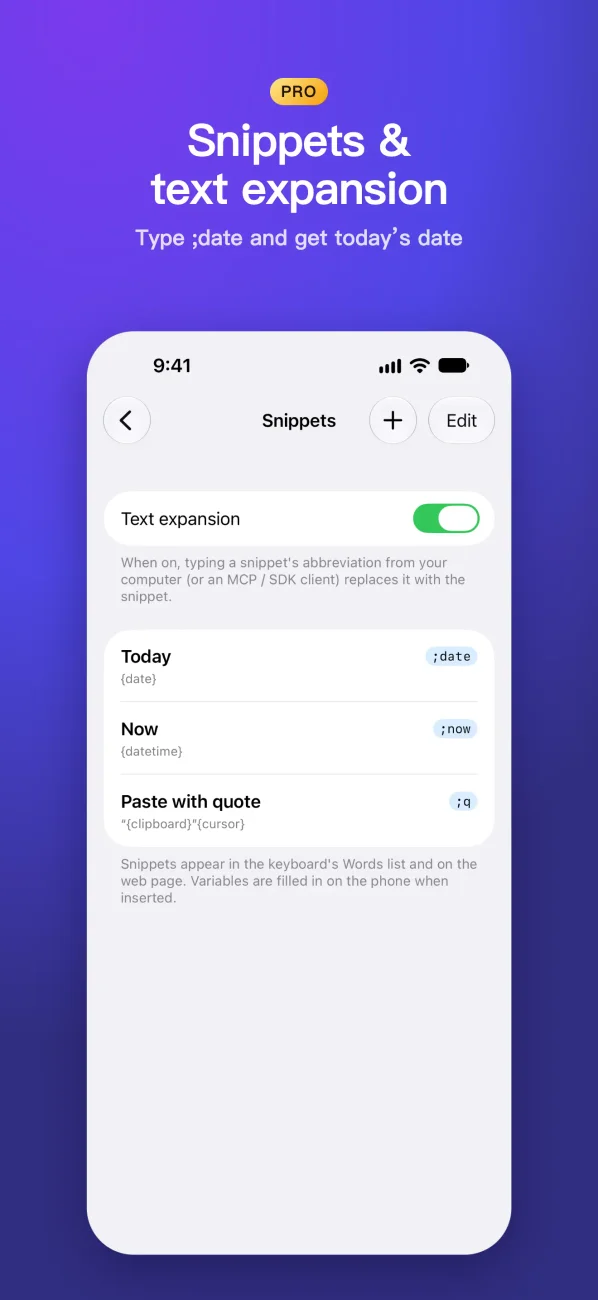
Remoboard Pro (optional one-time purchase) adds snippets, text expansion, trusted computers, image clipboard, split sending, send history and themes. Everything else is free.
Yang baru
Versi 8.3 · 22/11/2026
New in Remoboard Pro: Bluetooth.
• Type from your Mac to your iPhone without a shared Wi-Fi network. Install the free Remoboard app on your Mac, pick your phone, enter the PIN.
• A setup guide in the app walks you through installing the Mac app.
• Wi-Fi mode is unchanged and still needs nothing installed on the computer.
Privasi aplikasi
Yang dinyatakan 峰 朱 di App Store tentang cara aplikasi ini menangani data.
-
Data yang tidak ditautkan dengan Anda
Dapat dikumpulkan, tetapi tidak ditautkan dengan identitas Anda.
- Pembelian
Praktik privasi dapat bervariasi, misalnya berdasarkan fitur yang Anda gunakan atau usia Anda.
Informasi
- Penjual
- 峰 朱
- Kategori
- Produktivitas
- Versi
- 8.3
- Diperbarui
- 22/11/2026
- Dirilis
- 2/9/2019
- Ukuran
- 11,5 MB
- Memerlukan
- iOS 17.0 atau yang lebih baru
- Batasan usia
- 4+
- Harga
- Gratis
- Pembelian dalam aplikasi
- Ya
- Bahasa
- Inggris, Prancis, Jerman, Italia, Jepang, Korea, Portugis, Rusia, Tionghoa Sederhana, Spanyol, Vietnamese
- Hak cipta
- © 2026 AtomSprout
Mungkin Anda juga suka
-
 飞项-目标及任务协作管理Produktivitas
-
 宠日常-科学记录宠物铲屎官的日常Produktivitas
-
 Forms: Spreadsheet IntegrationProduktivitas
-
 Dictation Speech to TextProduktivitas
-
 HabitGrid - Goal trackerProduktivitas
-
 Textrans – AI Text to ImageProduktivitas
-
 IDPouch: Pemindai & Arsip IDSimpan paspor, SIM & salin PDF
-
 Goal Tracker: Track ProgressProduktivitas
-
 Super To-Do'sProduktivitas
-
 Remote Print: Wireless PrinterProduktivitas