- Batasan usia4+
- KategoriProduktivitas
- PengembangAutomationdirect.com
- Ukuran92,1 MB
Tertaut ke halaman resmi App Store
Download.org tidak menyimpan file Remote PLC apa pun. Tombol ini membuka halaman aplikasi di App Store, tempat Automationdirect.com menerbitkannya. Halaman terakhir diperiksa pada 15/11/2026.
Tangkapan layar

Tentang
Pengembang belum menyediakan teks ini dalam bahasa Anda.
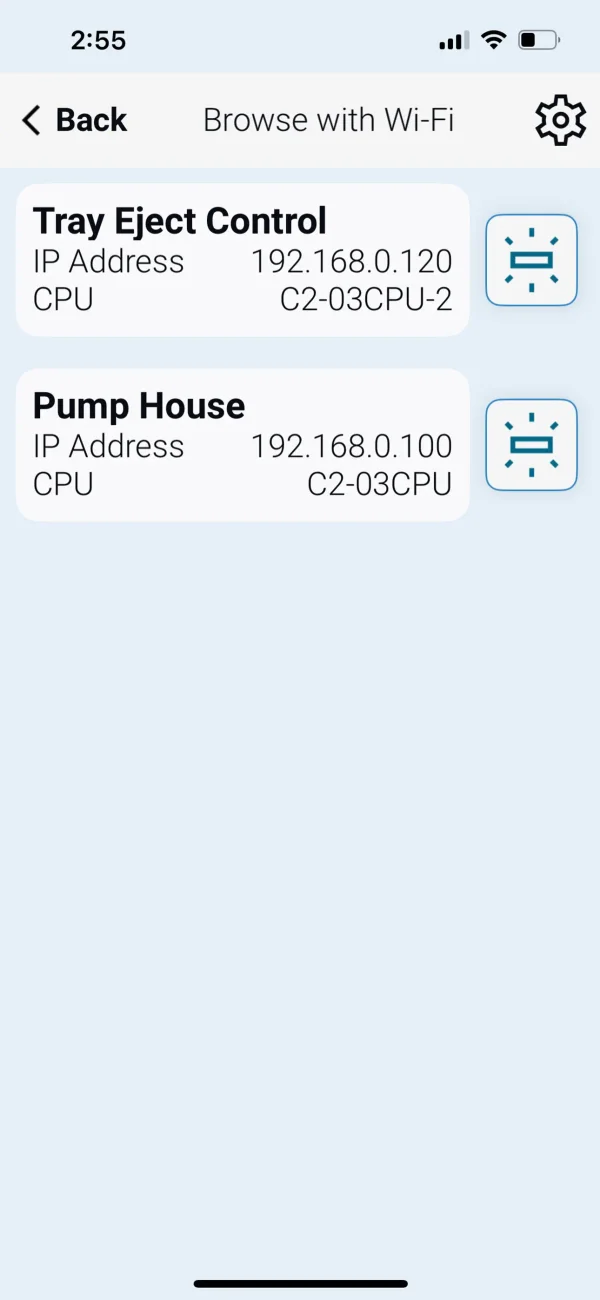
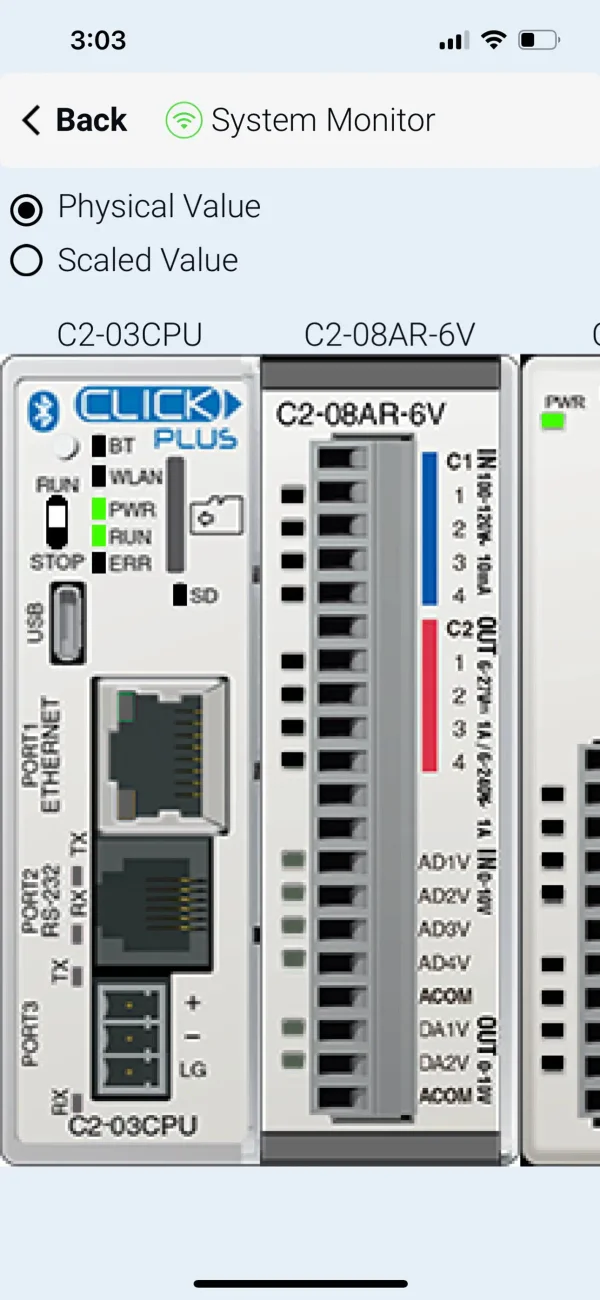
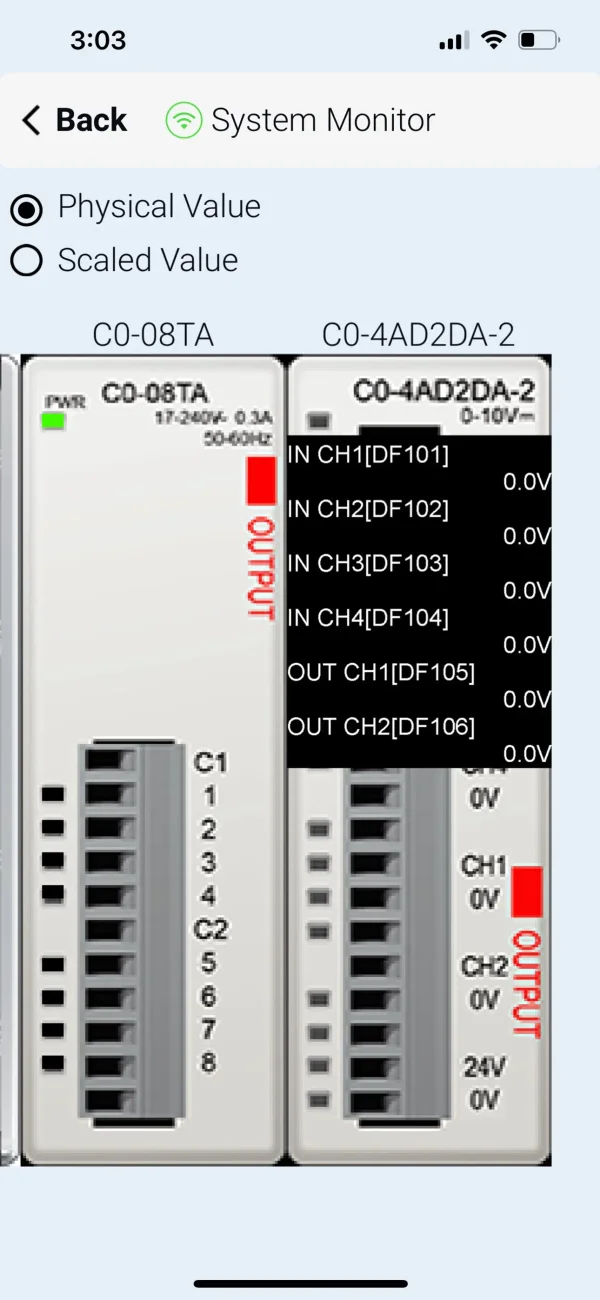
Remote PLC is an application for real time monitoring and control for the CLICK and CLICK PLUS Programmable Control product lines offered by Automationdirect.com. For this app to function as designed, a CLICK PLC with ethernet or Bluetooth support is required.
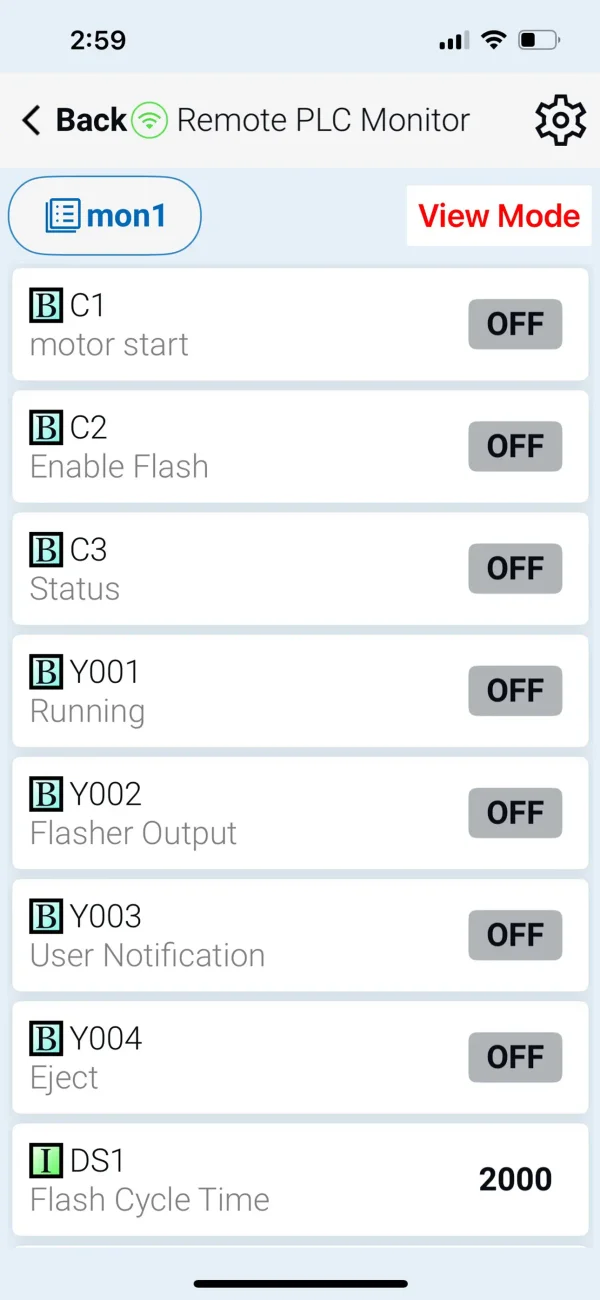
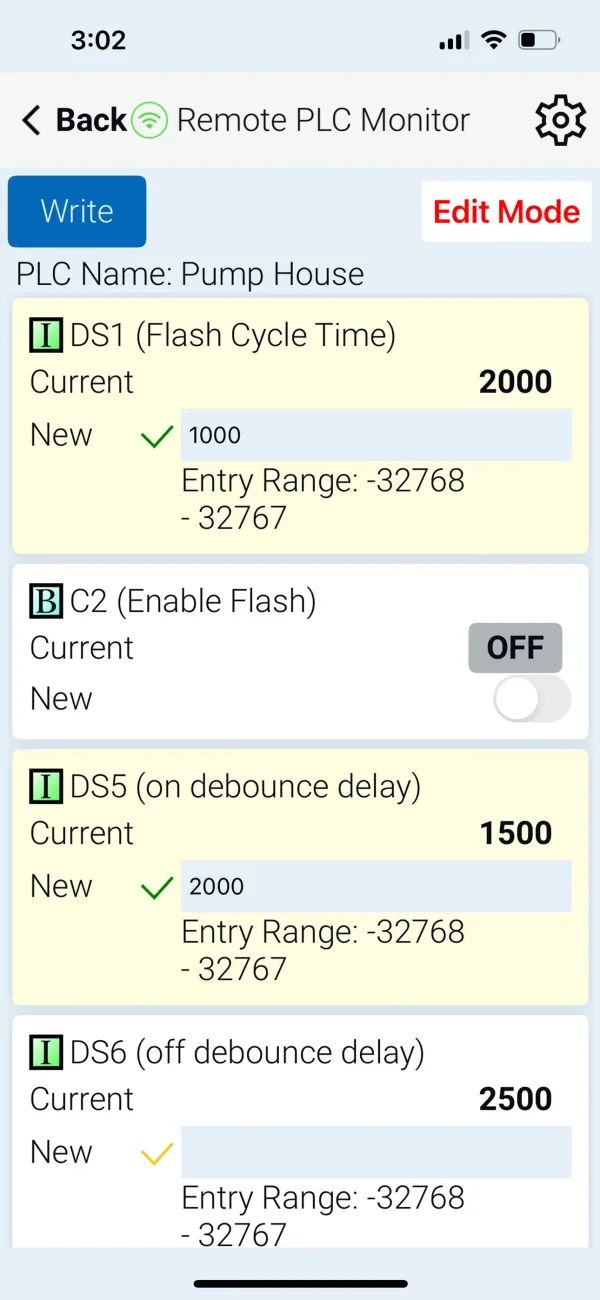
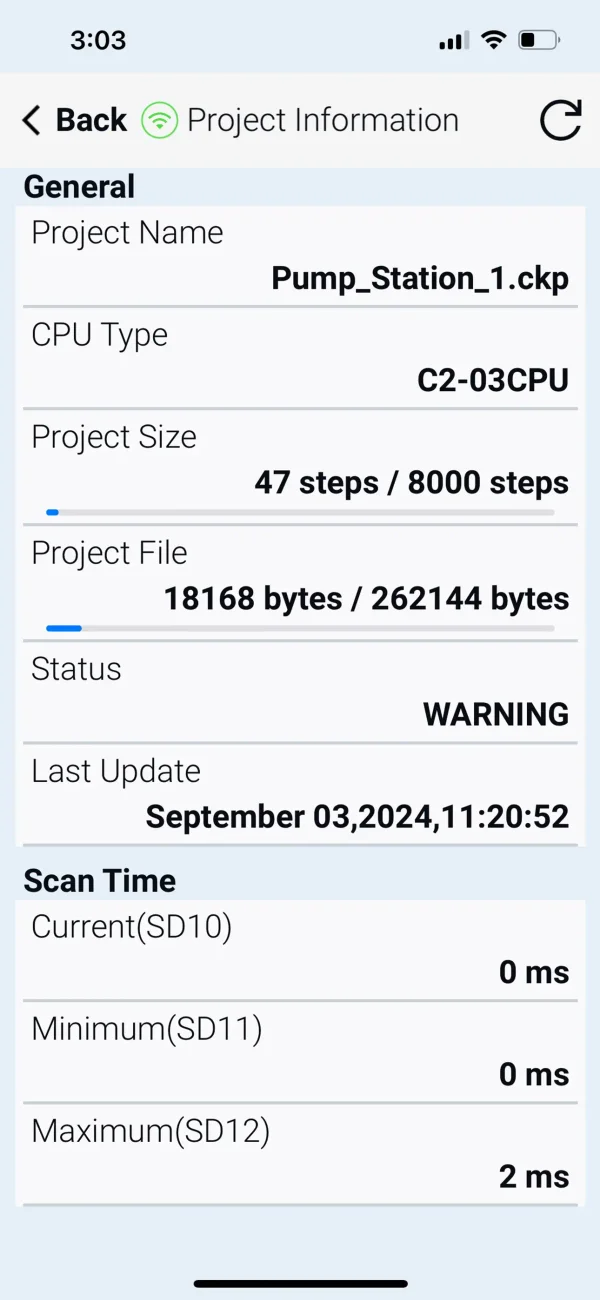
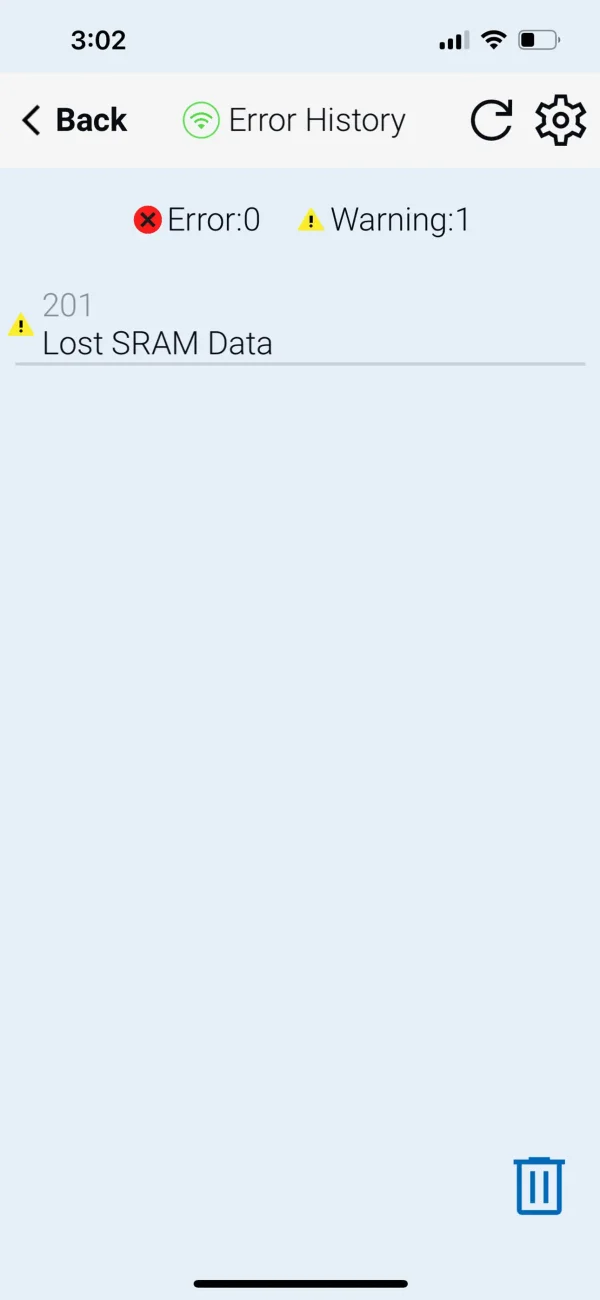
The Remote PLC app offers a quick method of connecting to a PLC to view and edit values in the PLC registers, as well as check the PLC project information, including the Error logs.
Main Features:
-Multiple Level User Accounts. Once connected, the authorized users can view and edit Monitor Windows based on their permission levels setup in the project file.
-Custom Monitor windows can be created and stored to the PLC using the CLICK Programming software version 3.60 or later. Monitor Window access can be based on the user permissions.
- Monitor and edit designated discrete and integer values within the PLC. Timer / Counter values can easily be viewed and edited.
- PLC type and status, such as PLC Error Logs, scan times (Min and Max), as well as Project file information.
Requirements:
• All current CLICK and CLICK PLUS PLCs with ethernet/Bluetooth support the Remote PLC app.
• The PLC must be using firmware Version 3.60 or later.
• CLICK Programming Software Version 3.60 or later is required to program and configure the PLC to support the Remote PLC App.
• The CPU must have compatible network settings with the device running the Remote PLC App.
Yang baru
Versi 1.5 · 18/6/2026
-Added support for Biometric Authentication sign-in.
-Updated app to run on iOS 26.
-Fixed garbled values displayed when typing in TXT1–TXT128.
-Fixed entered value disappearing after writing in Edit Mode (BLE/Wi-Fi).
-Fixed app getting stuck on "Reconnecting" when minimized and resumed repeatedly.
-Fixed app crash when pressing Refresh repeatedly on Browse with BLE screen.
Privasi aplikasi
Yang dinyatakan Automationdirect.com di App Store tentang cara aplikasi ini menangani data.
-
Data tidak dikumpulkan
Pengembang tidak mengumpulkan data apa pun dari aplikasi ini.
Praktik privasi dapat bervariasi, misalnya berdasarkan fitur yang Anda gunakan atau usia Anda.
Informasi
- Penjual
- Automationdirect.com
- Kategori
- Produktivitas
- Versi
- 1.5
- Diperbarui
- 18/6/2026
- Dirilis
- 10/9/2024
- Ukuran
- 92,1 MB
- Memerlukan
- iOS 16.1 atau yang lebih baru
- Batasan usia
- 4+
- Harga
- Gratis
- Hak cipta
- © Copyright (C) 2024 - 2026 JTEKT ELECTRONICS CORPORATION