
Rooster Tracking
Automatic Equipment Reporting.
Dirancang untuk iPhone, iPad, iPod touch
- Batasan usia4+
- KategoriProduktivitas
- PengembangRooster LLC
- BahasaInggris
- Ukuran40,1 MB
Rooster Tracking mungkin sedang tidak tersedia di App Store
Halaman di toko tidak dapat dijangkau saat terakhir kami periksa. Tautan tetap mengarah ke halaman resmi App Store.
Tangkapan layar
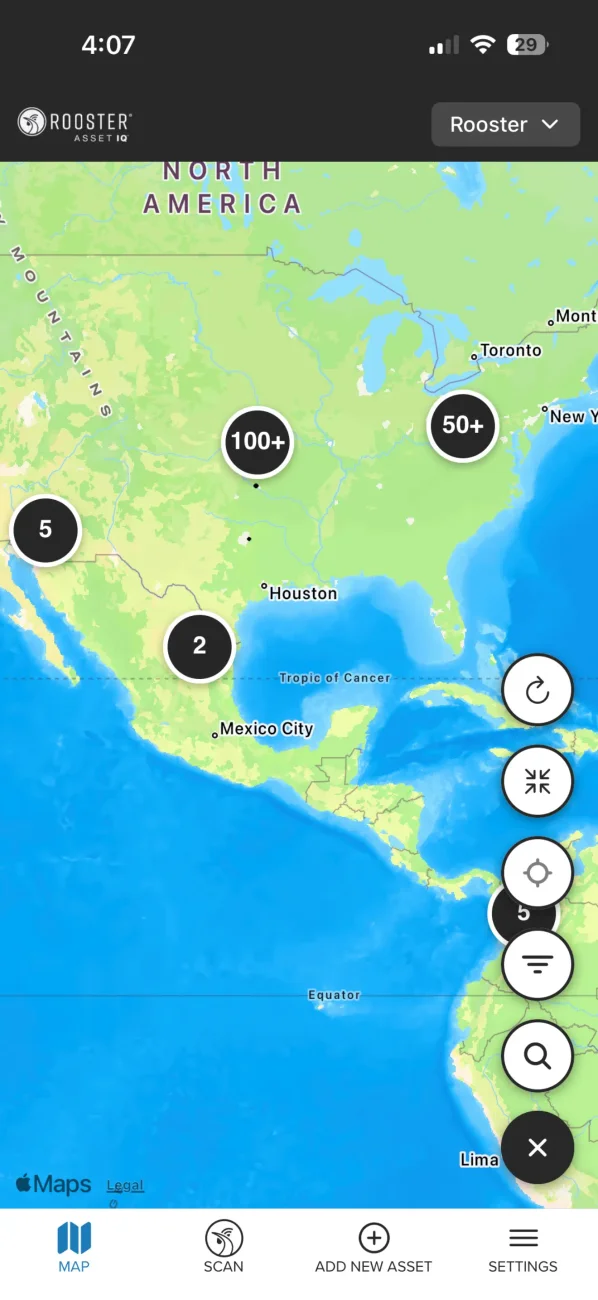
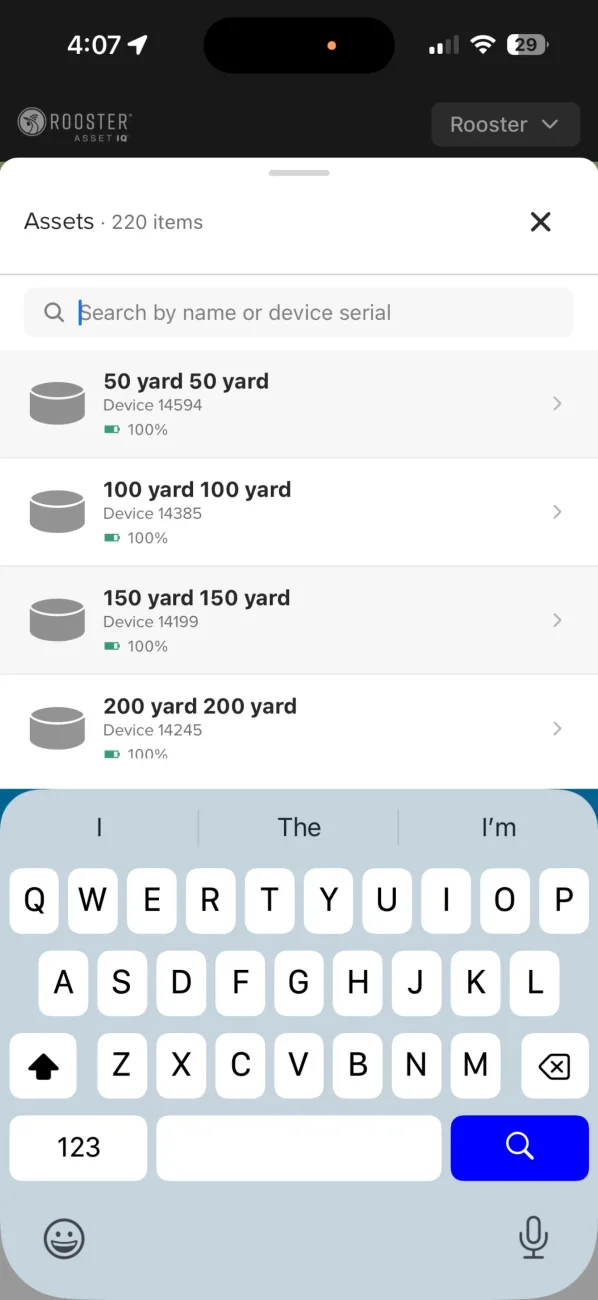
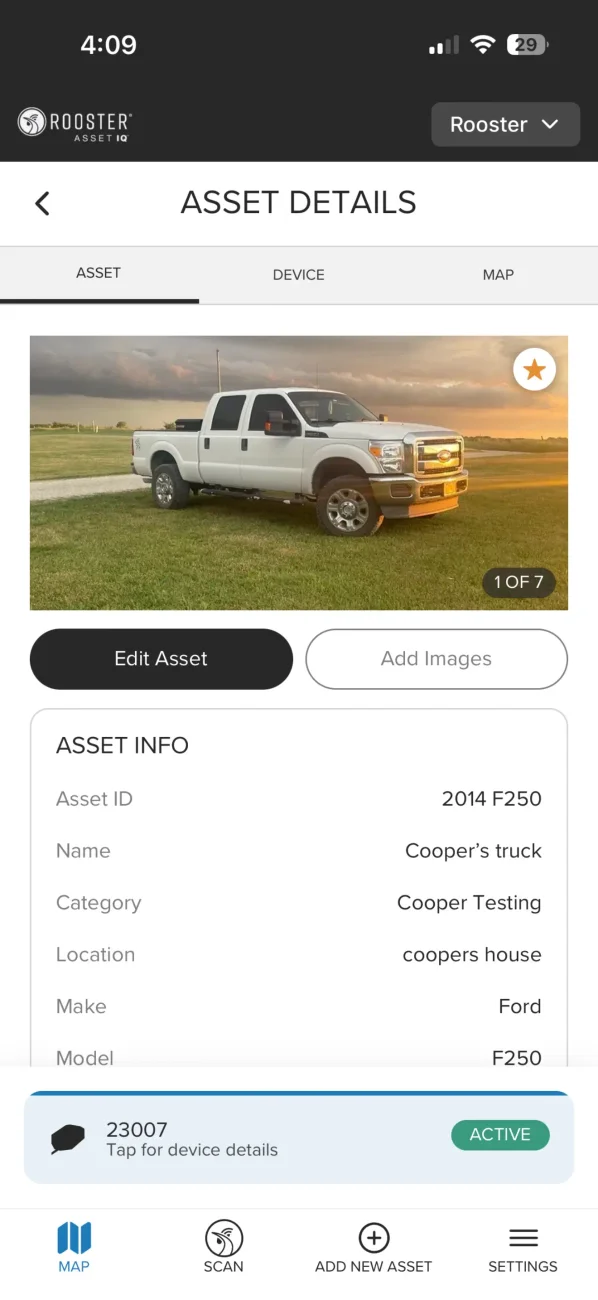
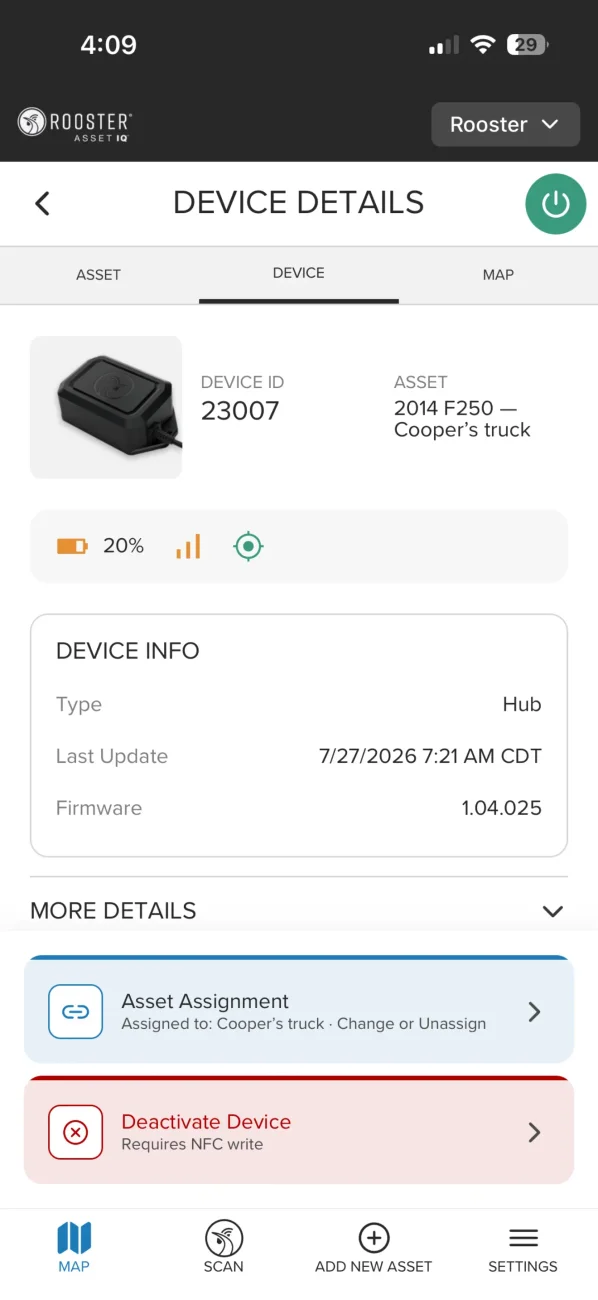
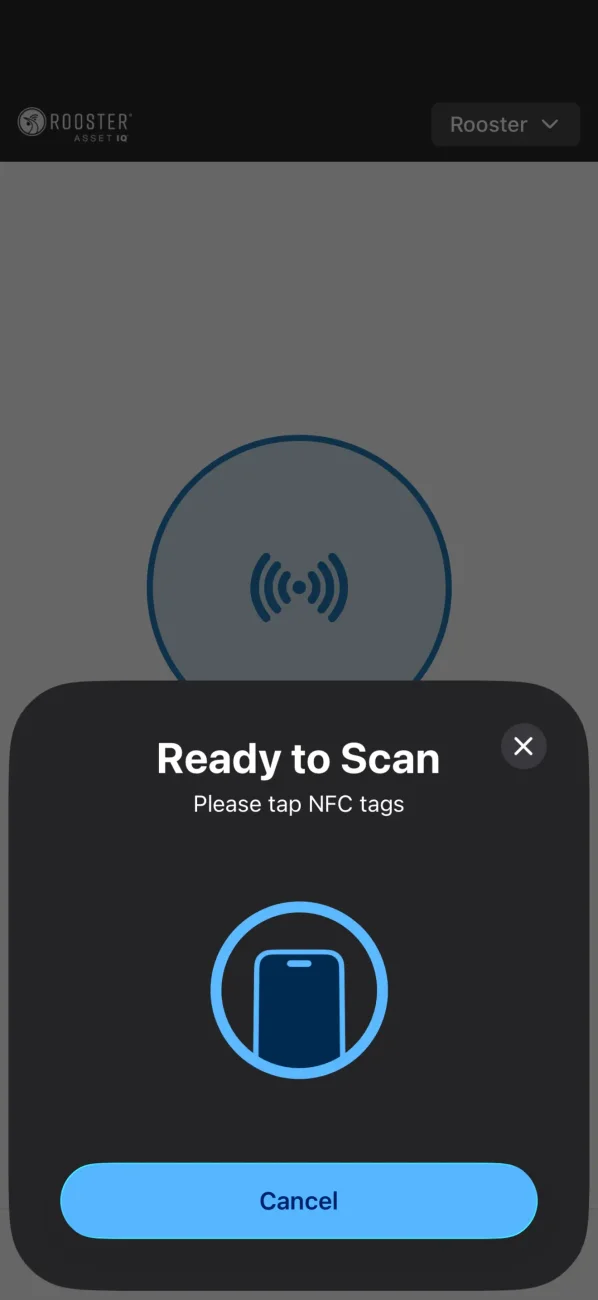
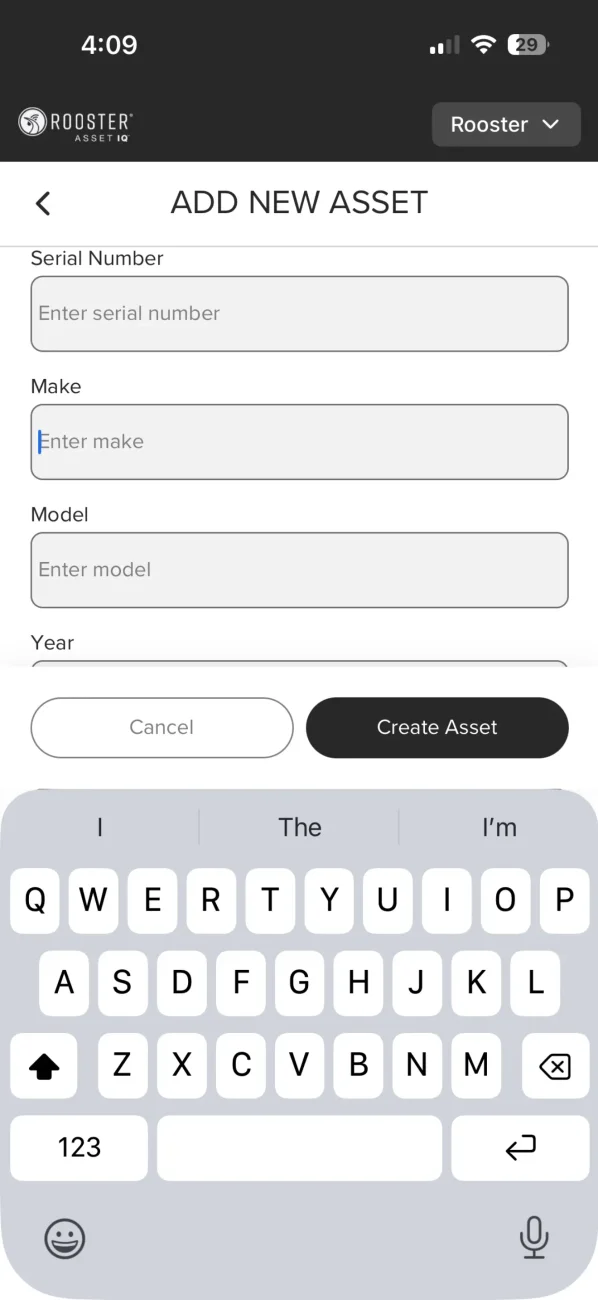
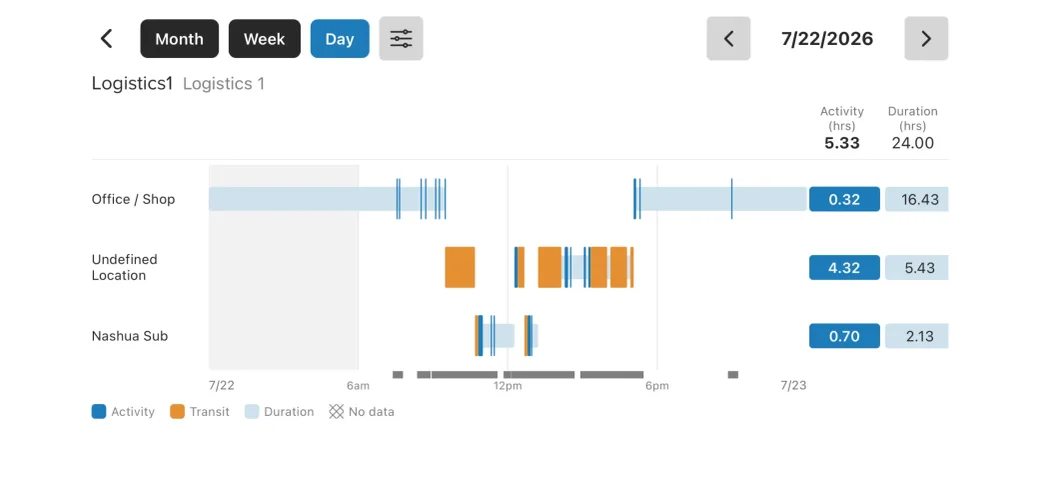
Tentang
Pengembang belum menyediakan teks ini dalam bahasa Anda.
Equipment Reporting.
Automatically.
TRACK YOUR EQUIPMENT AND SMALL TOOLS
Use the app to activate & deactivate your Rooster Hubs & Trackers
Yang baru
Versi 3.4.5 · 17/11/2026
1. Asset photos (iPhone): When taking an asset photo, tap the new lens button to zoom out further. Check the wider view shows up and the photo saves correctly.
2. Scanning devices: Scan device tags as you normally would, including in spots where the signal is weak. You should rarely, if ever, see a "different device scanned" warning when you scanned the right device.
3. No connection: Turn on Airplane Mode (or go somewhere with no signal) and look up a device. You should see a clear "Can't Reach Rooster" message with a Retry button. Reconnect, tap Retry, and check it works.
4. Battery and signal icons: Compare a device's battery and signal icons in the app with the same device in the Rooster web app. They should match.
5. Map after activation: Activate a device, then open its Map tab straight away. Its location should show without having to leave and come back.
6. Delete Account (Settings > Delete Account): This permanently deletes your account and personal information and cannot be undone. Only try it with a test account you don't need. Your organization's assets and devices stay with your organization. After deleting, you should be signed out and unable to sign back in with that account.
Privasi aplikasi
Yang dinyatakan Rooster LLC di App Store tentang cara aplikasi ini menangani data.
-
Data yang ditautkan dengan Anda
Dapat dikumpulkan dan ditautkan dengan identitas Anda.
- Info kontak
-
Data yang tidak ditautkan dengan Anda
Dapat dikumpulkan, tetapi tidak ditautkan dengan identitas Anda.
- Diagnostik
Praktik privasi dapat bervariasi, misalnya berdasarkan fitur yang Anda gunakan atau usia Anda.
Informasi
- Penjual
- Rooster LLC
- Kategori
- Produktivitas
- Versi
- 3.4.5
- Diperbarui
- 17/11/2026
- Dirilis
- 3/5/2024
- Ukuran
- 40,1 MB
- Memerlukan
- iOS 15.1 atau yang lebih baru
- Batasan usia
- 4+
- Bahasa
- Inggris
- Hak cipta
- © 2024 Rooster, LLC. All rights reserved