
- 対象年齢4+
- カテゴリ仕事効率化
- 開発元Rooster LLC
- 言語英語
- サイズ40.1 MB
Rooster Trackingは現在App Storeで入手できない可能性があります
前回の確認時、ストアのページにアクセスできませんでした。リンク先は引き続きApp Storeの公式ページです。
スクリーンショット
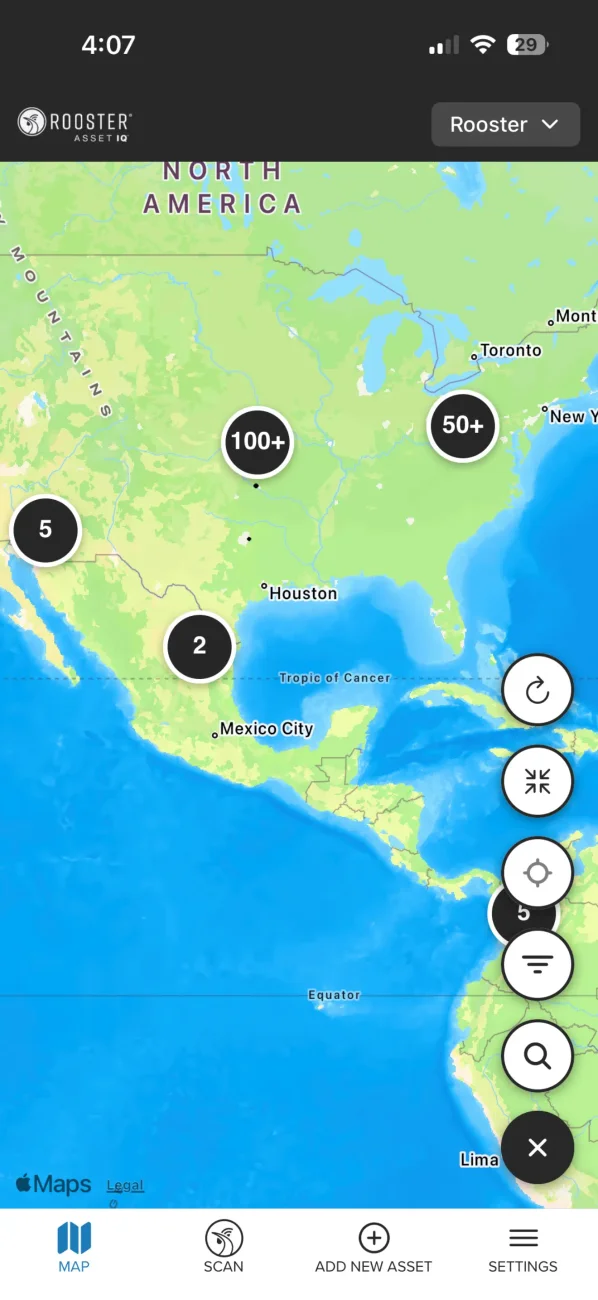
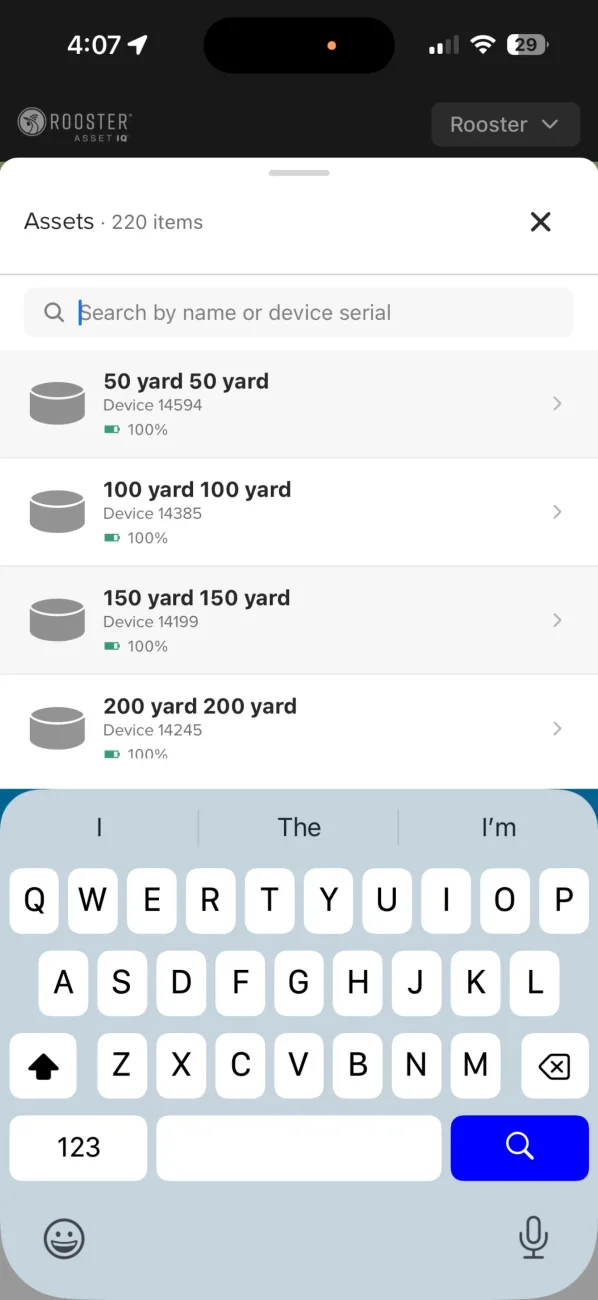
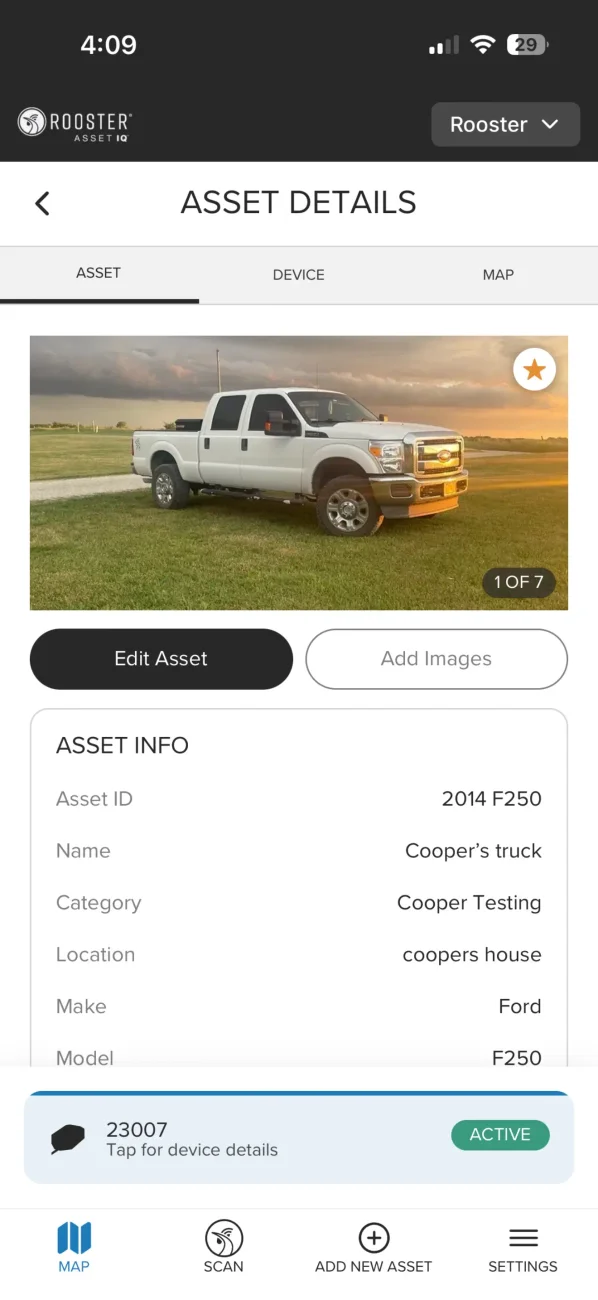
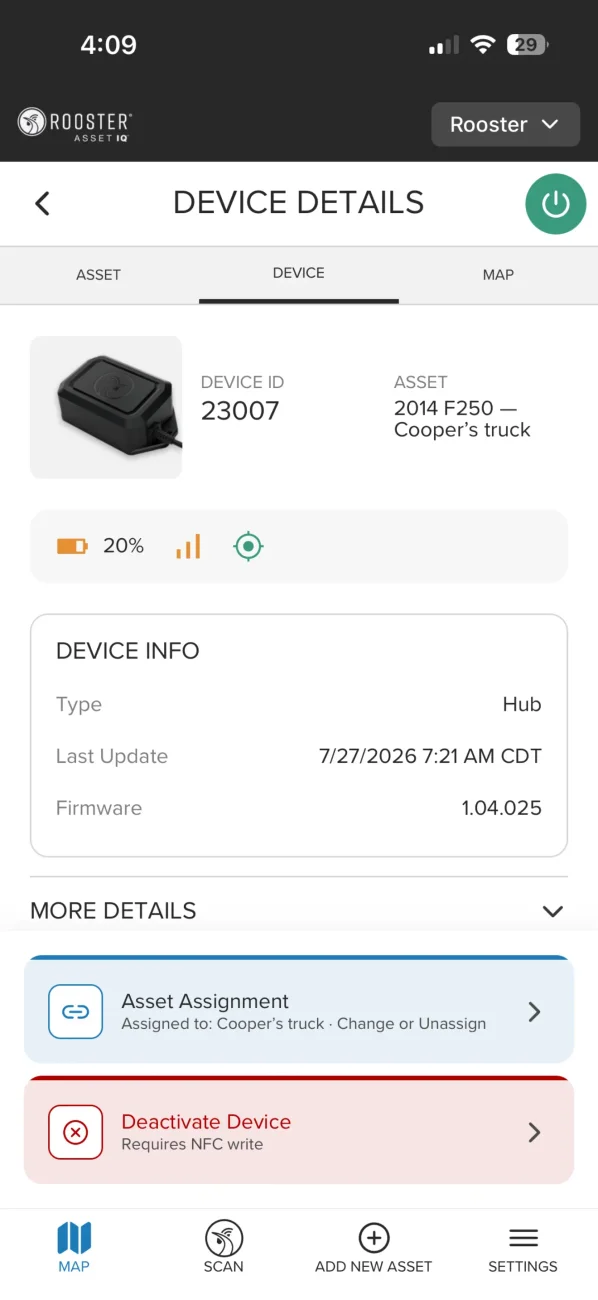
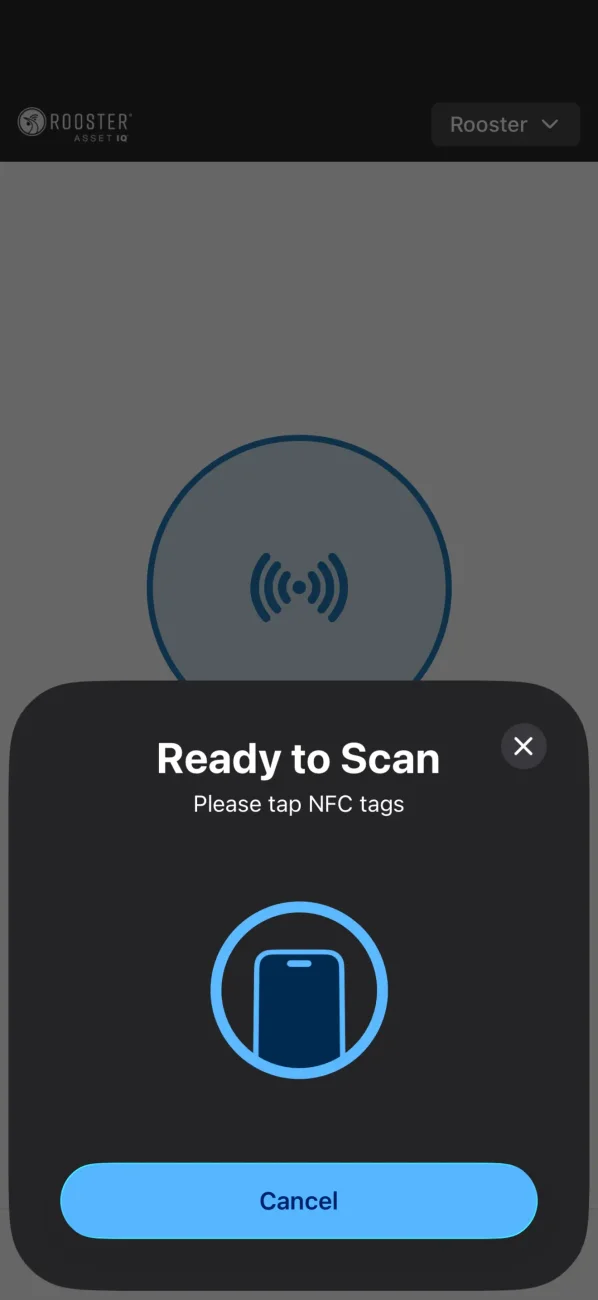
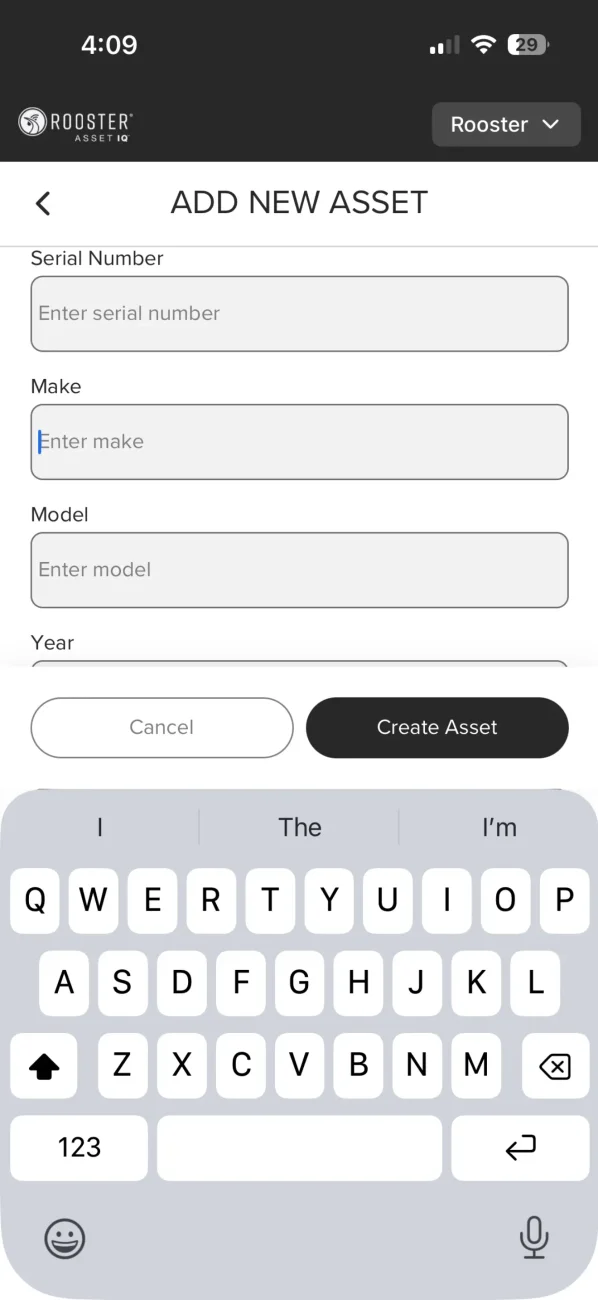
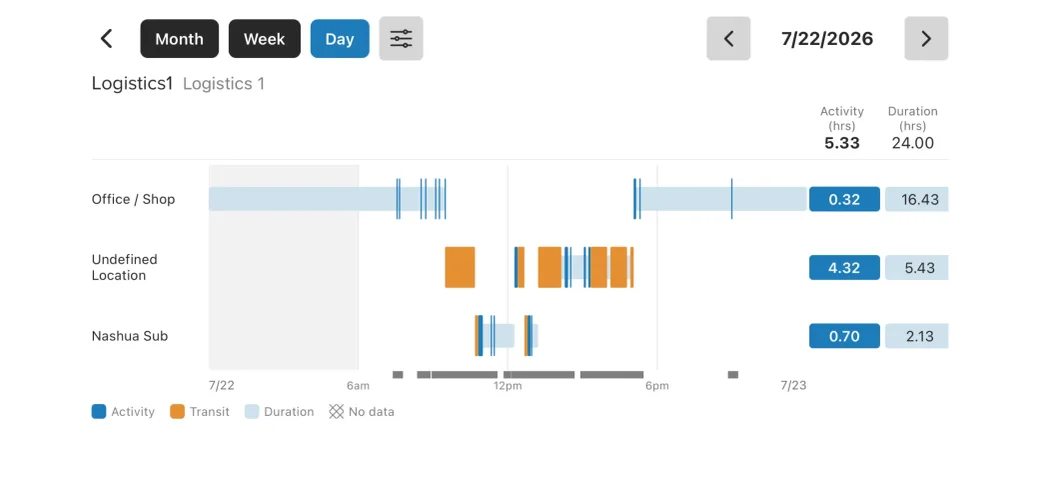
概要
開発元はこのテキストをお使いの言語で提供していません。
Equipment Reporting.
Automatically.
TRACK YOUR EQUIPMENT AND SMALL TOOLS
Use the app to activate & deactivate your Rooster Hubs & Trackers
新機能
バージョン 3.4.5 · 2026/11/17
1. Asset photos (iPhone): When taking an asset photo, tap the new lens button to zoom out further. Check the wider view shows up and the photo saves correctly.
2. Scanning devices: Scan device tags as you normally would, including in spots where the signal is weak. You should rarely, if ever, see a "different device scanned" warning when you scanned the right device.
3. No connection: Turn on Airplane Mode (or go somewhere with no signal) and look up a device. You should see a clear "Can't Reach Rooster" message with a Retry button. Reconnect, tap Retry, and check it works.
4. Battery and signal icons: Compare a device's battery and signal icons in the app with the same device in the Rooster web app. They should match.
5. Map after activation: Activate a device, then open its Map tab straight away. Its location should show without having to leave and come back.
6. Delete Account (Settings > Delete Account): This permanently deletes your account and personal information and cannot be undone. Only try it with a test account you don't need. Your organization's assets and devices stay with your organization. After deleting, you should be signed out and unable to sign back in with that account.
アプリのプライバシー
このアプリのデータの取り扱いについて、Rooster LLCがApp Storeで申告している内容です。
-
ユーザーに関連付けられたデータ
収集され、ユーザーの識別情報に関連付けられる場合があります。
- 連絡先情報
-
ユーザーに関連付けられないデータ
収集される場合がありますが、ユーザーの識別情報には関連付けられません。
- 診断
プライバシーの取り扱いは、ご利用の機能やお客様の年齢などに応じて異なる場合があります。
情報
- 販売元
- Rooster LLC
- カテゴリ
- 仕事効率化
- バージョン
- 3.4.5
- 更新日
- 2026/11/17
- リリース
- 2024/5/3
- サイズ
- 40.1 MB
- 必要条件
- iOS 15.1以降
- 対象年齢
- 4+
- 言語
- 英語
- 著作権
- © 2024 Rooster, LLC. All rights reserved