
Rooster Tracking
Automatic Equipment Reporting.
Designed for iPhone, iPad, iPod touch
Free
- Age rating4+
- CategoryProductivity
- DeveloperRooster LLC
- LanguagesEnglish
- Size40.1 MB
Links to the official App Store page
Download.org hosts no file of Rooster Tracking. The button opens its official App Store page, published by Rooster LLC. Listing last checked on Nov 20, 2026.
Screenshots
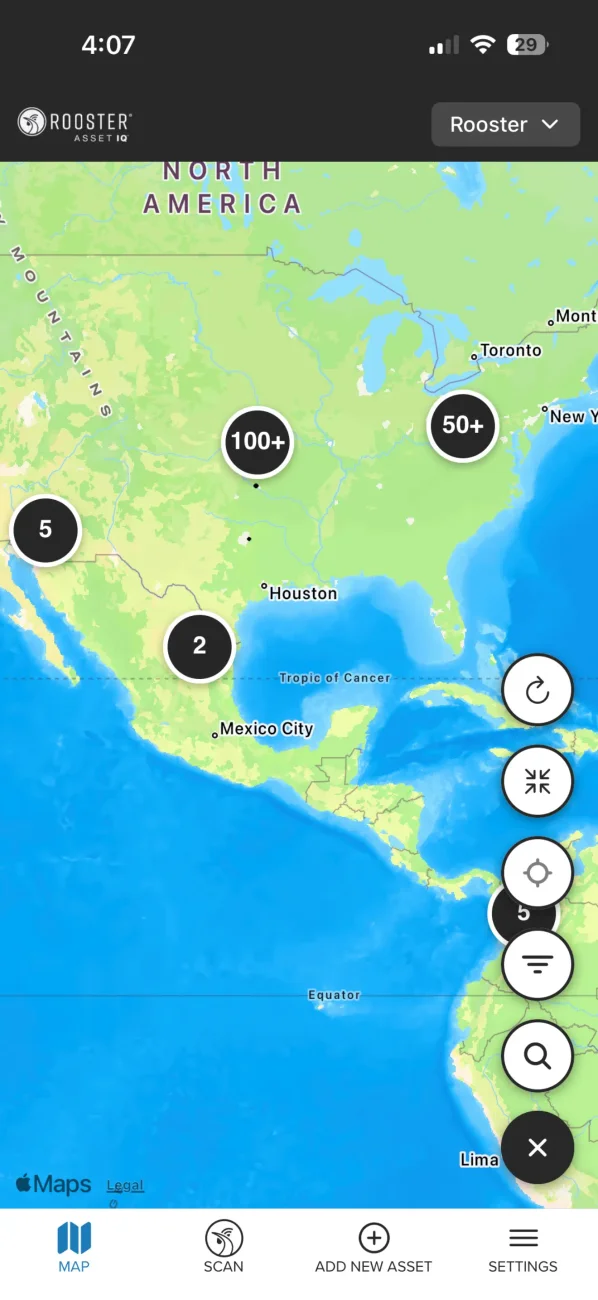
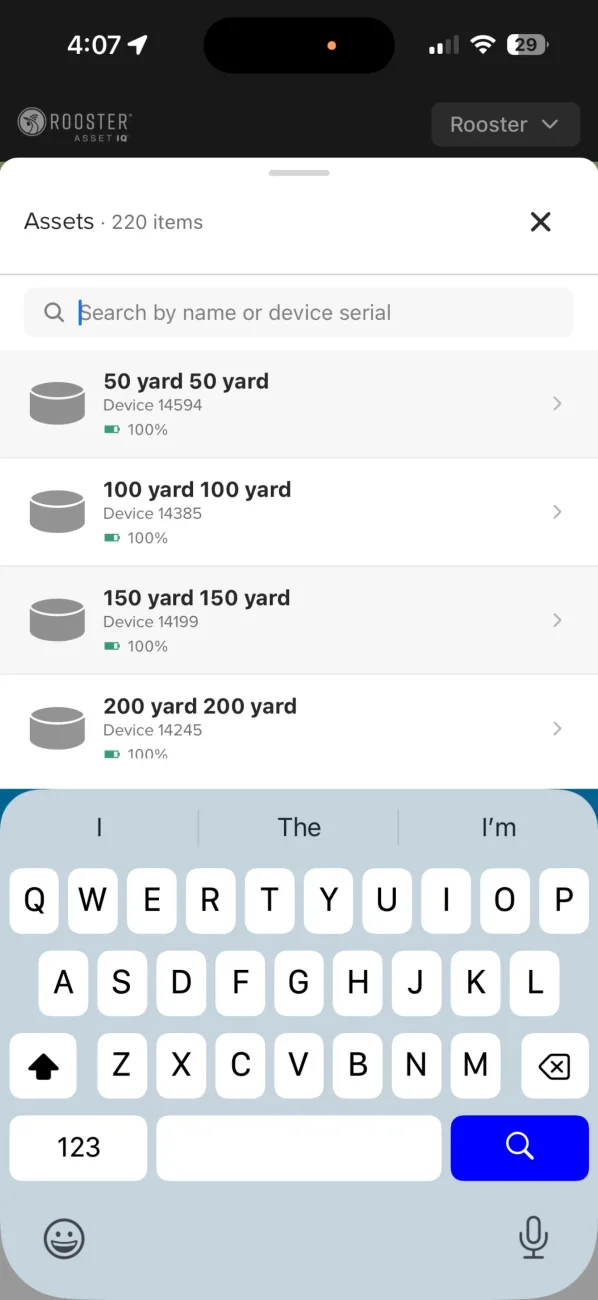
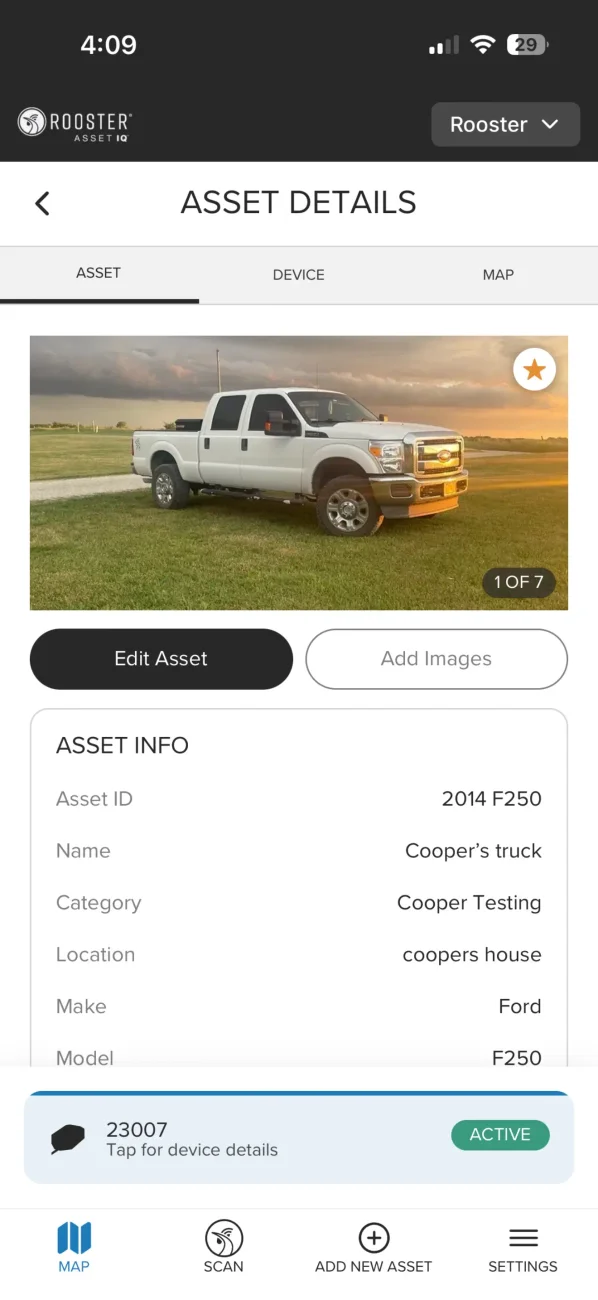
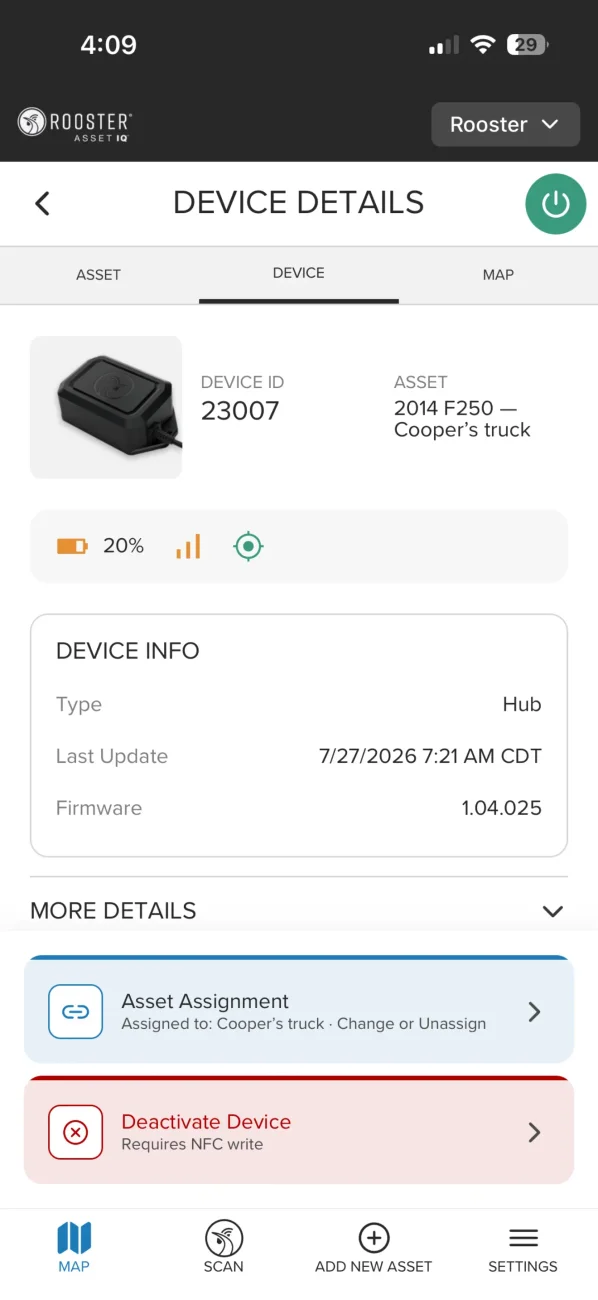
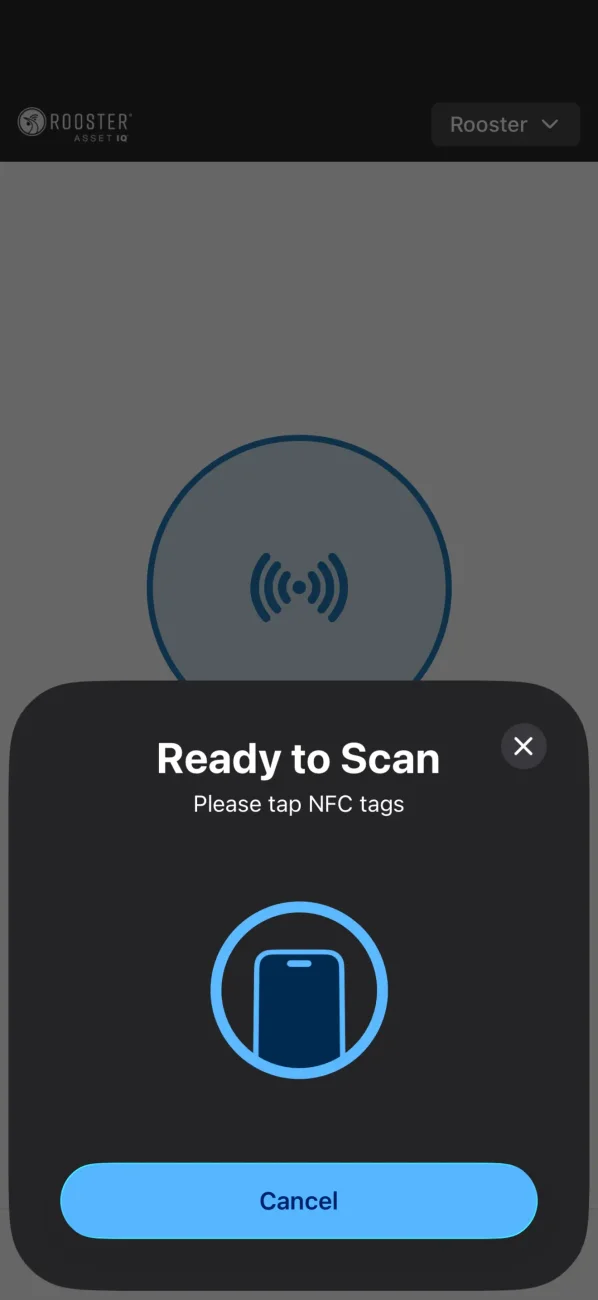
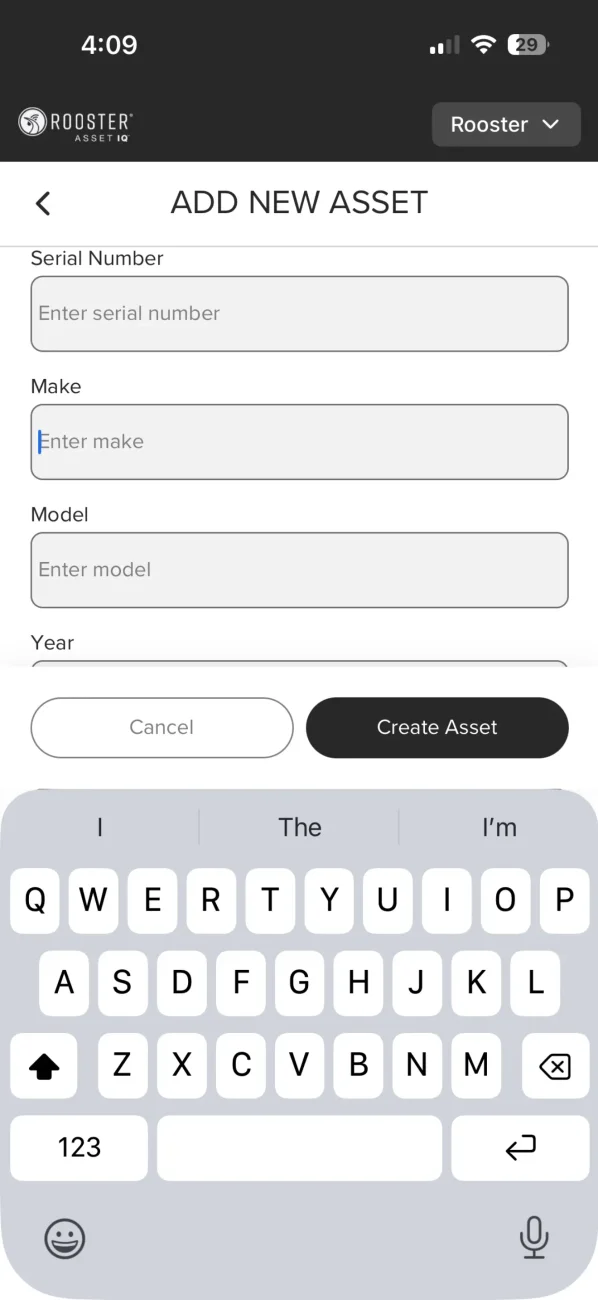
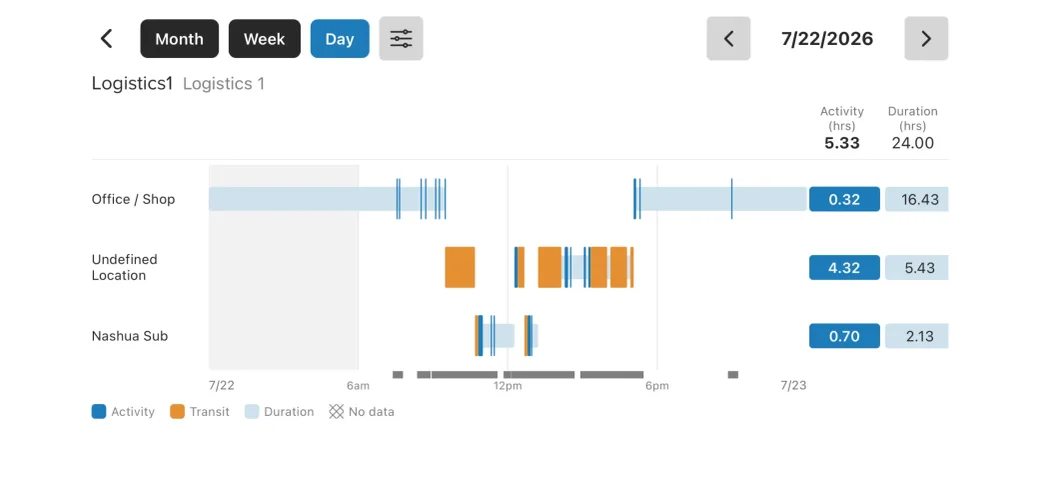
About
Equipment Reporting.
Automatically.
TRACK YOUR EQUIPMENT AND SMALL TOOLS
Use the app to activate & deactivate your Rooster Hubs & Trackers
What’s new
Version 3.4.5 · Nov 17, 2026
1. Asset photos (iPhone): When taking an asset photo, tap the new lens button to zoom out further. Check the wider view shows up and the photo saves correctly.
2. Scanning devices: Scan device tags as you normally would, including in spots where the signal is weak. You should rarely, if ever, see a "different device scanned" warning when you scanned the right device.
3. No connection: Turn on Airplane Mode (or go somewhere with no signal) and look up a device. You should see a clear "Can't Reach Rooster" message with a Retry button. Reconnect, tap Retry, and check it works.
4. Battery and signal icons: Compare a device's battery and signal icons in the app with the same device in the Rooster web app. They should match.
5. Map after activation: Activate a device, then open its Map tab straight away. Its location should show without having to leave and come back.
6. Delete Account (Settings > Delete Account): This permanently deletes your account and personal information and cannot be undone. Only try it with a test account you don't need. Your organization's assets and devices stay with your organization. After deleting, you should be signed out and unable to sign back in with that account.
App privacy
What Rooster LLC declares on the App Store about how this app handles data.
-
Data linked to you
May be collected and linked to your identity.
- Contact info
-
Data not linked to you
May be collected but is not linked to your identity.
- Diagnostics
Privacy practices may vary, for example with the features you use or your age.
Information
- Seller
- Rooster LLC
- Category
- Productivity
- Version
- 3.4.5
- Updated
- Nov 17, 2026
- Released
- May 3, 2024
- Size
- 40.1 MB
- Requires
- iOS 15.1 or later
- Age rating
- 4+
- Price
- Free
- Languages
- English
- Copyright
- © 2024 Rooster, LLC. All rights reserved
You might also like
-
 CallGenie AIAI Calling Assistant
-
 Unique Media AppProductivity
-
 bearTracks - DataFIRST® Robotics Scouting
-
 BunnyNest TrackerRabbit Breeding
-
 MyMECALACProductivity
-
 LLM Leaderboard - AI RankingsAI benchmarks & rankings
-
 OtoosProductivity
-
 TireView LIVE™by PSI
-
 Mississippi 811Productivity
-
 FASTER: Must Do TodayDaily tasks & focus timer