
- Batasan usia4+
- KategoriBisnis
- PengembangRox.Chat
- BahasaRusia+ 10 lainnya
- Ukuran12,6 MB
Tertaut ke halaman resmi App Store
Download.org tidak menyimpan file Rox.Chat apa pun. Tombol ini membuka halaman aplikasi di App Store, tempat Rox.Chat menerbitkannya. Halaman terakhir diperiksa pada 12/11/2026.
Tangkapan layar



Tentang
Pengembang belum menyediakan teks ini dalam bahasa Anda.
Сhoose Rox.Chat to add online chat to your website. Set up the Rox.Chat app for iOS on your iPhone, iPad, or iPod touch, and monitor who is browsing your site and which pages exactly. Using this app, you can instantly see a visitor with a question, respond to his/her request, or offer help in advance.
With a Rox.Chat mobile app, you need no to sit at your desktop computer constantly in order to serve all visitors. The app runs in background, when iPhone is in your pocket. Upon request from some visitor or incoming message, iPhone notifies you with a vibro, sound, and visual alert. You can answer immediately using the mobile app.
Read our Privacy Policy at https://rox.chat/privacy-policy
Advantages
- Online consulting service 24/7 for your visitors
- Client retention – leave not a single chance to your competitors!
- Admin interface available in English
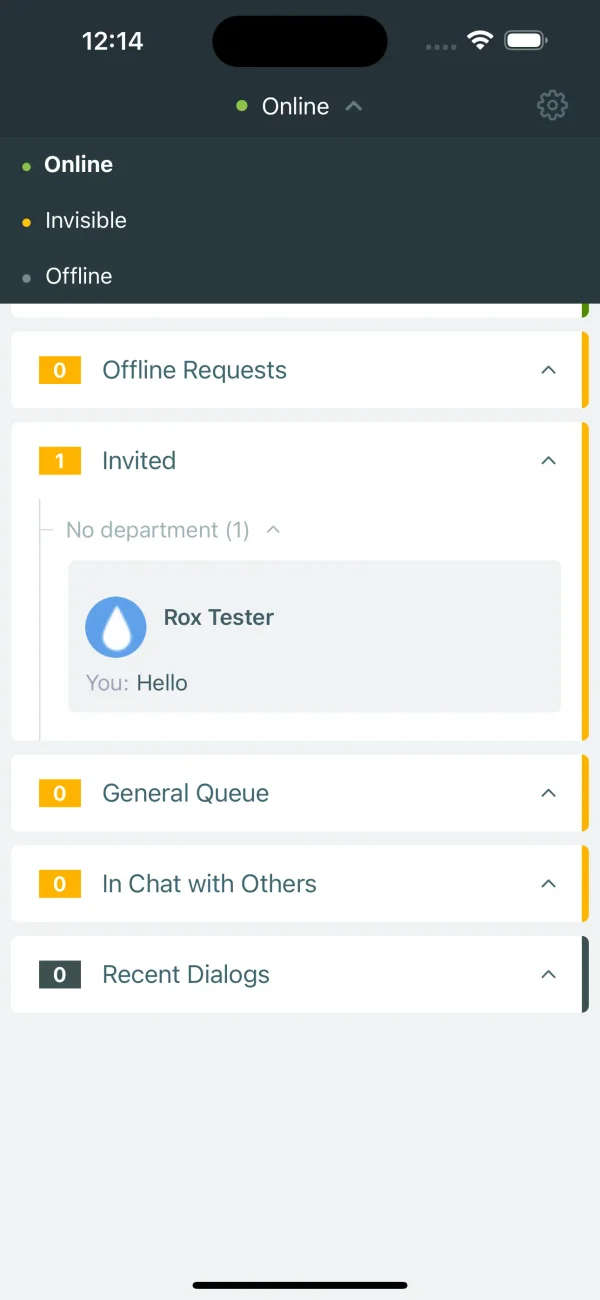
- Operators can choose from 6 statuses which indicate their current operational mode
- Notifications about messages and help requests from visitors, when the app runs in background
- List of visitors browsing your site, updated in real time
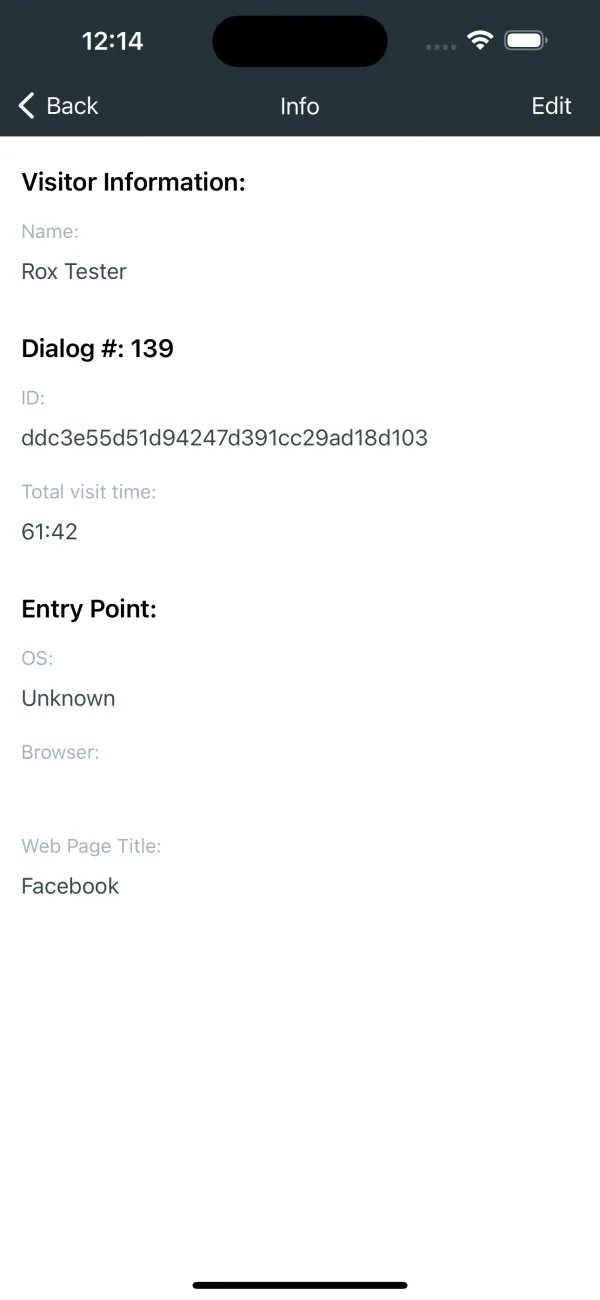
- Brief information about any visitor: name, location, web page opened in his browser
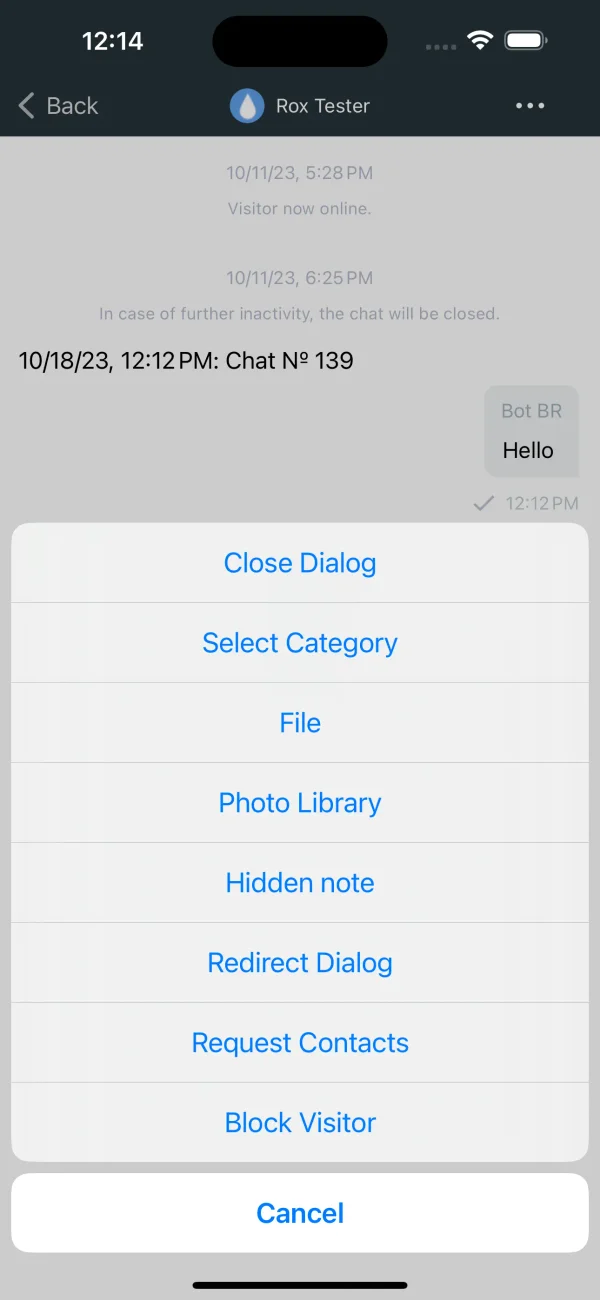
- Online/offline chat with visitors
- Chat history
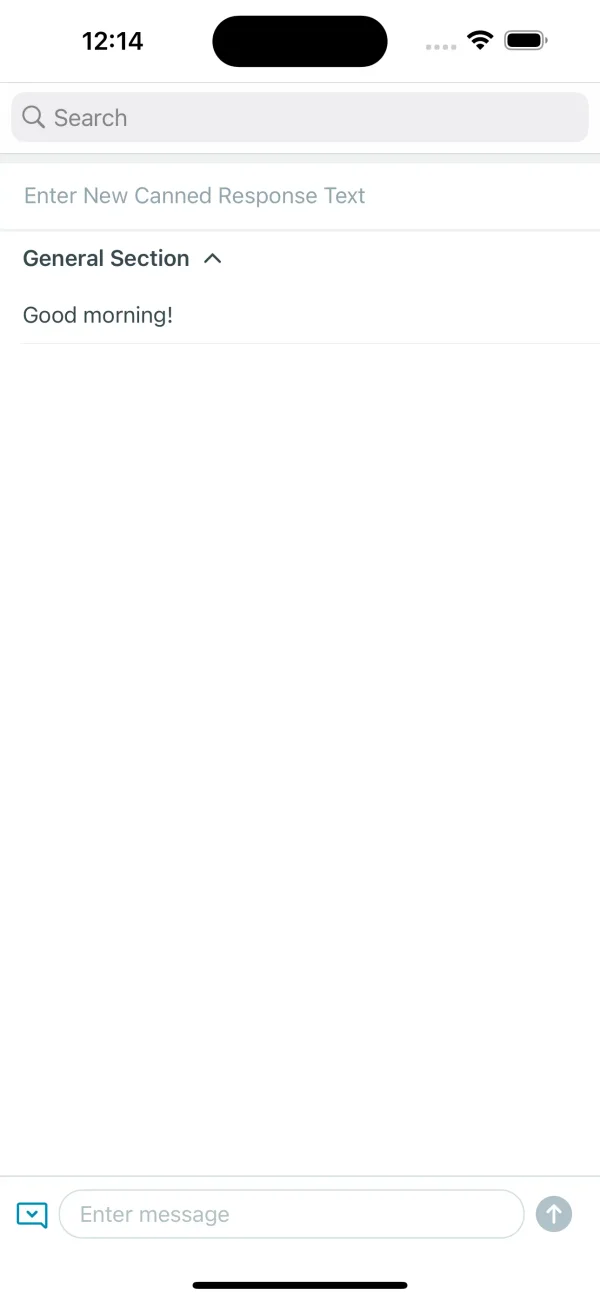
- Templates for frequent answers
- Support for uploading files from visitors
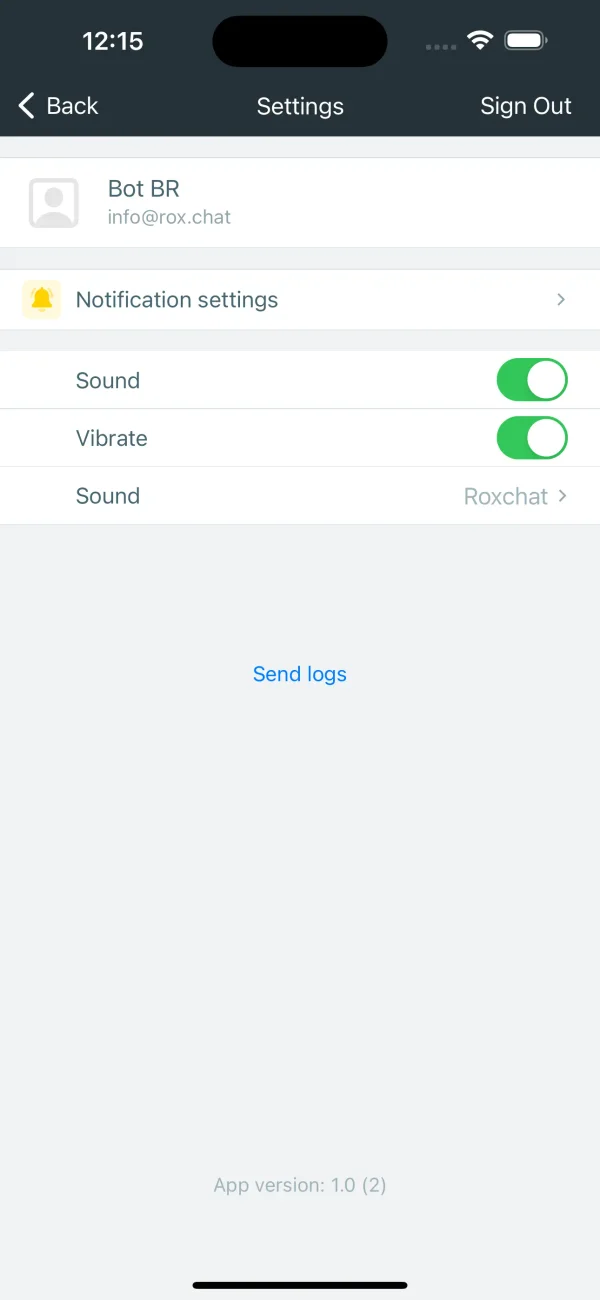
- System sounds (for notification on a new visitor or an incoming message) with the on/off switch
- Password recovery
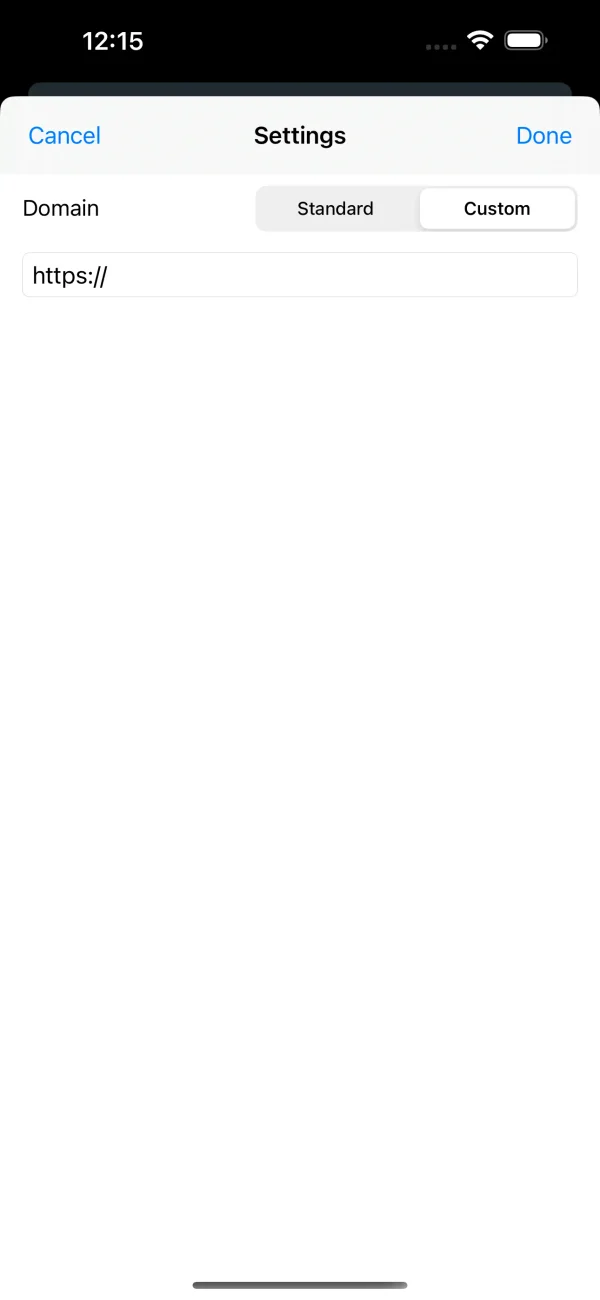
- Service domain selection
Frequently Asked Questions
- Why shall I use this mobile app, if I am able to just open the Rox.Chat admin interface in my mobile browser?
* First, the full-scale Rox.Chat admin interface cannot be optimized for limited capacities of a mobile browser.
Second, mobile browsers are not designed for such usage. As soon as you send the mobile browser to background or switch to another application, your mobile device will “freeze” the Rox.Chat interface, and you will miss all visitors requesting help during this period of time.
- How can I authorize in the Rox.Chat service?
1. Set up the Rox.Chat app from Apple App Store on your mobile device.
2. Run the app.
3. Enter your email address and password which you use at Rox.Chat. Hit “Log In”.
- If you forgot your password, press the “Forgot your password?” button.
- If you are an operator from a support team that uses Rox.Chat, then ask your system administrator for your login and password.
- Should I authorize again when I restart the mobile app?
*No, the credentials you previously provided are cached. When you turn your iPhone off and on again, or restart the Rox.Chat mobile app, the service starts automatically.
- Will the app notify me of new incoming messages, if it is running in background?
*Yes, you will get visual, vibro, and sound notifications on arrival of a message.
Yang baru
Versi 1.2 · 16/2/2026
- Bug fix.
Privasi aplikasi
Yang dinyatakan Rox.Chat di App Store tentang cara aplikasi ini menangani data.
-
Data yang ditautkan dengan Anda
Dapat dikumpulkan dan ditautkan dengan identitas Anda.
- Info kontak
- Konten pengguna
- Pengenal
Praktik privasi dapat bervariasi, misalnya berdasarkan fitur yang Anda gunakan atau usia Anda.
Informasi
- Penjual
- OLBO LIMITED
- Kategori
- Bisnis
- Versi
- 1.2
- Diperbarui
- 16/2/2026
- Dirilis
- 20/10/2023
- Ukuran
- 12,6 MB
- Memerlukan
- iOS 13.0 atau yang lebih baru
- Batasan usia
- 4+
- Harga
- Gratis
- Bahasa
- Rusia, Bulgarian, Inggris, Arab, Ibrani, Spanyol, Italia, Jerman, Portugis, Ukraina, Prancis
- Hak cipta
- © OLBO LIMITED