
- 対象年齢4+
- カテゴリビジネス
- 開発元Rox.Chat
- 言語ロシア語ほか10言語
- サイズ12.6 MB
App Storeの公式ページにリンクしています
Download.orgはRox.Chatのファイルを一切ホストしていません。ボタンを押すと、Rox.Chatが公開しているApp Storeのアプリページが開きます。ページの最終確認:2026/11/12。
スクリーンショット



概要
開発元はこのテキストをお使いの言語で提供していません。
Сhoose Rox.Chat to add online chat to your website. Set up the Rox.Chat app for iOS on your iPhone, iPad, or iPod touch, and monitor who is browsing your site and which pages exactly. Using this app, you can instantly see a visitor with a question, respond to his/her request, or offer help in advance.
With a Rox.Chat mobile app, you need no to sit at your desktop computer constantly in order to serve all visitors. The app runs in background, when iPhone is in your pocket. Upon request from some visitor or incoming message, iPhone notifies you with a vibro, sound, and visual alert. You can answer immediately using the mobile app.
Read our Privacy Policy at https://rox.chat/privacy-policy
Advantages
- Online consulting service 24/7 for your visitors
- Client retention – leave not a single chance to your competitors!
- Admin interface available in English
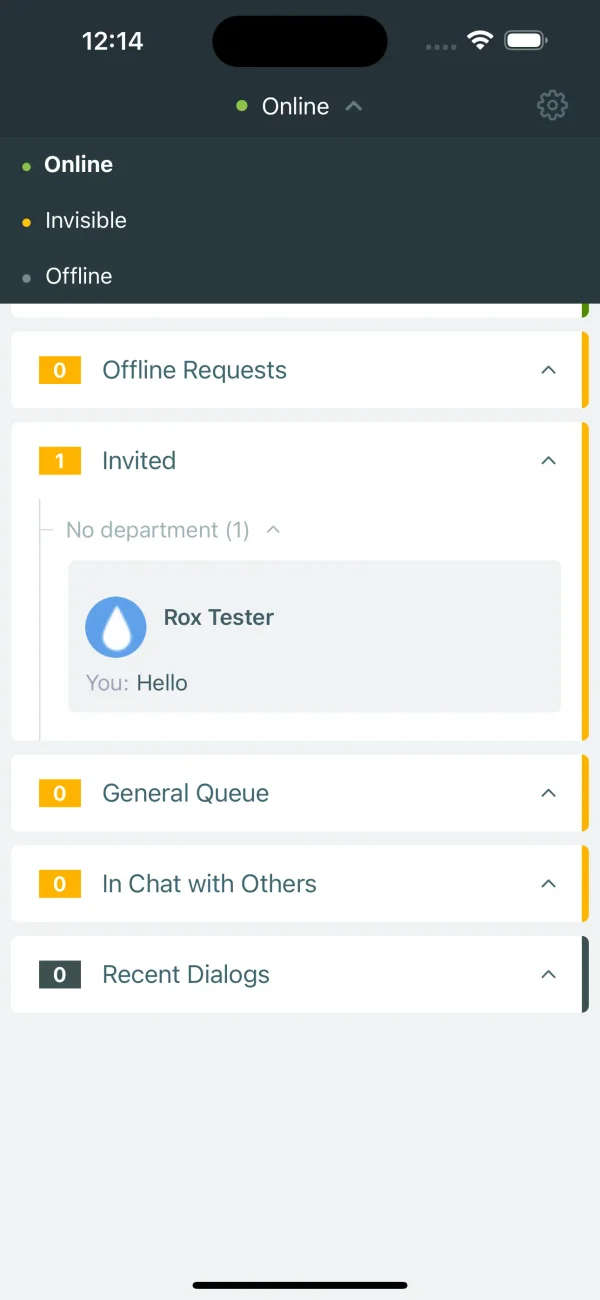
- Operators can choose from 6 statuses which indicate their current operational mode
- Notifications about messages and help requests from visitors, when the app runs in background
- List of visitors browsing your site, updated in real time
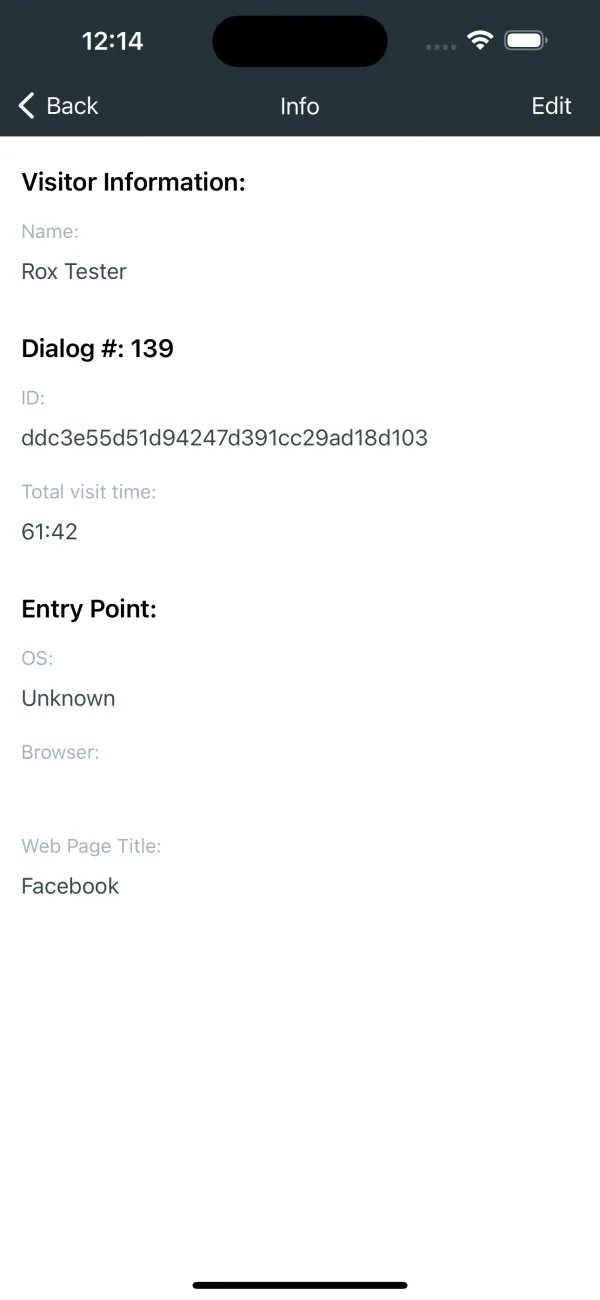
- Brief information about any visitor: name, location, web page opened in his browser
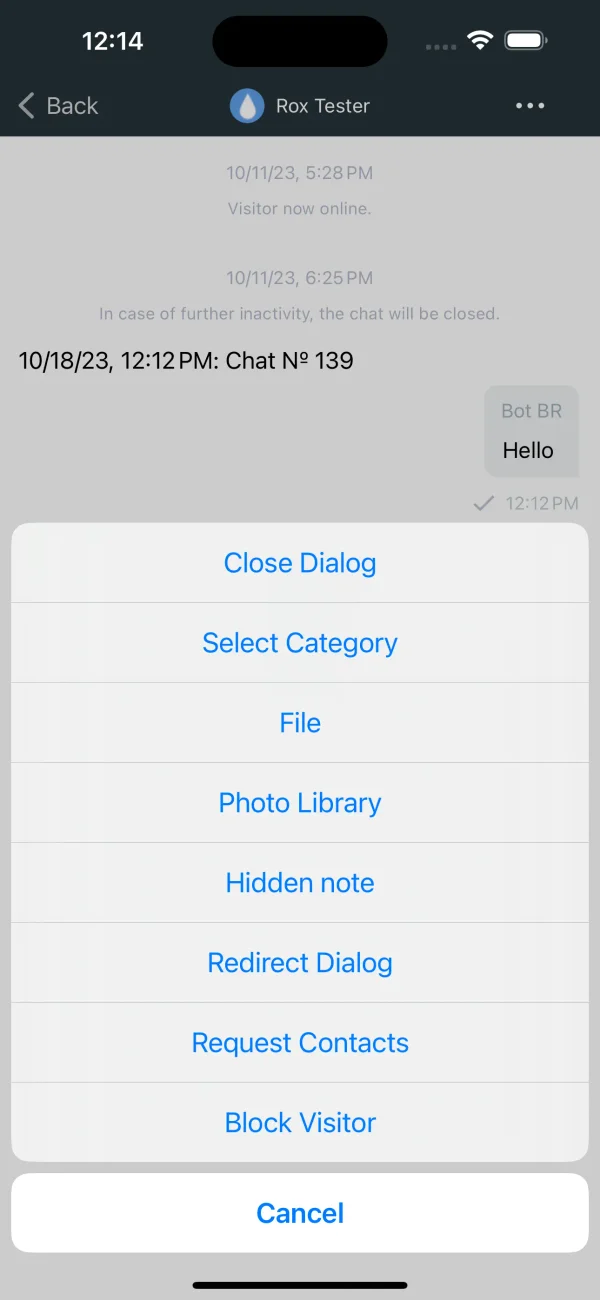
- Online/offline chat with visitors
- Chat history
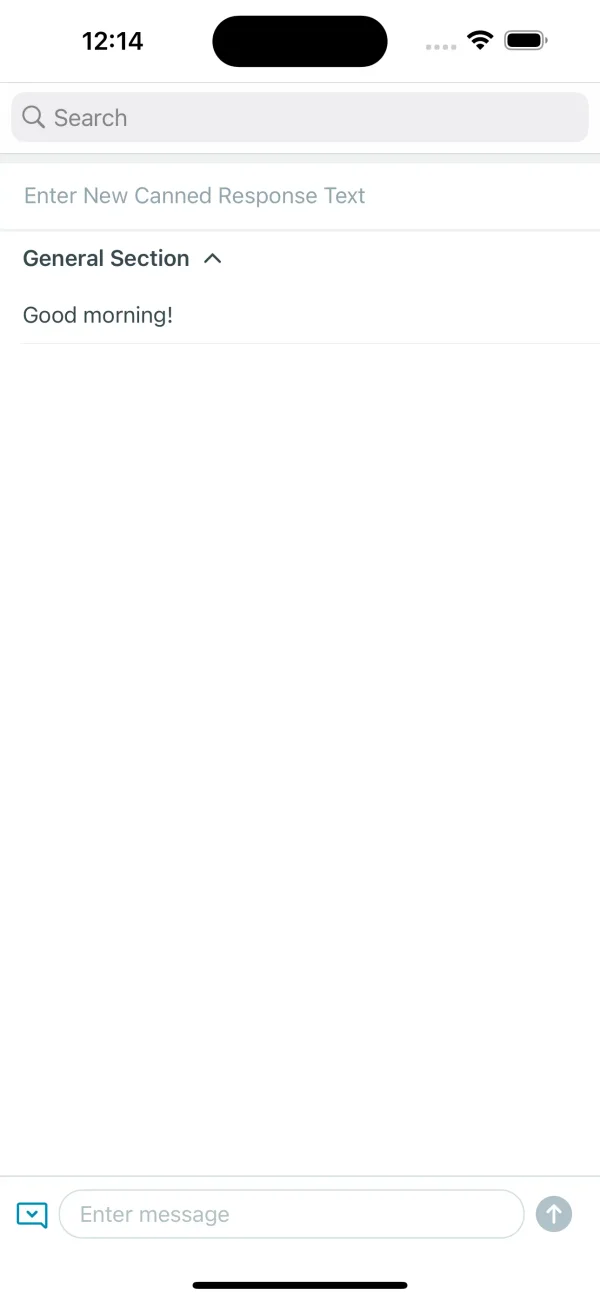
- Templates for frequent answers
- Support for uploading files from visitors
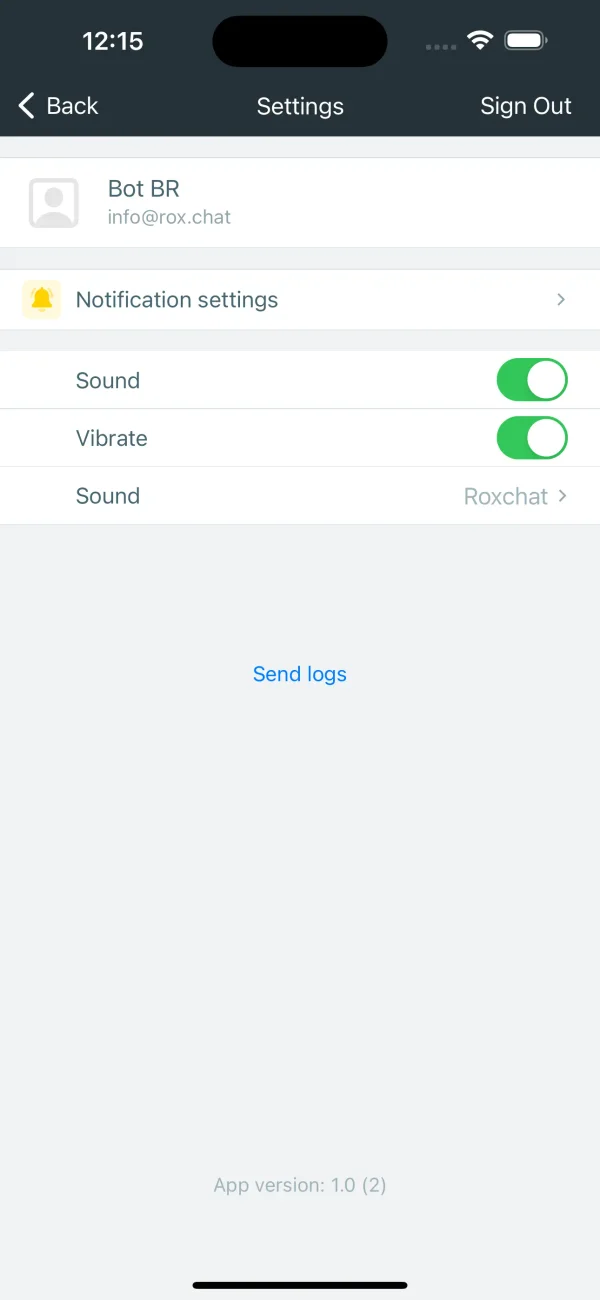
- System sounds (for notification on a new visitor or an incoming message) with the on/off switch
- Password recovery
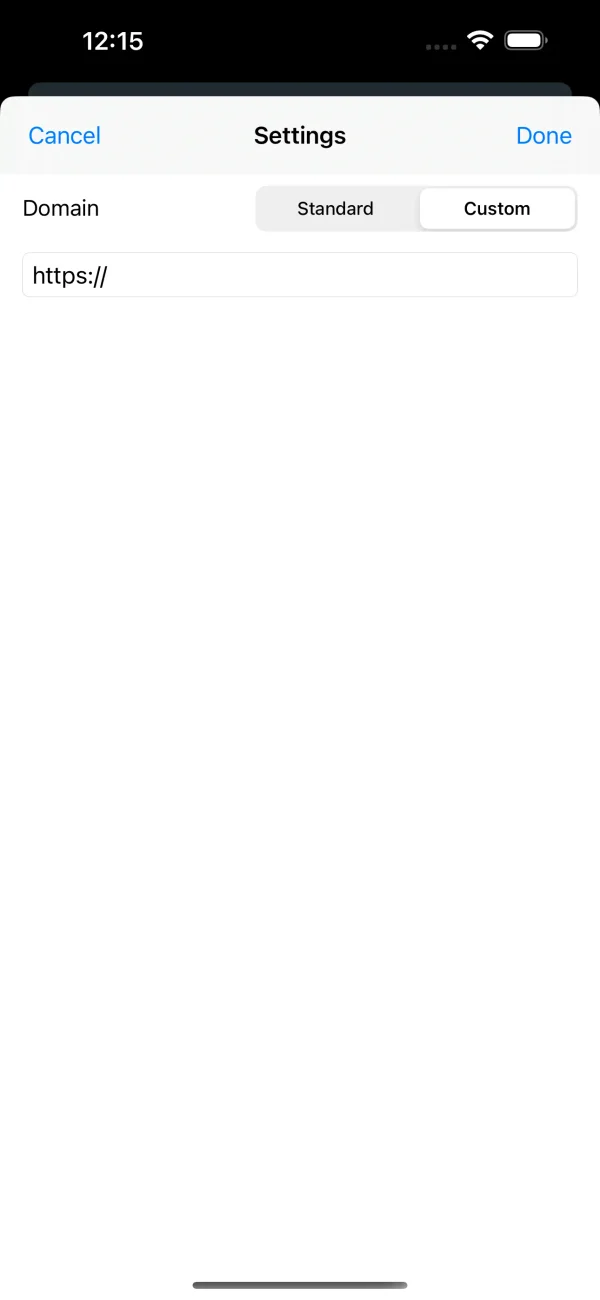
- Service domain selection
Frequently Asked Questions
- Why shall I use this mobile app, if I am able to just open the Rox.Chat admin interface in my mobile browser?
* First, the full-scale Rox.Chat admin interface cannot be optimized for limited capacities of a mobile browser.
Second, mobile browsers are not designed for such usage. As soon as you send the mobile browser to background or switch to another application, your mobile device will “freeze” the Rox.Chat interface, and you will miss all visitors requesting help during this period of time.
- How can I authorize in the Rox.Chat service?
1. Set up the Rox.Chat app from Apple App Store on your mobile device.
2. Run the app.
3. Enter your email address and password which you use at Rox.Chat. Hit “Log In”.
- If you forgot your password, press the “Forgot your password?” button.
- If you are an operator from a support team that uses Rox.Chat, then ask your system administrator for your login and password.
- Should I authorize again when I restart the mobile app?
*No, the credentials you previously provided are cached. When you turn your iPhone off and on again, or restart the Rox.Chat mobile app, the service starts automatically.
- Will the app notify me of new incoming messages, if it is running in background?
*Yes, you will get visual, vibro, and sound notifications on arrival of a message.
新機能
バージョン 1.2 · 2026/2/16
- Bug fix.
アプリのプライバシー
このアプリのデータの取り扱いについて、Rox.ChatがApp Storeで申告している内容です。
-
ユーザーに関連付けられたデータ
収集され、ユーザーの識別情報に関連付けられる場合があります。
- 連絡先情報
- ユーザーコンテンツ
- ID
プライバシーの取り扱いは、ご利用の機能やお客様の年齢などに応じて異なる場合があります。
情報
- 販売元
- OLBO LIMITED
- カテゴリ
- ビジネス
- バージョン
- 1.2
- 更新日
- 2026/2/16
- リリース
- 2023/10/20
- サイズ
- 12.6 MB
- 必要条件
- iOS 13.0以降
- 対象年齢
- 4+
- 価格
- 無料
- 言語
- ロシア語, ブルガリア語, 英語, アラビア語, ヘブライ, スペイン語, イタリア語, ドイツ語, ポルトガル語, ウクライナ語, フランス語
- 著作権
- © OLBO LIMITED