ScanGo - PDF Document Scanner
Scan Documents & Photos to PDF
Dirancang untuk iPhone, iPad, iPod touch
Gratis
- Batasan usia4+
- KategoriBisnis
- PengembangBeesoft Apps
- BahasaInggris+ 5 lainnya
- Ukuran29,7 MB
Tertaut ke halaman resmi App Store
Download.org tidak menyimpan file ScanGo - PDF Document Scanner apa pun. Tombol ini membuka halaman aplikasi di App Store, tempat Beesoft Apps menerbitkannya. Halaman terakhir diperiksa pada 14/11/2026.
Tangkapan layar
Tentang
Pengembang belum menyediakan teks ini dalam bahasa Anda.
WHAT IS ScanGo?
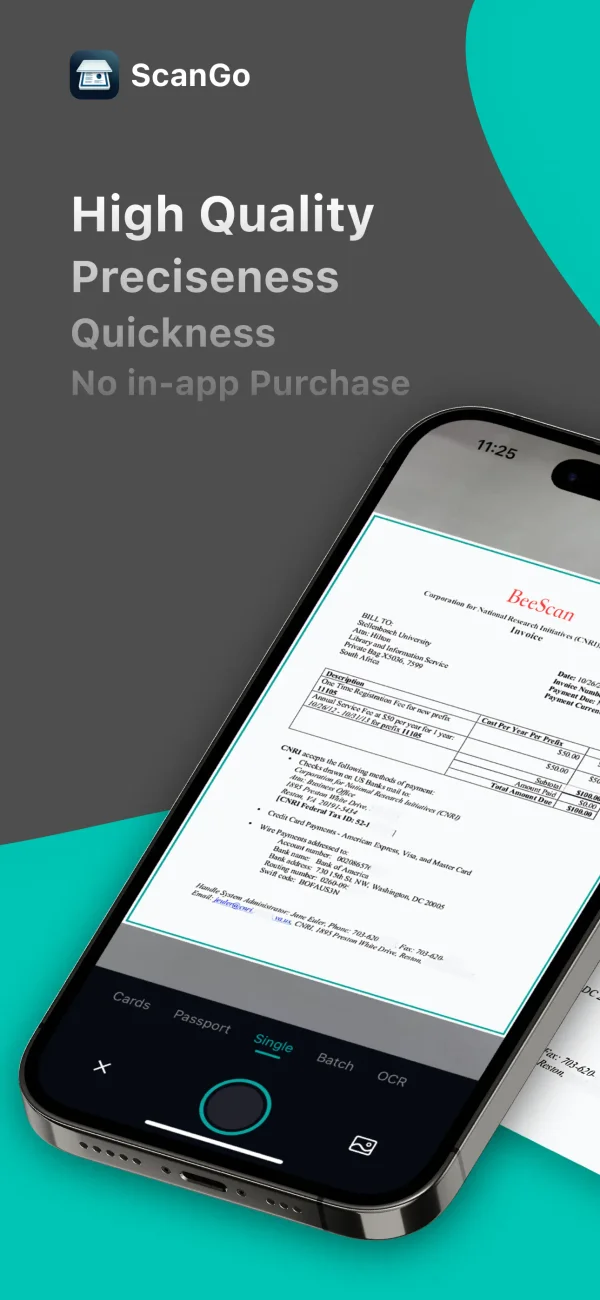
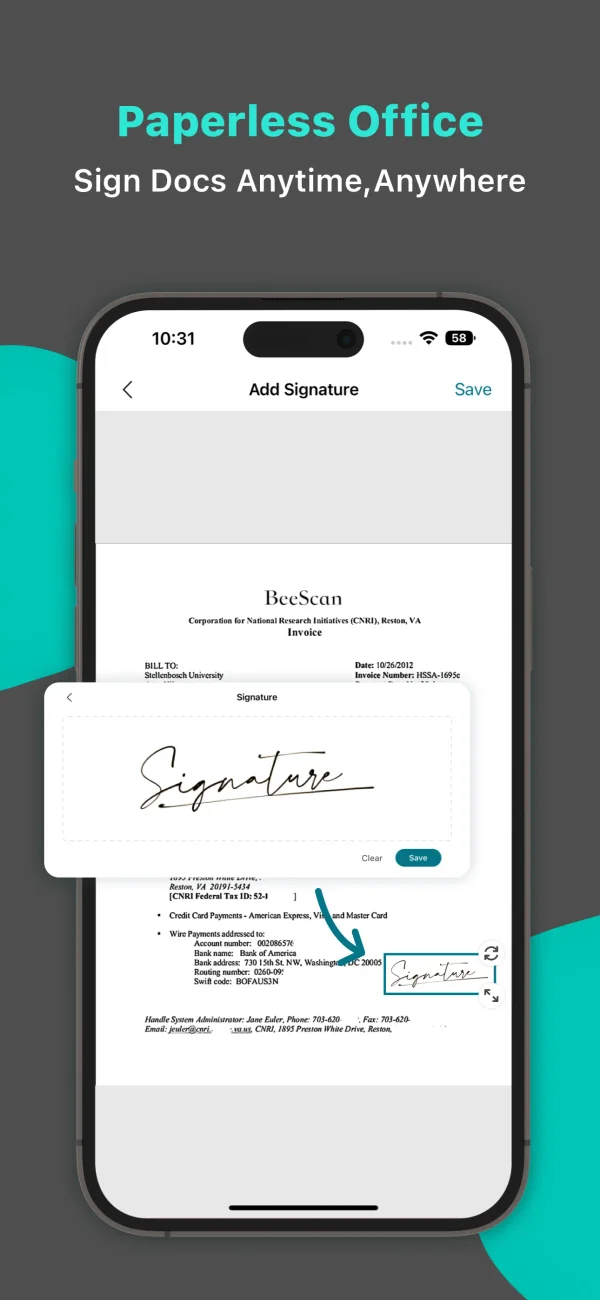
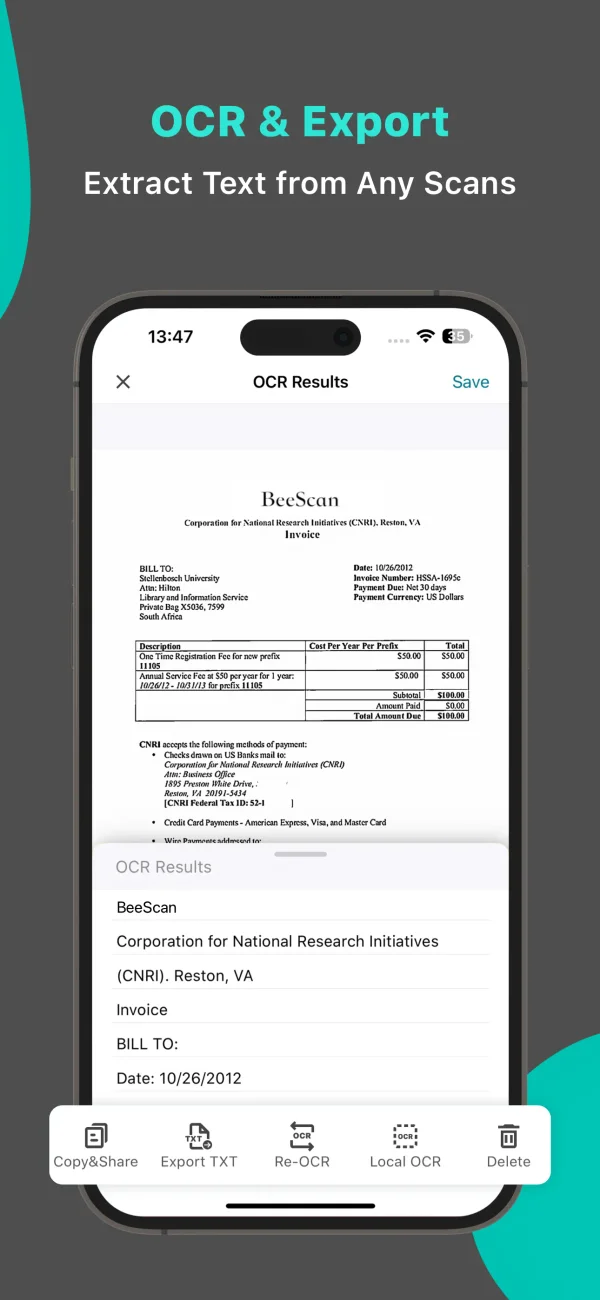
ScanGo is a little, simple, flexible, easy-to-use app with kinds of features satisfying different situations in your iPhone. It allows you to scan documents, certificates, credit cards, invoices, receipts, tickets and any paper with high quality image & PDF output. Also, you can extract text by OCR function from any scans just by one tap.
It is also a camera scanner with concise, efficient user interface whose main tone is black & white with teal & chrome yellow embellished throughout the app.
HOW TO SCAN DOCS?
- Scan everything by one click, of course you can choose to scan from Photos or Camera.
- Edit docs after scanning immediately, including add, rotate, adjust, reorder and delete pages.
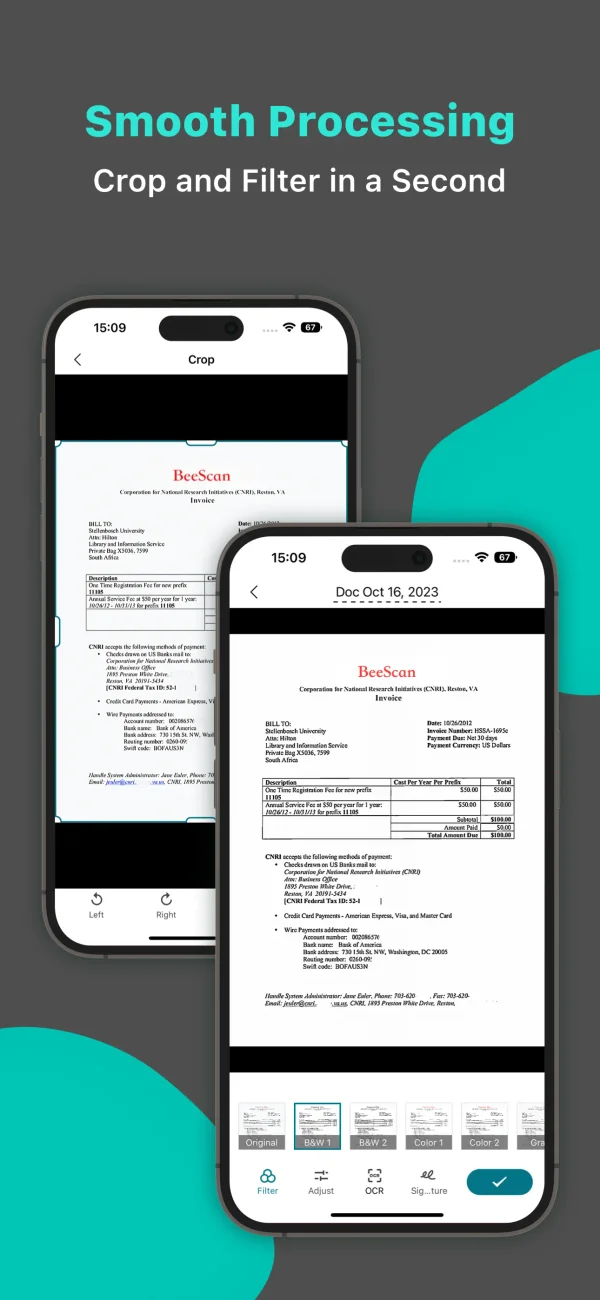
- Rotate, Crop and Adjust filter to get high quality scans.
- Provided five filter modes to enhance your scans - Original, B&W 1, B&W 2, Color, Grayscale. What’s more, each filter can be adjusted for its own Brightness, Contrast, Saturation and Sharpness.
HOW TO MANAGE DOCS?
- The Recents module on home page shows your recently added docs, which helps to find them faster.
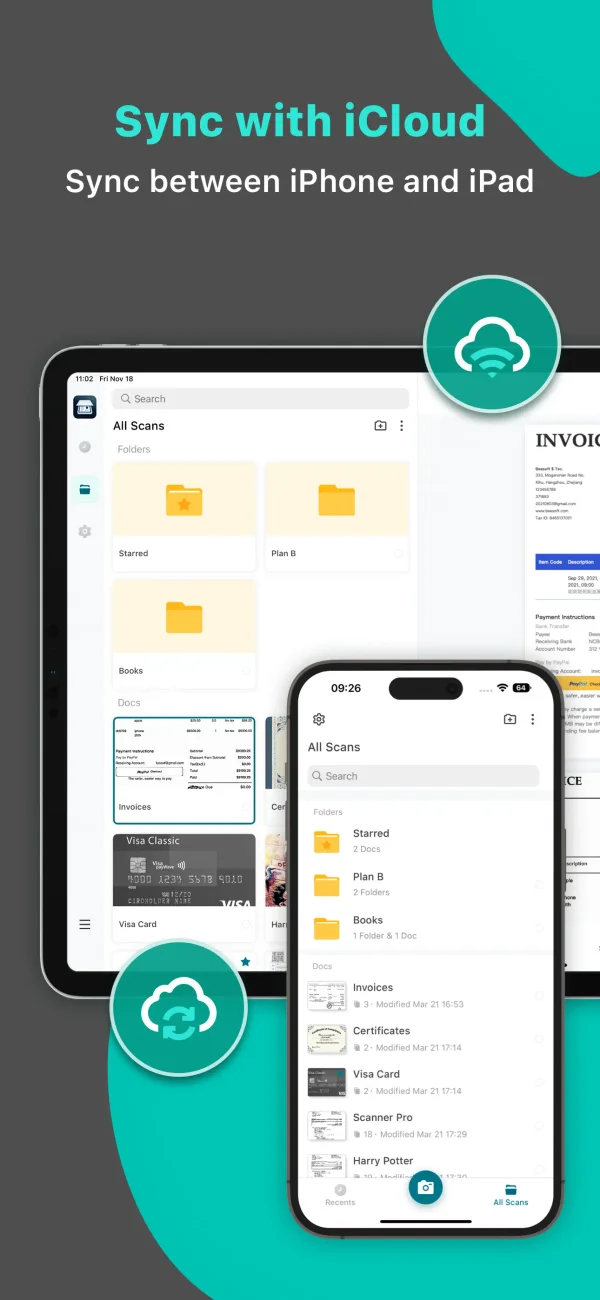
- Add folders and sub-folders to manage scanned docs.
- Rename folders and documents to make them more distinguishable.
- Important and urgent documents can be Starred for faster access.
- Search function helps to find the doc you need from a dizzying array.
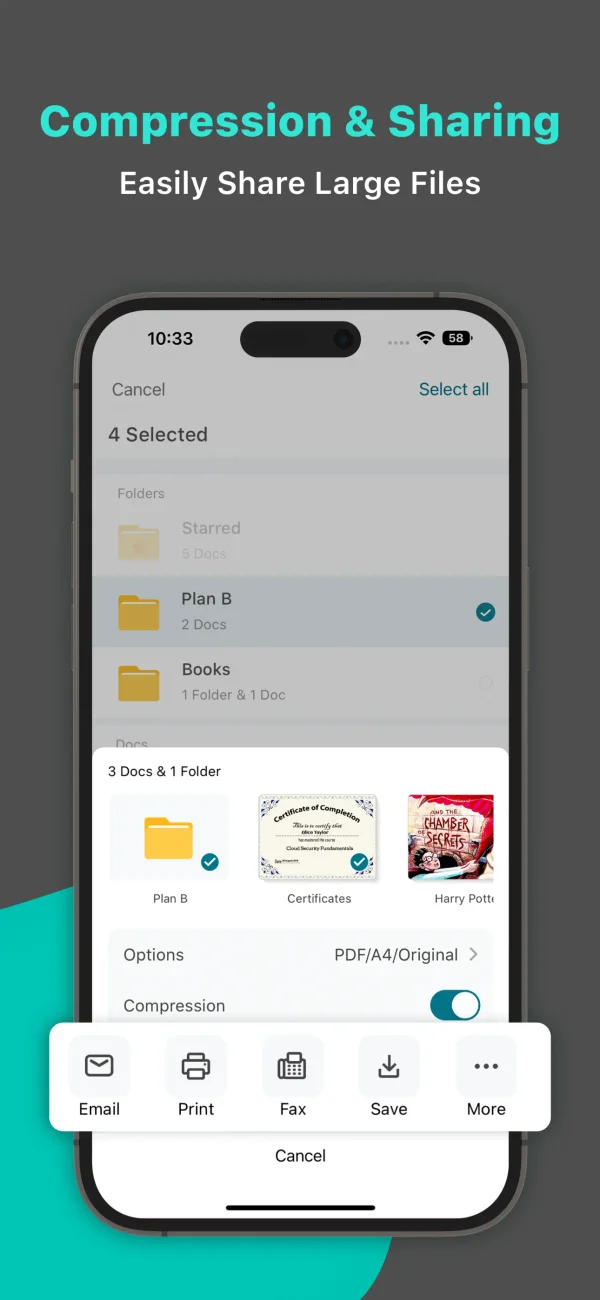
- Every folder, doc and page can be shared with email, Dropbox, Google Drive, Evernote etc. or Wifi directly.
- Save scans as JPEG to Photos.
- Move/Copy/Delete docs and pages.
- Print scans directly within app once you connect to a Printer.
- Fax scans directly if you have Fax Pro app installed.
AFRAID OF DATA LOSS?
ScanGo supports syncing data with iCloud.
MAKE THE APP MORE EFFICIENT
CONVENIENT - Turn on the camera immediately whenever you open the app.
HANDY - Save scans to Photos automatically.
EASY - Auto edge detection and enhancement.
SIMPLE - Share docs and folders in default PDF size.
SECURE - Protect your documents with passcode.
MORE QUESTIONS?
If you have any problems with ScanGo, please email us at scango@beesoft.io, we’ll help to figure it out asap.
Yang baru
Versi 1.1.3 · 29/11/2025
Thanks for using ScanGo!
In this update:
Fixed some minor bugs and improved stability
We’d love to hear from you!
If you have any ideas, suggestions, or feature requests for future versions, feel free to share them with us anytime.
Just drop us an email at: scango@beesoft.io
Privasi aplikasi
Yang dinyatakan Beesoft Apps di App Store tentang cara aplikasi ini menangani data.
-
Data yang digunakan untuk melacak Anda
Dapat digunakan untuk melacak Anda di aplikasi dan situs web milik perusahaan lain.
- Pengenal
-
Data yang ditautkan dengan Anda
Dapat dikumpulkan dan ditautkan dengan identitas Anda.
- Pengenal
-
Data yang tidak ditautkan dengan Anda
Dapat dikumpulkan, tetapi tidak ditautkan dengan identitas Anda.
- Lokasi
- Pengenal
- Data penggunaan
- Diagnostik
Praktik privasi dapat bervariasi, misalnya berdasarkan fitur yang Anda gunakan atau usia Anda.
Informasi
- Penjual
- Hangzhou Beesoft Information Technology Co., Ltd.
- Kategori
- Bisnis
- Versi
- 1.1.3
- Diperbarui
- 29/11/2025
- Dirilis
- 8/5/2024
- Ukuran
- 29,7 MB
- Memerlukan
- iOS 14.0 atau yang lebih baru
- Batasan usia
- 4+
- Harga
- Gratis
- Bahasa
- Inggris, Arab, Prancis, Jerman, Tionghoa Sederhana, Spanyol
- Hak cipta
- © 2024 Beesoft Inc.
Mungkin Anda juga suka
-
 Image to PDF.Bisnis
-
 Printer App・Smart PrintBisnis
-
 Paste Keyboard | MagicBoard AIText Shortcuts, Mail Template
-
 Passport Photo Maker ID PhotoProduktivitas
-
 AI Meeting Notes - TabloProduktivitas
-
 PDF Converter: Pictures To PDFProduktivitas
-
 Smart Printer App: PrinterAppBisnis
-
 Dictation Speech to TextProduktivitas
-
 AI Keyboard - OrkiProduktivitas
-
 QR Scanner: Scan Store CreateProduktivitas