
ScanGo - PDF Document Scanner
Scan Documents & Photos to PDF
Designed for iPhone, iPad, iPod touch
Free
- Age rating4+
- CategoryBusiness
- DeveloperBeesoft Apps
- LanguagesEnglish+ 5 more
- Size29.7 MB
Links to the official App Store page
Download.org hosts no file of ScanGo - PDF Document Scanner. The button opens its official App Store page, published by Beesoft Apps. Listing last checked on Nov 14, 2026.
Screenshots
About
WHAT IS ScanGo?
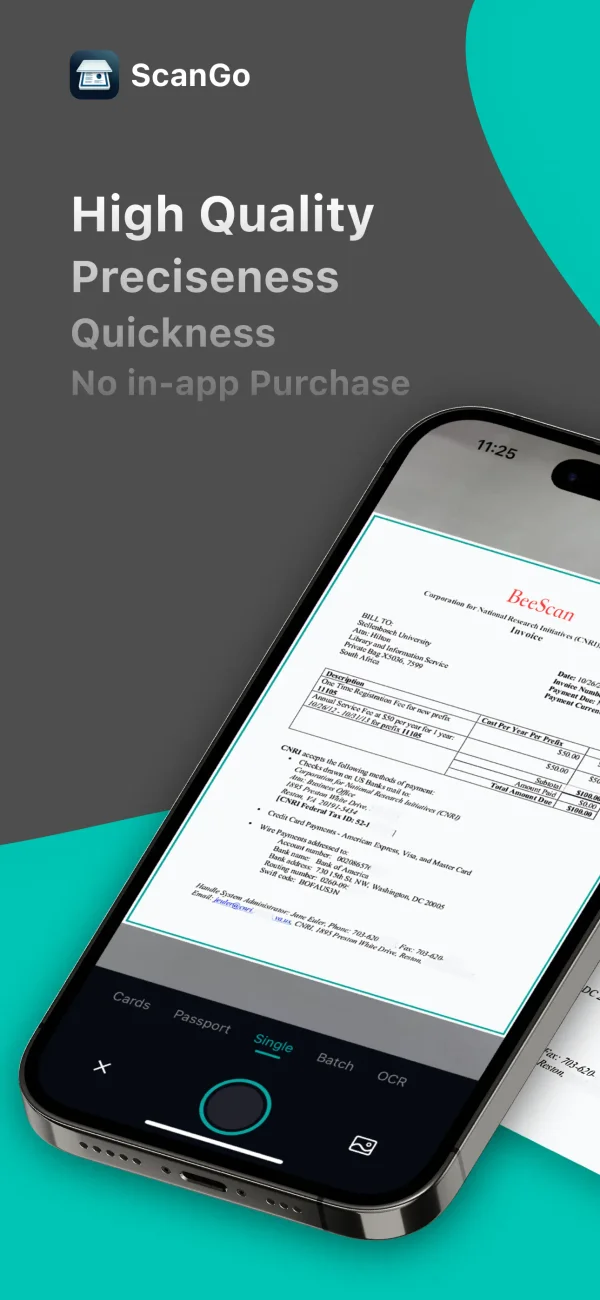
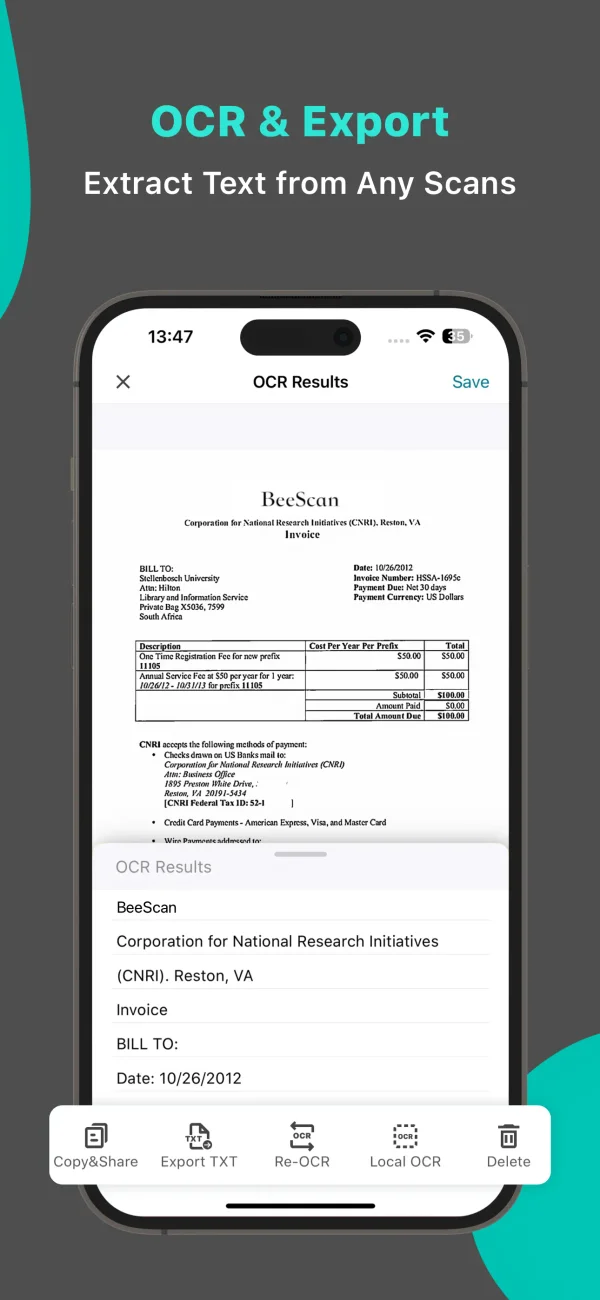
ScanGo is a little, simple, flexible, easy-to-use app with kinds of features satisfying different situations in your iPhone. It allows you to scan documents, certificates, credit cards, invoices, receipts, tickets and any paper with high quality image & PDF output. Also, you can extract text by OCR function from any scans just by one tap.
It is also a camera scanner with concise, efficient user interface whose main tone is black & white with teal & chrome yellow embellished throughout the app.
HOW TO SCAN DOCS?
- Scan everything by one click, of course you can choose to scan from Photos or Camera.
- Edit docs after scanning immediately, including add, rotate, adjust, reorder and delete pages.
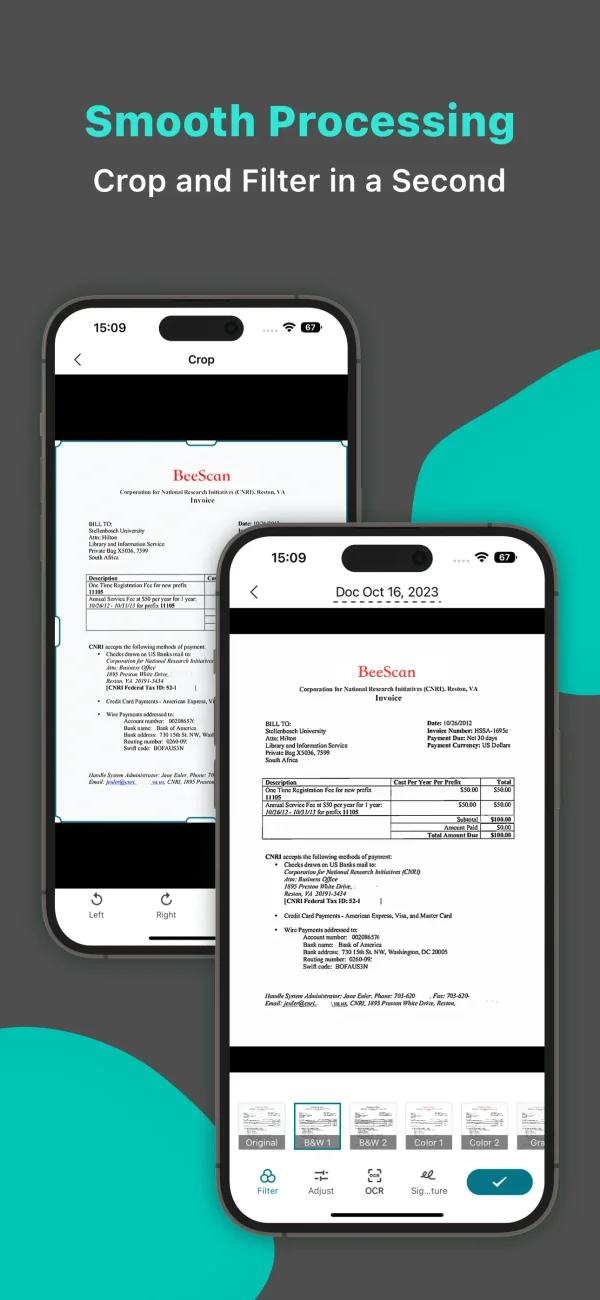
- Rotate, Crop and Adjust filter to get high quality scans.
- Provided five filter modes to enhance your scans - Original, B&W 1, B&W 2, Color, Grayscale. What’s more, each filter can be adjusted for its own Brightness, Contrast, Saturation and Sharpness.
HOW TO MANAGE DOCS?
- The Recents module on home page shows your recently added docs, which helps to find them faster.
- Add folders and sub-folders to manage scanned docs.
- Rename folders and documents to make them more distinguishable.
- Important and urgent documents can be Starred for faster access.
- Search function helps to find the doc you need from a dizzying array.
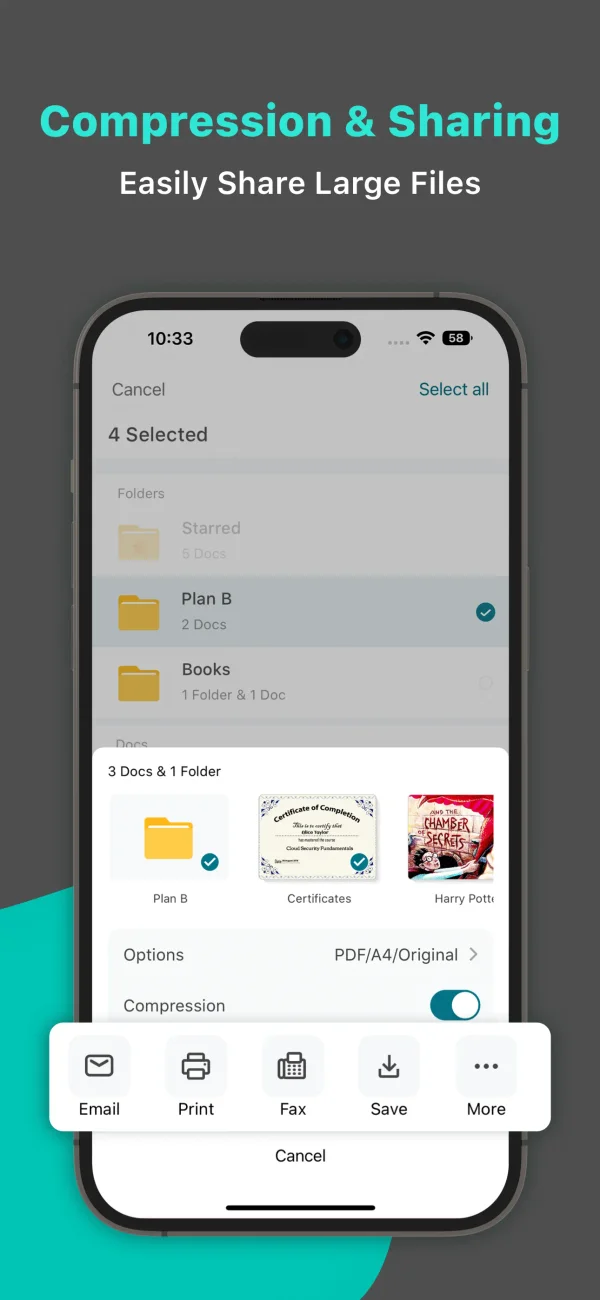
- Every folder, doc and page can be shared with email, Dropbox, Google Drive, Evernote etc. or Wifi directly.
- Save scans as JPEG to Photos.
- Move/Copy/Delete docs and pages.
- Print scans directly within app once you connect to a Printer.
- Fax scans directly if you have Fax Pro app installed.
AFRAID OF DATA LOSS?
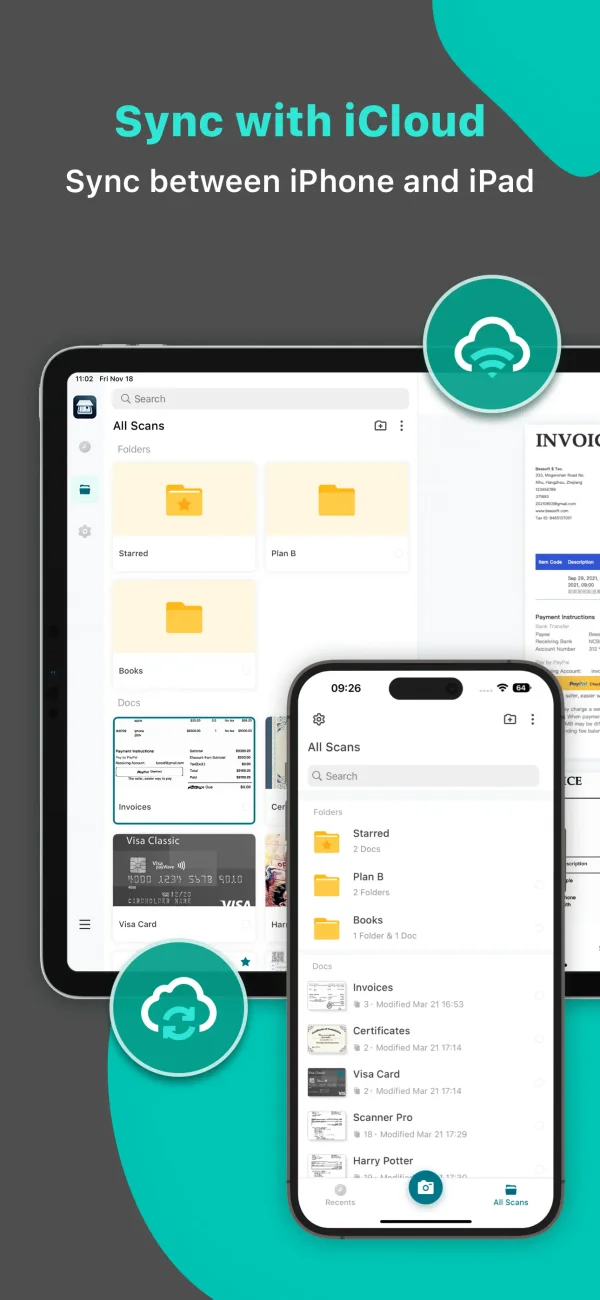
ScanGo supports syncing data with iCloud.
MAKE THE APP MORE EFFICIENT
CONVENIENT - Turn on the camera immediately whenever you open the app.
HANDY - Save scans to Photos automatically.
EASY - Auto edge detection and enhancement.
SIMPLE - Share docs and folders in default PDF size.
SECURE - Protect your documents with passcode.
MORE QUESTIONS?
If you have any problems with ScanGo, please email us at scango@beesoft.io, we’ll help to figure it out asap.
What’s new
Version 1.1.3 · Nov 29, 2025
Thanks for using ScanGo!
In this update:
Fixed some minor bugs and improved stability
We’d love to hear from you!
If you have any ideas, suggestions, or feature requests for future versions, feel free to share them with us anytime.
Just drop us an email at: scango@beesoft.io
App privacy
What Beesoft Apps declares on the App Store about how this app handles data.
-
Data used to track you
May be used to track you across apps and websites owned by other companies.
- Identifiers
-
Data linked to you
May be collected and linked to your identity.
- Identifiers
-
Data not linked to you
May be collected but is not linked to your identity.
- Location
- Identifiers
- Usage data
- Diagnostics
Privacy practices may vary, for example with the features you use or your age.
Information
- Seller
- Hangzhou Beesoft Information Technology Co., Ltd.
- Category
- Business
- Version
- 1.1.3
- Updated
- Nov 29, 2025
- Released
- May 8, 2024
- Size
- 29.7 MB
- Requires
- iOS 14.0 or later
- Age rating
- 4+
- Price
- Free
- Languages
- English, Arabic, French, German, Simplified Chinese, Spanish
- Copyright
- © 2024 Beesoft Inc.
You might also like
-
 Image to PDF.Photos to PDF Converter
-
 Printer App・Smart PrintPrint Documents, Photo,PDF
-
 Paste Keyboard | MagicBoard AIText Shortcuts, Mail Template
-
 Passport Photo Maker ID PhotoPerfect ID Photo Maker App
-
 AI Meeting Notes - TabloTranscribe, Summarize, ToDos
-
 PDF Converter: Pictures To PDFPhotos to PDF & Word to PDF
-
 Smart Printer App: PrinterAppAll-In-One Printer app & Scan
-
 Dictation Speech to TextLive Transcribe Audio Notes
-
 AI Keyboard - OrkiParaphrase Writer
-
 QR Scanner: Scan Store CreateScan, Store Scans, Generate QR