ScanGo - PDF Document Scanner
Scan Documents & Photos to PDF
iPhone, iPad, iPod touch向けに設計
無料
- 対象年齢4+
- カテゴリビジネス
- 開発元Beesoft Apps
- 言語英語ほか5言語
- サイズ29.7 MB
App Storeの公式ページにリンクしています
Download.orgはScanGo - PDF Document Scannerのファイルを一切ホストしていません。ボタンを押すと、Beesoft Appsが公開しているApp Storeのアプリページが開きます。ページの最終確認:2026/11/14。
スクリーンショット
概要
開発元はこのテキストをお使いの言語で提供していません。
WHAT IS ScanGo?
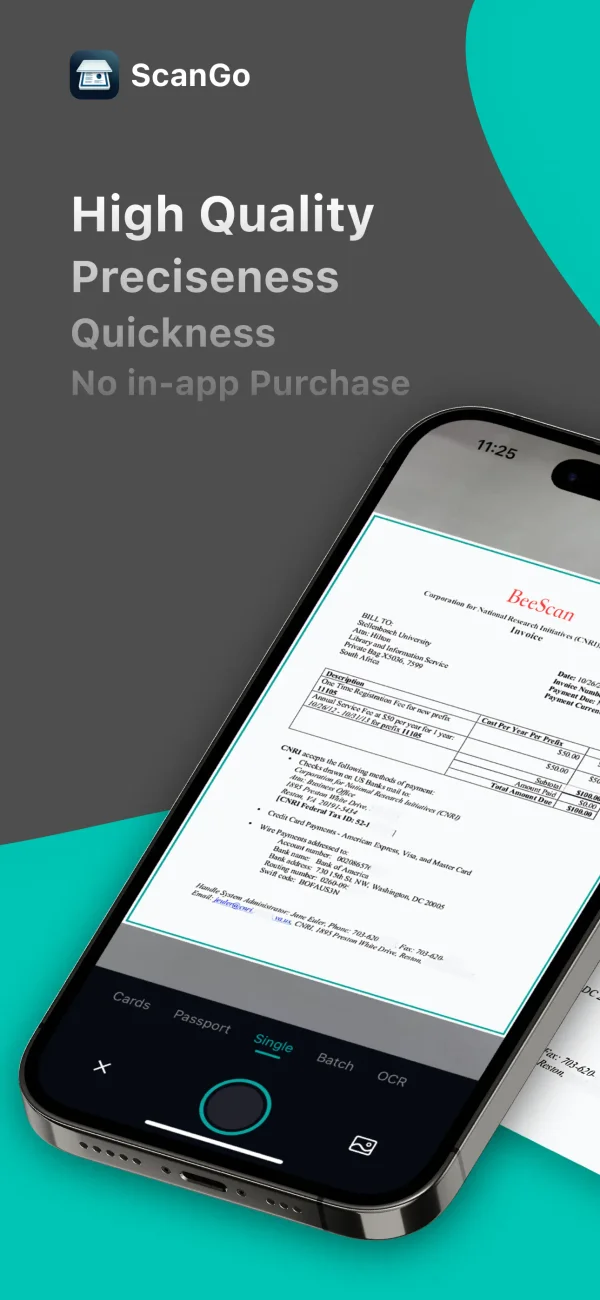
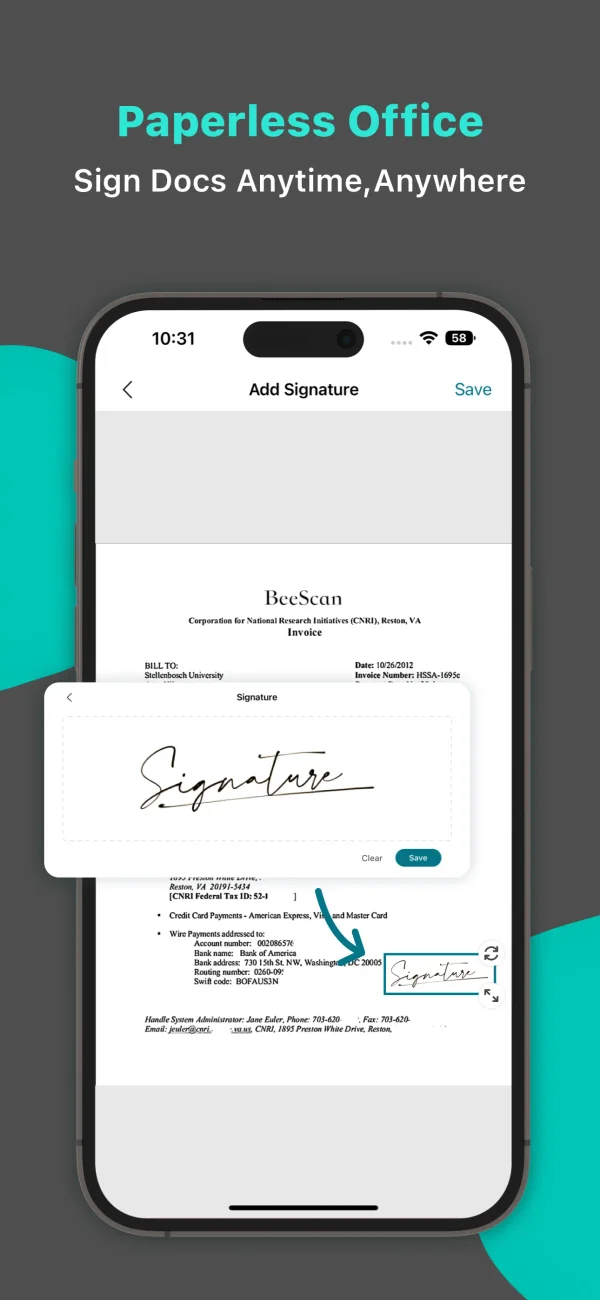
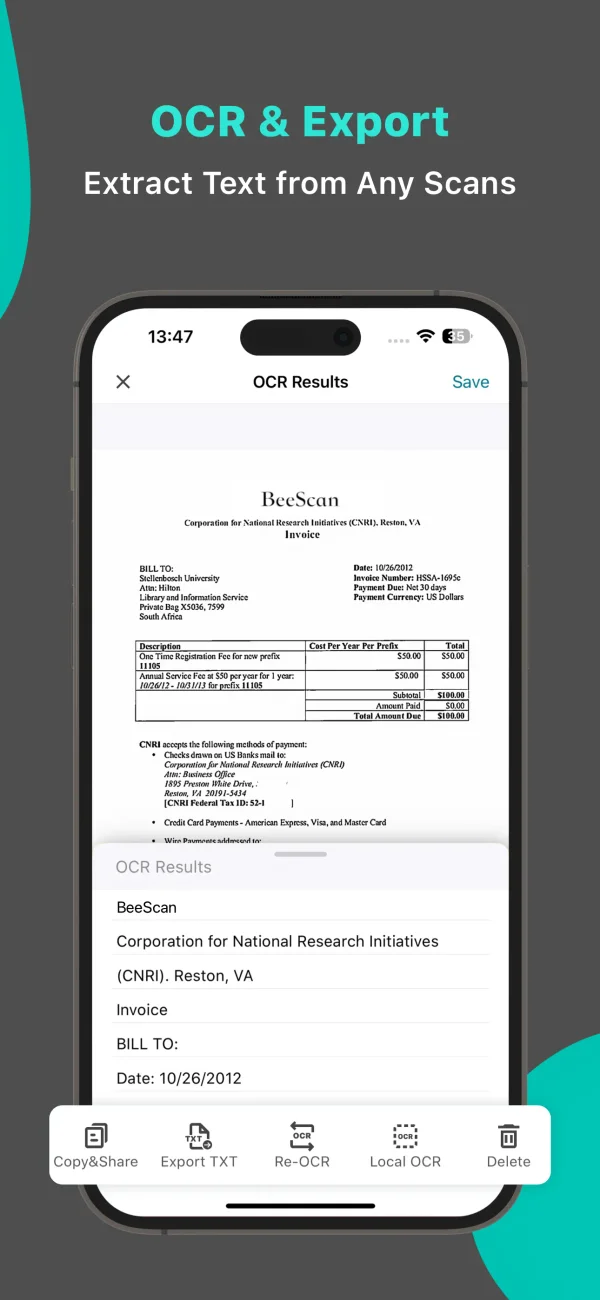
ScanGo is a little, simple, flexible, easy-to-use app with kinds of features satisfying different situations in your iPhone. It allows you to scan documents, certificates, credit cards, invoices, receipts, tickets and any paper with high quality image & PDF output. Also, you can extract text by OCR function from any scans just by one tap.
It is also a camera scanner with concise, efficient user interface whose main tone is black & white with teal & chrome yellow embellished throughout the app.
HOW TO SCAN DOCS?
- Scan everything by one click, of course you can choose to scan from Photos or Camera.
- Edit docs after scanning immediately, including add, rotate, adjust, reorder and delete pages.
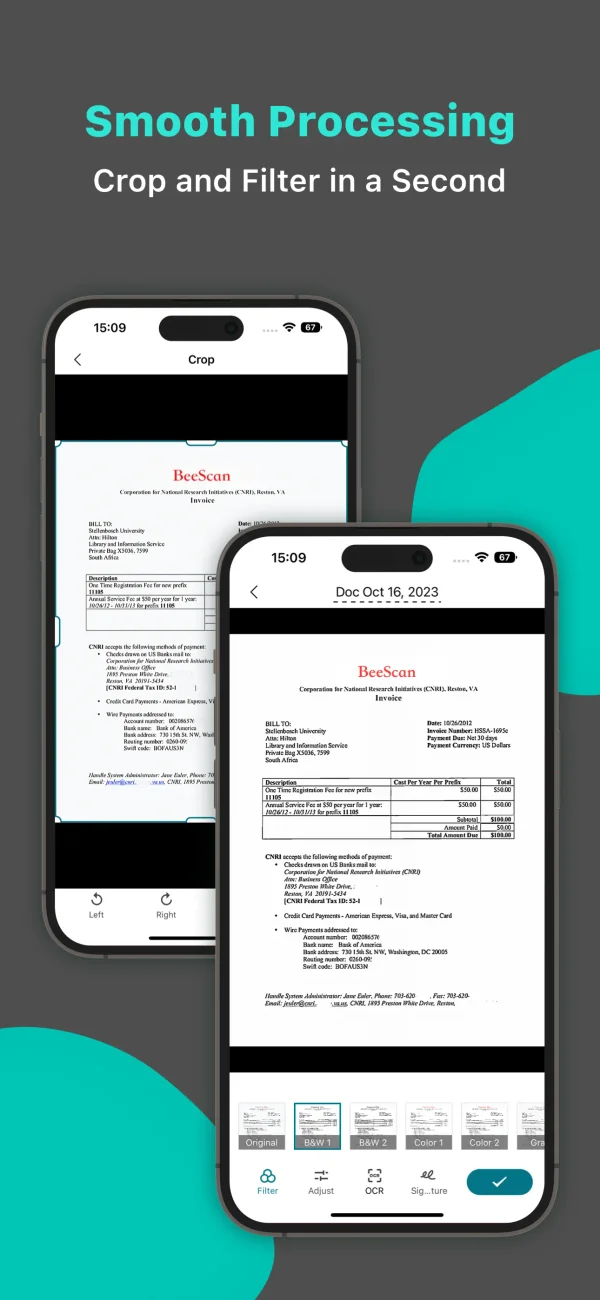
- Rotate, Crop and Adjust filter to get high quality scans.
- Provided five filter modes to enhance your scans - Original, B&W 1, B&W 2, Color, Grayscale. What’s more, each filter can be adjusted for its own Brightness, Contrast, Saturation and Sharpness.
HOW TO MANAGE DOCS?
- The Recents module on home page shows your recently added docs, which helps to find them faster.
- Add folders and sub-folders to manage scanned docs.
- Rename folders and documents to make them more distinguishable.
- Important and urgent documents can be Starred for faster access.
- Search function helps to find the doc you need from a dizzying array.
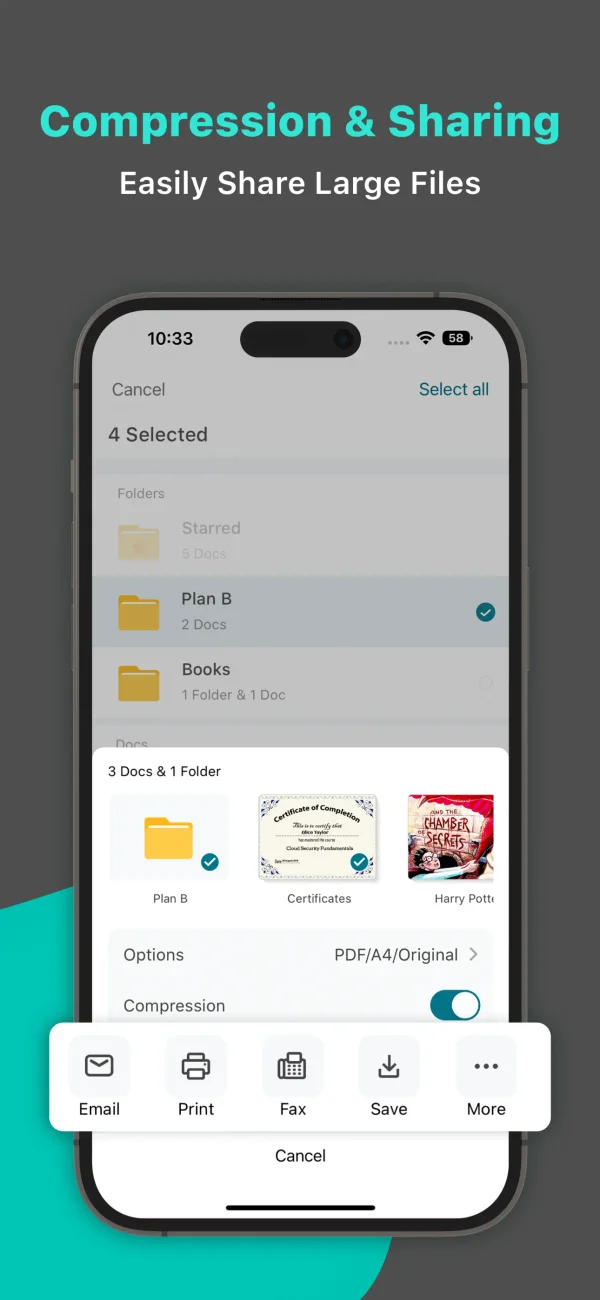
- Every folder, doc and page can be shared with email, Dropbox, Google Drive, Evernote etc. or Wifi directly.
- Save scans as JPEG to Photos.
- Move/Copy/Delete docs and pages.
- Print scans directly within app once you connect to a Printer.
- Fax scans directly if you have Fax Pro app installed.
AFRAID OF DATA LOSS?
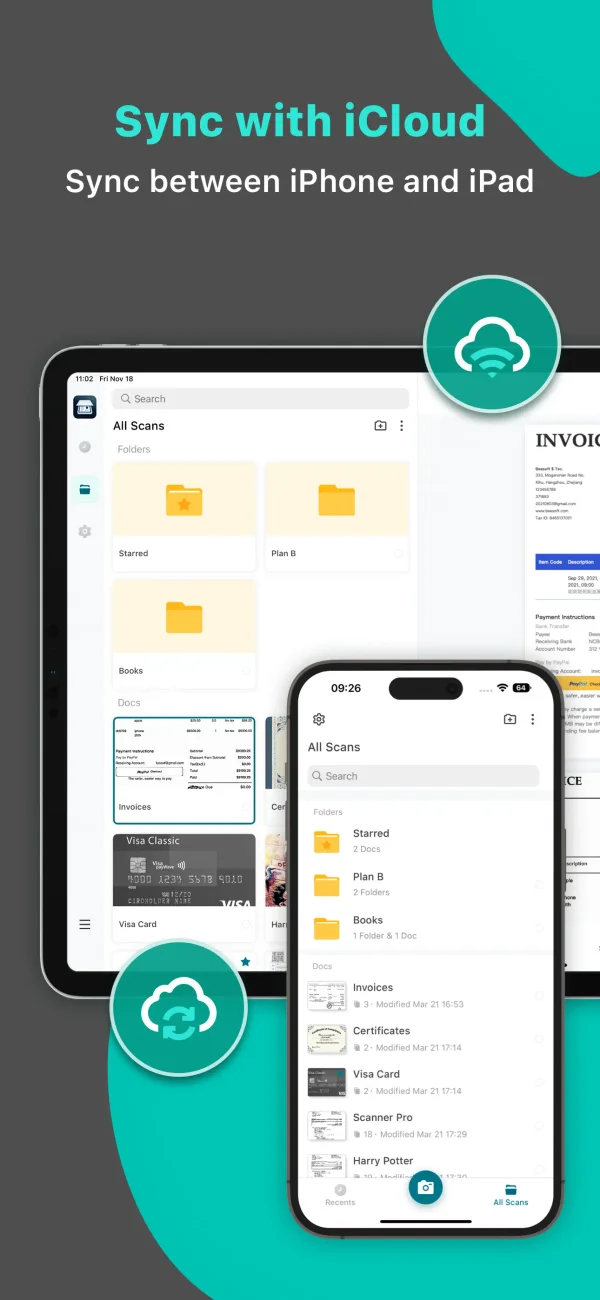
ScanGo supports syncing data with iCloud.
MAKE THE APP MORE EFFICIENT
CONVENIENT - Turn on the camera immediately whenever you open the app.
HANDY - Save scans to Photos automatically.
EASY - Auto edge detection and enhancement.
SIMPLE - Share docs and folders in default PDF size.
SECURE - Protect your documents with passcode.
MORE QUESTIONS?
If you have any problems with ScanGo, please email us at scango@beesoft.io, we’ll help to figure it out asap.
新機能
バージョン 1.1.3 · 2025/11/29
Thanks for using ScanGo!
In this update:
Fixed some minor bugs and improved stability
We’d love to hear from you!
If you have any ideas, suggestions, or feature requests for future versions, feel free to share them with us anytime.
Just drop us an email at: scango@beesoft.io
アプリのプライバシー
このアプリのデータの取り扱いについて、Beesoft AppsがApp Storeで申告している内容です。
-
ユーザーのトラッキングに使用されるデータ
他社のアプリやウェブサイトを横断してユーザーをトラッキングする目的で使用される場合があります。
- ID
-
ユーザーに関連付けられたデータ
収集され、ユーザーの識別情報に関連付けられる場合があります。
- ID
-
ユーザーに関連付けられないデータ
収集される場合がありますが、ユーザーの識別情報には関連付けられません。
- 位置情報
- ID
- 使用状況データ
- 診断
プライバシーの取り扱いは、ご利用の機能やお客様の年齢などに応じて異なる場合があります。
情報
- 販売元
- Hangzhou Beesoft Information Technology Co., Ltd.
- カテゴリ
- ビジネス
- バージョン
- 1.1.3
- 更新日
- 2025/11/29
- リリース
- 2024/5/8
- サイズ
- 29.7 MB
- 必要条件
- iOS 14.0以降
- 対象年齢
- 4+
- 価格
- 無料
- 言語
- 英語, アラビア語, フランス語, ドイツ語, 簡体字中国語, スペイン語
- 著作権
- © 2024 Beesoft Inc.
こちらもおすすめ
-
 Image to PDF.ビジネス
-
 Printer App・Smart Printビジネス
-
 Paste Keyboard | MagicBoard AIText Shortcuts, Mail Template
-
 Passport Photo Maker ID Photo仕事効率化
-
 AI会議メモ - タブロ文字起こし、議事録、音声文字変換
-
 PDF Converter: Pictures To PDF仕事効率化
-
 Smart PrinterApp:プリンターアプリ スマートかんた プリンター, iprint & scan
-
 Dictation Speech to Text仕事効率化
-
 AI Keyboard - Orki仕事効率化
-
 QR Scanner: Scan Store Create仕事効率化