
Scanner App: PDF & Docs
PDF Editor, Sign & Convert
Dirancang untuk iPhone
Gratis · Pembelian dalam aplikasi
- Batasan usia4+
- KategoriProduktivitas
- PengembangAurora Innovation
- BahasaInggris
- Ukuran61,6 MB
Tertaut ke halaman resmi App Store
Download.org tidak menyimpan file Scanner App: PDF & Docs apa pun. Tombol ini membuka halaman aplikasi di App Store, tempat Aurora Innovation menerbitkannya. Halaman terakhir diperiksa pada 12/11/2026.
Tangkapan layar
Tentang
Pengembang belum menyediakan teks ini dalam bahasa Anda.
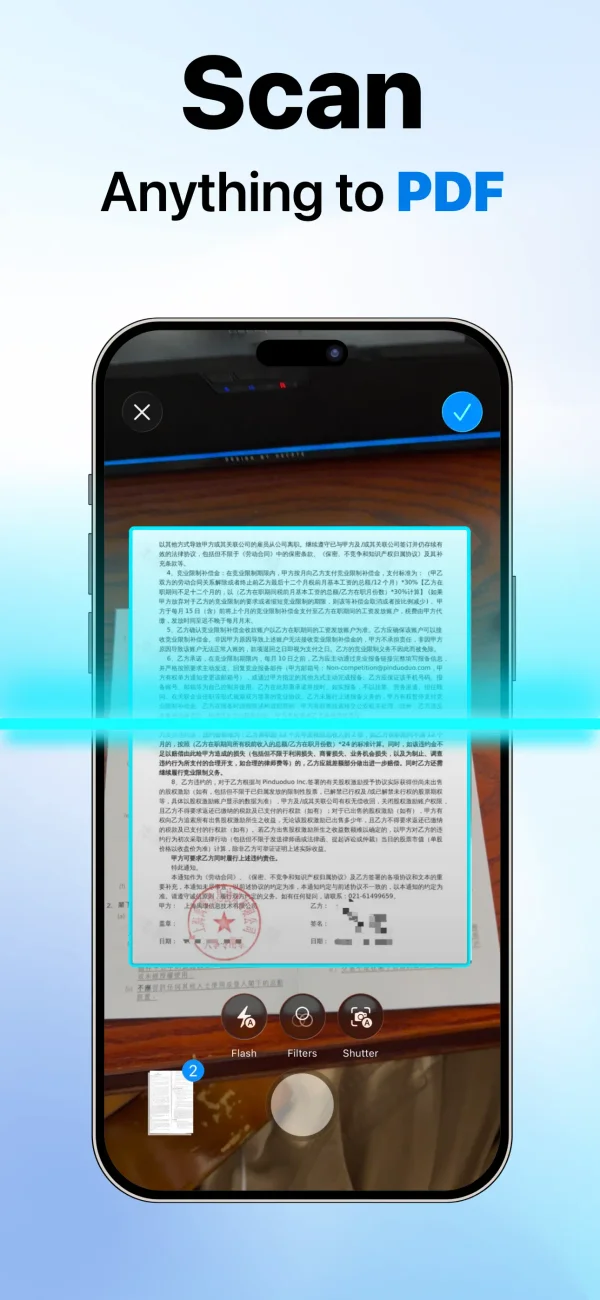
Scan paper documents and photos to PDF. Edit text, add your signature, organize pages and share your finished files.
Scanner App: PDF & Docs brings document scanning, PDF text editing and signing into one workflow. Capture contracts, receipts, invoices or study notes, or import PDFs and images from Files or Photos.
SCAN PAPER AND PHOTOS
- Scan multiple pages into one document.
- Turn photos and imported images into PDFs.
- Adjust document borders, crop and straighten pages.
- Choose color, grayscale, black-and-white or photo filters.
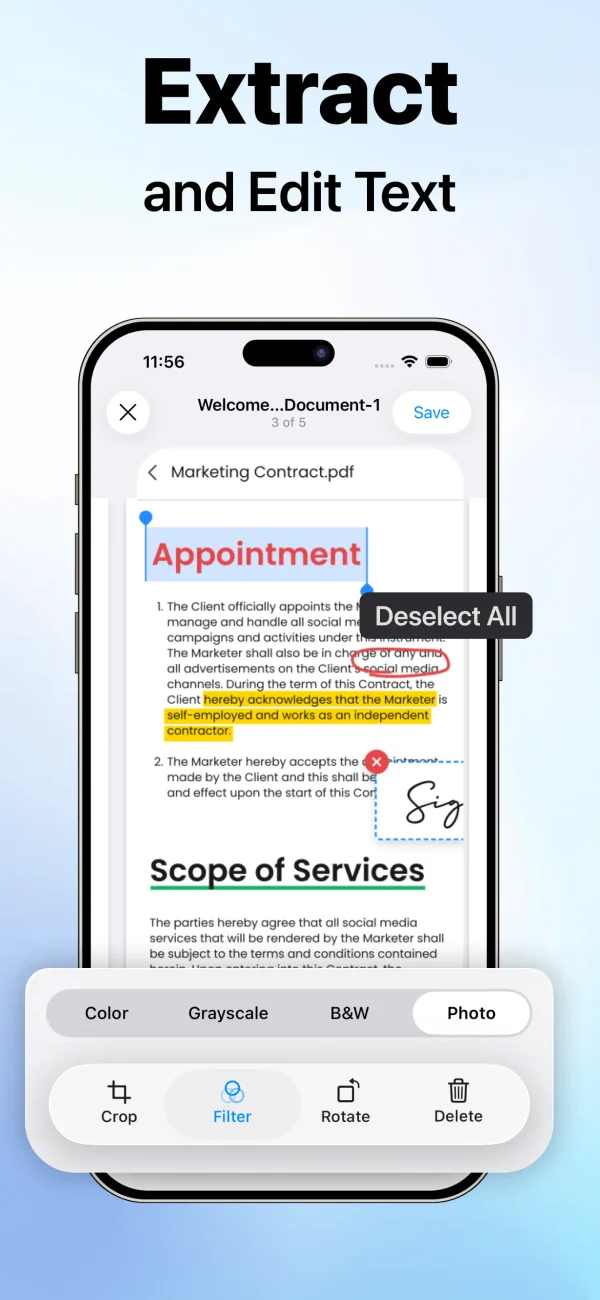
EDIT PDF TEXT
Update existing text in supported PDF files. Add or delete text, adjust its size and color, and save your changes. Fix a typo or update a detail before you share a document.
Text inside scanned images cannot be edited directly. PDF text editing applies to supported files that contain text.
ORGANIZE AND MERGE
- Add, delete, rotate and reorder pages.
- Merge documents into one file.
- Choose paper sizes, including A4 and US Letter.
- Rename files, switch between list and grid views, and sort by name or date.
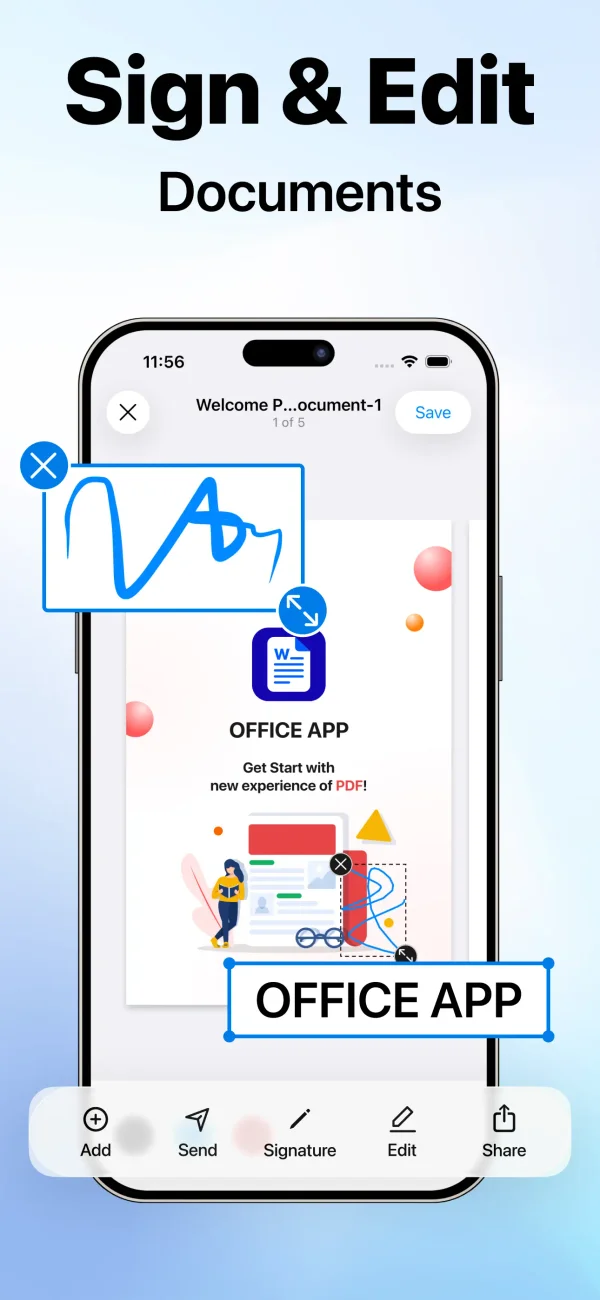
ADD YOUR SIGNATURE
Draw and save a handwritten signature for reuse. Choose a color, place it on your document and resize it to fit. Prepare contracts and other documents for sharing without printing them just to add a signature.
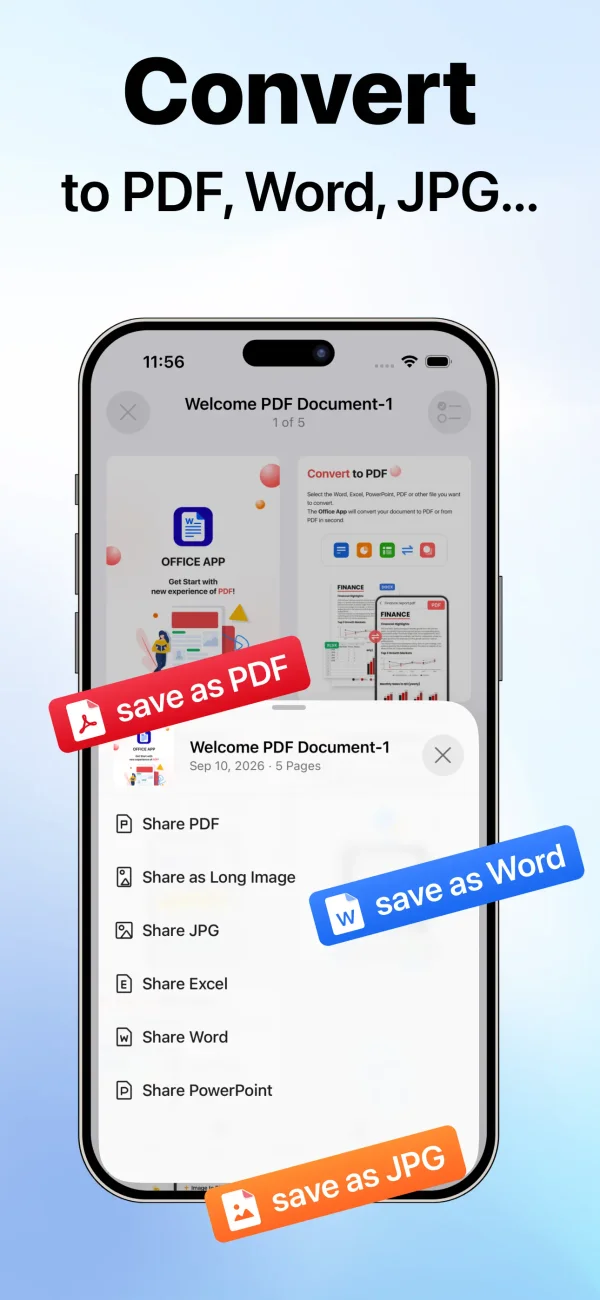
CONVERT, EXPORT AND SHARE
- Share documents as PDFs.
- Export pages as JPG images or combine them into one long image.
- Convert PDFs online to Word (DOCX), Excel (XLSX) or PowerPoint (PPTX).
- Create an online signature-request link to share with another signer.
Office conversion and signature requests require an internet connection and upload your document for processing.
From scanning a receipt to updating text in a PDF and signing a contract, keep your document tasks together with Scanner App: PDF & Docs.
SUBSCRIPTIONS
Subscription options, pricing, and any trial offers are shown in the app before purchase. Payment is charged to your Apple Account when the purchase is confirmed. Subscriptions renew automatically unless canceled at least 24 hours before the current period ends. Your account is charged for renewal within 24 hours before the current period ends. Manage or cancel your subscription in your Apple Account settings.
Questions or feedback: gformsapp@outlook.com
Privacy Policy: https://swift-sign-pdf.vercel.app/privacy
Terms of Use: https://swift-sign-pdf.vercel.app/terms
Yang baru
Versi 1.2.3 · 22/10/2026
Bug fix and experience improvement.
Privasi aplikasi
Yang dinyatakan Aurora Innovation di App Store tentang cara aplikasi ini menangani data.
-
Data yang digunakan untuk melacak Anda
Dapat digunakan untuk melacak Anda di aplikasi dan situs web milik perusahaan lain.
- Pengenal
-
Data yang tidak ditautkan dengan Anda
Dapat dikumpulkan, tetapi tidak ditautkan dengan identitas Anda.
- Konten pengguna
- Pengenal
- Diagnostik
Praktik privasi dapat bervariasi, misalnya berdasarkan fitur yang Anda gunakan atau usia Anda.
Informasi
- Penjual
- Aurora Innovation Limited
- Kategori
- Produktivitas
- Versi
- 1.2.3
- Diperbarui
- 22/10/2026
- Dirilis
- 2/8/2026
- Ukuran
- 61,6 MB
- Memerlukan
- iOS 18.0 atau yang lebih baru
- Batasan usia
- 4+
- Harga
- Gratis
- Pembelian dalam aplikasi
- Ya
- Bahasa
- Inggris
- Hak cipta
- © li jiehua
Mungkin Anda juga suka
-
 PDF Maker: Image to pdfProduktivitas
-
 PDF Scanner & Scan DocumentProduktivitas
-
 Photo to PDF - JPEG ConverterProduktivitas
-
 Sign documents: SwiftSignProduktivitas
-
 Make Resume - AI CV EditorProduktivitas
-
 Cam PDF ScannerProduktivitas
-
 PDF Editor: Fill & Sign FormsProduktivitas
-
 SumDoc — DOCX Document EditorProduktivitas
-
 Pemindai PDF: Foto, OCR & TTDStruk, Catatan & Arsip Kerja
-
 RutcoProduktivitas