
Scanner App: PDF & Docs
PDF Editor, Sign & Convert
Được thiết kế cho iPhone
Miễn phí · Mua hàng trong ứng dụng
- Độ tuổi4+
- Danh mụcHiệu Suất
- Nhà phát triểnAurora Innovation
- Ngôn ngữTiếng Anh
- Kích thước61,6 MB
Liên kết đến trang App Store chính thức
Download.org không lưu trữ tệp nào của Scanner App: PDF & Docs. Nút này mở trang ứng dụng trên App Store, nơi Aurora Innovation phát hành ứng dụng. Trang được kiểm tra lần cuối: 12/11/2026.
Ảnh chụp màn hình
Giới thiệu
Nhà phát triển chưa cung cấp nội dung này bằng ngôn ngữ của bạn.
Scan paper documents and photos to PDF. Edit text, add your signature, organize pages and share your finished files.
Scanner App: PDF & Docs brings document scanning, PDF text editing and signing into one workflow. Capture contracts, receipts, invoices or study notes, or import PDFs and images from Files or Photos.
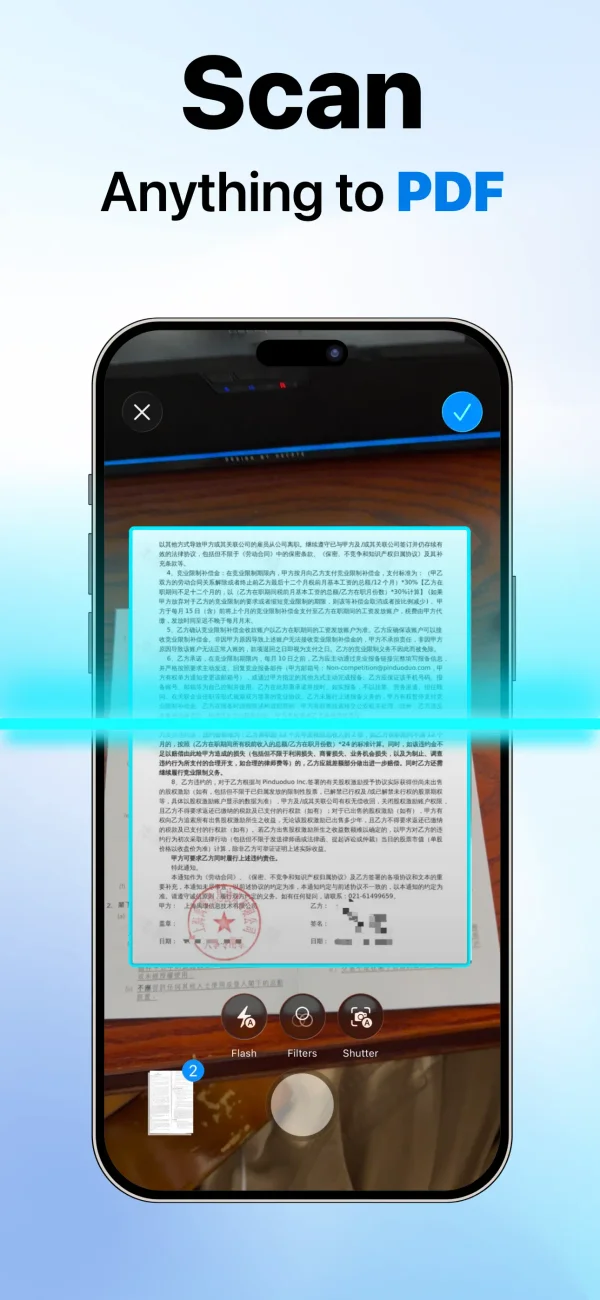
SCAN PAPER AND PHOTOS
- Scan multiple pages into one document.
- Turn photos and imported images into PDFs.
- Adjust document borders, crop and straighten pages.
- Choose color, grayscale, black-and-white or photo filters.
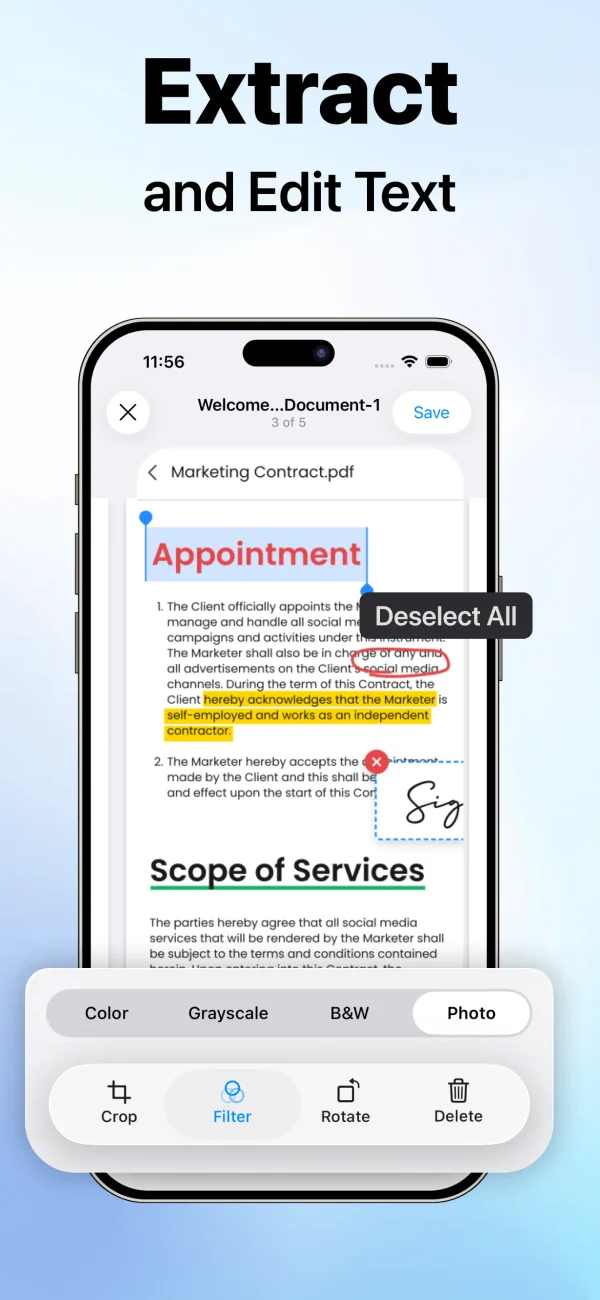
EDIT PDF TEXT
Update existing text in supported PDF files. Add or delete text, adjust its size and color, and save your changes. Fix a typo or update a detail before you share a document.
Text inside scanned images cannot be edited directly. PDF text editing applies to supported files that contain text.
ORGANIZE AND MERGE
- Add, delete, rotate and reorder pages.
- Merge documents into one file.
- Choose paper sizes, including A4 and US Letter.
- Rename files, switch between list and grid views, and sort by name or date.
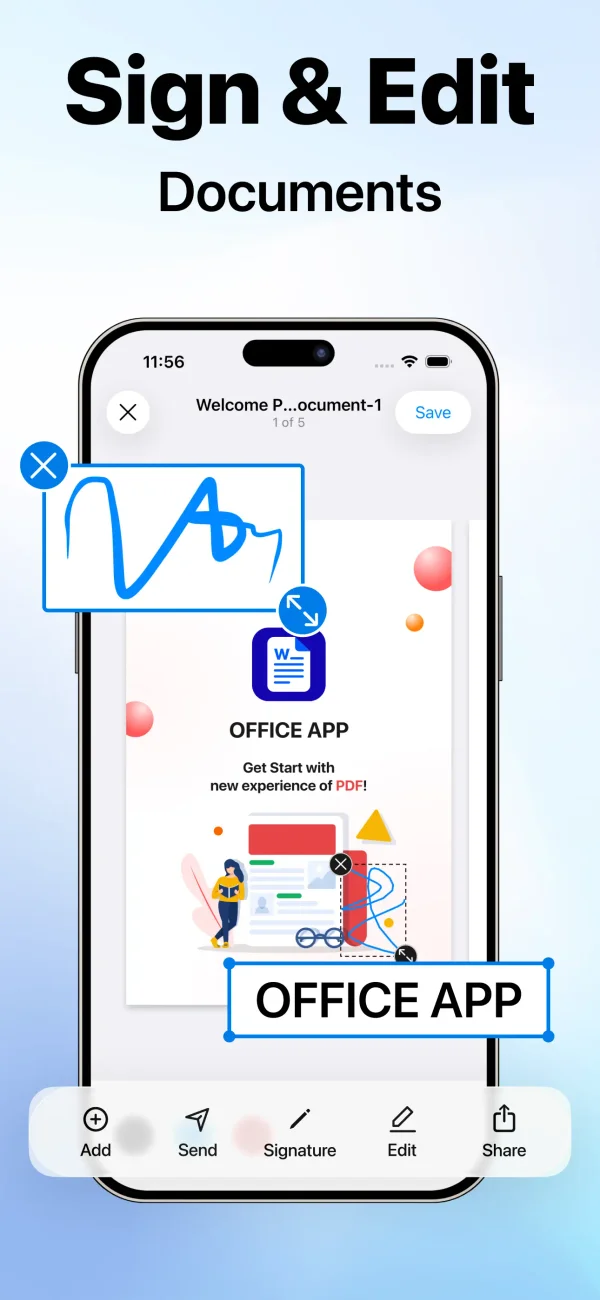
ADD YOUR SIGNATURE
Draw and save a handwritten signature for reuse. Choose a color, place it on your document and resize it to fit. Prepare contracts and other documents for sharing without printing them just to add a signature.
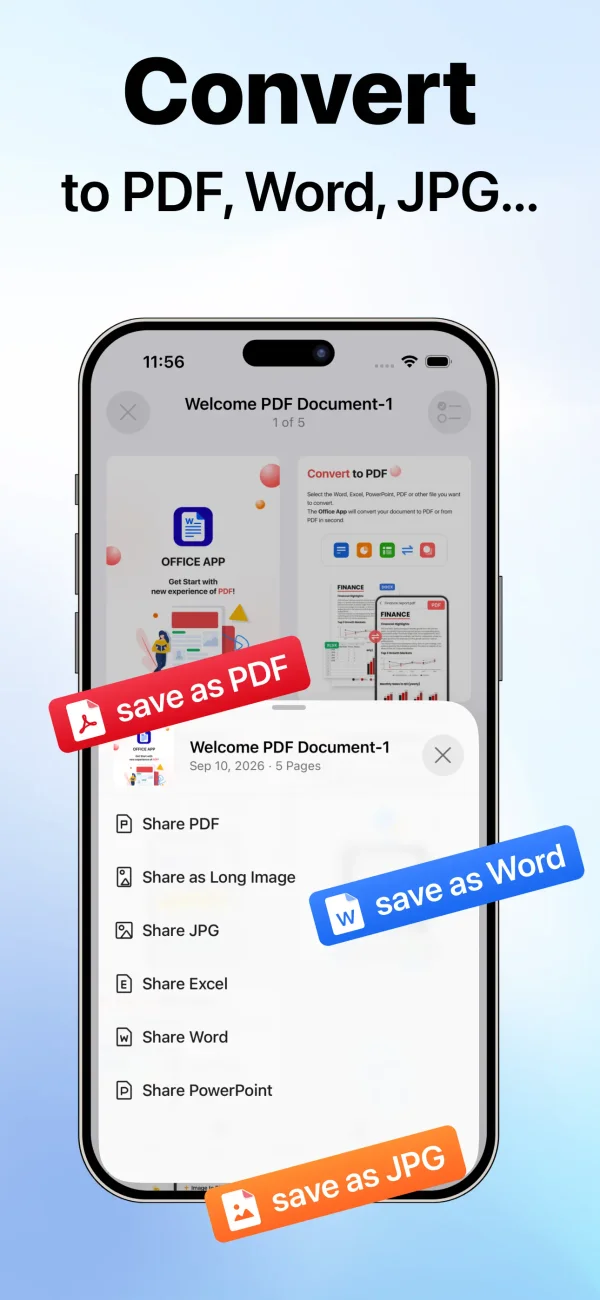
CONVERT, EXPORT AND SHARE
- Share documents as PDFs.
- Export pages as JPG images or combine them into one long image.
- Convert PDFs online to Word (DOCX), Excel (XLSX) or PowerPoint (PPTX).
- Create an online signature-request link to share with another signer.
Office conversion and signature requests require an internet connection and upload your document for processing.
From scanning a receipt to updating text in a PDF and signing a contract, keep your document tasks together with Scanner App: PDF & Docs.
SUBSCRIPTIONS
Subscription options, pricing, and any trial offers are shown in the app before purchase. Payment is charged to your Apple Account when the purchase is confirmed. Subscriptions renew automatically unless canceled at least 24 hours before the current period ends. Your account is charged for renewal within 24 hours before the current period ends. Manage or cancel your subscription in your Apple Account settings.
Questions or feedback: gformsapp@outlook.com
Privacy Policy: https://swift-sign-pdf.vercel.app/privacy
Terms of Use: https://swift-sign-pdf.vercel.app/terms
Có gì mới
Phiên bản 1.2.3 · 22/10/2026
Bug fix and experience improvement.
Quyền riêng tư của ứng dụng
Những gì Aurora Innovation khai báo trên App Store về cách ứng dụng này xử lý dữ liệu.
-
Dữ liệu được sử dụng để theo dõi bạn
Có thể được sử dụng để theo dõi bạn trên các ứng dụng và trang web do công ty khác sở hữu.
- Mã định danh
-
Dữ liệu không liên kết với bạn
Có thể được thu thập nhưng không liên kết với danh tính của bạn.
- Nội dung của người dùng
- Mã định danh
- Chẩn đoán
Phương thức đảm bảo quyền riêng tư có thể khác nhau, chẳng hạn như tuỳ theo các tính năng bạn sử dụng hoặc độ tuổi của bạn.
Thông tin
- Người bán
- Aurora Innovation Limited
- Danh mục
- Hiệu Suất
- Phiên bản
- 1.2.3
- Cập nhật
- 22/10/2026
- Phát hành
- 02/08/2026
- Kích thước
- 61,6 MB
- Yêu cầu
- iOS 18.0 trở lên
- Độ tuổi
- 4+
- Giá
- Miễn phí
- Mua hàng trong ứng dụng
- Có
- Ngôn ngữ
- Tiếng Anh
- Bản quyền
- © li jiehua
Có thể bạn cũng thích
-
 PDF Maker: Image to pdfHiệu Suất
-
 PDF Scanner và Scan Tài LiệuQuét và Chuyển Ảnh Sang PDF
-
 Photo to PDF - JPEG ConverterHiệu Suất
-
 Sign documents: SwiftSignHiệu Suất
-
 Make Resume - AI CV EditorHiệu Suất
-
 Cam PDF ScannerHiệu Suất
-
 PDF Editor: Fill & Sign FormsHiệu Suất
-
 SumDoc — DOCX Document EditorHiệu Suất
-
 Quét PDF: Tài liệu OCR, ký tênẢnh, biên lai và văn bản gọn
-
 RutcoHiệu Suất