
Scanner App: PDF & Docs
PDF Editor, Sign & Convert
iPhone için tasarlandı
Ücretsiz · Uygulama içi satın alma
- Yaş sınırı4+
- KategoriÜretkenlik
- GeliştiriciAurora Innovation
- Dillerİngilizce
- Boyut61,6 MB
Resmi App Store sayfasına bağlanır
Download.org, Scanner App: PDF & Docs için hiçbir dosya barındırmaz. Düğme, uygulamanın App Store üzerindeki sayfasını açar; uygulamayı orada Aurora Innovation yayınlar. Sayfanın son kontrolü: 12.11.2026.
Ekran görüntüleri
Hakkında
Geliştirici bu metni dilinizde sunmamış.
Scan paper documents and photos to PDF. Edit text, add your signature, organize pages and share your finished files.
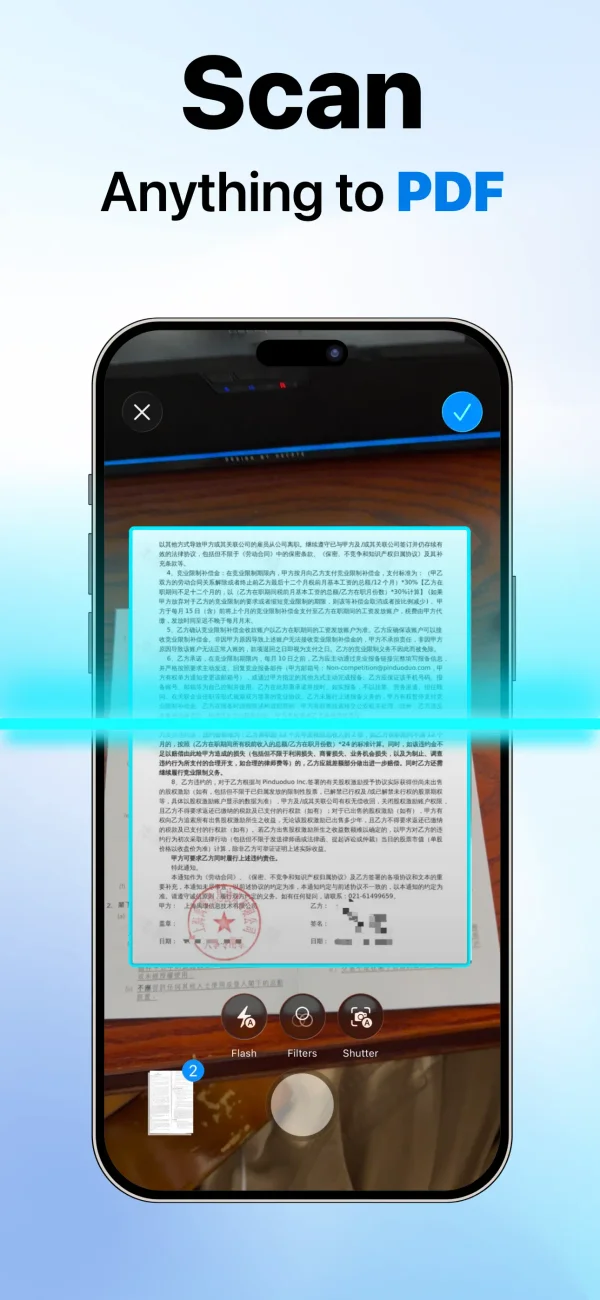
Scanner App: PDF & Docs brings document scanning, PDF text editing and signing into one workflow. Capture contracts, receipts, invoices or study notes, or import PDFs and images from Files or Photos.
SCAN PAPER AND PHOTOS
- Scan multiple pages into one document.
- Turn photos and imported images into PDFs.
- Adjust document borders, crop and straighten pages.
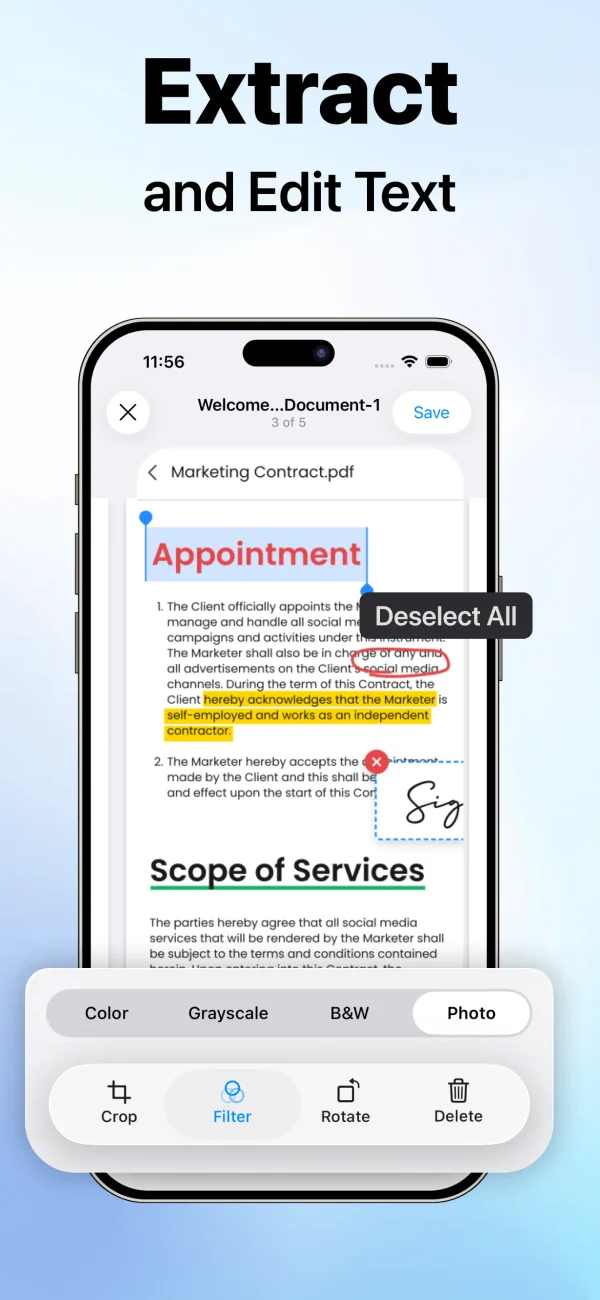
- Choose color, grayscale, black-and-white or photo filters.
EDIT PDF TEXT
Update existing text in supported PDF files. Add or delete text, adjust its size and color, and save your changes. Fix a typo or update a detail before you share a document.
Text inside scanned images cannot be edited directly. PDF text editing applies to supported files that contain text.
ORGANIZE AND MERGE
- Add, delete, rotate and reorder pages.
- Merge documents into one file.
- Choose paper sizes, including A4 and US Letter.
- Rename files, switch between list and grid views, and sort by name or date.
ADD YOUR SIGNATURE
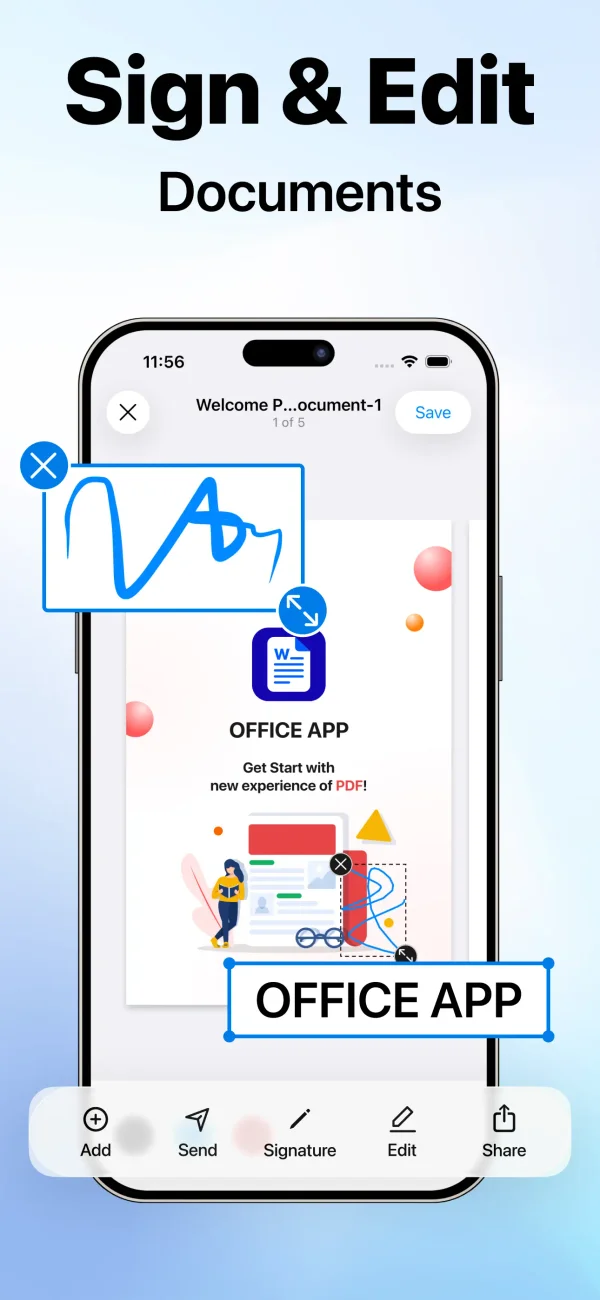
Draw and save a handwritten signature for reuse. Choose a color, place it on your document and resize it to fit. Prepare contracts and other documents for sharing without printing them just to add a signature.
CONVERT, EXPORT AND SHARE
- Share documents as PDFs.
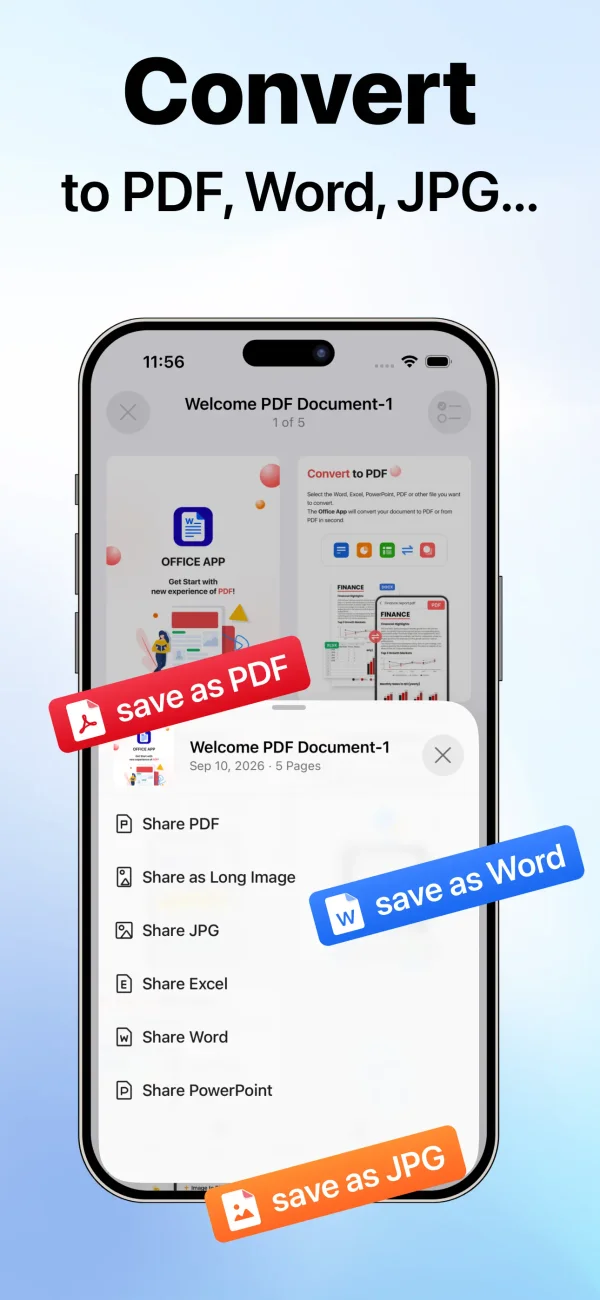
- Export pages as JPG images or combine them into one long image.
- Convert PDFs online to Word (DOCX), Excel (XLSX) or PowerPoint (PPTX).
- Create an online signature-request link to share with another signer.
Office conversion and signature requests require an internet connection and upload your document for processing.
From scanning a receipt to updating text in a PDF and signing a contract, keep your document tasks together with Scanner App: PDF & Docs.
SUBSCRIPTIONS
Subscription options, pricing, and any trial offers are shown in the app before purchase. Payment is charged to your Apple Account when the purchase is confirmed. Subscriptions renew automatically unless canceled at least 24 hours before the current period ends. Your account is charged for renewal within 24 hours before the current period ends. Manage or cancel your subscription in your Apple Account settings.
Questions or feedback: gformsapp@outlook.com
Privacy Policy: https://swift-sign-pdf.vercel.app/privacy
Terms of Use: https://swift-sign-pdf.vercel.app/terms
Yenilikler
Sürüm 1.2.3 · 22.10.2026
Bug fix and experience improvement.
Uygulama gizliliği
Bu uygulamanın verileri nasıl işlediği hakkında Aurora Innovation tarafından App Store üzerinde yapılan beyan.
-
Sizi izlemek için kullanılan veriler
Başka şirketlere ait uygulamalarda ve web sitelerinde sizi izlemek için kullanılabilir.
- Tanımlayıcılar
-
Sizinle ilişkilendirilmeyen veriler
Toplanabilir ancak kimliğinizle ilişkilendirilmez.
- Kullanıcı içeriği
- Tanımlayıcılar
- Tanılama
Gizlilik uygulamaları, örneğin kullandığınız özelliklere veya yaşınıza göre değişiklik gösterebilir.
Bilgiler
- Satıcı
- Aurora Innovation Limited
- Kategori
- Üretkenlik
- Sürüm
- 1.2.3
- Güncellendi
- 22.10.2026
- Yayın tarihi
- 02.08.2026
- Boyut
- 61,6 MB
- Gereksinim
- iOS 18.0 veya sonrası
- Yaş sınırı
- 4+
- Fiyat
- Ücretsiz
- Uygulama içi satın alma
- Evet
- Diller
- İngilizce
- Telif hakkı
- © li jiehua
Bunları da beğenebilirsiniz
-
 PDF Maker: Image to pdfÜretkenlik
-
 Tarayıcı: Belge TaramaFotoğraf Tarama, PDF Oluşturma
-
 Photo to PDF - JPEG ConverterÜretkenlik
-
 Sign documents: SwiftSignÜretkenlik
-
 Make Resume - AI CV EditorÜretkenlik
-
 Cam PDF ScannerÜretkenlik
-
 PDF Düzenleme: Doldur, İmzalaBelge Düzenleyici ve Okuyucu
-
 SumDoc — DOCX Document EditorÜretkenlik
-
 PDF Tarayıcı: Belge, OCR, İmzaFotoğraf, Makbuz, Metin Arşivi
-
 RutcoÜretkenlik