
Screen Forge
Chroma Key Screens For VFX
Dirancang untuk iPhone, iPad
Gratis · Pembelian dalam aplikasi
- Batasan usia4+
- KategoriFoto & Video
- PengembangJOSE F DA SILVA NT
- BahasaPrancis+ 5 lainnya
- Ukuran1,2 MB
Tertaut ke halaman resmi App Store
Download.org tidak menyimpan file Screen Forge apa pun. Tombol ini membuka halaman aplikasi di App Store, tempat JOSE F DA SILVA NT menerbitkannya. Halaman terakhir diperiksa pada 20/11/2026.
Tangkapan layar

Tentang
Pengembang belum menyediakan teks ini dalam bahasa Anda.
The Ultimate Screen Preparation Tool for VFX
Screen Forge is a powerful tool designed for filmmakers using iPhones and iPads to shoot scenes where screens will later be replaced in VFX. Whether you’re using Chroma Key or other screen replacement techniques, Screen Forge helps you set up your screen for seamless post-production integration.
Key Features:
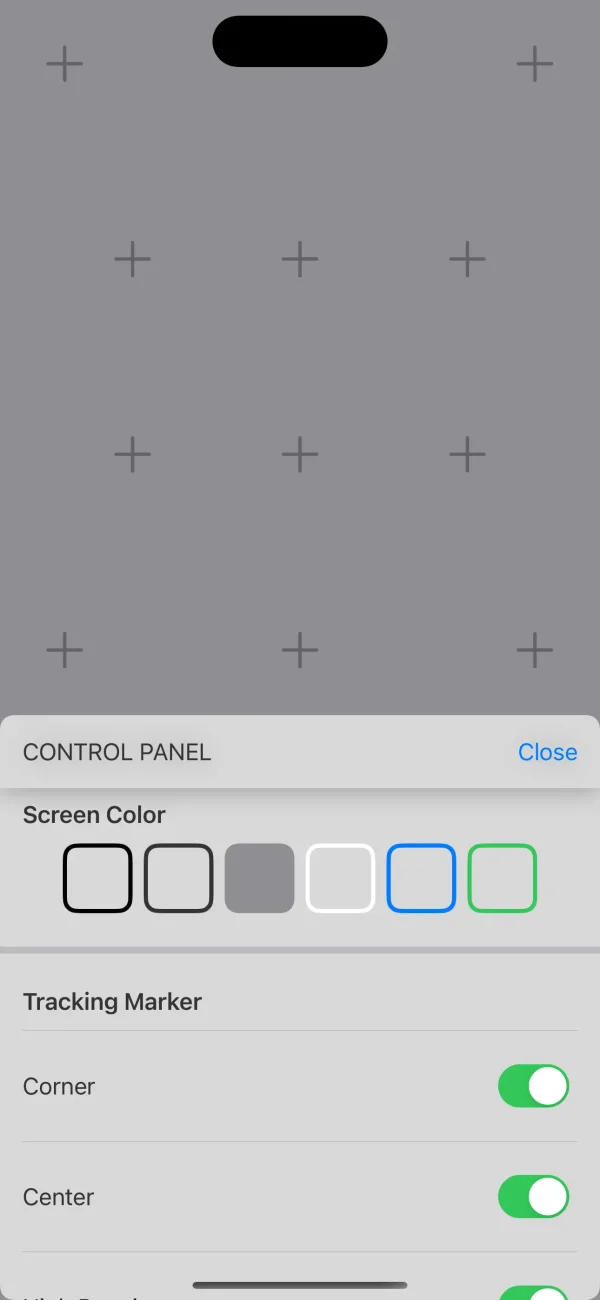
• Multiple Background Colors – Select from a range of colors to match any scene’s needs.
• Tracking Markers – Choose from various marker types to ensure precise alignment in post-production.
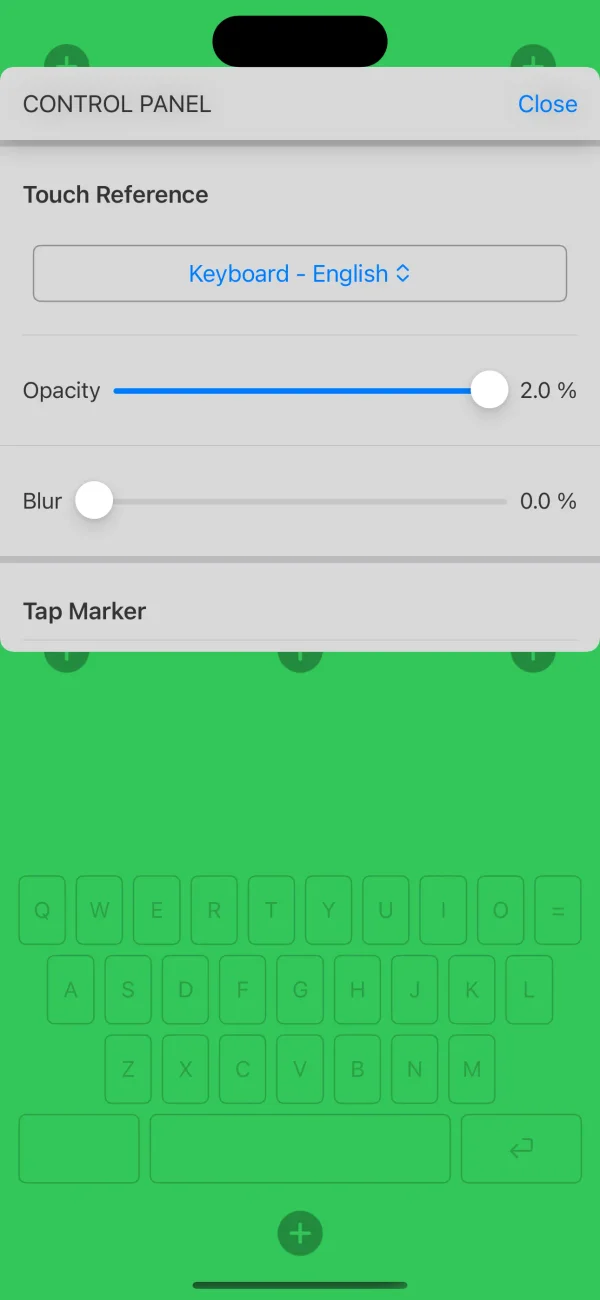
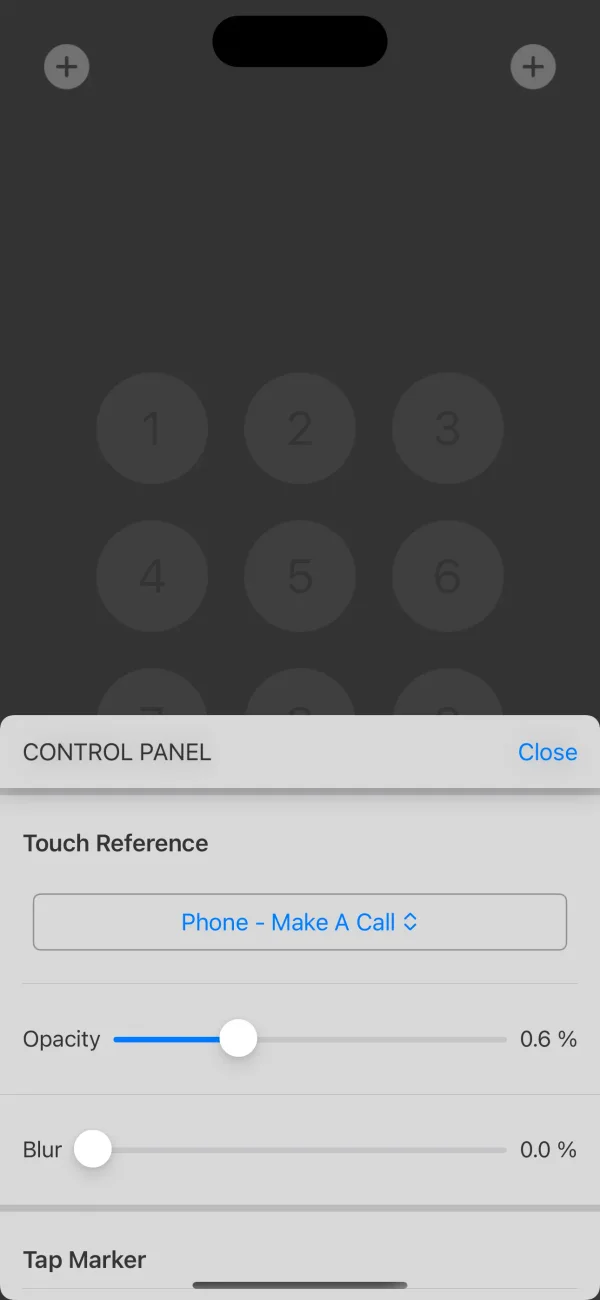
• Touch References – On-screen ‘Keyboard’ and ‘Phone’ guides help actors interact naturally with virtual interfaces.
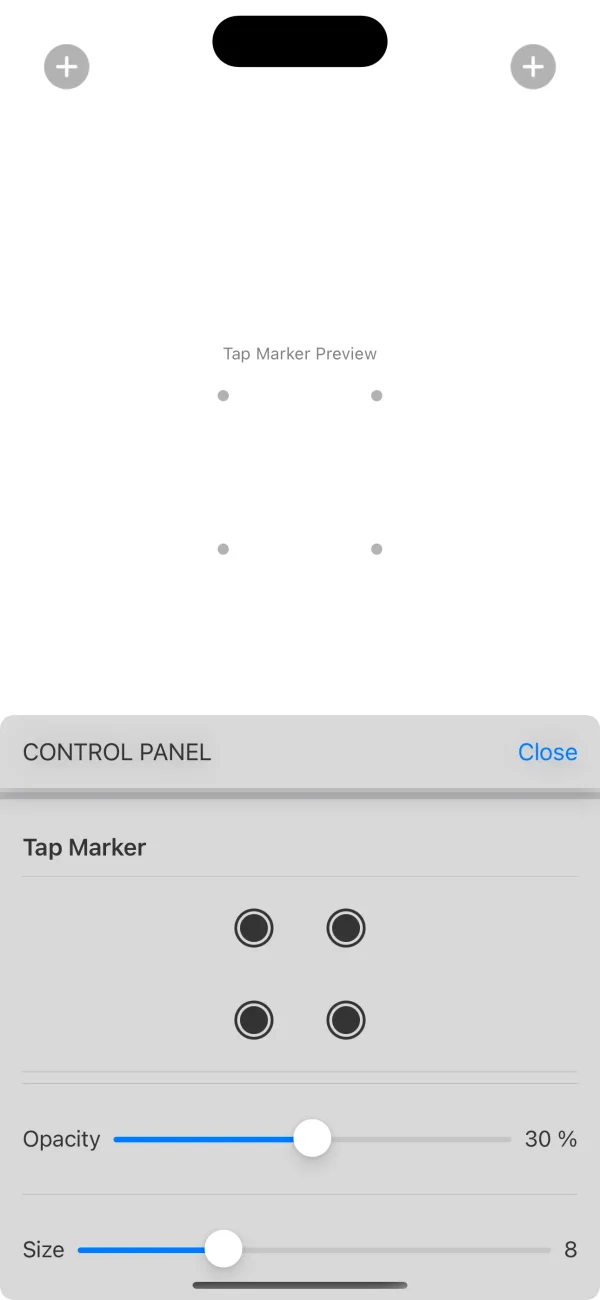
• Single Tap Track Marker – Custom markers for precise tap and drag tracking (not compatible with multiple touches).
• Custom Size & Opacity – Adjust tracking markers to balance visibility, reflections, and removal ease in VFX.
• Tips for Beginners – Get practical guidance on optimizing your screen for VFX.
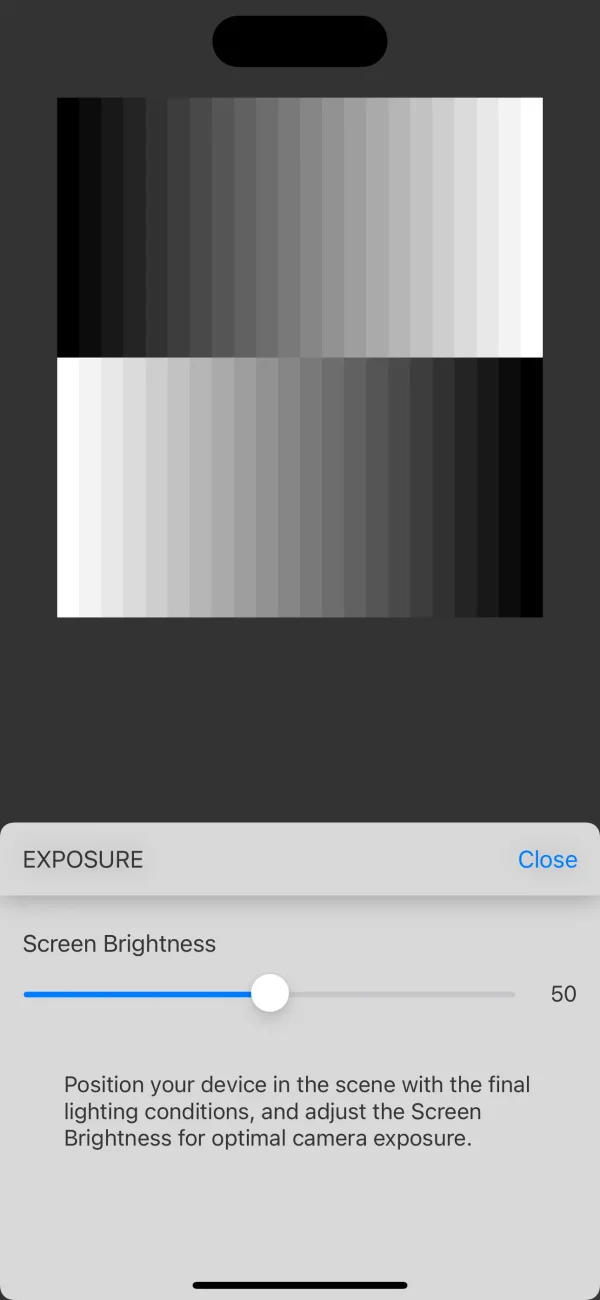
• Brightness Adjustment Chart – Fine-tune screen brightness to match scene exposure for optimal results.
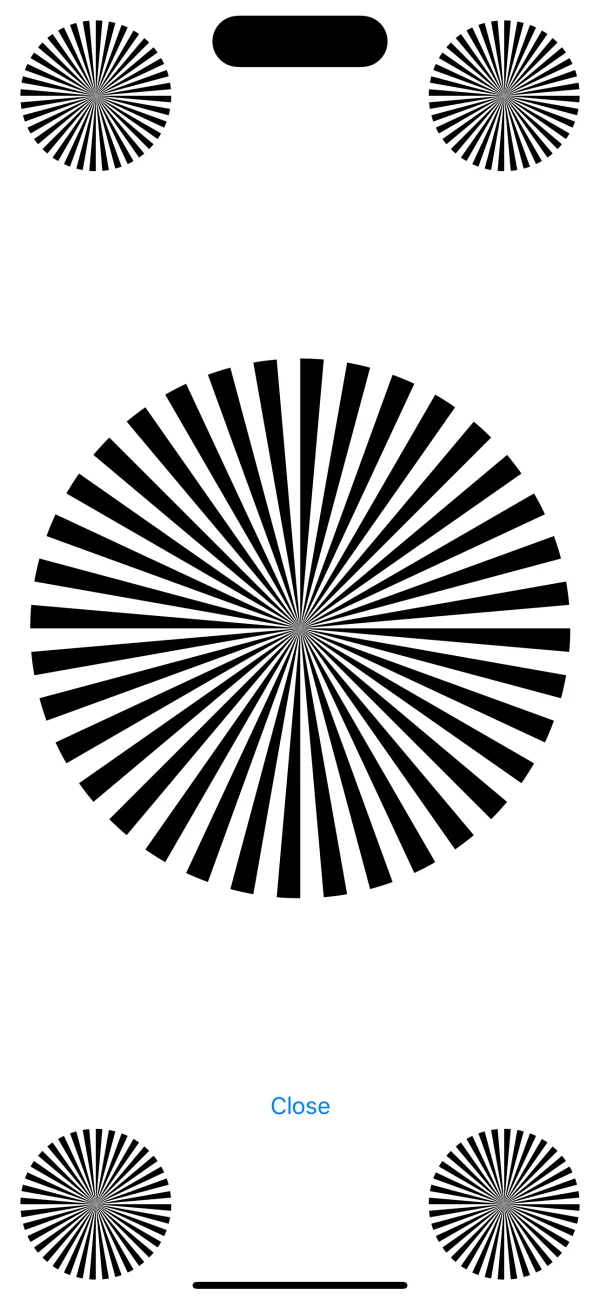
• Focus Chart – Ensure sharp focus on the screen during filming.
Designed for both beginners and professionals, Screen Forge simplifies screen preparation, making your VFX workflow smoother and more efficient.
Disclaimer:
Screen Forge is a pre-production tool and does not generate VFX or final composites. It assists filmmakers in setting up screens for filming, while actual VFX work should be done using professional post-production software.
Terms Of Use:
https://www.apple.com/legal/internet-services/itunes/dev/stdeula/
Privacy Policy:
https://www.dotcine.com.br/screenforge-privacy
Yang baru
Versi 1.2.1 · 8/7/2025
Introducing Focus Assist to help focus pulley operation.
Adding rotating feature to the Tap Marker.
Privasi aplikasi
Yang dinyatakan JOSE F DA SILVA NT di App Store tentang cara aplikasi ini menangani data.
-
Data tidak dikumpulkan
Pengembang tidak mengumpulkan data apa pun dari aplikasi ini.
Praktik privasi dapat bervariasi, misalnya berdasarkan fitur yang Anda gunakan atau usia Anda.
Informasi
- Penjual
- JOSE F DA SILVA NT
- Kategori
- Foto & Video
- Versi
- 1.2.1
- Diperbarui
- 8/7/2025
- Dirilis
- 5/4/2024
- Ukuran
- 1,2 MB
- Memerlukan
- iOS 17.0 atau yang lebih baru
- Batasan usia
- 4+
- Harga
- Gratis
- Pembelian dalam aplikasi
- Ya
- Bahasa
- Prancis, Jerman, Jepang, Portugis, Tionghoa Sederhana, Spanyol
- Hak cipta
- © 2025 JFNeto
Mungkin Anda juga suka
-
 the VFX screenFoto & Video
-
 Slapp ProFoto & Video
-
 Camera with FiltersFoto & Video
-
 Fisheye Lens Camera - WarpyCamFoto & Video
-
 Albus: Photos Manager AdfreeFoto & Video
-
 Camera ReportFoto & Video
-
 app Layar Hijau & Layar BiruChroma Key, punggung biru
-
 Y2K 2000s Instant Photo EditorFoto & Video
-
 Disposable Camera DisCam 2000sFoto & Video
-
 Reeltime ViewerFoto & Video