
Screen Forge
Chroma Key Screens For VFX
Designed for iPhone, iPad
Free · In-app purchases
- Age rating4+
- CategoryPhoto & Video
- DeveloperJOSE F DA SILVA NT
- LanguagesFrench+ 5 more
- Size1.2 MB
Links to the official App Store page
Download.org hosts no file of Screen Forge. The button opens its official App Store page, published by JOSE F DA SILVA NT. Listing last checked on Nov 20, 2026.
Screenshots
About
The Ultimate Screen Preparation Tool for VFX
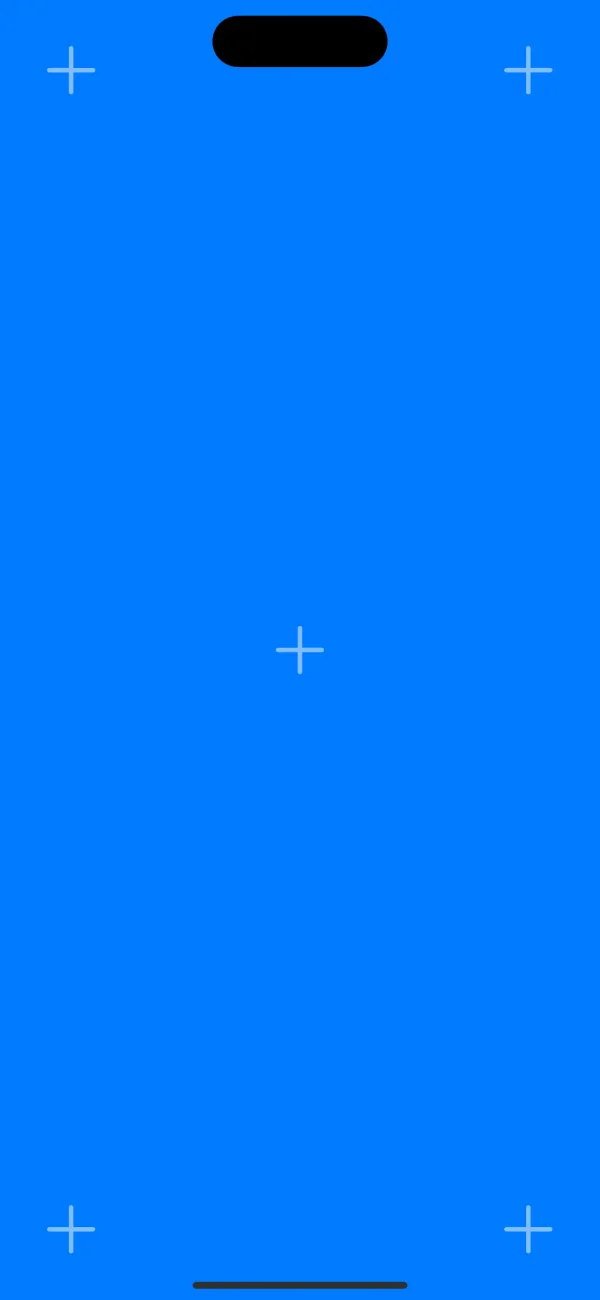
Screen Forge is a powerful tool designed for filmmakers using iPhones and iPads to shoot scenes where screens will later be replaced in VFX. Whether you’re using Chroma Key or other screen replacement techniques, Screen Forge helps you set up your screen for seamless post-production integration.
Key Features:
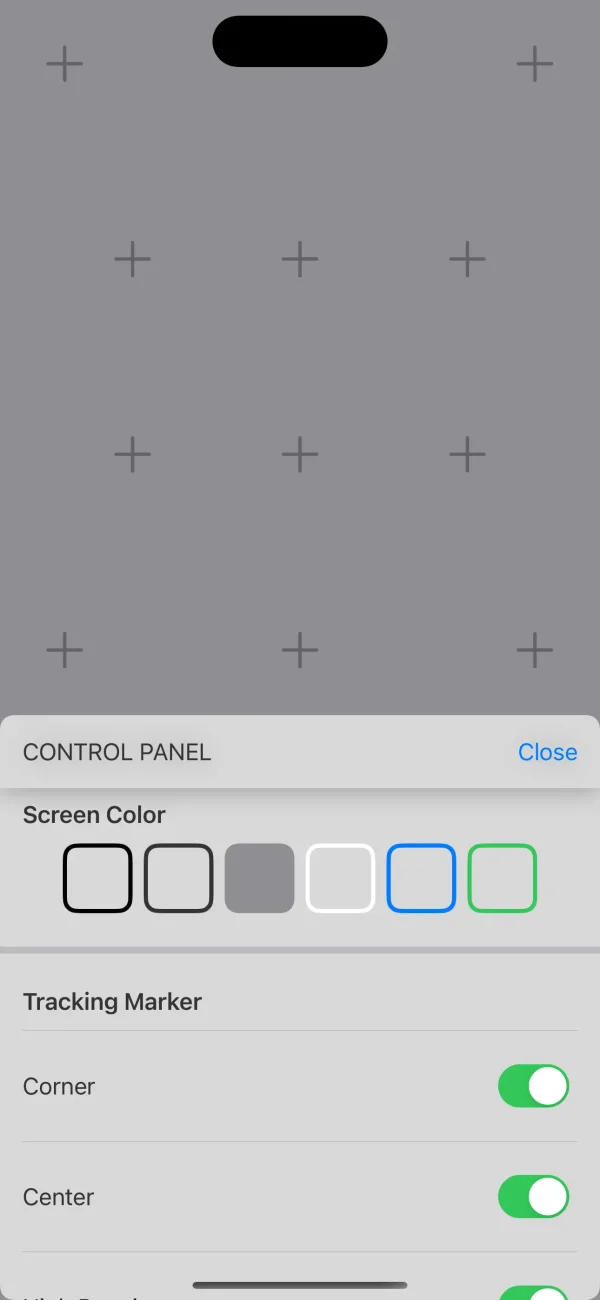
• Multiple Background Colors – Select from a range of colors to match any scene’s needs.
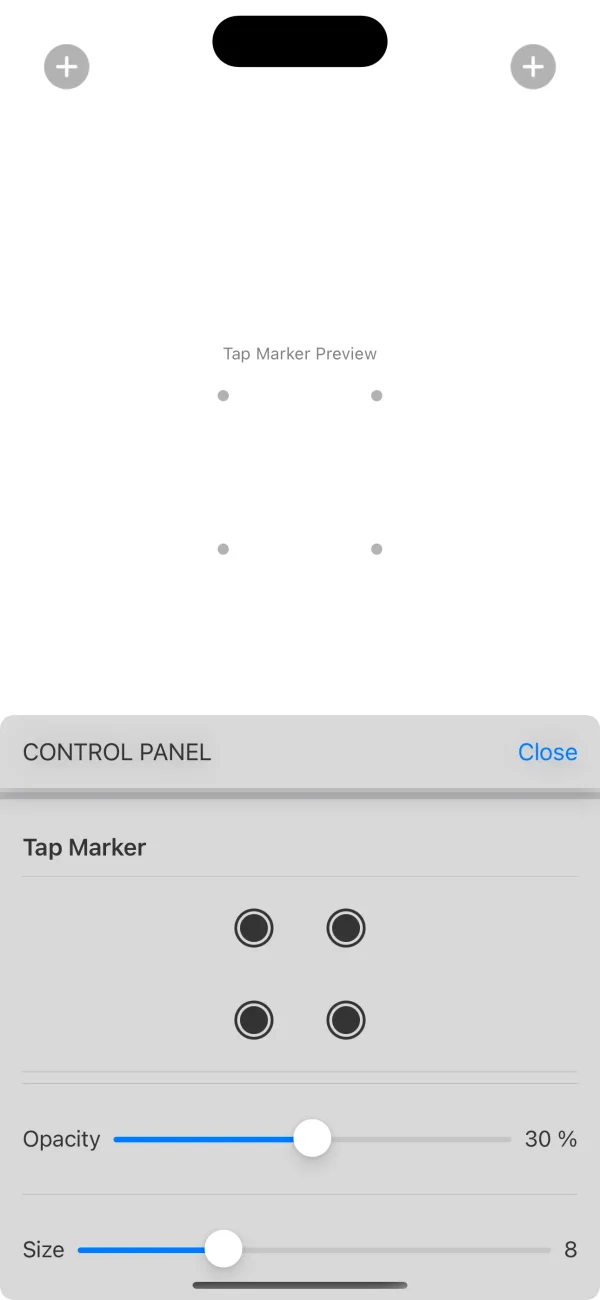
• Tracking Markers – Choose from various marker types to ensure precise alignment in post-production.
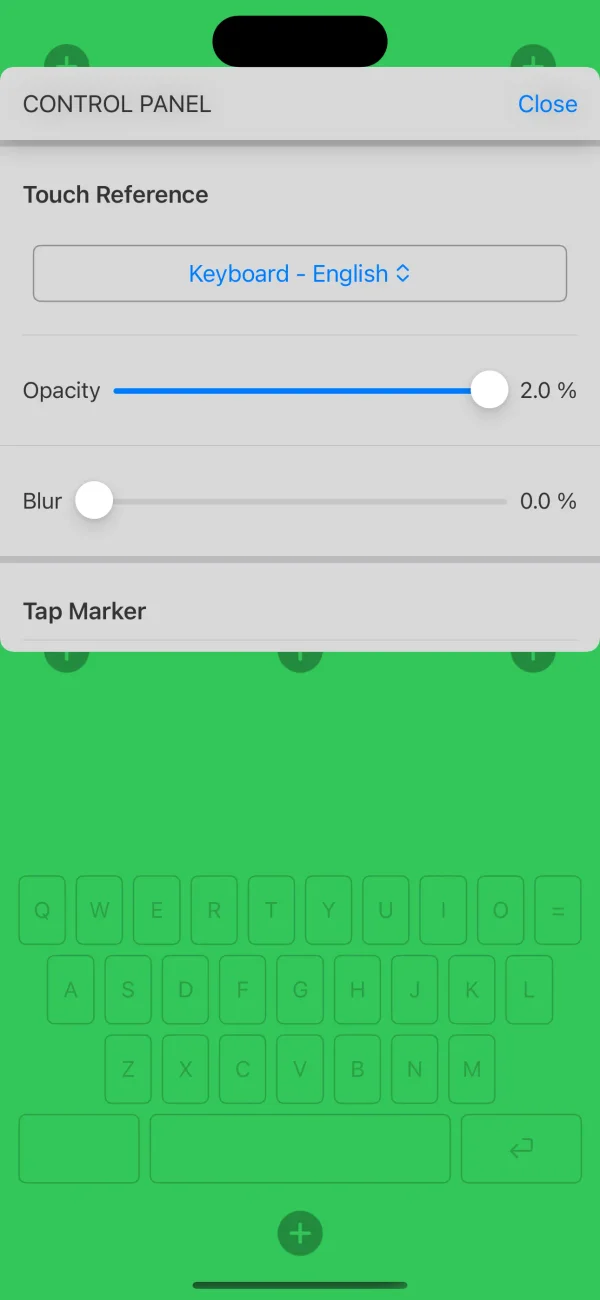
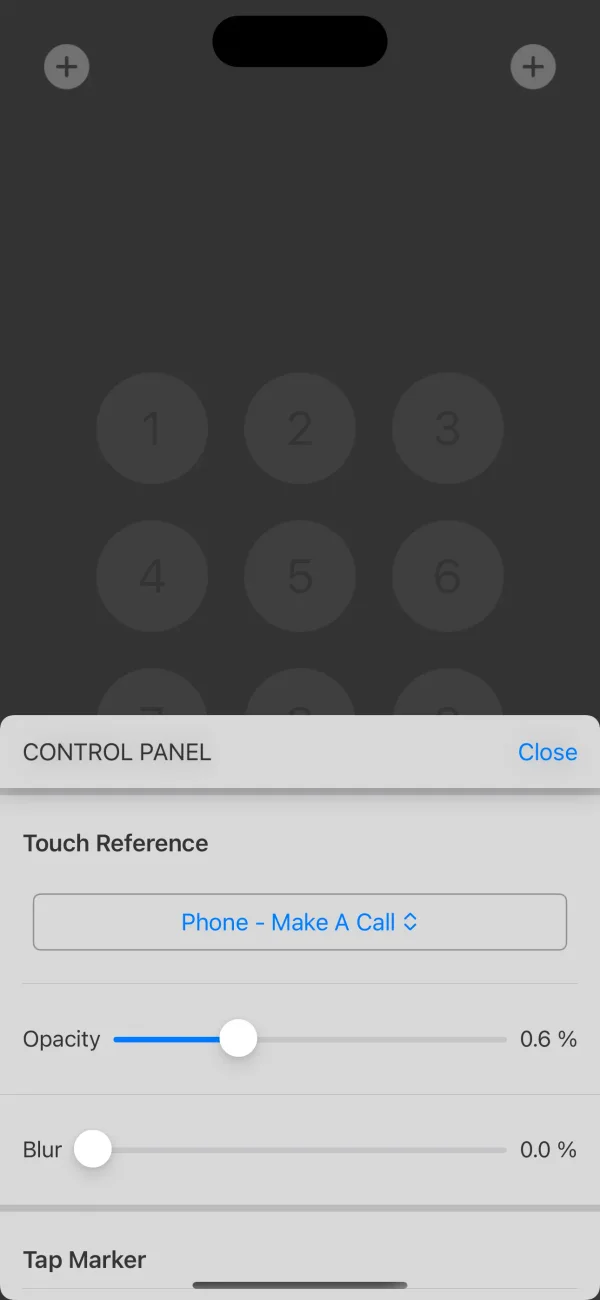
• Touch References – On-screen ‘Keyboard’ and ‘Phone’ guides help actors interact naturally with virtual interfaces.
• Single Tap Track Marker – Custom markers for precise tap and drag tracking (not compatible with multiple touches).
• Custom Size & Opacity – Adjust tracking markers to balance visibility, reflections, and removal ease in VFX.
• Tips for Beginners – Get practical guidance on optimizing your screen for VFX.
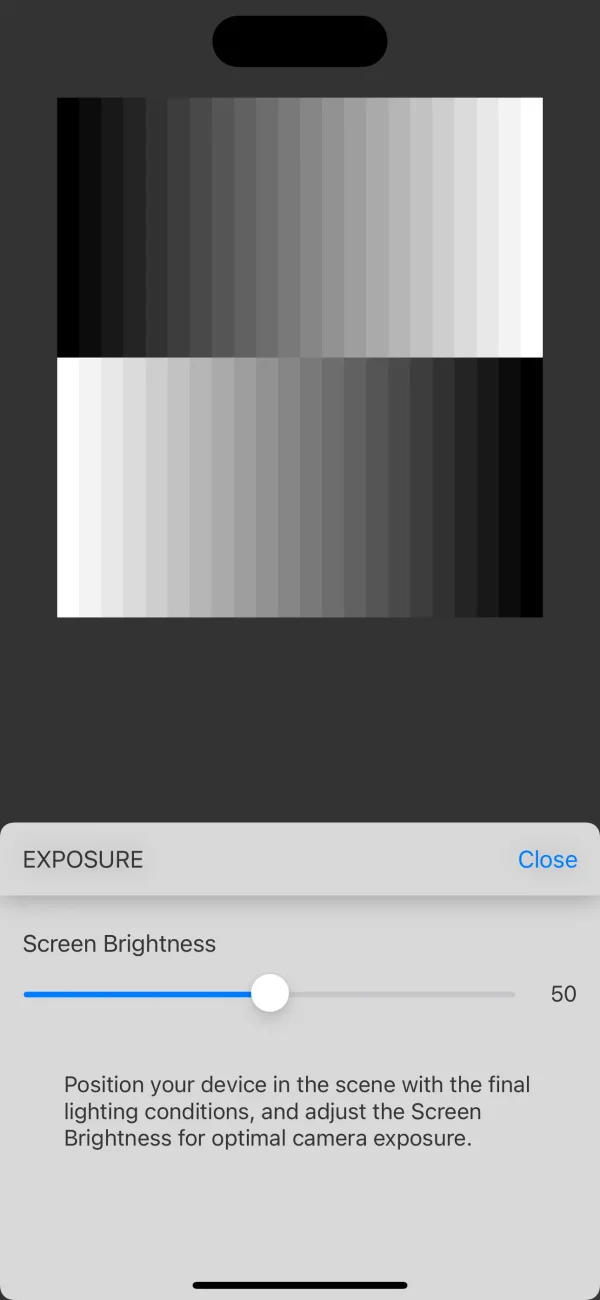
• Brightness Adjustment Chart – Fine-tune screen brightness to match scene exposure for optimal results.
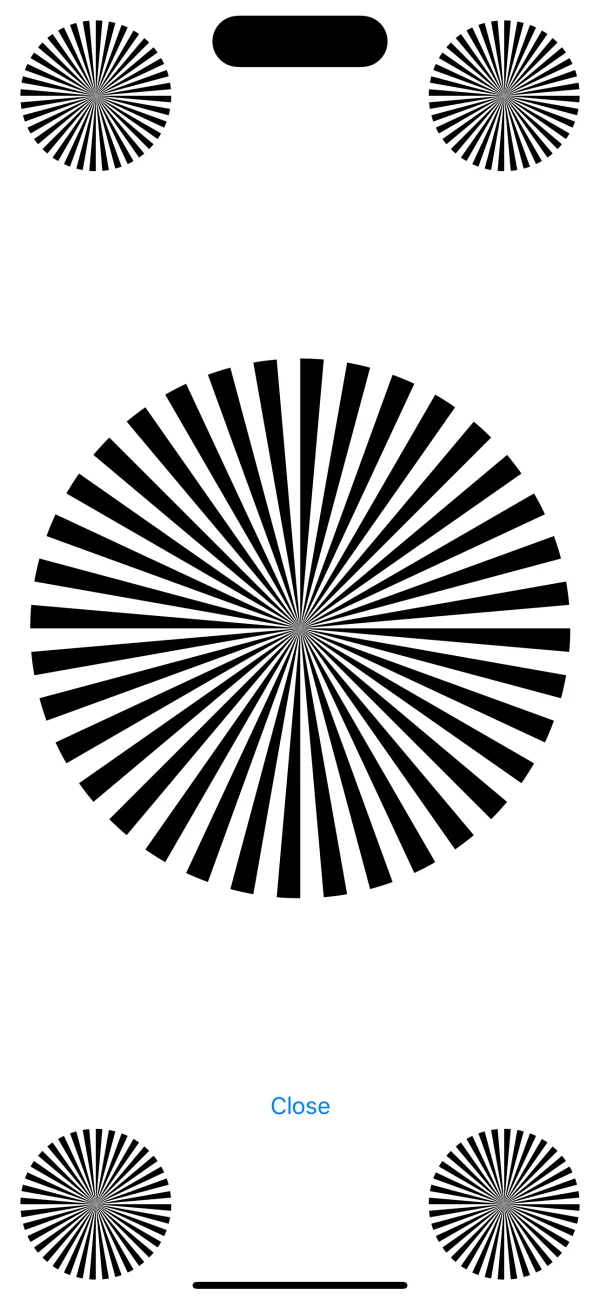
• Focus Chart – Ensure sharp focus on the screen during filming.
Designed for both beginners and professionals, Screen Forge simplifies screen preparation, making your VFX workflow smoother and more efficient.
Disclaimer:
Screen Forge is a pre-production tool and does not generate VFX or final composites. It assists filmmakers in setting up screens for filming, while actual VFX work should be done using professional post-production software.
Terms Of Use:
https://www.apple.com/legal/internet-services/itunes/dev/stdeula/
Privacy Policy:
https://www.dotcine.com.br/screenforge-privacy
What’s new
Version 1.2.1 · Jul 8, 2025
Introducing Focus Assist to help focus pulley operation.
Adding rotating feature to the Tap Marker.
App privacy
What JOSE F DA SILVA NT declares on the App Store about how this app handles data.
-
Data not collected
The developer does not collect any data from this app.
Privacy practices may vary, for example with the features you use or your age.
Information
- Seller
- JOSE F DA SILVA NT
- Category
- Photo & Video
- Version
- 1.2.1
- Updated
- Jul 8, 2025
- Released
- Apr 5, 2024
- Size
- 1.2 MB
- Requires
- iOS 17.0 or later
- Age rating
- 4+
- Price
- Free
- In-app purchases
- Yes
- Languages
- French, German, Japanese, Portuguese, Simplified Chinese, Spanish
- Copyright
- © 2025 JFNeto
You might also like
-
 the VFX screenvisual effects screen inserts
-
 Slapp ProPhoto Documentation for Pros
-
 Camera with FiltersTransform your images
-
 Fisheye Lens Camera - WarpyCamPhoto Edit Lomo Cameras Effect
-
 Albus: Photos Manager AdfreeOrganize Clean Tag Edit Rating
-
 Camera ReportTool for camera assistants
-
 Green Screen & Blue Screen AppChroma Key.Green,blue back.
-
 Y2K 2000s Instant Photo EditorVintage Old Camera 0.3MP Retro
-
 Disposable Camera DisCam 2000sY2K Editing Retro Photo Editor
-
 Reeltime ViewerStreaming App for Reeltime Pro