Spreadsheet Maker - GridSmith
Tables, Schedules & PDF Export
Dirancang untuk iPhone, iPad
Gratis · Pembelian dalam aplikasi
- Batasan usia4+
- KategoriGrafik & Desain
- PengembangLisfee, Inc.
- BahasaInggris+ 55 lainnya
- Ukuran59,0 MB
Tertaut ke halaman resmi App Store
Download.org tidak menyimpan file Spreadsheet Maker - GridSmith apa pun. Tombol ini membuka halaman aplikasi di App Store, tempat Lisfee, Inc. menerbitkannya. Halaman terakhir diperiksa pada 26/11/2026.
Tangkapan layar
Tentang
Pengembang belum menyediakan teks ini dalam bahasa Anda.
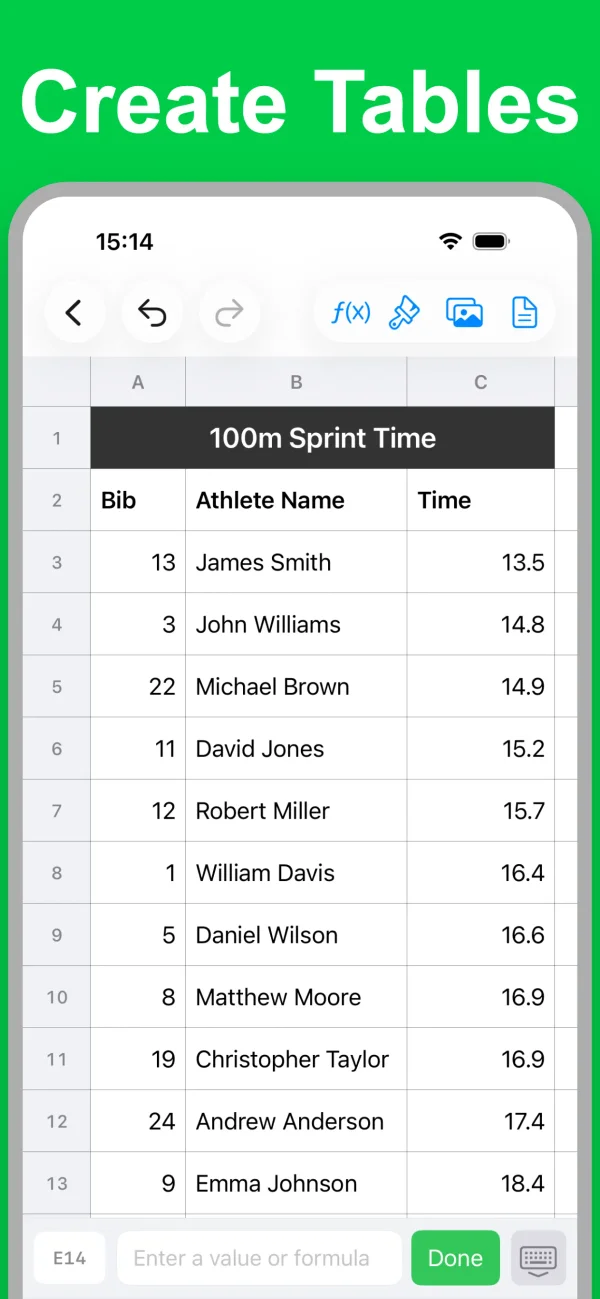
Create spreadsheets, schedules, rosters, brackets, budgets, inventories, and checklists—right from your iPhone/iPad.
GridSmith is a flexible spreadsheet and table maker that brings data entry, calculations, formatting, images, and PDF, PNG, and CSV export together in one mobile app.
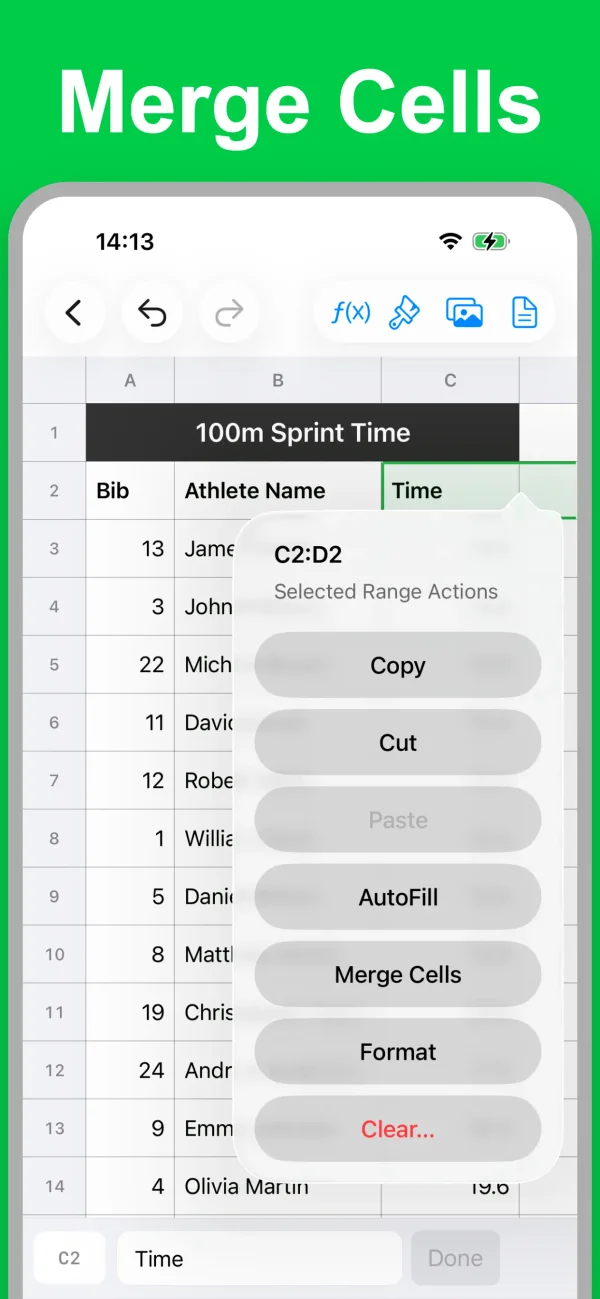
Tap a cell to enter data. Long-press to copy, paste, or clear it. Edit rows and columns with intuitive controls designed specifically for a phone.
#KEY FEATURES
■ CELL INPUT AND FORMULAS
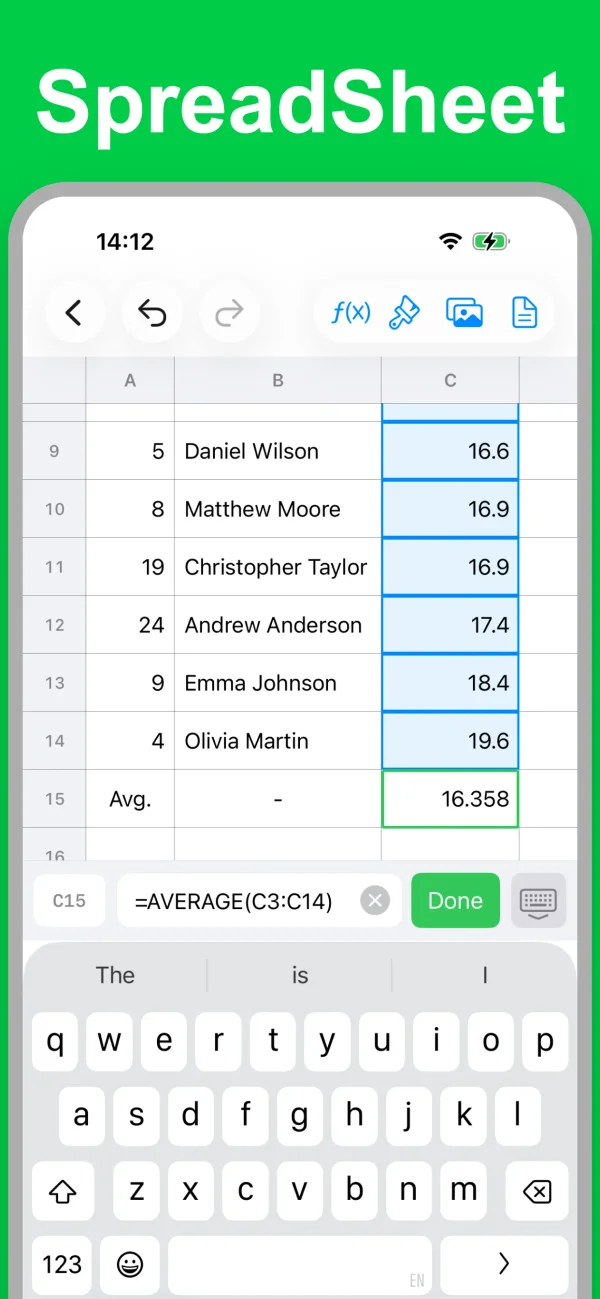
Enter text, numbers, dates, currency, percentages, and multi-line notes. Use cell references in formulas and see calculated results automatically.
■ RICH FORMATTING
Customize cells with:
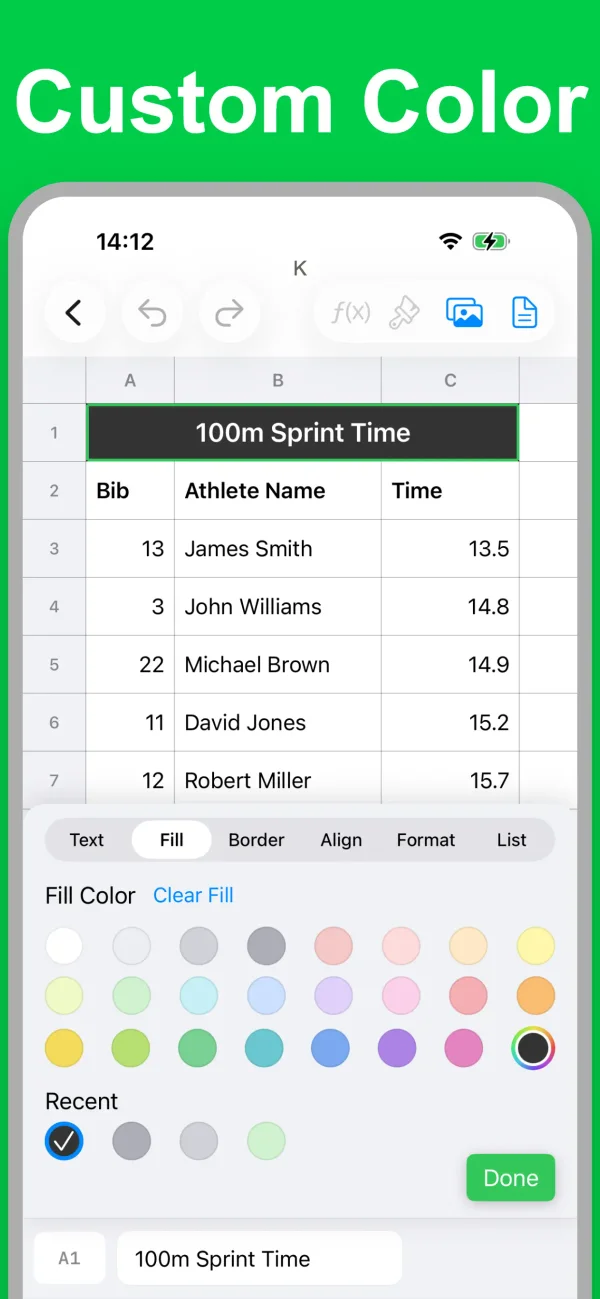
• Background and text colors
• Font family and size
• Bold, italic, underline, and strikethrough
• Horizontal and vertical alignment
• Indentation and line spacing
• Number, currency, date, and percentage formats
Apply formatting to multiple cells, rows, or columns at once.
■ FLEXIBLE BORDERS
• Solid, thick, dotted, dashed, and double lines
• Adjustable line width
• Custom border colors
Place borders on selected sides, outside edges, or inside ranges.
■ POWERFUL TABLE EDITING
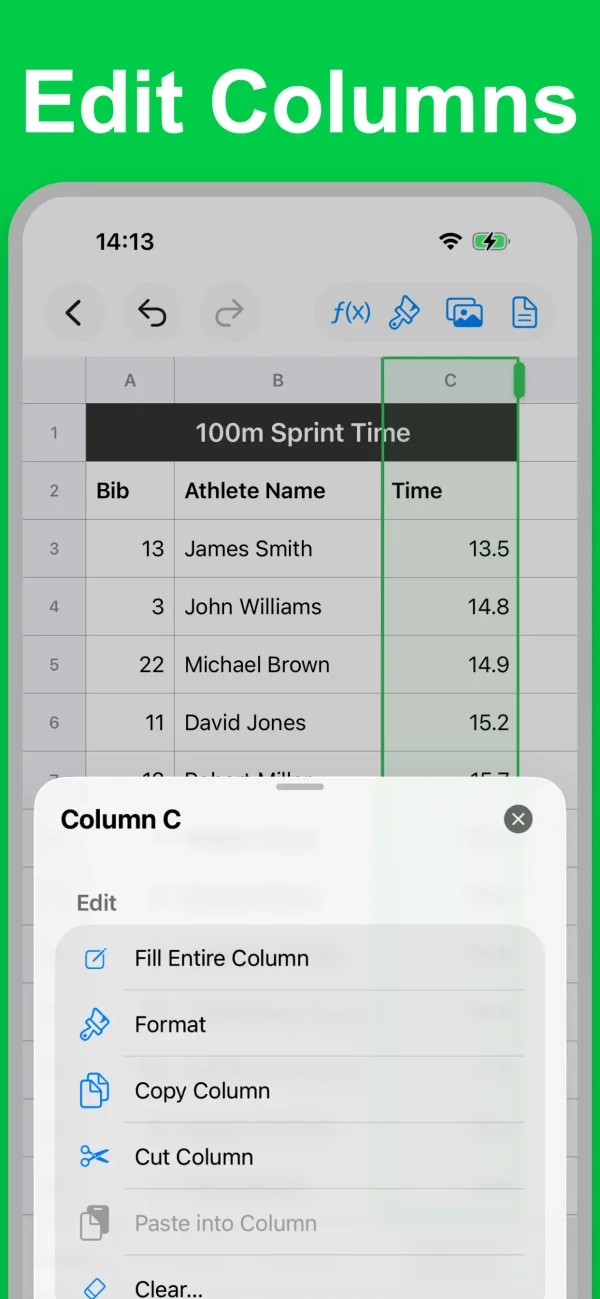
• Add, delete, move, reorder, resize, or hide rows and columns
• Copy, cut, and paste cells, ranges, rows, and columns
• Copy values, formatting, and input rules together
• Select multiple cells and use autofill
• Merge cells for titles and headings
• Undo and redo individual or bulk edits
■ CUSTOM PICK LISTS
Create reusable choices for names, statuses, and categories, then select a value instead of repeatedly typing it.
■ IMAGES
Add images from your library or camera. Move, resize, and display them as circles, squares, or rounded rectangles.
■ MULTIPLE SHEETS
Switch, rename, duplicate, delete, and reorder sheets within a document.
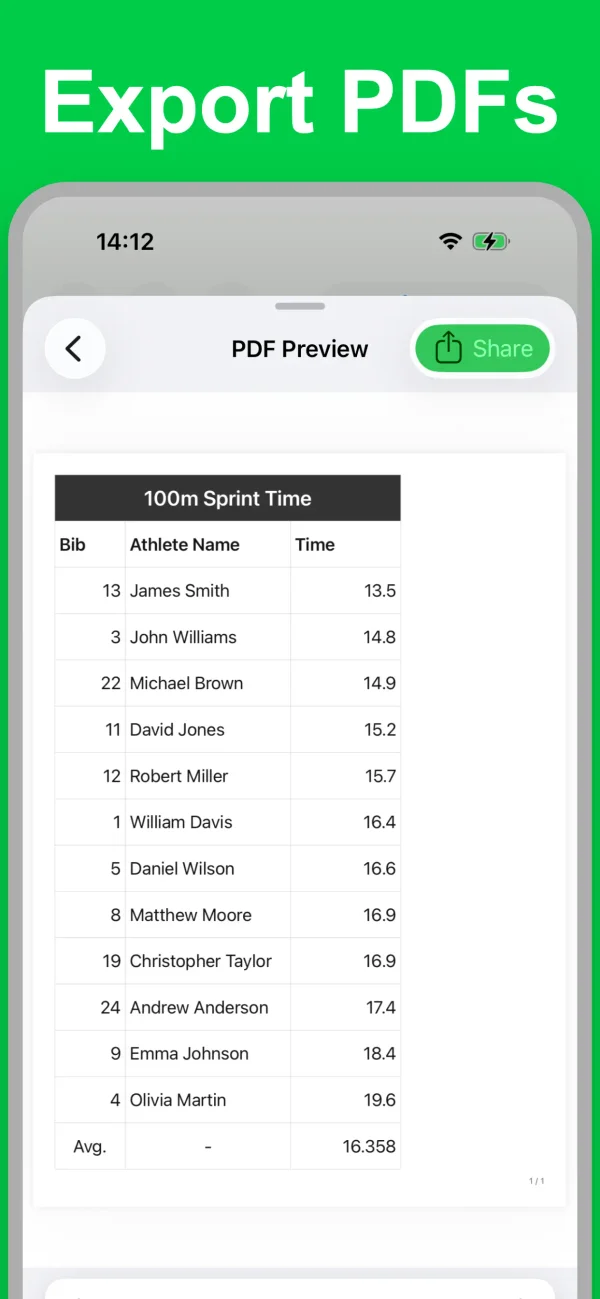
■ PDF, PNG, AND CSV EXPORT
Create files for printing, saving, or sharing. Configure PDF paper size, orientation, margins, export range, title position, and headings. Export PNG images or CSV data for other spreadsheet apps.
■ TEAM WORKSPACES
Eligible plans let you invite members and manage tables together.
#GREAT FOR
• Budgets and expense tracking
• Sales, customer, and inventory management
• Rosters, contacts, and work schedules
• Shift planners, timetables, and calendars
• Checklists, estimates, and reports
• Product lists and price sheets
• Photo records and survey results
• Scoreboards and tournament brackets
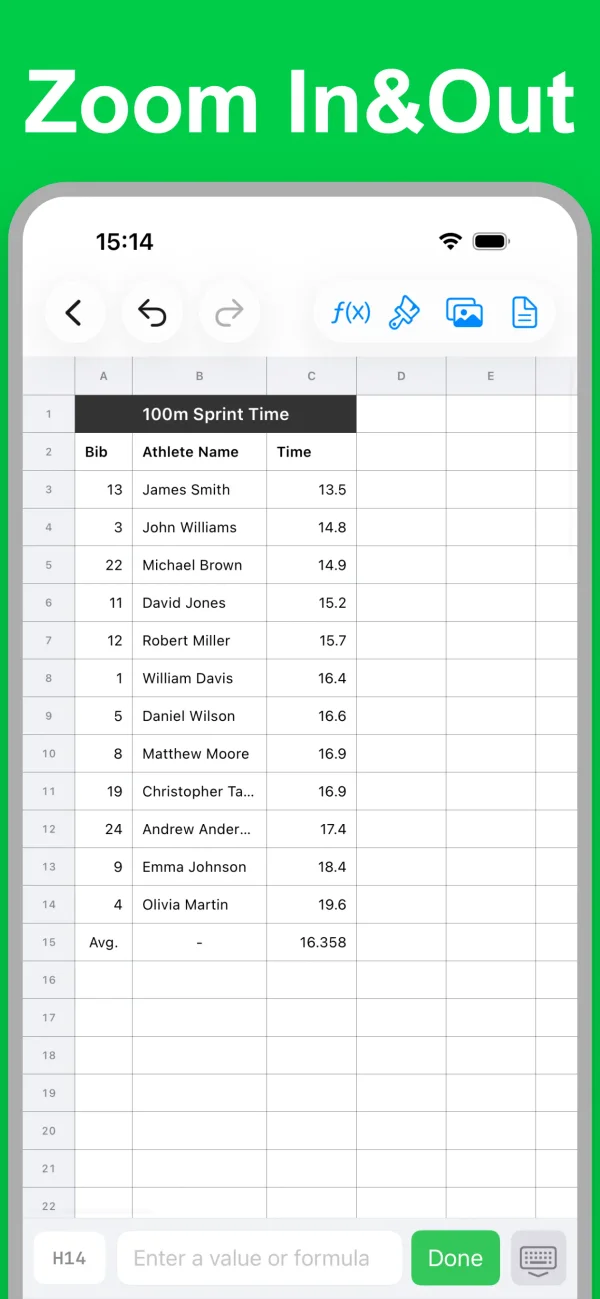
GridSmith is optimized for a small screen with pinch-to-zoom, fixed headings, range selection, an input bar, and long-press menus.
#AUTO-RENEWABLE SUBSCRIPTIONS
Pro plans:
• Pro Entry: $4.99 per month
• Pro Standard: $9.99 per month
• Pro Advanced: $19.99 per month
Eligible new subscribers may receive a 3-day Pro trial. Eligibility is determined by Apple.
Biz plans:
• Biz Entry: $49.99 per month
• Biz Standard: $99.99 per month
• Biz Advanced: $199.99 per month
• Biz Ultra: $499.99 per month
• Biz Max: $999.99 per month
Biz plans have no free trial. Limits vary by plan. See the purchase screen for current features, local prices, and eligibility.
#PAYMENT AND RENEWAL
Payment is charged to your Apple Account at confirmation. A trial automatically converts to a paid subscription when it ends. Subscriptions renew unless canceled at least 24 hours before the current billing or trial period ends. Your account is charged within 24 hours before renewal.
Manage or cancel in Settings > Apple Account > Subscriptions > GridSmith. Deleting the app does not cancel a subscription. Paid features remain through the current period. Refund eligibility follows Apple's policies. Restore purchases from within the app.
Terms of Use:
https://lisfee.com/about-rule
Privacy Policy:
https://lisfee.com/privacy-policy
Yang baru
Versi 1.0.9 · 17/8/2026
- Fixed bugs.
Privasi aplikasi
Yang dinyatakan Lisfee, Inc. di App Store tentang cara aplikasi ini menangani data.
-
Data yang digunakan untuk melacak Anda
Dapat digunakan untuk melacak Anda di aplikasi dan situs web milik perusahaan lain.
- Lokasi
- Pengenal
- Data penggunaan
- Diagnostik
-
Data yang ditautkan dengan Anda
Dapat dikumpulkan dan ditautkan dengan identitas Anda.
- Lokasi
- Pengenal
- Data penggunaan
- Diagnostik
Praktik privasi dapat bervariasi, misalnya berdasarkan fitur yang Anda gunakan atau usia Anda.
Informasi
- Penjual
- Lisfee, Inc.
- Kategori
- Grafik & Desain
- Versi
- 1.0.9
- Diperbarui
- 17/8/2026
- Dirilis
- 26/7/2026
- Ukuran
- 59,0 MB
- Memerlukan
- iOS 16.0 atau yang lebih baru
- Batasan usia
- 4+
- Harga
- Gratis
- Pembelian dalam aplikasi
- Ya
- Bahasa
- Inggris, Amharic, Arab, Armenian, Azerbaijani, Bengali, Bulgarian, Burmese, Cambodian, Kroat (Kroasia), Cheska (Republik Cheska), Dansk (Denmark) + 44 lainnya
- Hak cipta
- © Lisfee, Inc.
Mungkin Anda juga suka
-
 CanvasPrism - PapanPapan tulis offline & privat
-
 あみぬりGrafik & Desain
-
 RakuRaku Stamp - Buat StikerMudah! Stiker dari foto
-
 アニメ風加工 - 画像・イラスト生成AIGrafik & Desain
-
 Animetize AIGrafik & Desain
-
 Origlow - Paper CutGrafik & Desain
-
 Fractpul: Make Photo StampsGrafik & Desain
-
 ピクトグラム メーカーGrafik & Desain
-
 CAD设计 - CADesignGrafik & Desain
-
 Pembuat Pixel Art PixelCanvasPixel art mudah dan intuitif