Spreadsheet Maker - GridSmith
Tables, Schedules & PDF Export
iPhone, iPad için tasarlandı
Ücretsiz · Uygulama içi satın alma
- Yaş sınırı4+
- KategoriGrafik ve Tasarım
- GeliştiriciLisfee, Inc.
- Dillerİngilizce+ 55 dil daha
- Boyut59,0 MB
Resmi App Store sayfasına bağlanır
Download.org, Spreadsheet Maker - GridSmith için hiçbir dosya barındırmaz. Düğme, uygulamanın App Store üzerindeki sayfasını açar; uygulamayı orada Lisfee, Inc. yayınlar. Sayfanın son kontrolü: 26.11.2026.
Ekran görüntüleri
Hakkında
Geliştirici bu metni dilinizde sunmamış.
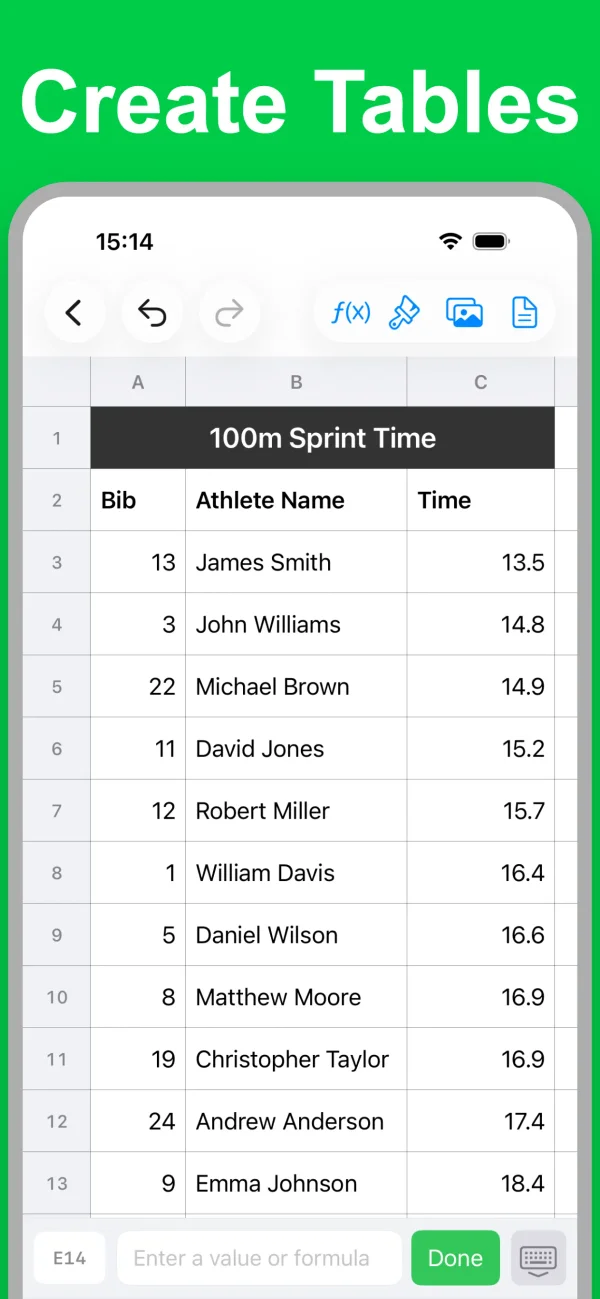
Create spreadsheets, schedules, rosters, brackets, budgets, inventories, and checklists—right from your iPhone/iPad.
GridSmith is a flexible spreadsheet and table maker that brings data entry, calculations, formatting, images, and PDF, PNG, and CSV export together in one mobile app.
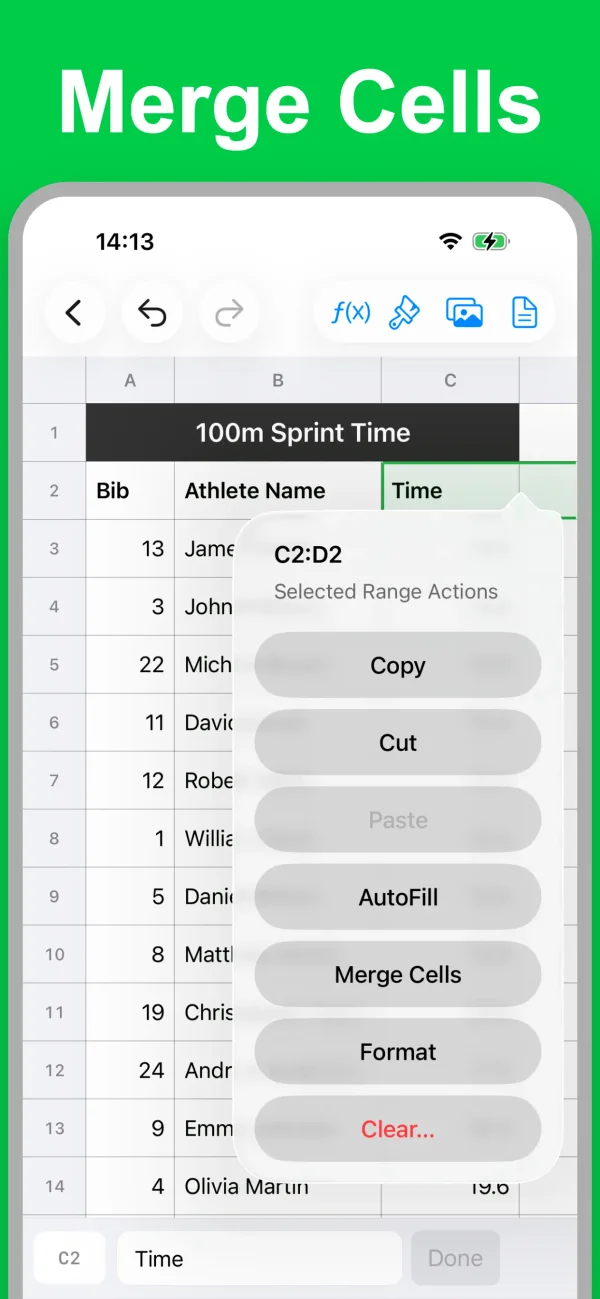
Tap a cell to enter data. Long-press to copy, paste, or clear it. Edit rows and columns with intuitive controls designed specifically for a phone.
#KEY FEATURES
■ CELL INPUT AND FORMULAS
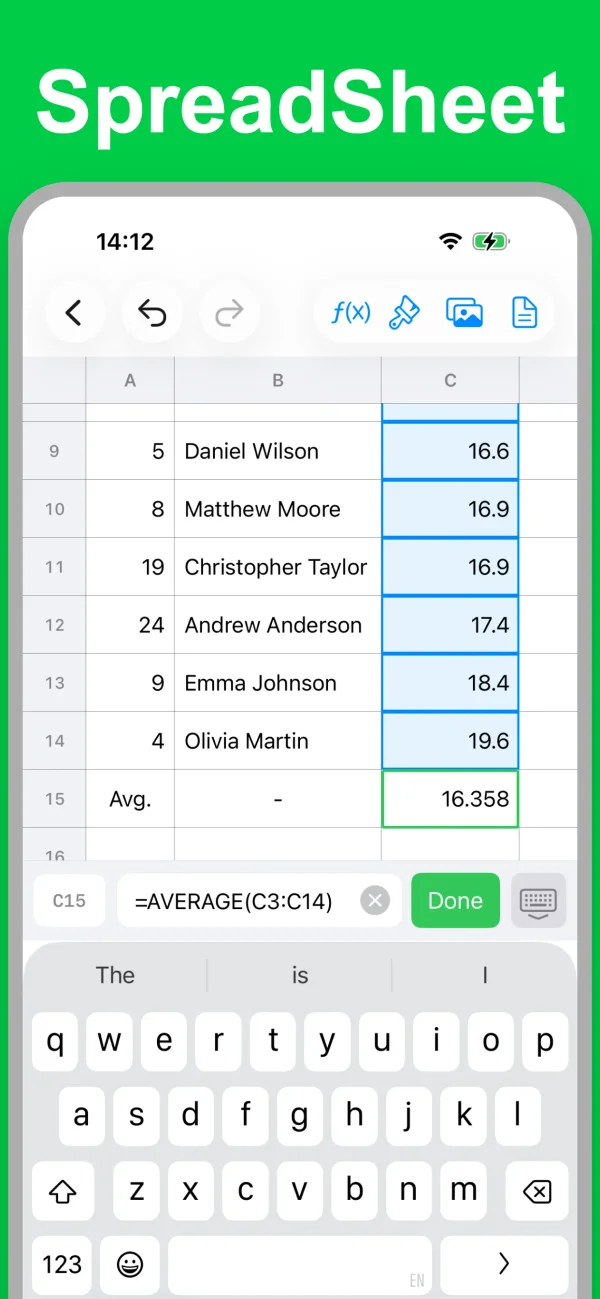
Enter text, numbers, dates, currency, percentages, and multi-line notes. Use cell references in formulas and see calculated results automatically.
■ RICH FORMATTING
Customize cells with:
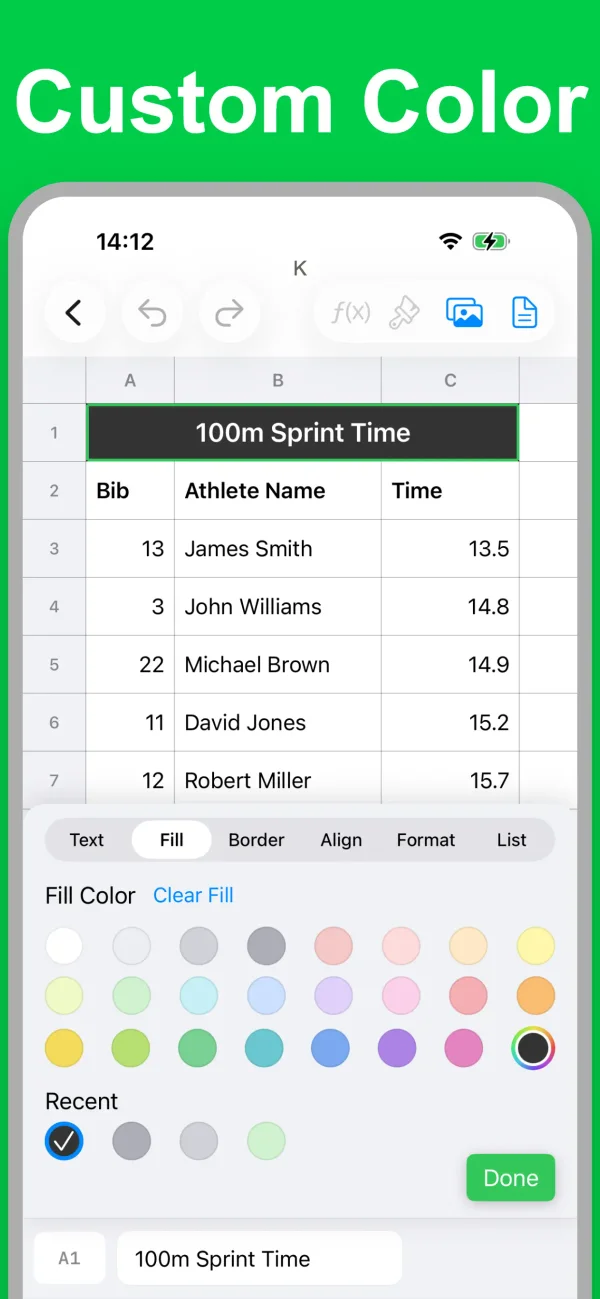
• Background and text colors
• Font family and size
• Bold, italic, underline, and strikethrough
• Horizontal and vertical alignment
• Indentation and line spacing
• Number, currency, date, and percentage formats
Apply formatting to multiple cells, rows, or columns at once.
■ FLEXIBLE BORDERS
• Solid, thick, dotted, dashed, and double lines
• Adjustable line width
• Custom border colors
Place borders on selected sides, outside edges, or inside ranges.
■ POWERFUL TABLE EDITING
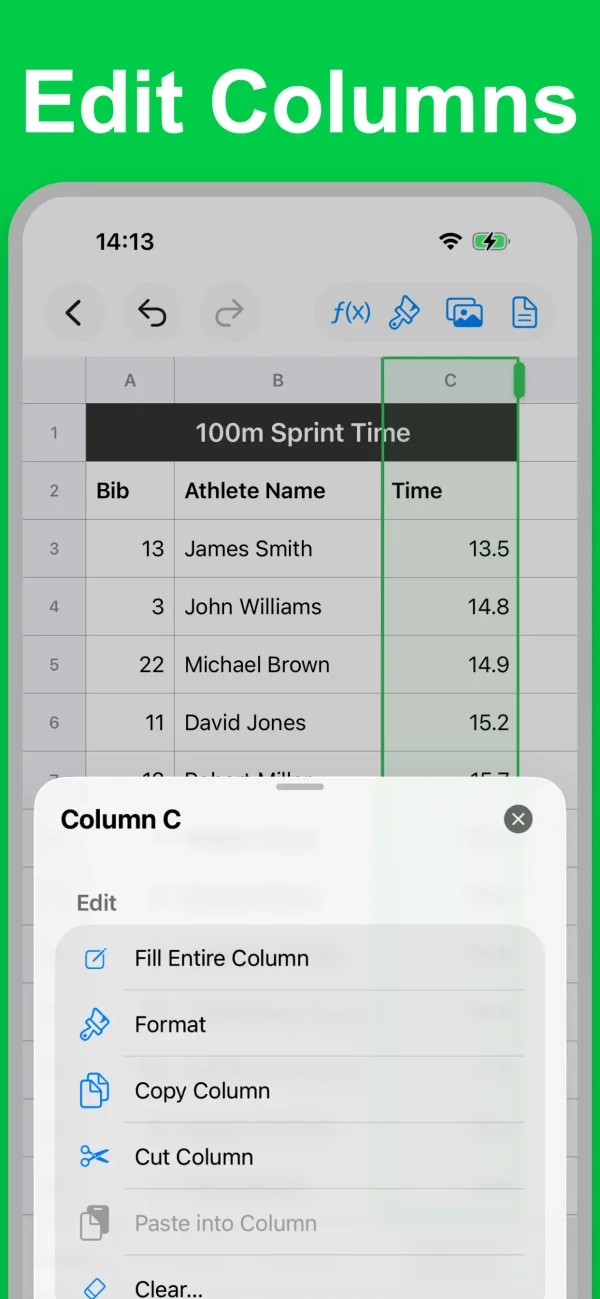
• Add, delete, move, reorder, resize, or hide rows and columns
• Copy, cut, and paste cells, ranges, rows, and columns
• Copy values, formatting, and input rules together
• Select multiple cells and use autofill
• Merge cells for titles and headings
• Undo and redo individual or bulk edits
■ CUSTOM PICK LISTS
Create reusable choices for names, statuses, and categories, then select a value instead of repeatedly typing it.
■ IMAGES
Add images from your library or camera. Move, resize, and display them as circles, squares, or rounded rectangles.
■ MULTIPLE SHEETS
Switch, rename, duplicate, delete, and reorder sheets within a document.
■ PDF, PNG, AND CSV EXPORT
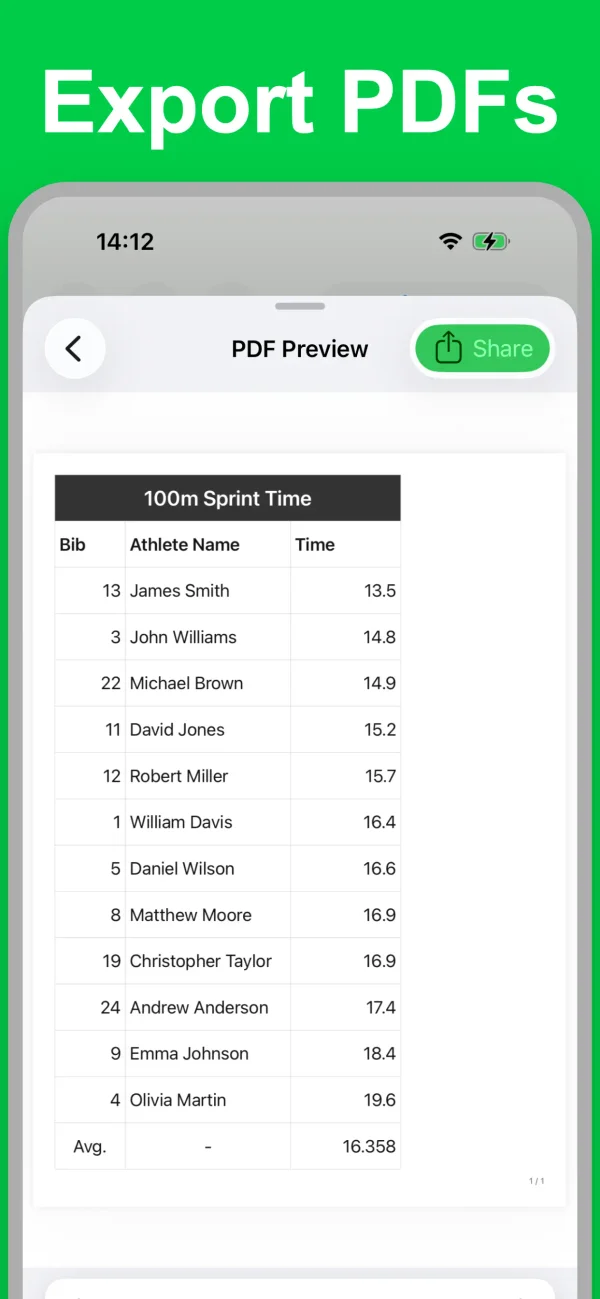
Create files for printing, saving, or sharing. Configure PDF paper size, orientation, margins, export range, title position, and headings. Export PNG images or CSV data for other spreadsheet apps.
■ TEAM WORKSPACES
Eligible plans let you invite members and manage tables together.
#GREAT FOR
• Budgets and expense tracking
• Sales, customer, and inventory management
• Rosters, contacts, and work schedules
• Shift planners, timetables, and calendars
• Checklists, estimates, and reports
• Product lists and price sheets
• Photo records and survey results
• Scoreboards and tournament brackets
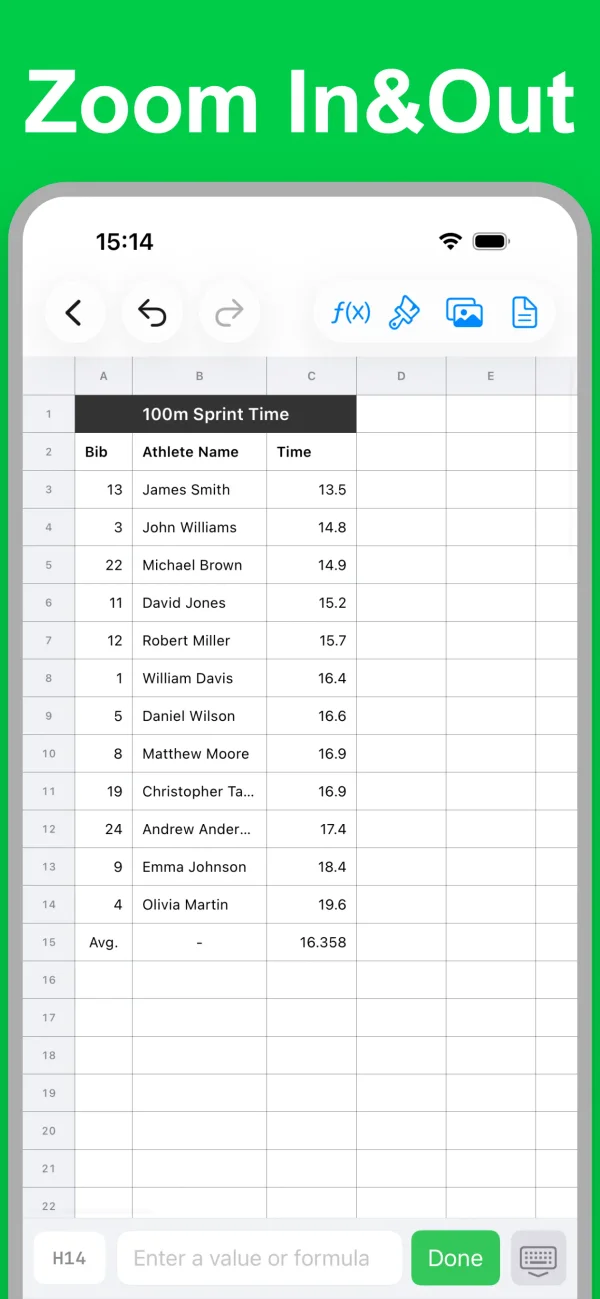
GridSmith is optimized for a small screen with pinch-to-zoom, fixed headings, range selection, an input bar, and long-press menus.
#AUTO-RENEWABLE SUBSCRIPTIONS
Pro plans:
• Pro Entry: $4.99 per month
• Pro Standard: $9.99 per month
• Pro Advanced: $19.99 per month
Eligible new subscribers may receive a 3-day Pro trial. Eligibility is determined by Apple.
Biz plans:
• Biz Entry: $49.99 per month
• Biz Standard: $99.99 per month
• Biz Advanced: $199.99 per month
• Biz Ultra: $499.99 per month
• Biz Max: $999.99 per month
Biz plans have no free trial. Limits vary by plan. See the purchase screen for current features, local prices, and eligibility.
#PAYMENT AND RENEWAL
Payment is charged to your Apple Account at confirmation. A trial automatically converts to a paid subscription when it ends. Subscriptions renew unless canceled at least 24 hours before the current billing or trial period ends. Your account is charged within 24 hours before renewal.
Manage or cancel in Settings > Apple Account > Subscriptions > GridSmith. Deleting the app does not cancel a subscription. Paid features remain through the current period. Refund eligibility follows Apple's policies. Restore purchases from within the app.
Terms of Use:
https://lisfee.com/about-rule
Privacy Policy:
https://lisfee.com/privacy-policy
Yenilikler
Sürüm 1.0.9 · 17.08.2026
- Fixed bugs.
Uygulama gizliliği
Bu uygulamanın verileri nasıl işlediği hakkında Lisfee, Inc. tarafından App Store üzerinde yapılan beyan.
-
Sizi izlemek için kullanılan veriler
Başka şirketlere ait uygulamalarda ve web sitelerinde sizi izlemek için kullanılabilir.
- Konum
- Tanımlayıcılar
- Kullanım verileri
- Tanılama
-
Sizinle ilişkilendirilen veriler
Toplanabilir ve kimliğinizle ilişkilendirilebilir.
- Konum
- Tanımlayıcılar
- Kullanım verileri
- Tanılama
Gizlilik uygulamaları, örneğin kullandığınız özelliklere veya yaşınıza göre değişiklik gösterebilir.
Bilgiler
- Satıcı
- Lisfee, Inc.
- Kategori
- Grafik ve Tasarım
- Sürüm
- 1.0.9
- Güncellendi
- 17.08.2026
- Yayın tarihi
- 26.07.2026
- Boyut
- 59,0 MB
- Gereksinim
- iOS 16.0 veya sonrası
- Yaş sınırı
- 4+
- Fiyat
- Ücretsiz
- Uygulama içi satın alma
- Evet
- Diller
- İngilizce, Amharic, Arapça, Armenian, Azerbaijani, Bengali, Bulgarian, Burmese, Cambodian, Hırvatça, Çekçe, Danca + 44 dil daha
- Telif hakkı
- © Lisfee, Inc.
Bunları da beğenebilirsiniz
-
 CanvasPrism - Beyaz TahtaÇevrimdışı, özel beyaz tahta
-
 あみぬりGrafik ve Tasarım
-
 RakuRaku Stamp - Create StampGrafik ve Tasarım
-
 アニメ風加工 - 画像・イラスト生成AIGrafik ve Tasarım
-
 Animetize AIGrafik ve Tasarım
-
 Origlow - Paper CutGrafik ve Tasarım
-
 Fractpul: Pul YapmaDijital Albüm ve Pul Oluştur
-
 ピクトグラム メーカーGrafik ve Tasarım
-
 CAD设计 - CADesignGrafik ve Tasarım
-
 Piksel Sanat Maker PixelCanvasPiksel sanatini sezgisel yap