
- Batasan usia4+
- KategoriKegunaan
- Pengembang享风 赵
- BahasaInggris+ 1 lainnya
- Ukuran39,1 MB
Tertaut ke halaman resmi App Store
Download.org tidak menyimpan file THLPlay apa pun. Tombol ini membuka halaman aplikasi di App Store, tempat 享风 赵 menerbitkannya. Halaman terakhir diperiksa pada 24/11/2026.
Tangkapan layar


Tentang
Pengembang belum menyediakan teks ini dalam bahasa Anda.
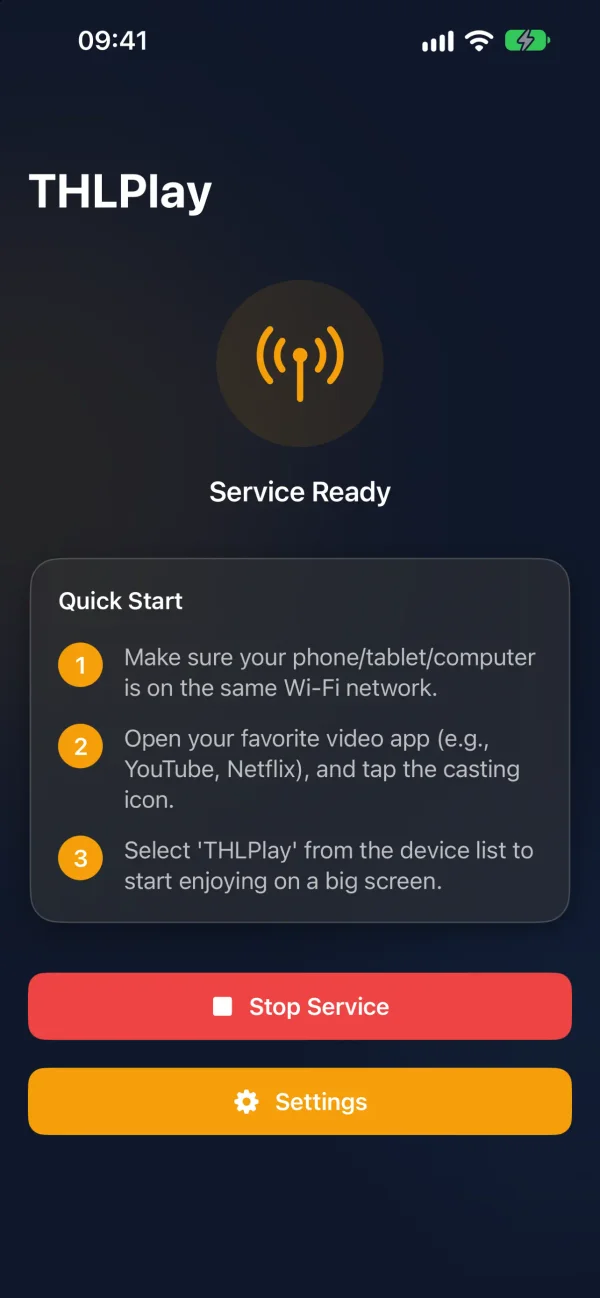
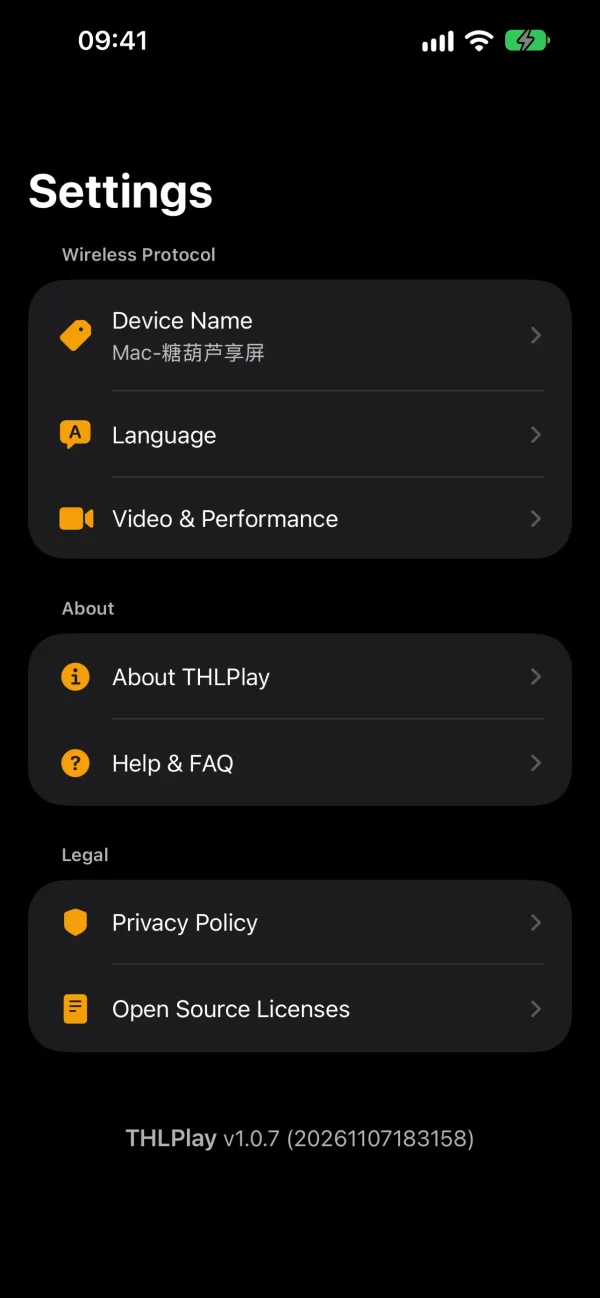
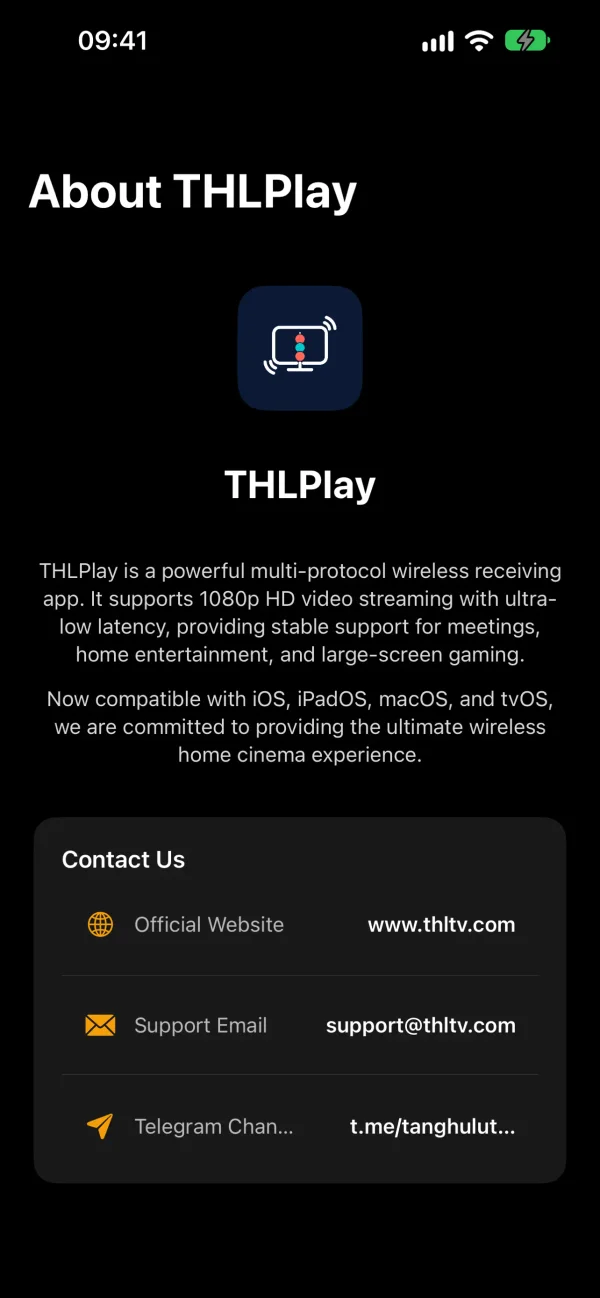
THLPlay is a high-performance, ultra-low-latency wireless display and screen mirroring receiver designed for iOS, iPadOS, macOS, and tvOS.
Whether you are hosting a business presentation, enjoying home theater streaming, or sharing photos and videos with family, THLPlay turns your device into an intelligent casting hub.
Key Features:
• Ultra-Low Latency Screen Mirroring:
Experience smooth, real-time screen sharing with hardware-accelerated decoding (Metal & H.265). Perfect for presentations, demos, and interactive meetings.
• 4K Ultra HD DLNA Video Player:
Seamlessly cast your favorite movies, web videos, and music from apps on phones, tablets, and PCs directly to your screen with full playback controls.
• Multi-Screen & Dual-Screen Adaptation:
Optimized for the latest foldable and dual-screen devices (such as iPhone Duo) as well as iPad Pro split-screen layouts, delivering native multi-window workflows.
• Interactive Whiteboard & Annotation:
Annotate, highlight, and doodle directly over the mirrored screen during meetings or lectures to emphasize key insights with colleagues.
• Privacy & Local Network Security:
All audio and video streams are transmitted strictly over your secure local Wi-Fi network. No personal data is collected or uploaded to any external cloud servers.
• Cross-Platform Multi-Protocol Support:
Enjoy seamless compatibility across Apple TV, iPad, iPhone, and Mac with unified settings and clean, elegant designs.
How to Connect:
1. Connect both devices to the same Wi-Fi network.
2. Swipe to open Control Center on your sending device and tap "Screen Mirroring", or tap the casting icon in your video app.
3. Select "THLPlay" from the device list to start enjoying large-screen wireless sharing instantly!
Yang baru
Versi 1.1.0 · 23/11/2026
1. Optimize settings interaction experience
2. Update app icons and visual details
3. Improve casting and connection stability
Privasi aplikasi
Yang dinyatakan 享风 赵 di App Store tentang cara aplikasi ini menangani data.
-
Data tidak dikumpulkan
Pengembang tidak mengumpulkan data apa pun dari aplikasi ini.
Praktik privasi dapat bervariasi, misalnya berdasarkan fitur yang Anda gunakan atau usia Anda.
Informasi
- Penjual
- 享风 赵
- Kategori
- Kegunaan
- Versi
- 1.1.0
- Diperbarui
- 23/11/2026
- Dirilis
- 28/4/2026
- Ukuran
- 39,1 MB
- Memerlukan
- iOS 16.6 atau yang lebih baru
- Batasan usia
- 4+
- Harga
- Gratis
- Bahasa
- Inggris, Tionghoa Sederhana
- Hak cipta
- © 糖葫芦
Mungkin Anda juga suka
-
 TV Remotely: Remote TV PintarCast dan pencerminan layar
-
 Duo widget: Battery & WiFiKegunaan
-
 Pixel Pet AlarmKegunaan
-
 Notchet: Clipboard ManagerKegunaan
-
 CloneVoice — copy your voiceKegunaan
-
 Tallied - Score KeeperKegunaan
-
 Readmory - Book NotesKegunaan
-
 觅境附近设备与信号观察
-
 BTWN – Hide Messages in PhotosKegunaan
-
 TokCut-Save&Edit TT VideoKegunaan