
- Yaş sınırı4+
- KategoriYardımcılar
- Geliştirici享风 赵
- Dillerİngilizce+ 1 dil daha
- Boyut39,1 MB
Resmi App Store sayfasına bağlanır
Download.org, THLPlay için hiçbir dosya barındırmaz. Düğme, uygulamanın App Store üzerindeki sayfasını açar; uygulamayı orada 享风 赵 yayınlar. Sayfanın son kontrolü: 24.11.2026.
Ekran görüntüleri


Hakkında
Geliştirici bu metni dilinizde sunmamış.
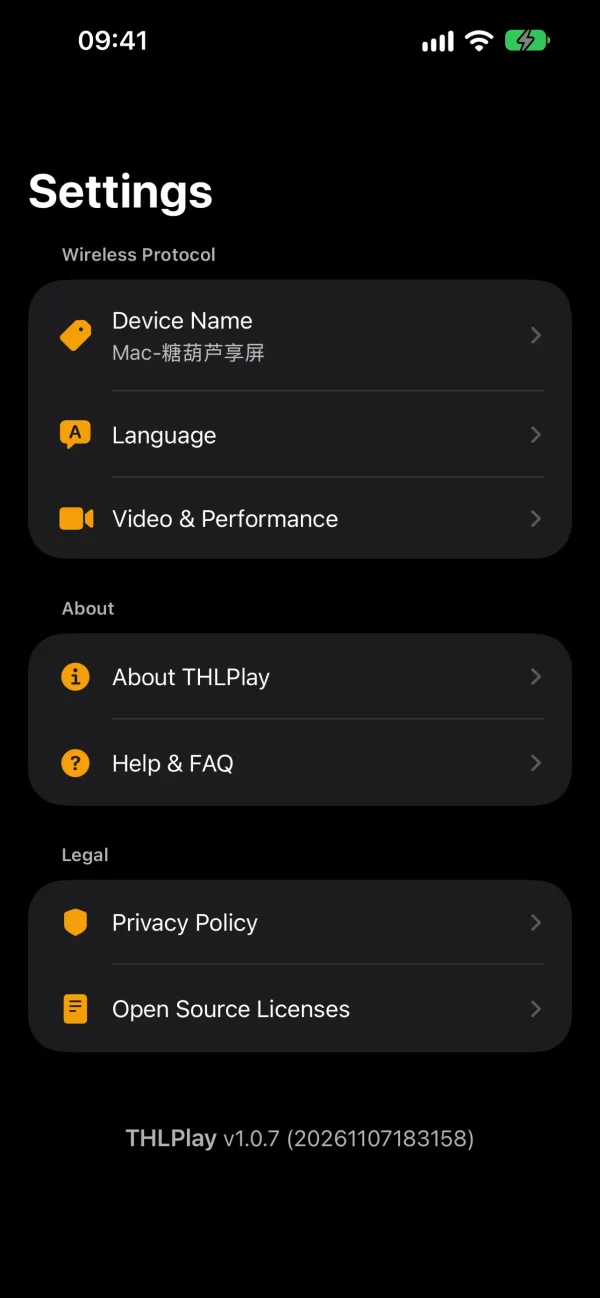
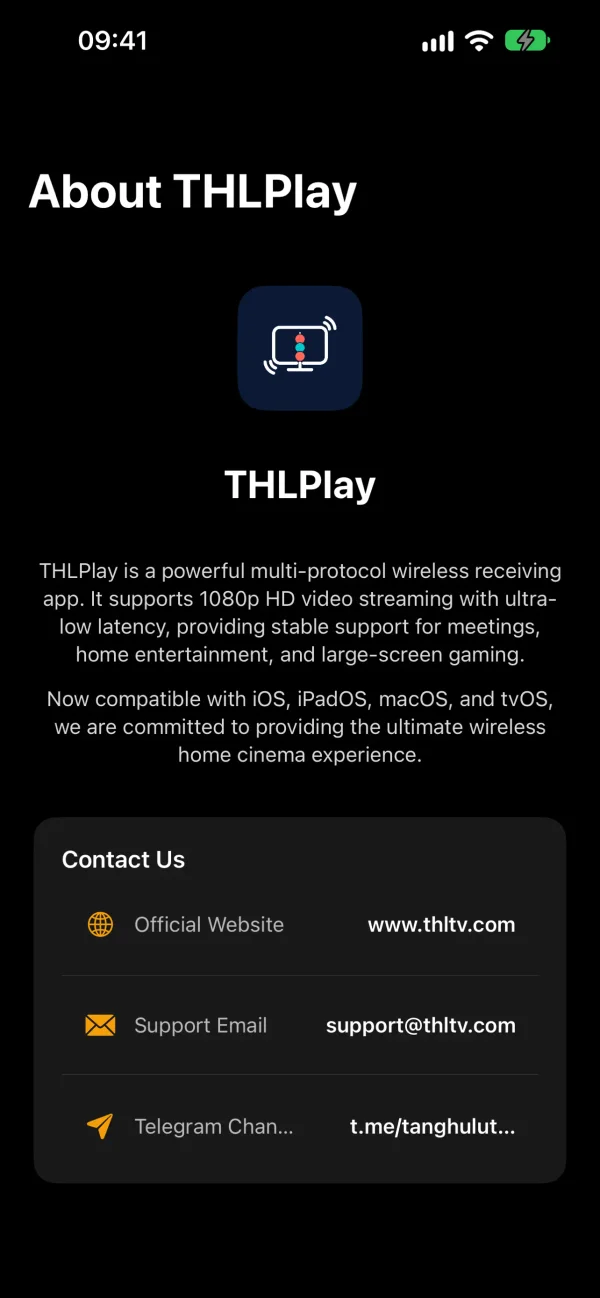
THLPlay is a high-performance, ultra-low-latency wireless display and screen mirroring receiver designed for iOS, iPadOS, macOS, and tvOS.
Whether you are hosting a business presentation, enjoying home theater streaming, or sharing photos and videos with family, THLPlay turns your device into an intelligent casting hub.
Key Features:
• Ultra-Low Latency Screen Mirroring:
Experience smooth, real-time screen sharing with hardware-accelerated decoding (Metal & H.265). Perfect for presentations, demos, and interactive meetings.
• 4K Ultra HD DLNA Video Player:
Seamlessly cast your favorite movies, web videos, and music from apps on phones, tablets, and PCs directly to your screen with full playback controls.
• Multi-Screen & Dual-Screen Adaptation:
Optimized for the latest foldable and dual-screen devices (such as iPhone Duo) as well as iPad Pro split-screen layouts, delivering native multi-window workflows.
• Interactive Whiteboard & Annotation:
Annotate, highlight, and doodle directly over the mirrored screen during meetings or lectures to emphasize key insights with colleagues.
• Privacy & Local Network Security:
All audio and video streams are transmitted strictly over your secure local Wi-Fi network. No personal data is collected or uploaded to any external cloud servers.
• Cross-Platform Multi-Protocol Support:
Enjoy seamless compatibility across Apple TV, iPad, iPhone, and Mac with unified settings and clean, elegant designs.
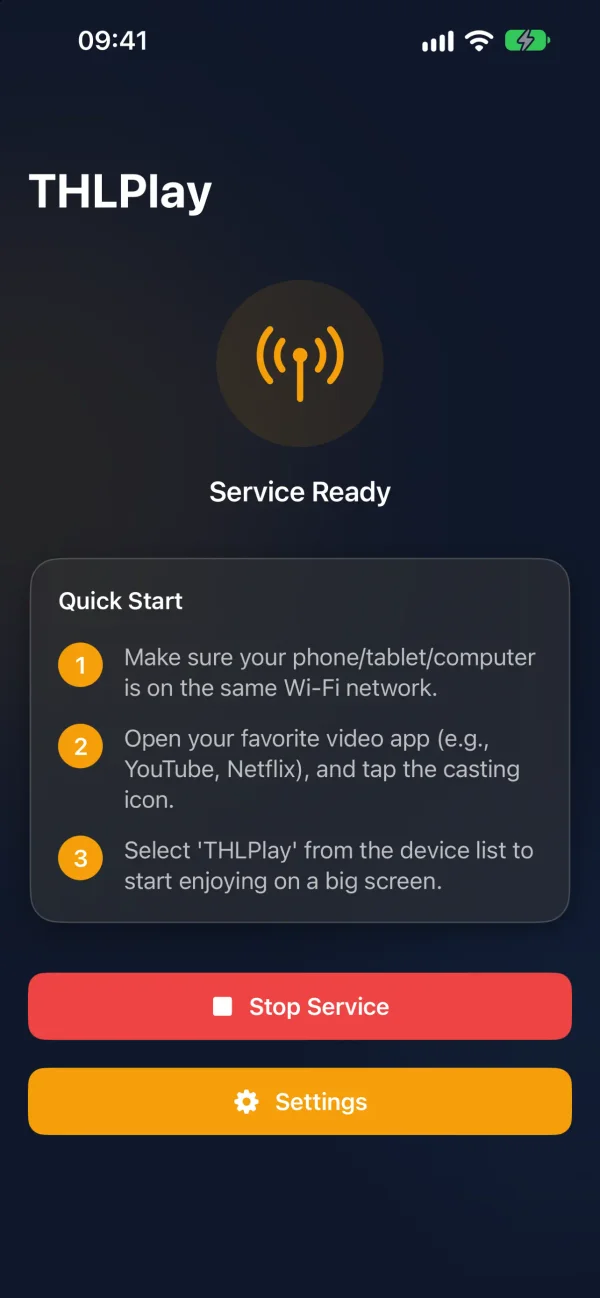
How to Connect:
1. Connect both devices to the same Wi-Fi network.
2. Swipe to open Control Center on your sending device and tap "Screen Mirroring", or tap the casting icon in your video app.
3. Select "THLPlay" from the device list to start enjoying large-screen wireless sharing instantly!
Yenilikler
Sürüm 1.1.0 · 23.11.2026
1. Optimize settings interaction experience
2. Update app icons and visual details
3. Improve casting and connection stability
Uygulama gizliliği
Bu uygulamanın verileri nasıl işlediği hakkında 享风 赵 tarafından App Store üzerinde yapılan beyan.
-
Veri toplanmıyor
Geliştirici bu uygulamadan hiçbir veri toplamıyor.
Gizlilik uygulamaları, örneğin kullandığınız özelliklere veya yaşınıza göre değişiklik gösterebilir.
Bilgiler
- Satıcı
- 享风 赵
- Kategori
- Yardımcılar
- Sürüm
- 1.1.0
- Güncellendi
- 23.11.2026
- Yayın tarihi
- 28.04.2026
- Boyut
- 39,1 MB
- Gereksinim
- iOS 16.6 veya sonrası
- Yaş sınırı
- 4+
- Fiyat
- Ücretsiz
- Diller
- İngilizce, Basitleştirilmiş Çince
- Telif hakkı
- © 糖葫芦
Bunları da beğenebilirsiniz
-
 TV Remotely: Akıllı KumandaEkran yansıtma ve yayınlama
-
 Duo widget: Battery & WiFiYardımcılar
-
 Pixel Pet AlarmYardımcılar
-
 Notchet: Clipboard ManagerYardımcılar
-
 CloneVoice — copy your voiceYardımcılar
-
 Tallied - Score KeeperYardımcılar
-
 Readmory - Book NotesYardımcılar
-
 觅境附近设备与信号观察
-
 BTWN – Hide Messages in PhotosYardımcılar
-
 TokCut-Save&Edit TT VideoYardımcılar