
Wave Audio Editor
Audio Editor Utility
Dirancang untuk iPhone, iPad, Mac
Gratis
- Batasan usia4+
- KategoriKegunaan
- PengembangDmytro Hrebeniuk
- BahasaInggris
- Ukuran3,1 MB
Tertaut ke halaman resmi App Store
Download.org tidak menyimpan file Wave Audio Editor apa pun. Tombol ini membuka halaman aplikasi di App Store, tempat Dmytro Hrebeniuk menerbitkannya. Halaman terakhir diperiksa pada 13/11/2026.
Tangkapan layar

Tentang
Pengembang belum menyediakan teks ini dalam bahasa Anda.
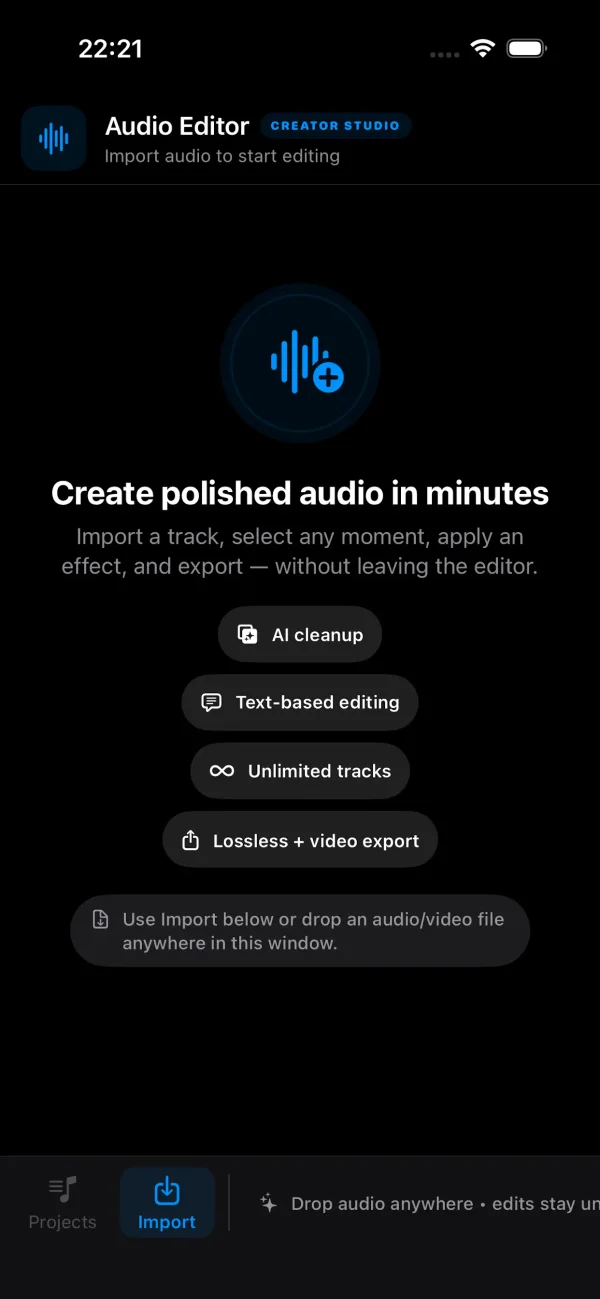
AudioEditor is a simple but powerful audio editor for iPhone and iPad.
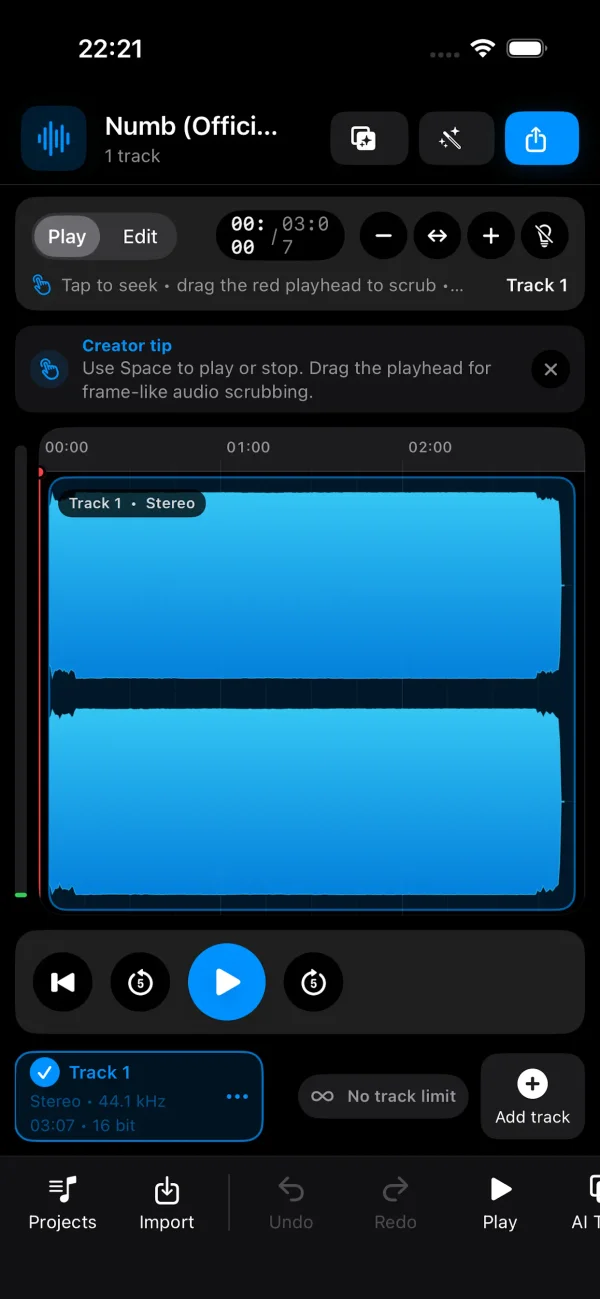
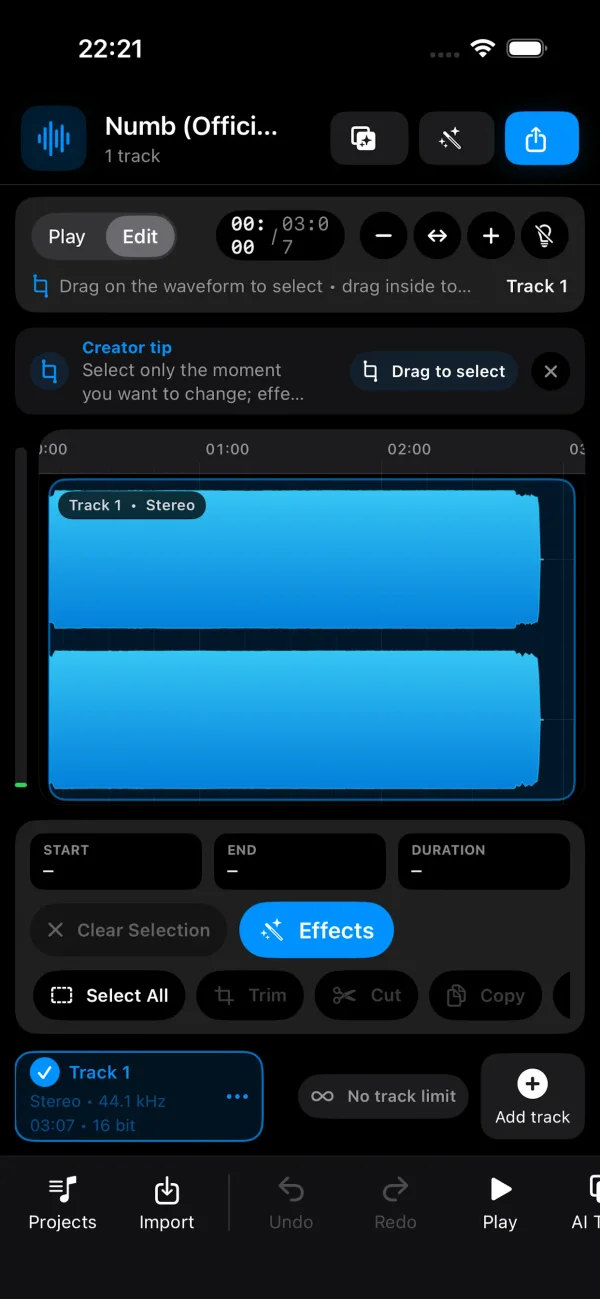
Record, cut, trim, split, move, and combine audio across multiple tracks. The waveform editor makes precise changes easy, while the landscape layout gives you more room for detailed work.
Clean up recordings with noise reduction, voice enhancement, normalization, compression, limiting, and automatic pause removal. You can also transcribe speech and remove words or phrases directly from the transcript.
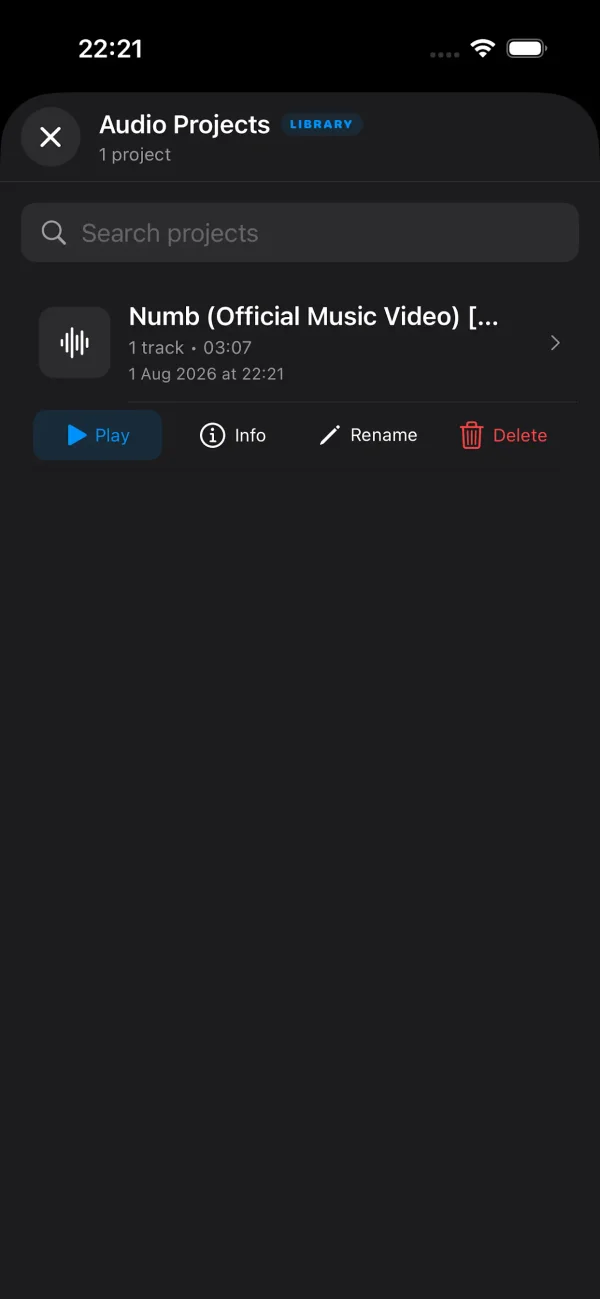
Keep listening while using other apps or when your device is locked. Playback controls let you pause, seek, and switch between projects from the Lock Screen or Control Center.
Export your work as WAV, AIFF, CAF, FLAC, ALAC, AAC, M4R, or MOV. You can also create shareable videos with an animated waveform, timecode, and subtitles.
AudioEditor is useful for podcasts, interviews, voice notes, music, narration, and everyday audio editing.
Key features:
• Multitrack editing
• Noise and voice cleanup
• Automatic pause removal
• Transcript-based editing
• Background playback
• Batch project processing
• Professional audio formats
• Waveform video export
• Effects for vocals, podcasts, music, and more
• No artificial track limit
Edit quickly, keep your audio private, and export in the format you need.
Yang baru
Versi 1.5.0 · 9/8/2026
• Faster Undo and Redo for smoother editing
• Background playback with Lock Screen and Control Center controls
• Switch between projects using Previous and Next controls
• Improved landscape layout for a more comfortable editing workflow
• Option to hide Creator Tips
• AI-assisted noise removal and voice cleanup
• Automatic silence and pause removal
• Transcription-based editing with word-level selection
• Batch processing for multiple tracks
• Support for WAV, AIFF, CAF, FLAC, ALAC, AAC, M4R, and MOV
• No artificial limit on the number of tracks
• New premium effect packs for vocals, podcasts, bass, cinematic audio, and more
• Export videos with animated waveforms, playheads, timecodes, and subtitles
We also improved performance, stability, project navigation, and the overall editing experience.
Privasi aplikasi
Yang dinyatakan Dmytro Hrebeniuk di App Store tentang cara aplikasi ini menangani data.
-
Data tidak dikumpulkan
Pengembang tidak mengumpulkan data apa pun dari aplikasi ini.
Praktik privasi dapat bervariasi, misalnya berdasarkan fitur yang Anda gunakan atau usia Anda.
Informasi
- Penjual
- Dmytro Hrebeniuk
- Kategori
- Kegunaan
- Versi
- 1.5.0
- Diperbarui
- 9/8/2026
- Dirilis
- 22/3/2020
- Ukuran
- 3,1 MB
- Memerlukan
- iOS 17.0 atau yang lebih baru
- Batasan usia
- 4+
- Harga
- Gratis
- Bahasa
- Inggris
- Hak cipta
- © Dmytro Hrebeniuk 2026
Mungkin Anda juga suka
-
 Voice Recorder & Noise RemoverClear Recording AI Voice Memos
-
 Music Editor: Mp3 ConverterKegunaan
-
 Editor Audio - Pemotong MP3Konversi, Gabungkan & Potong
-
 Editor AudioKonverter Audio, Mixer Audio.
-
 Penghilang Noise: Suara JernihBersihkan Audio & Video AI
-
 AI Background Noise ReducerKegunaan
-
 AI Background Noise RemoverKegunaan
-
 Pemotong & Konverter AudioKompres MP3 WAV M4A AAC FLAC
-
 Podcast Cleaner AI Hapus NoiseSuara Jernih Bersihkan Rekaman
-
 Crop audio: Audio EditorKegunaan