- Age rating4+
- CategoryUtilities
- DeveloperDmytro Hrebeniuk
- LanguagesEnglish
- Size3.1 MB
Links to the official App Store page
Download.org hosts no file of Wave Audio Editor. The button opens its official App Store page, published by Dmytro Hrebeniuk. Listing last checked on Nov 13, 2026.
Screenshots


About
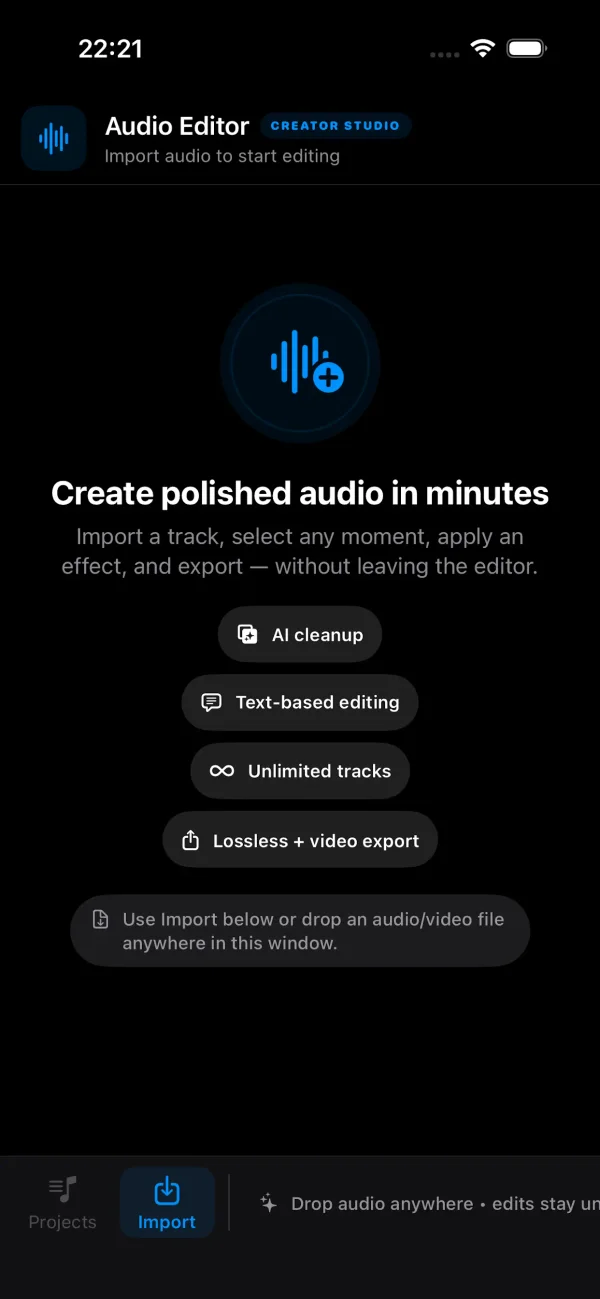
AudioEditor is a simple but powerful audio editor for iPhone and iPad.
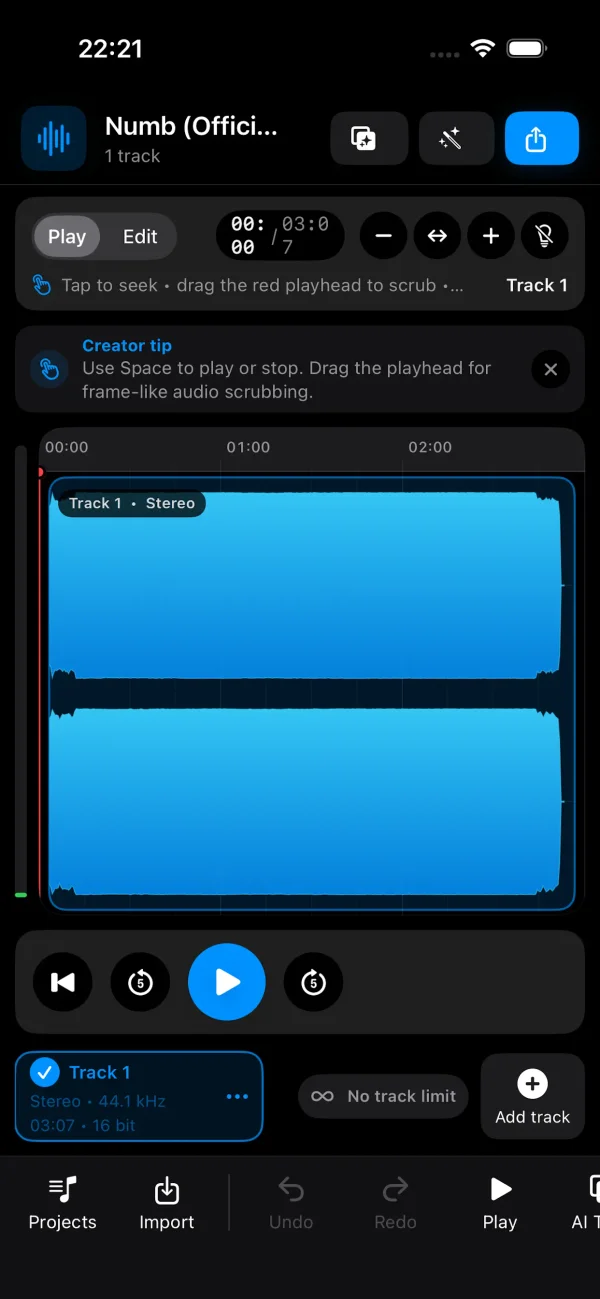
Record, cut, trim, split, move, and combine audio across multiple tracks. The waveform editor makes precise changes easy, while the landscape layout gives you more room for detailed work.
Clean up recordings with noise reduction, voice enhancement, normalization, compression, limiting, and automatic pause removal. You can also transcribe speech and remove words or phrases directly from the transcript.
Keep listening while using other apps or when your device is locked. Playback controls let you pause, seek, and switch between projects from the Lock Screen or Control Center.
Export your work as WAV, AIFF, CAF, FLAC, ALAC, AAC, M4R, or MOV. You can also create shareable videos with an animated waveform, timecode, and subtitles.
AudioEditor is useful for podcasts, interviews, voice notes, music, narration, and everyday audio editing.
Key features:
• Multitrack editing
• Noise and voice cleanup
• Automatic pause removal
• Transcript-based editing
• Background playback
• Batch project processing
• Professional audio formats
• Waveform video export
• Effects for vocals, podcasts, music, and more
• No artificial track limit
Edit quickly, keep your audio private, and export in the format you need.
What’s new
Version 1.5.0 · Aug 9, 2026
• Faster Undo and Redo for smoother editing
• Background playback with Lock Screen and Control Center controls
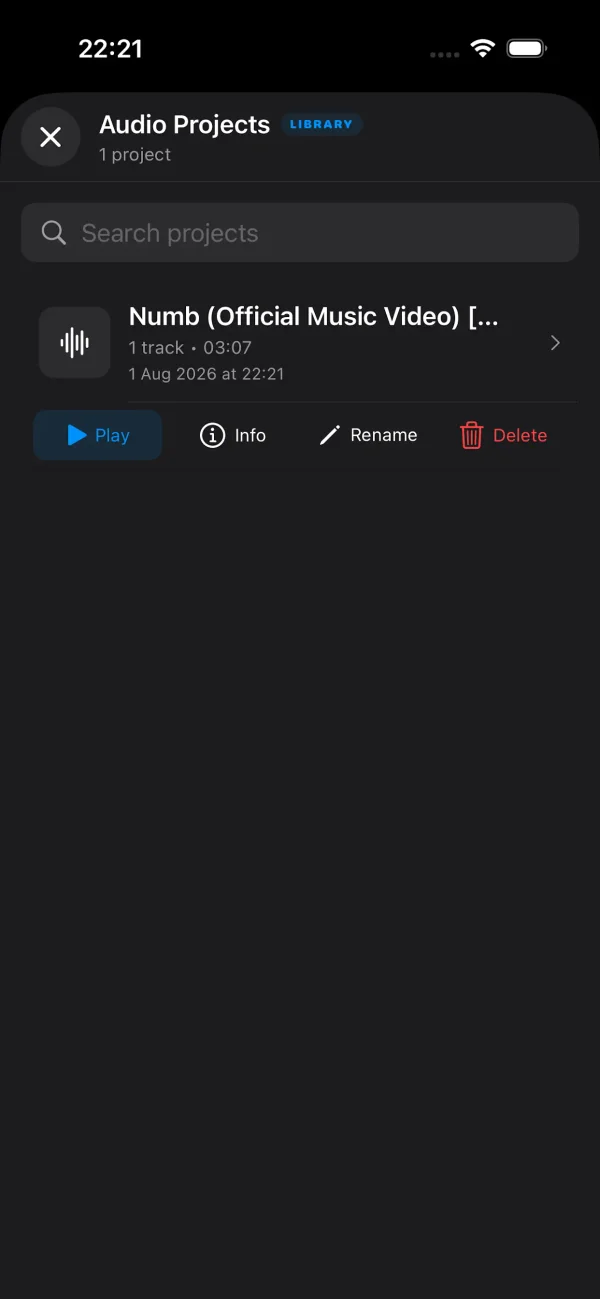
• Switch between projects using Previous and Next controls
• Improved landscape layout for a more comfortable editing workflow
• Option to hide Creator Tips
• AI-assisted noise removal and voice cleanup
• Automatic silence and pause removal
• Transcription-based editing with word-level selection
• Batch processing for multiple tracks
• Support for WAV, AIFF, CAF, FLAC, ALAC, AAC, M4R, and MOV
• No artificial limit on the number of tracks
• New premium effect packs for vocals, podcasts, bass, cinematic audio, and more
• Export videos with animated waveforms, playheads, timecodes, and subtitles
We also improved performance, stability, project navigation, and the overall editing experience.
App privacy
What Dmytro Hrebeniuk declares on the App Store about how this app handles data.
-
Data not collected
The developer does not collect any data from this app.
Privacy practices may vary, for example with the features you use or your age.
Information
- Seller
- Dmytro Hrebeniuk
- Category
- Utilities
- Version
- 1.5.0
- Updated
- Aug 9, 2026
- Released
- Mar 22, 2020
- Size
- 3.1 MB
- Requires
- iOS 17.0 or later
- Age rating
- 4+
- Price
- Free
- Languages
- English
- Copyright
- © Dmytro Hrebeniuk 2026
You might also like
-
 Voice Recorder & Noise RemoverAI Audio Cleaner & Enhancer
-
 Music Editor: Mp3 ConverterMp3 converter, video to audio
-
 Audio Editor - MP3 Cutter AppConvert, Merge & Trim Audio
-
 Audio Editor - Audio CutterAudio Converter, Audio Mixer.
-
 Boost Audio Voice Reduce NoiseVideo Audio Noise Cleaner AI
-
 AI Background Noise ReducerReduce noise in audio & video
-
 AI Background Noise RemoverNoise Reducer : Audio & Video
-
 Audio Cutter Converter MergerCompress MP3 WAV M4A AAC FLAC
-
 Podcast Cleaner: Noise ReducerDenoise Audio & Voice Enhancer
-
 Crop audio: Audio EditorCut MP3, change volume & edit