Week Timer
Simple Work Hours Tracker
Dirancang untuk iPhone, iPod touch
Rp 59ribu
- Batasan usia4+
- KategoriBisnis
- PengembangDM Design
- BahasaInggris+ 6 lainnya
- Ukuran63,6 MB
Tertaut ke halaman resmi App Store
Download.org tidak menyimpan file Week Timer apa pun. Tombol ini membuka halaman aplikasi di App Store, tempat DM Design menerbitkannya. Halaman terakhir diperiksa pada 12/11/2026.
Tangkapan layar

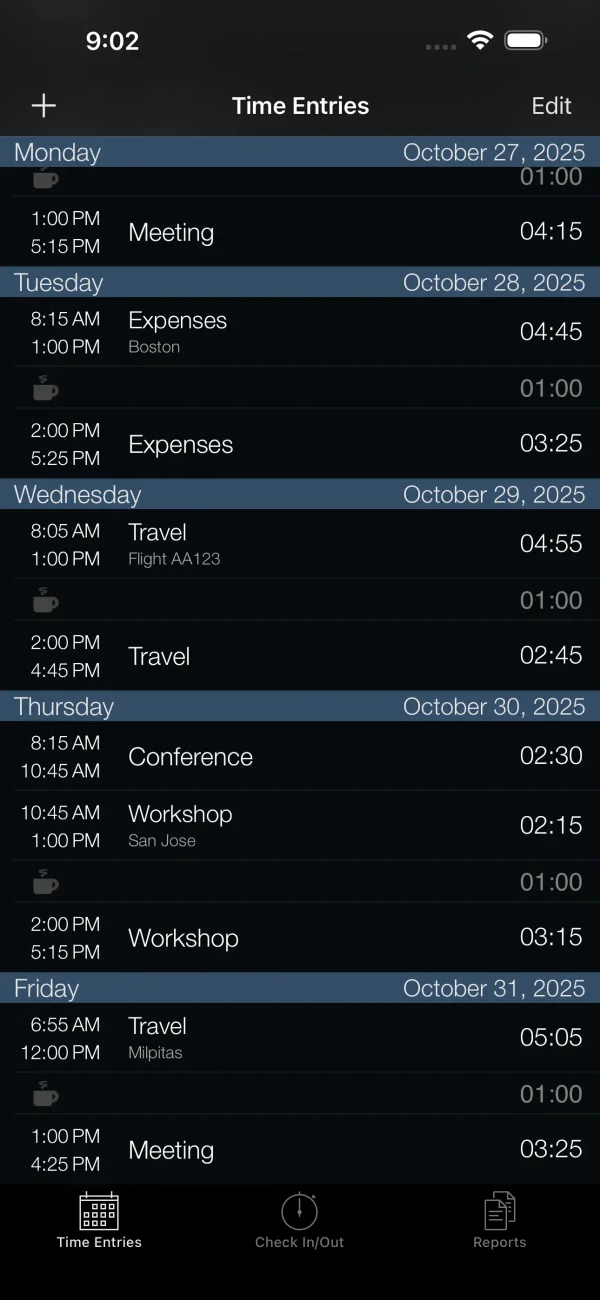
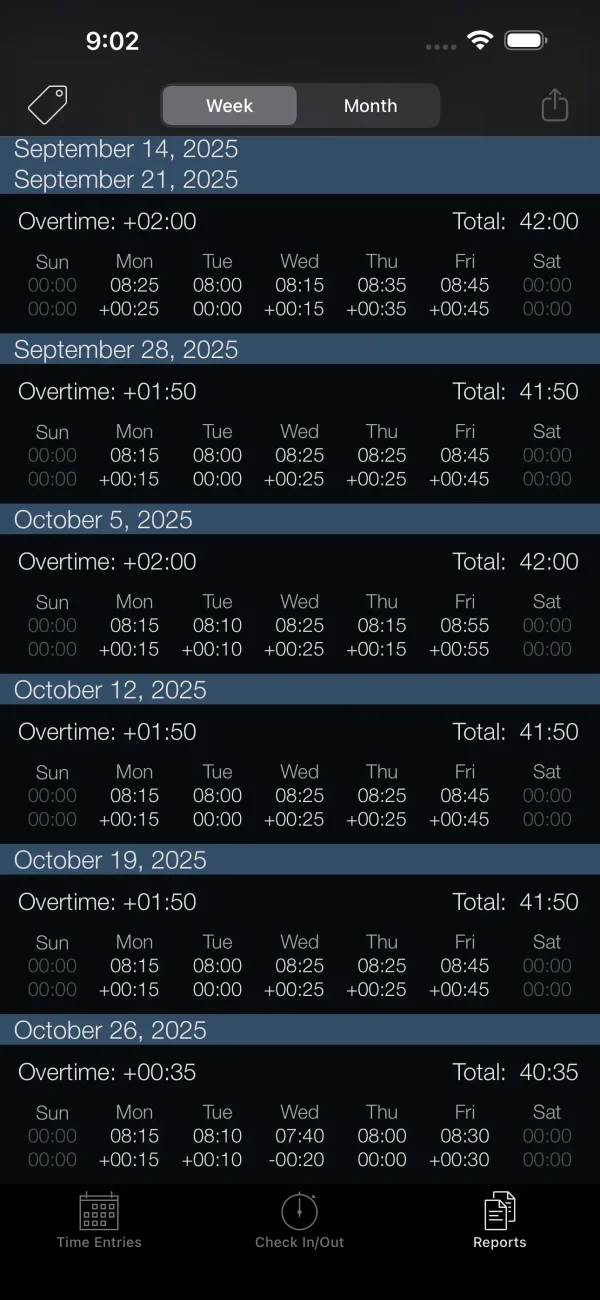
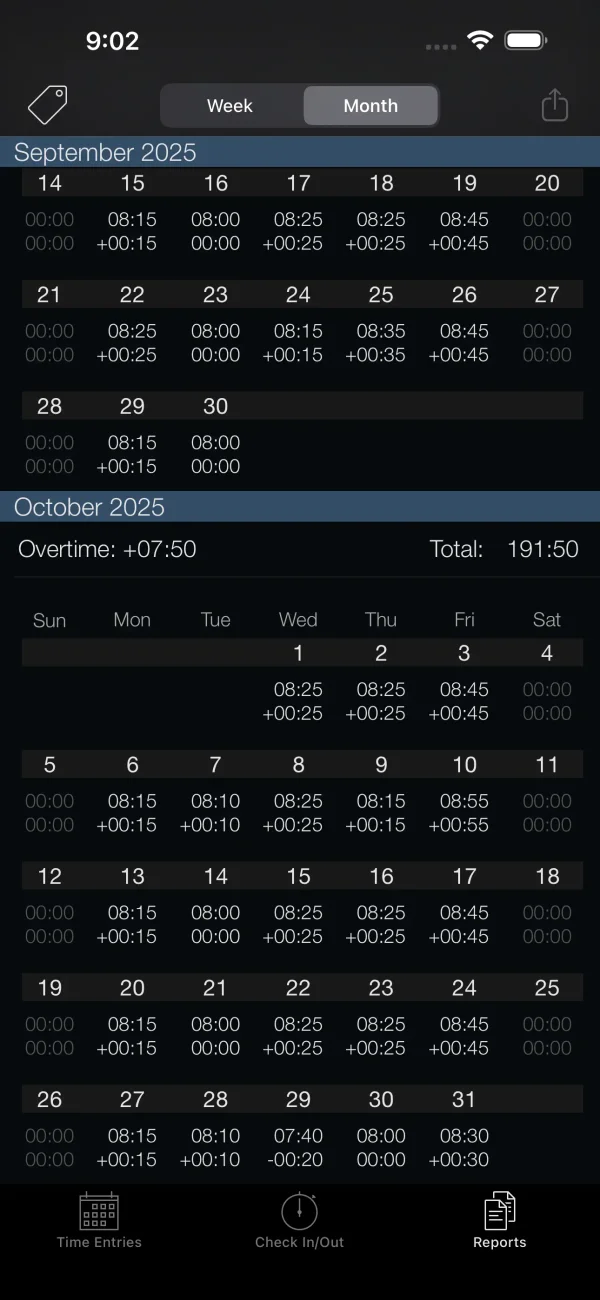
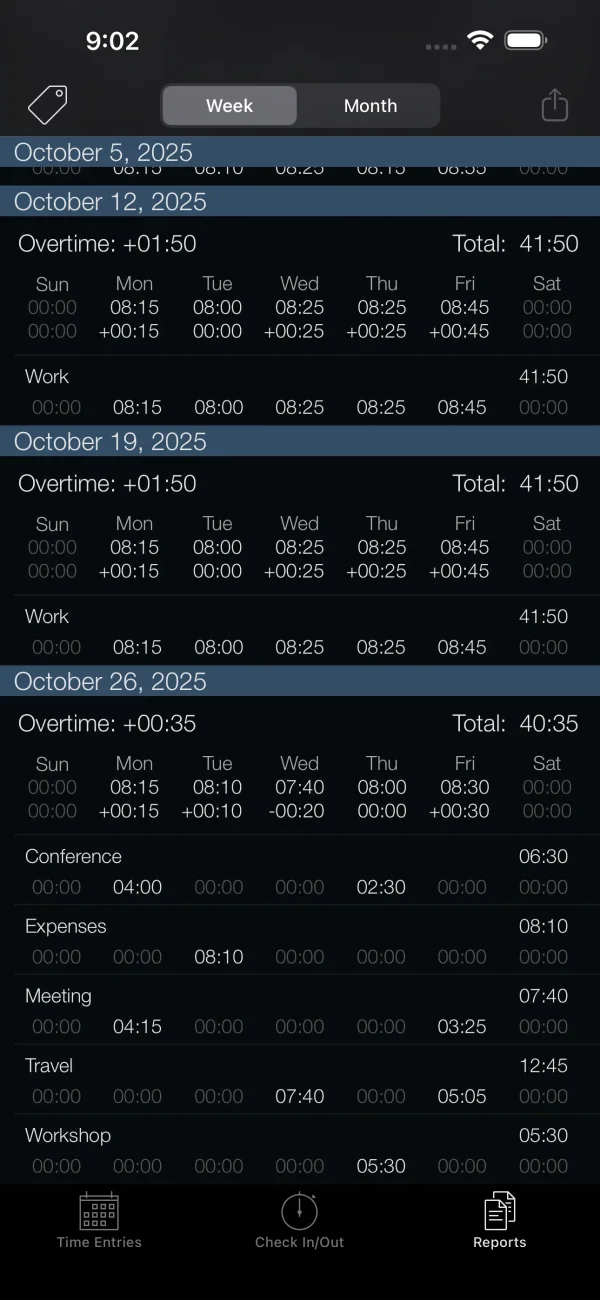
Tentang
Pengembang belum menyediakan teks ini dalam bahasa Anda.
Check In, Check Out, Select & Send...
- It’s that simple.
+ + + + Macworld.se
"Convenient help for reporting your time"
Simply check in when you arrive, check out when you leave and track your work time totals on a daily basis. At the end of the week or month select one or more reports and email them to your work so you can update your timesheet in an efficient manner using either the text (HTML) or spreadsheet (CSV) format.
Features: (followed by some Tips below!)
▸ Streamlined design to efficiently track your time
▸ Day and week hours overview at a glance
▸ Easy export by email both in text (HTML) and spreadsheet (CSV) format
▸ Tags to easily categorize hours in reports
▸ Lunchtime “set and forget”
▸ Decimal or minute notation in reports so you don't need to convert durations yourself e.g. 08.75 vs 08:45
▸ Week number support (European & US)*
▸ Timer runs in background
▸ Icon badge on home screen
▸ Overtime tracking on daily, weekly and monthly basis
▸ Predicted check out time
▸ Irregular daily target hours supported
▸ First day of week automatically set based on location, but can be customized
▸ Tap timer to toggle between overtime, time today, and time since last check in
▸ Quickedit for smooth adjustments of your latest check in, just slide up or down
▸ Tag Quick-Switching: switch a tag in 2 simple taps!
▸ Notes so no details are forgotten
▸ Check out reminders, so you don’t forget to go home...
▸ Backup and restore to easily transfer your data to a new device
▸ Photo themes to personalize your app in a beautiful way
* Week numbers can be disabled in settings if desired
Tips!
• Archive any Tags that you no longer use to shorten your tag list
• Tap the title bar of the timer to pre-select or quick switch a tag.
• Slide your finger to the right on a break or time entry to delete it
• Sort your Tags in your preferred order for quick access using the custom button in the tag list view
• Did you know you can select more than one week at a time and send it by email?
• Customize your screen with your own photo!
Check out the website for some more details and screenshots!
http://www.dmdesign.se
Yang baru
Versi 3.8.3 · 26/1/2026
Bug fixes
Privasi aplikasi
Yang dinyatakan DM Design di App Store tentang cara aplikasi ini menangani data.
-
Data tidak dikumpulkan
Pengembang tidak mengumpulkan data apa pun dari aplikasi ini.
Praktik privasi dapat bervariasi, misalnya berdasarkan fitur yang Anda gunakan atau usia Anda.
Informasi
- Penjual
- DM Design
- Kategori
- Bisnis
- Versi
- 3.8.3
- Diperbarui
- 26/1/2026
- Dirilis
- 10/11/2010
- Ukuran
- 63,6 MB
- Memerlukan
- iOS 15.6 atau yang lebih baru
- Batasan usia
- 4+
- Harga
- Rp 59ribu
- Bahasa
- Inggris, Belanda, Prancis, Jerman, Italia, Spanyol, Swensk (Swedia)
- Hak cipta
- © 2026 DM Design