Wireless Display: Screen Share
Mirror, Stream & TV Cast
Dirancang untuk iPhone, iPad
Gratis · Pembelian dalam aplikasi
- Batasan usia17+
- KategoriKegunaan
- PengembangManfred Kuegel
- BahasaInggris+ 6 lainnya
- Ukuran60,6 MB
Tertaut ke halaman resmi App Store
Download.org tidak menyimpan file Wireless Display: Screen Share apa pun. Tombol ini membuka halaman aplikasi di App Store, tempat Manfred Kuegel menerbitkannya. Halaman terakhir diperiksa pada 23/11/2026.
Tangkapan layar
Tentang
Pengembang belum menyediakan teks ini dalam bahasa Anda.
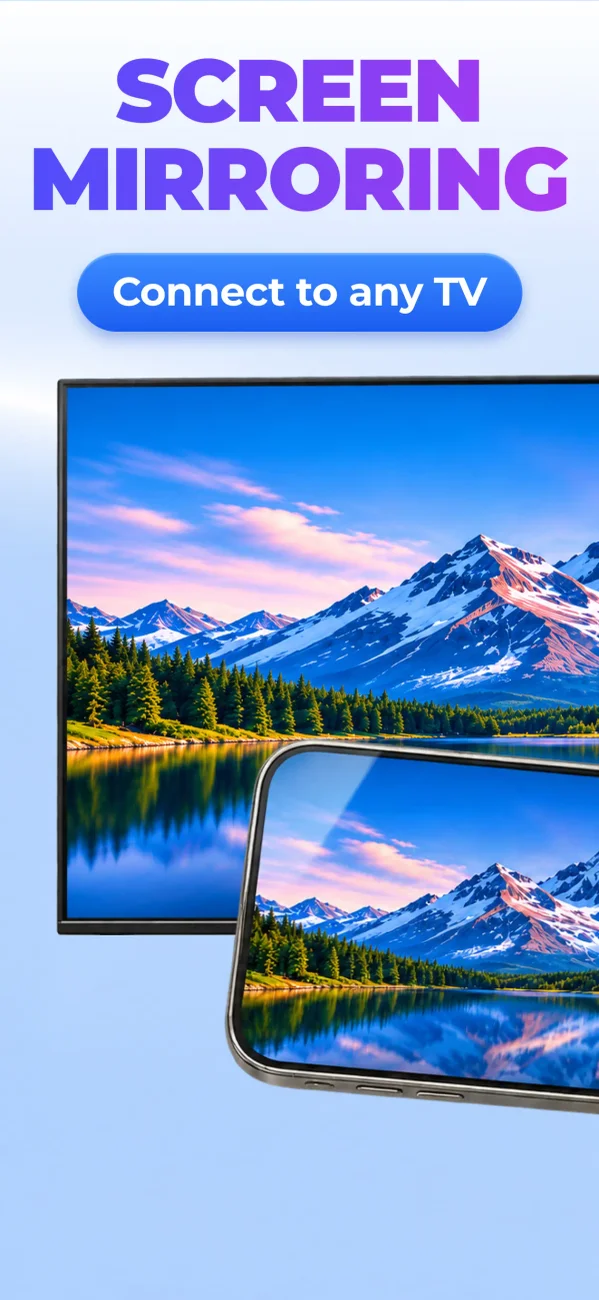
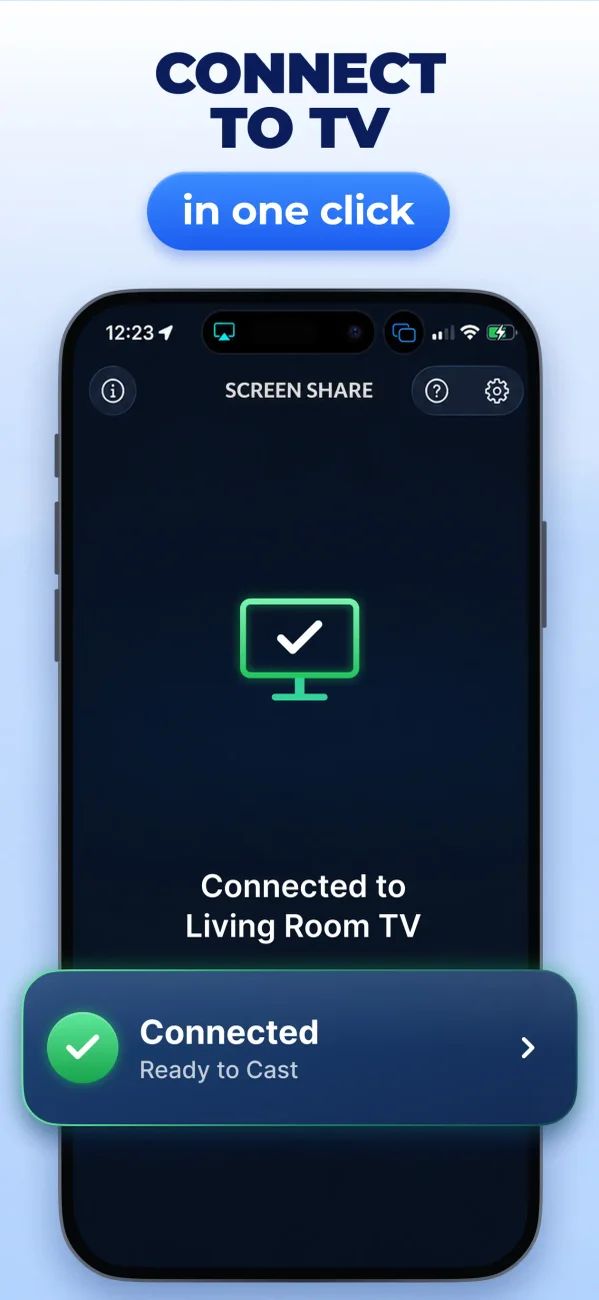
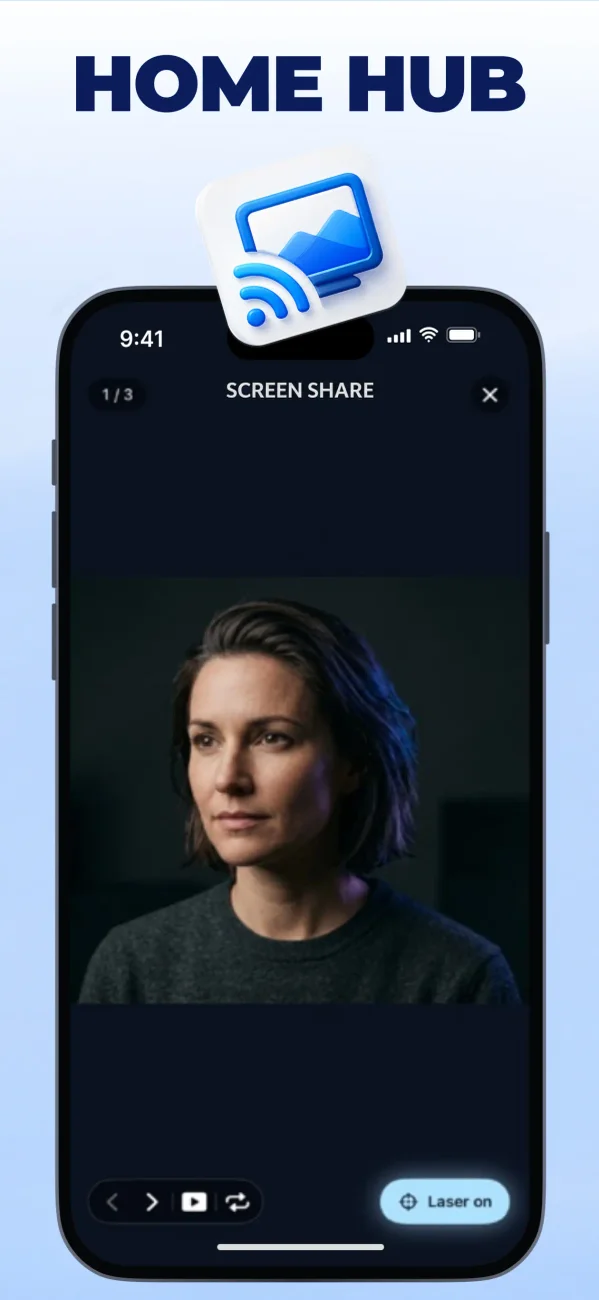
Turn your phone into a wireless projector. Mirror photos, PDFs, videos, websites and presentations to any AirPlay TV, projector or big screen — and present like a pro with a built-in laser pointer, slideshow timer and whiteboard.
MIRROR ANYTHING, INSTANTLY
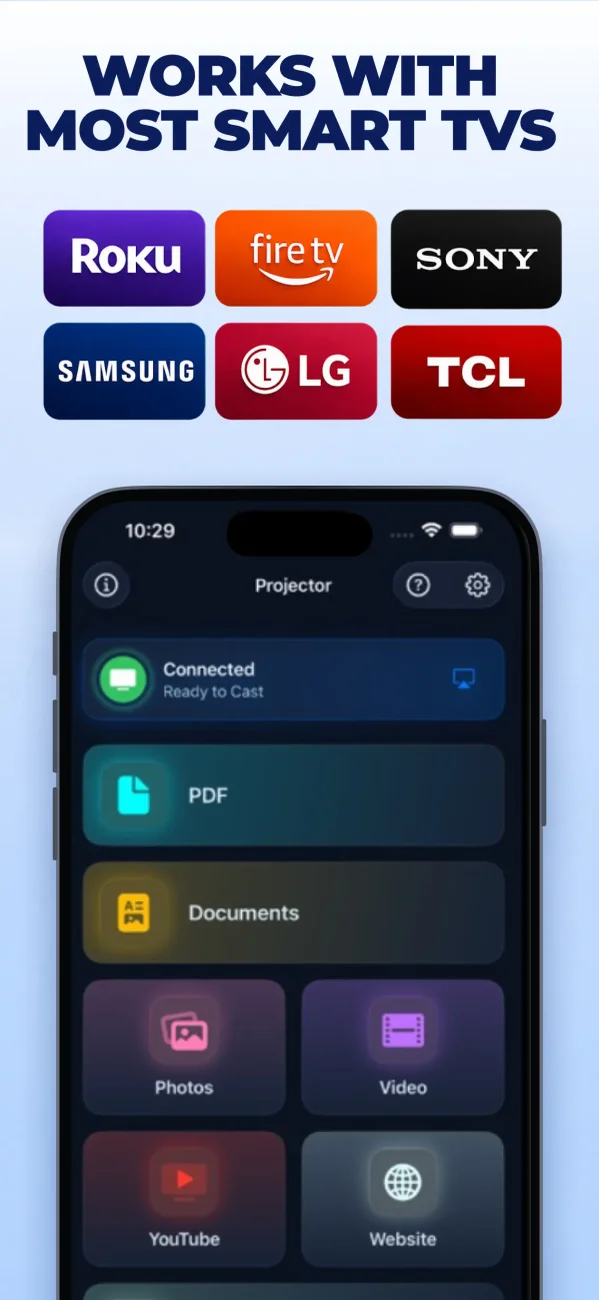
• Stream to AirPlay-enabled smart TVs, streaming boxes and AirPlay receivers over Wi-Fi
• Plug-and-play with USB-C and other HDMI adapters — automatically detected
• Built-in AirPlay picker for one-tap connection
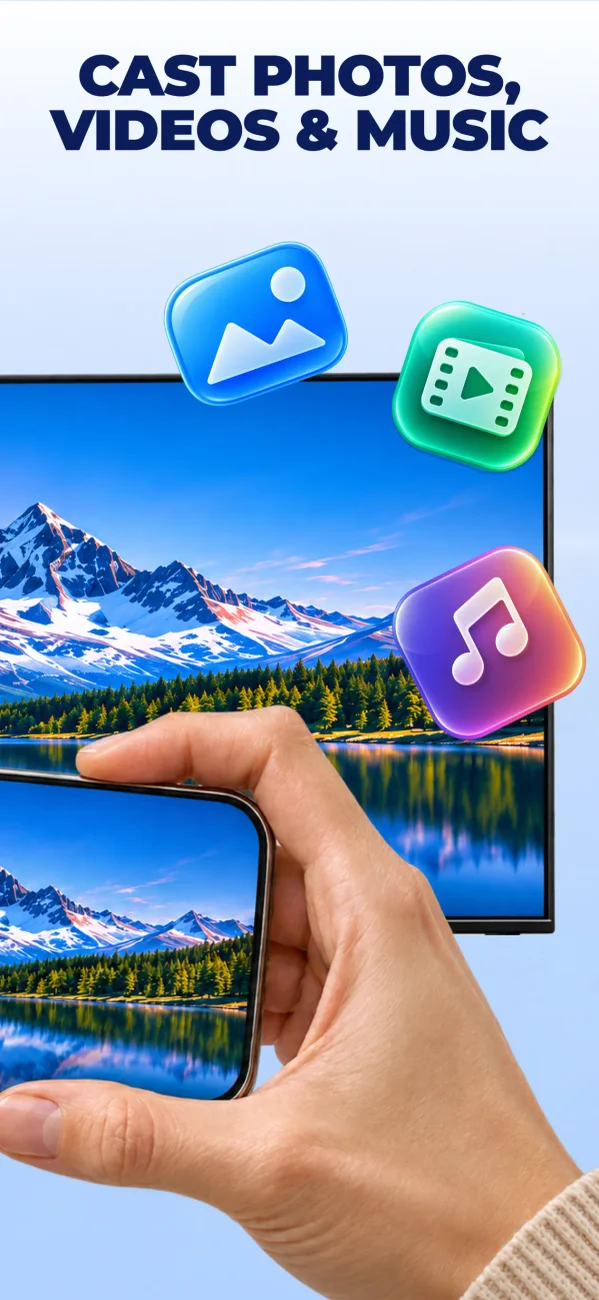
PRESENT ANY KIND OF CONTENT
• PDFs — full-page viewer with pinch-to-zoom and page navigation
• Photos & videos — pick multiple items, reorder them and present in any sequence
• Office documents — open .pptx, .docx, .xlsx and more in the built-in viewer
• Web browser — show any website in fullscreen
• YouTube — distraction-free in-app player
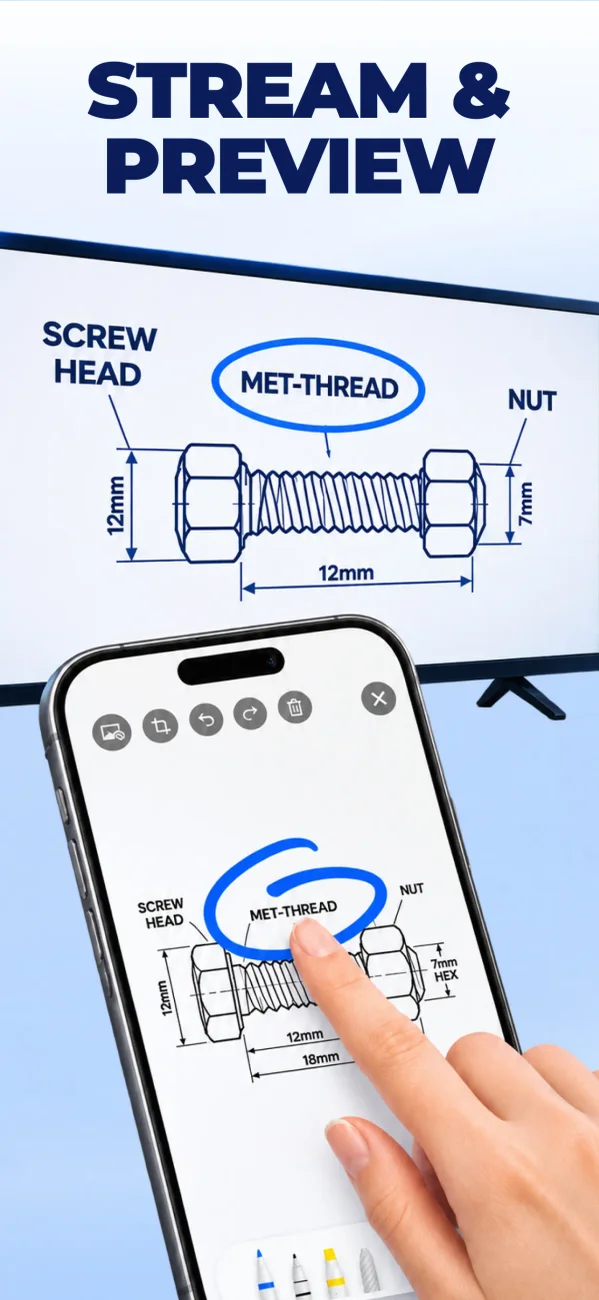
• Whiteboard — draw freehand, add photos and save your sketches
TOOLS FOR GREAT PRESENTATIONS
• Laser pointer — a glowing dot that follows your finger, in any color you choose
• Slideshow mode — auto-advance every 3, 5 or 10 seconds
• Page counter, manual stepping and loop replay
• Pinch-to-zoom for fine detail
BUILT FOR EVERYDAY USE
• Recents — jump back into anything you opened recently
• Files & Photos integration — import from anywhere on your device
• Dark, Light and System themes
• Haptic feedback for every action
ALWAYS-ON HELP
• AI Support chat — ask questions and get instant answers
• Built-in tutorial covers AirPlay and HDMI setup
• Email us anytime at info@frequency-analyzer.com
Privacy Policy: https://frequency-analyzer.com/privacy-policy-projectors/
Terms of Use: https://frequency-analyzer.com/terms-and-conditions-projector-app/
Yang baru
Versi 1.7 · 18/11/2026
Performance updates
Privasi aplikasi
Yang dinyatakan Manfred Kuegel di App Store tentang cara aplikasi ini menangani data.
-
Data yang tidak ditautkan dengan Anda
Dapat dikumpulkan, tetapi tidak ditautkan dengan identitas Anda.
- Pengenal
- Data penggunaan
- Diagnostik
Praktik privasi dapat bervariasi, misalnya berdasarkan fitur yang Anda gunakan atau usia Anda.
Informasi
- Penjual
- Moonbush Games & Utilities App GmbH
- Kategori
- Kegunaan
- Versi
- 1.7
- Diperbarui
- 18/11/2026
- Dirilis
- 9/6/2026
- Ukuran
- 60,6 MB
- Memerlukan
- iOS 17.1 atau yang lebih baru
- Batasan usia
- 17+
- Harga
- Gratis
- Pembelian dalam aplikasi
- Ya
- Bahasa
- Inggris, Prancis, Jerman, Italia, Jepang, Korea, Tionghoa Sederhana
- Hak cipta
- © 2026 Moonbush Games & Utilities App GmbH
Mungkin Anda juga suka
-
 ProjLinkKegunaan
-
 Screen Mirroring ' Cast to TVKegunaan
-
 Remote ProyektorKontrol Proyektor Ponsel
-
 HY300 4K Smart Projector GuideKegunaan
-
 Screen Mirroring: TV Cast ·Kegunaan
-
 Screen Mirroring + Cast To TVKegunaan
-
 HCLinkKegunaan
-
 Mirror App: Screen MirroringKegunaan
-
 Cast TV Cast Your Phone ScreenKegunaan
-
 HandyPJC - PJLink RemoteKegunaan