Wireless Display: Screen Share
Mirror, Stream & TV Cast
Được thiết kế cho iPhone, iPad
Miễn phí · Mua hàng trong ứng dụng
- Độ tuổi17+
- Danh mụcTiện Ích
- Nhà phát triểnManfred Kuegel
- Ngôn ngữTiếng Anh+ 6 ngôn ngữ khác
- Kích thước60,6 MB
Liên kết đến trang App Store chính thức
Download.org không lưu trữ tệp nào của Wireless Display: Screen Share. Nút này mở trang ứng dụng trên App Store, nơi Manfred Kuegel phát hành ứng dụng. Trang được kiểm tra lần cuối: 23/11/2026.
Ảnh chụp màn hình
Giới thiệu
Nhà phát triển chưa cung cấp nội dung này bằng ngôn ngữ của bạn.
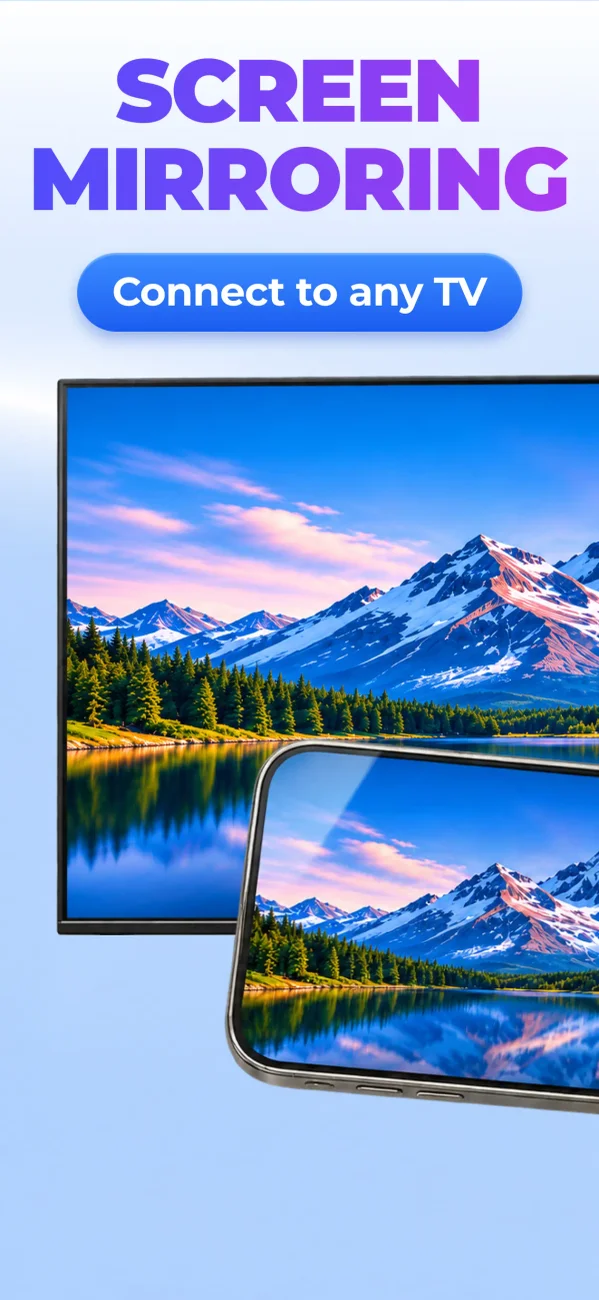
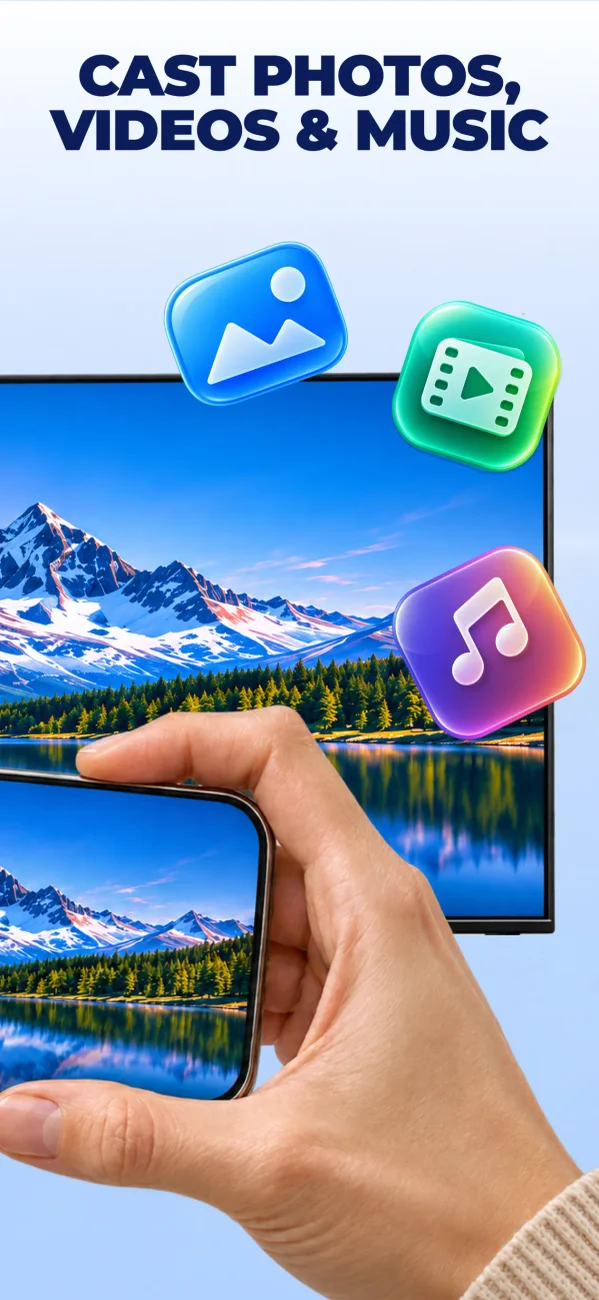
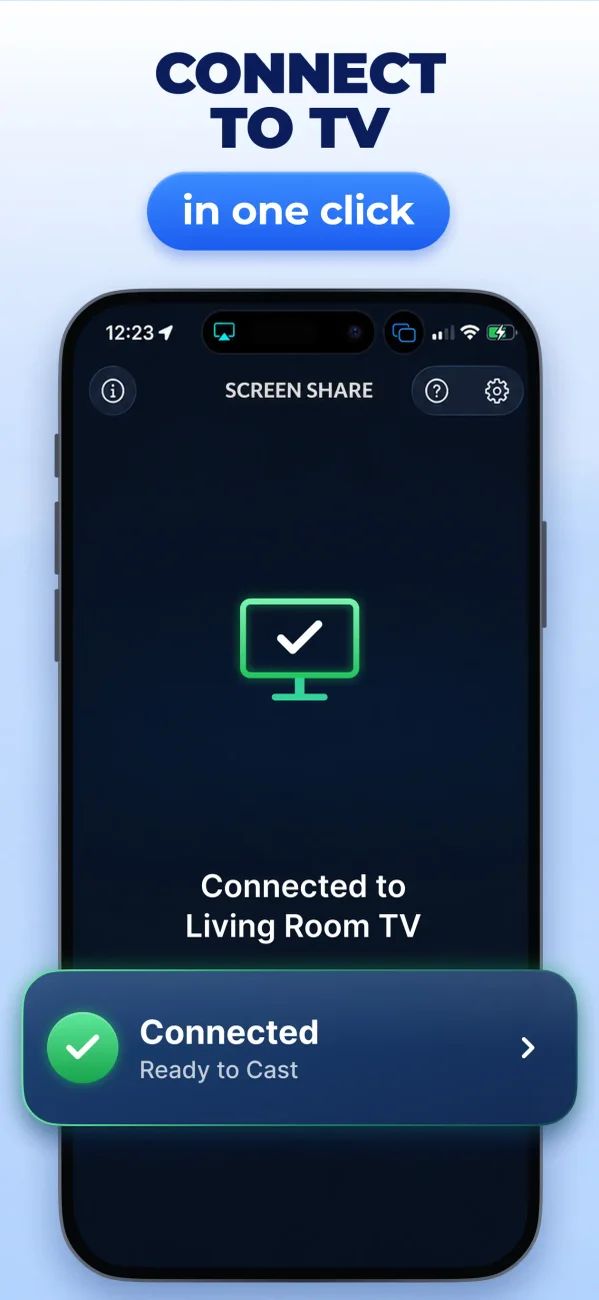
Turn your phone into a wireless projector. Mirror photos, PDFs, videos, websites and presentations to any AirPlay TV, projector or big screen — and present like a pro with a built-in laser pointer, slideshow timer and whiteboard.
MIRROR ANYTHING, INSTANTLY
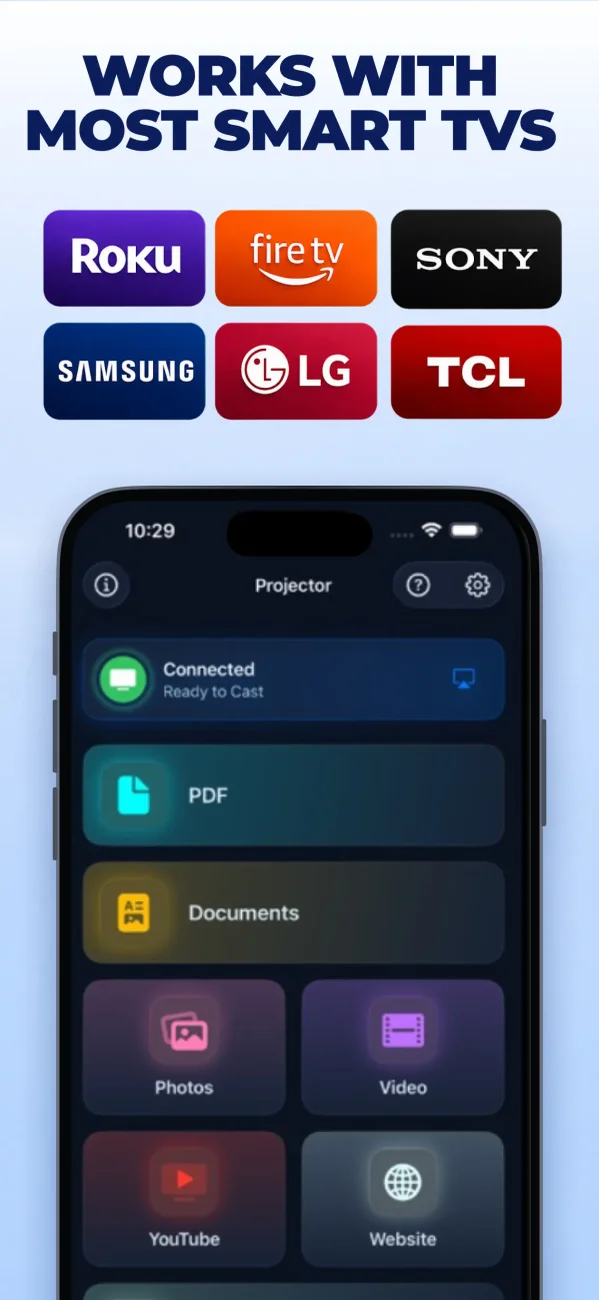
• Stream to AirPlay-enabled smart TVs, streaming boxes and AirPlay receivers over Wi-Fi
• Plug-and-play with USB-C and other HDMI adapters — automatically detected
• Built-in AirPlay picker for one-tap connection
PRESENT ANY KIND OF CONTENT
• PDFs — full-page viewer with pinch-to-zoom and page navigation
• Photos & videos — pick multiple items, reorder them and present in any sequence
• Office documents — open .pptx, .docx, .xlsx and more in the built-in viewer
• Web browser — show any website in fullscreen
• YouTube — distraction-free in-app player
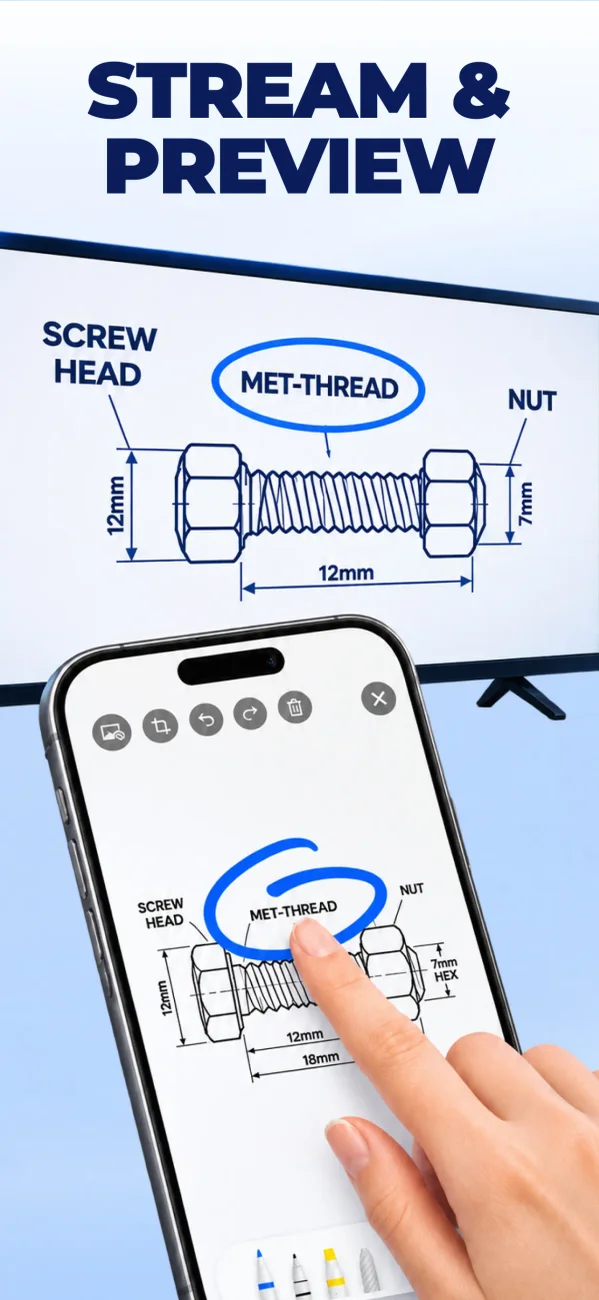
• Whiteboard — draw freehand, add photos and save your sketches
TOOLS FOR GREAT PRESENTATIONS
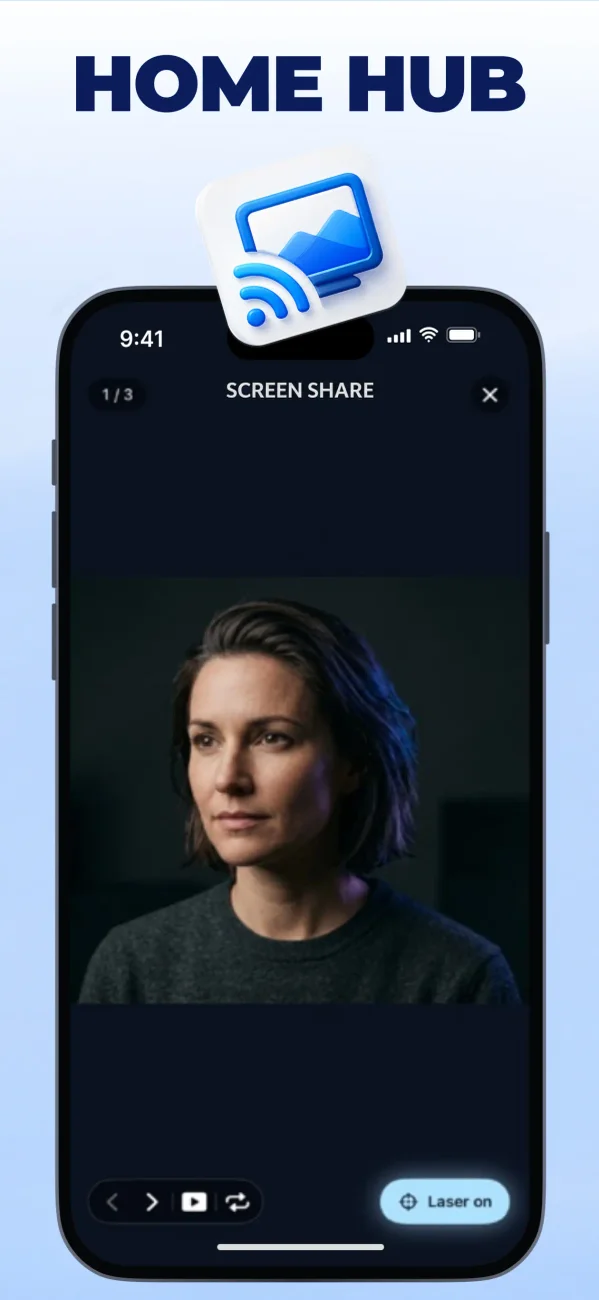
• Laser pointer — a glowing dot that follows your finger, in any color you choose
• Slideshow mode — auto-advance every 3, 5 or 10 seconds
• Page counter, manual stepping and loop replay
• Pinch-to-zoom for fine detail
BUILT FOR EVERYDAY USE
• Recents — jump back into anything you opened recently
• Files & Photos integration — import from anywhere on your device
• Dark, Light and System themes
• Haptic feedback for every action
ALWAYS-ON HELP
• AI Support chat — ask questions and get instant answers
• Built-in tutorial covers AirPlay and HDMI setup
• Email us anytime at info@frequency-analyzer.com
Privacy Policy: https://frequency-analyzer.com/privacy-policy-projectors/
Terms of Use: https://frequency-analyzer.com/terms-and-conditions-projector-app/
Có gì mới
Phiên bản 1.7 · 18/11/2026
Performance updates
Quyền riêng tư của ứng dụng
Những gì Manfred Kuegel khai báo trên App Store về cách ứng dụng này xử lý dữ liệu.
-
Dữ liệu không liên kết với bạn
Có thể được thu thập nhưng không liên kết với danh tính của bạn.
- Mã định danh
- Dữ liệu sử dụng
- Chẩn đoán
Phương thức đảm bảo quyền riêng tư có thể khác nhau, chẳng hạn như tuỳ theo các tính năng bạn sử dụng hoặc độ tuổi của bạn.
Thông tin
- Người bán
- Moonbush Games & Utilities App GmbH
- Danh mục
- Tiện Ích
- Phiên bản
- 1.7
- Cập nhật
- 18/11/2026
- Phát hành
- 09/06/2026
- Kích thước
- 60,6 MB
- Yêu cầu
- iOS 17.1 trở lên
- Độ tuổi
- 17+
- Giá
- Miễn phí
- Mua hàng trong ứng dụng
- Có
- Ngôn ngữ
- Tiếng Anh, Tiếng Pháp, Tiếng Đức, Tiếng Ý, Tiếng Nhật, Tiếng Hàn, Tiếng Trung Giản thể
- Bản quyền
- © 2026 Moonbush Games & Utilities App GmbH
Có thể bạn cũng thích
-
 ProjLinkTiện Ích
-
 Screen Mirroring ' Cast to TVTiện Ích
-
 Điều Khiển Từ Xa Máy ChiếuĐiều Khiển Máy Chiếu
-
 HY300 4K Smart Projector GuideTiện Ích
-
 Screen Mirroring: TV Cast ·Tiện Ích
-
 Screen Mirroring + Cast To TVTiện Ích
-
 HCLinkTiện Ích
-
 Mirror App: Screen MirroringTiện Ích
-
 Cast TV Cast Your Phone ScreenTiện Ích
-
 HandyPJC - PJLink RemoteTiện Ích