Wireless Display: Screen Share
Mirror, Stream & TV Cast
Designed for iPhone, iPad
Free · In-app purchases
- Age rating17+
- CategoryUtilities
- DeveloperManfred Kuegel
- LanguagesEnglish+ 6 more
- Size60.6 MB
Links to the official App Store page
Download.org hosts no file of Wireless Display: Screen Share. The button opens its official App Store page, published by Manfred Kuegel. Listing last checked on Nov 23, 2026.
Screenshots
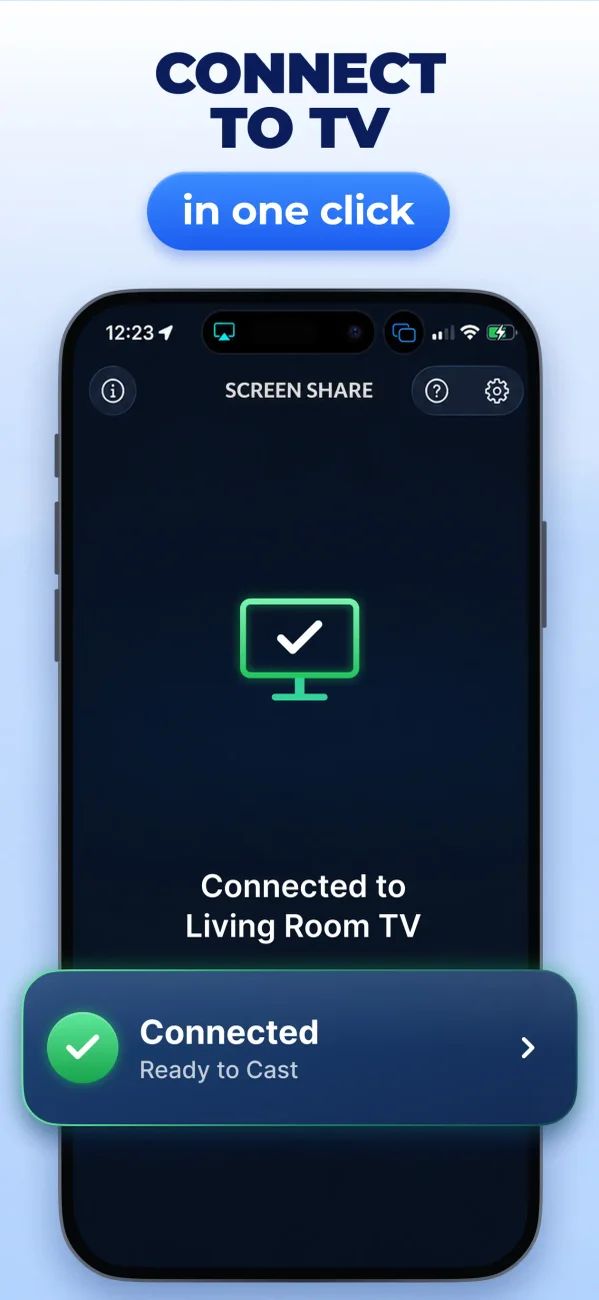
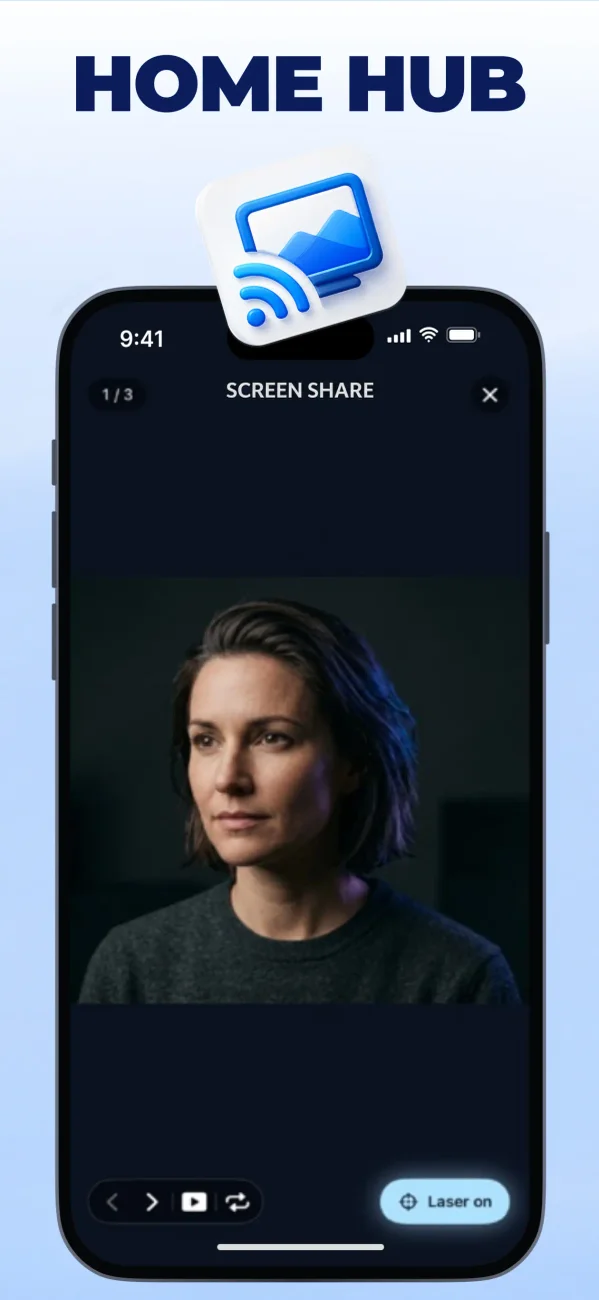
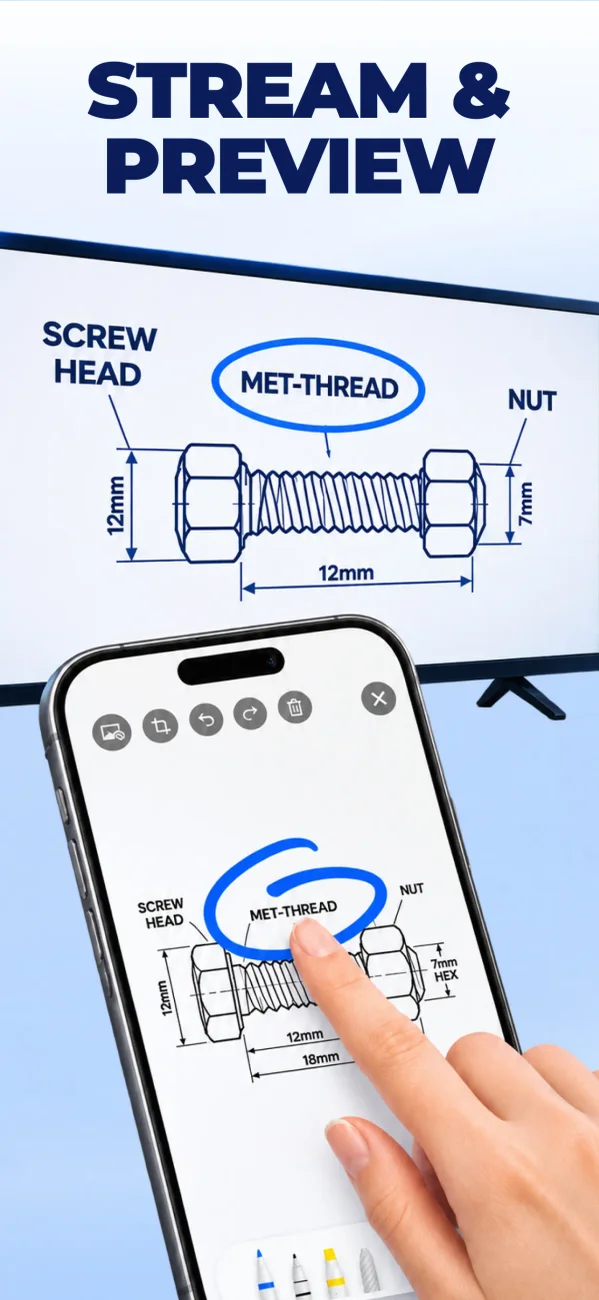
About
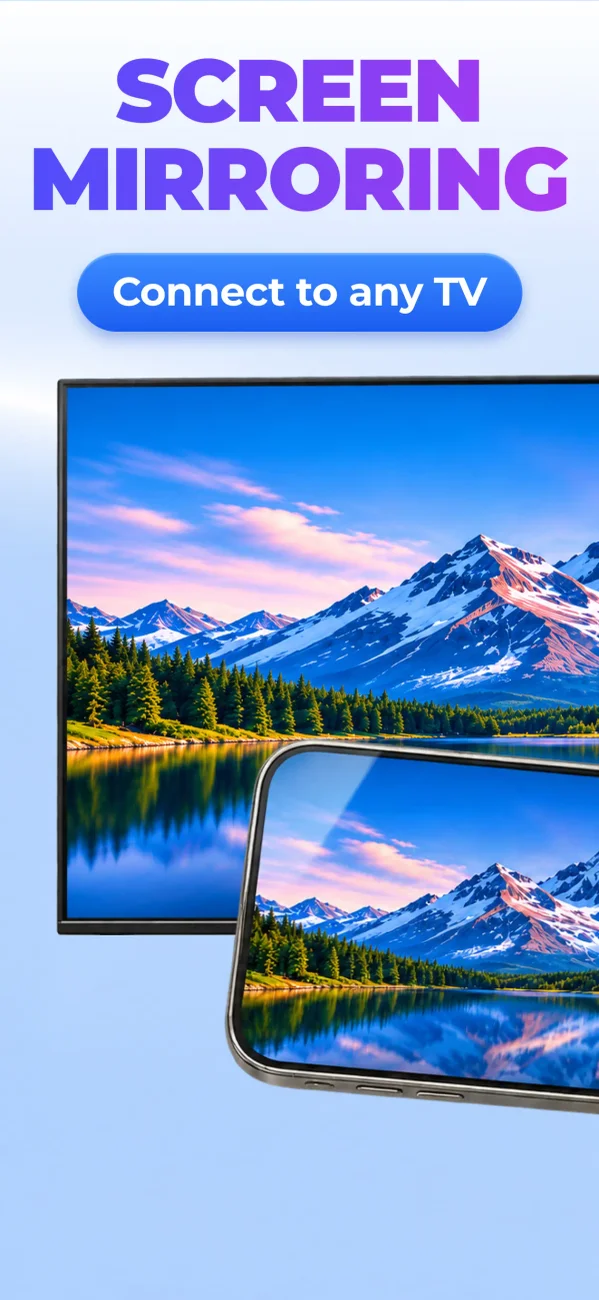
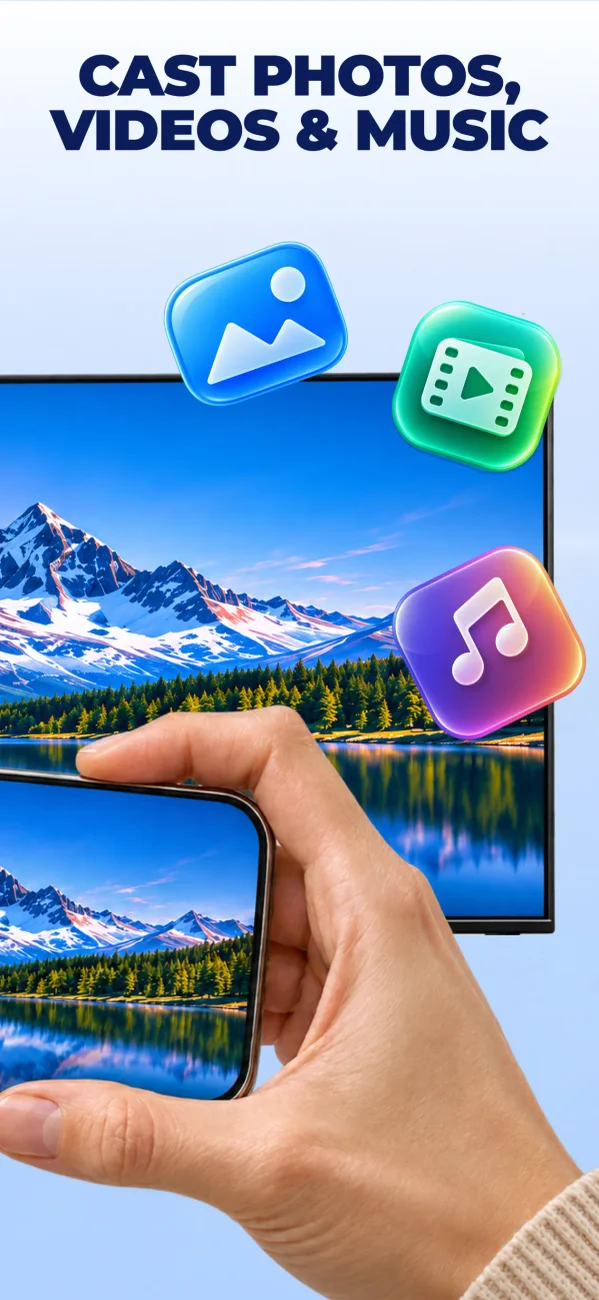
Turn your phone into a wireless projector. Mirror photos, PDFs, videos, websites and presentations to any AirPlay TV, projector or big screen — and present like a pro with a built-in laser pointer, slideshow timer and whiteboard.
MIRROR ANYTHING, INSTANTLY
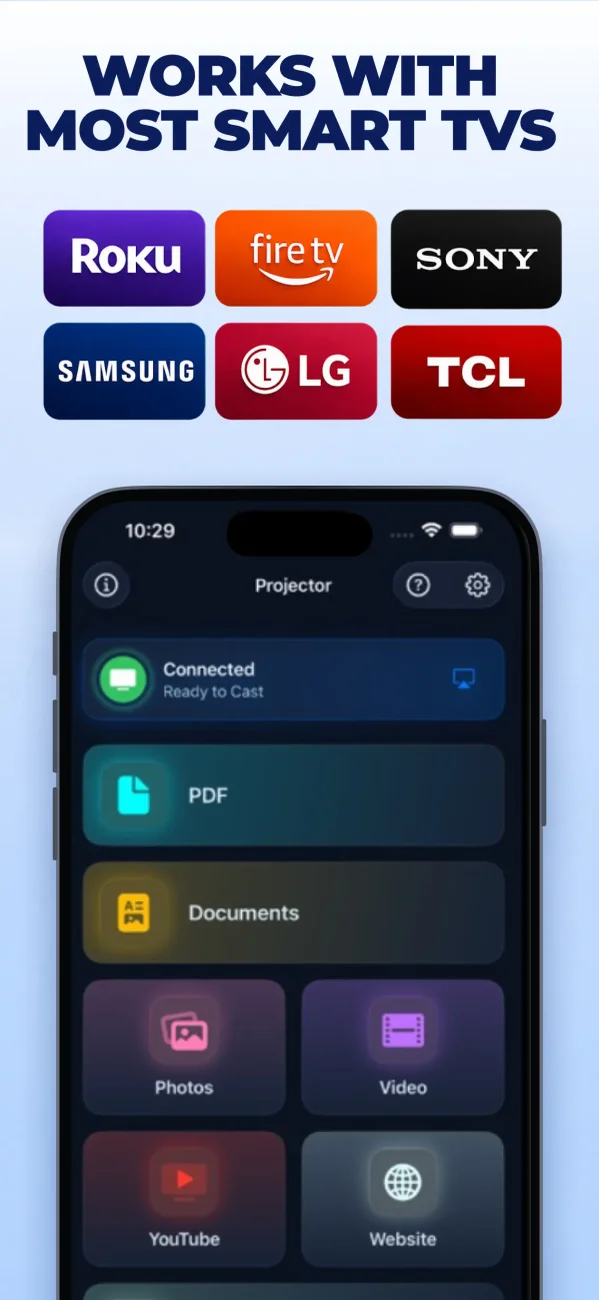
• Stream to AirPlay-enabled smart TVs, streaming boxes and AirPlay receivers over Wi-Fi
• Plug-and-play with USB-C and other HDMI adapters — automatically detected
• Built-in AirPlay picker for one-tap connection
PRESENT ANY KIND OF CONTENT
• PDFs — full-page viewer with pinch-to-zoom and page navigation
• Photos & videos — pick multiple items, reorder them and present in any sequence
• Office documents — open .pptx, .docx, .xlsx and more in the built-in viewer
• Web browser — show any website in fullscreen
• YouTube — distraction-free in-app player
• Whiteboard — draw freehand, add photos and save your sketches
TOOLS FOR GREAT PRESENTATIONS
• Laser pointer — a glowing dot that follows your finger, in any color you choose
• Slideshow mode — auto-advance every 3, 5 or 10 seconds
• Page counter, manual stepping and loop replay
• Pinch-to-zoom for fine detail
BUILT FOR EVERYDAY USE
• Recents — jump back into anything you opened recently
• Files & Photos integration — import from anywhere on your device
• Dark, Light and System themes
• Haptic feedback for every action
ALWAYS-ON HELP
• AI Support chat — ask questions and get instant answers
• Built-in tutorial covers AirPlay and HDMI setup
• Email us anytime at info@frequency-analyzer.com
Privacy Policy: https://frequency-analyzer.com/privacy-policy-projectors/
Terms of Use: https://frequency-analyzer.com/terms-and-conditions-projector-app/
What’s new
Version 1.7 · Nov 18, 2026
Performance updates
App privacy
What Manfred Kuegel declares on the App Store about how this app handles data.
-
Data not linked to you
May be collected but is not linked to your identity.
- Identifiers
- Usage data
- Diagnostics
Privacy practices may vary, for example with the features you use or your age.
Information
- Seller
- Moonbush Games & Utilities App GmbH
- Category
- Utilities
- Version
- 1.7
- Updated
- Nov 18, 2026
- Released
- Jun 9, 2026
- Size
- 60.6 MB
- Requires
- iOS 17.1 or later
- Age rating
- 17+
- Price
- Free
- In-app purchases
- Yes
- Languages
- English, French, German, Italian, Japanese, Korean, Simplified Chinese
- Copyright
- © 2026 Moonbush Games & Utilities App GmbH
You might also like
-
 ProjLinkUtilities
-
 Screen Mirroring ' Cast to TVPhotos & Web Video Caster
-
 Projector Remote .Control Projector with Mobile
-
 HY300 4K Smart Projector GuideApp Pro Remote Manual Setup
-
 Screen Mirroring: TV Cast ·Screen Share, Cast to Smart TV
-
 Screen Mirroring + Cast To TVTV Cast for Chromecast-Webcast
-
 HCLinkUtilities
-
 Mirror App: Screen MirroringCast to TV, Wireless Display
-
 Cast TV Cast Your Phone ScreenUtilities
-
 HandyPJC - PJLink RemoteProjector control & management