
*Passwords* Copy to Paste
Powerful Password Manager
Designed for iPhone, iPad, Mac
Free · In-app purchases
- Age rating4+
- CategoryProductivity
- DeveloperClaudio Guirunas
- LanguagesEnglish+ 26 more
- Size5.9 MB
Links to the official App Store page
Download.org hosts no file of *Passwords* Copy to Paste. The button opens its official App Store page, published by Claudio Guirunas. Listing last checked on Nov 12, 2026.
Screenshots
About
Personal Password Manager - No Internet Connection, No Backdoors, No Gimmicks, No Leaks.
Simple but powerful where your password list is genuinely yours!
Would you trust entering your Bitcoin wallet’s private keys into apps that require an online account? I wouldn’t either.
Easy, intuitive and secure for real.
How many passwords, codes, and numbers do you need to remember (and retype) every single day?
Your ATM PIN, internet banking, emails, logins, social media accounts, credit card numbers… the list is endless.
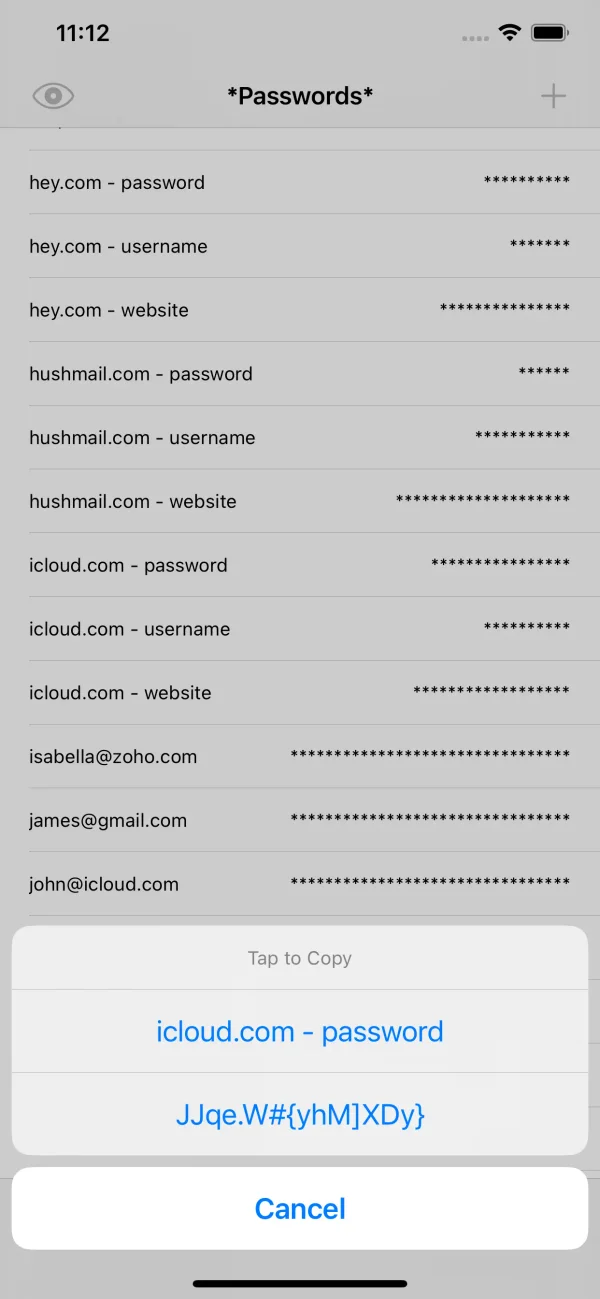
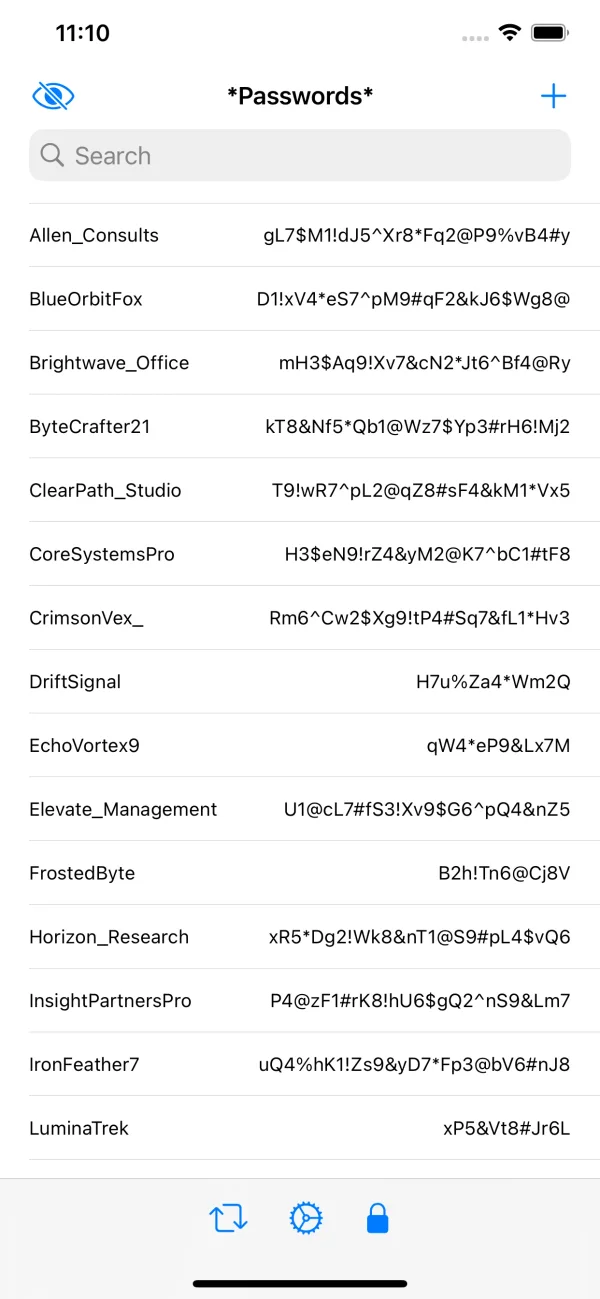
You have the option to simplify it. Just open the app, tap to copy any password, number or name, and paste it wherever you need.
No friction. No typing. No memorising.
And the best part? You don’t need a master password or account to unlock the app.
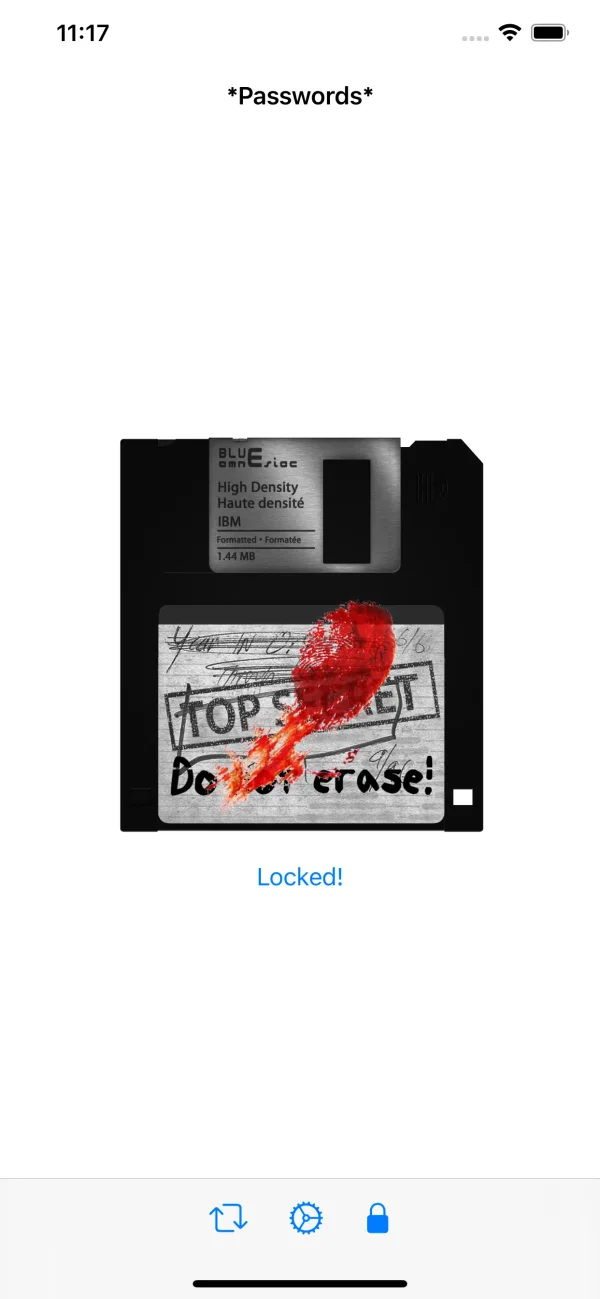
Your fingerprint or your face — the same one you already use to unlock your phone — is all you need to access the entire password list.
Your data stays safe:
This app is completely disconnected from the Internet and just live on your devices without accessing API or making hidden requests to outside from its environment to "check something in somewhere over the internet" like the majority of other apps. You know these hidden activities clearly indicate insecurity and data leaks.
Everything you adding is securely stored inside the app and can only be accessed by you using this app.
No boring filling accounts, no cloud, no external access.
Key Features:
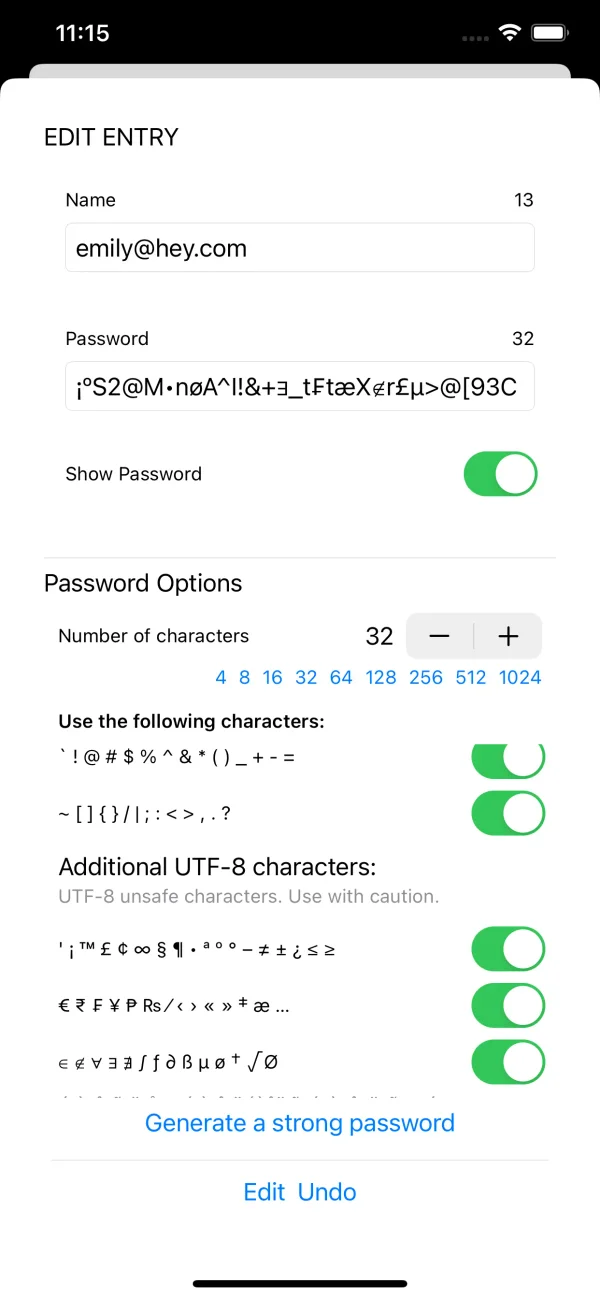
- Generate extremely strong passwords using complex and valid UTF-8 characters;
- Name and Password fields with unlimited length.
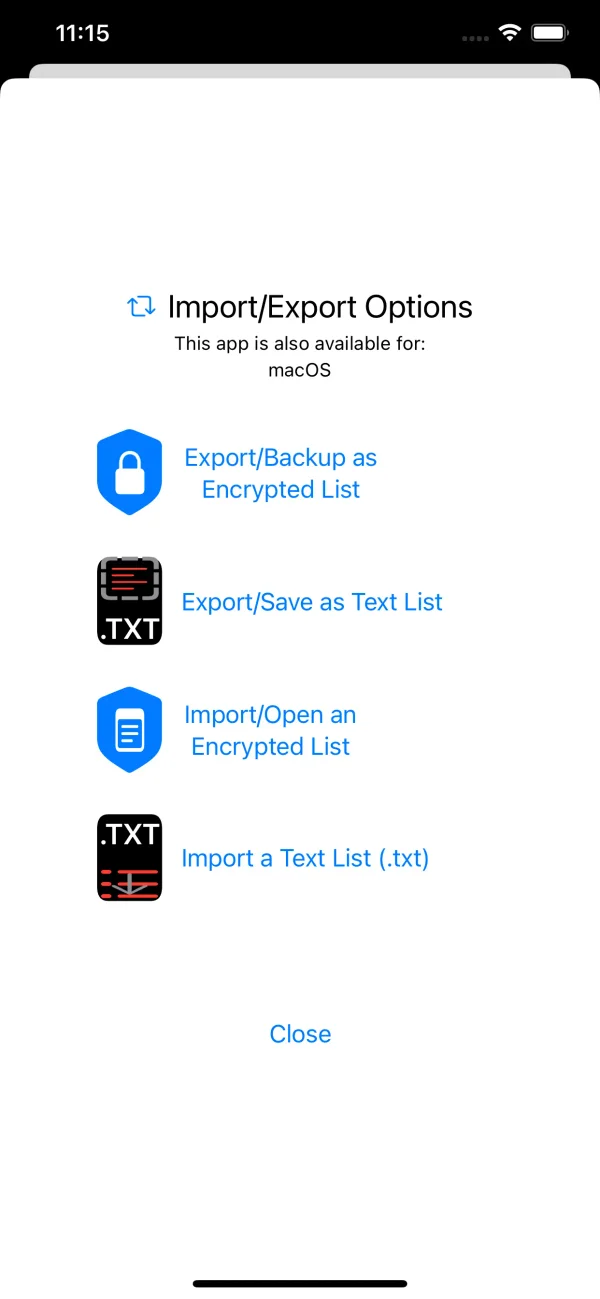
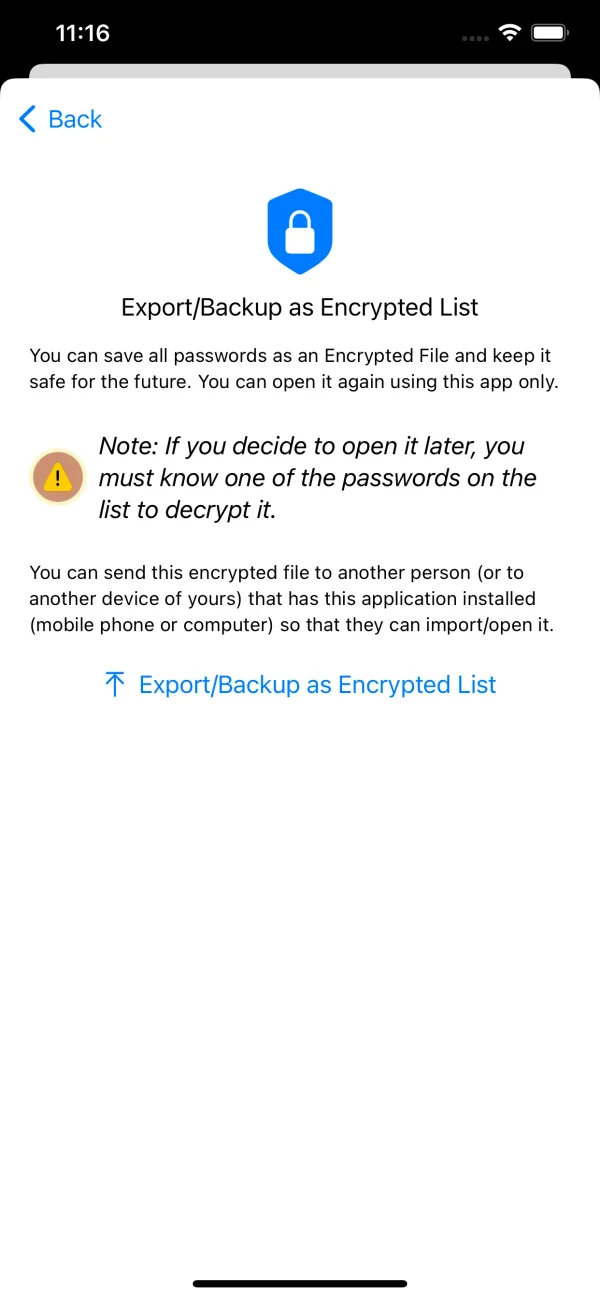
- Export/Backup the entire list as an Encrypted List(.plist)
- Export/Save the list of passwords as Plain Text (.txt)
- Import your Encrypted Password List(.plist) to other devices (macOS or iOS)
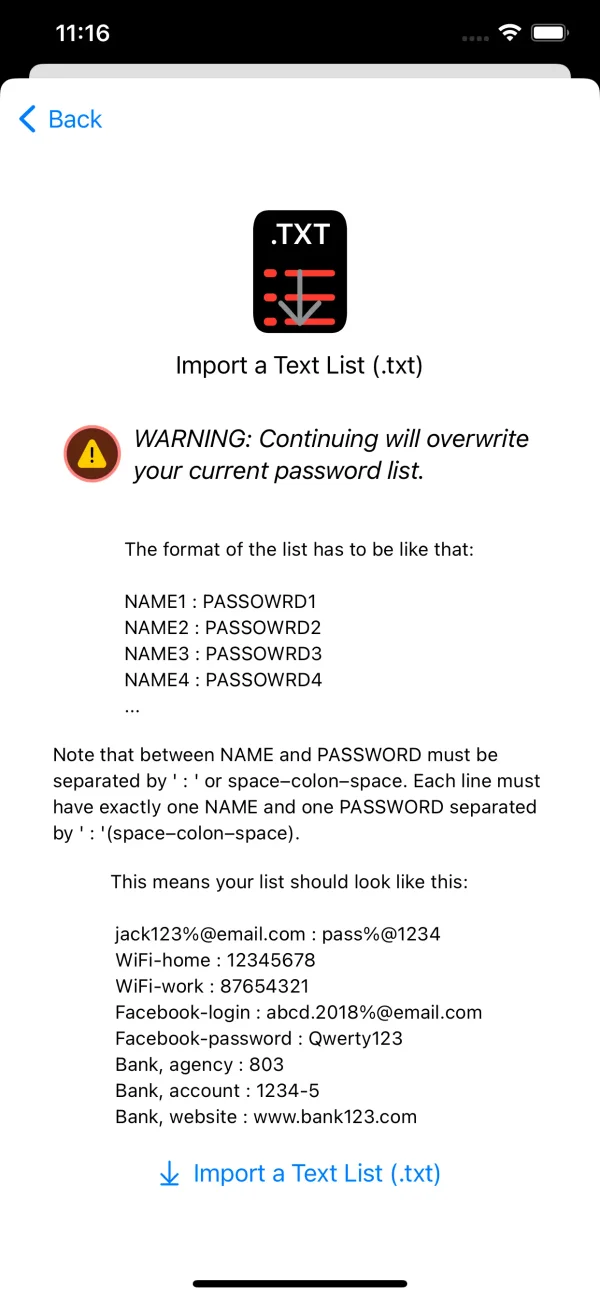
- Import a Plain Text Password List to easily insert large volume of passwords at once
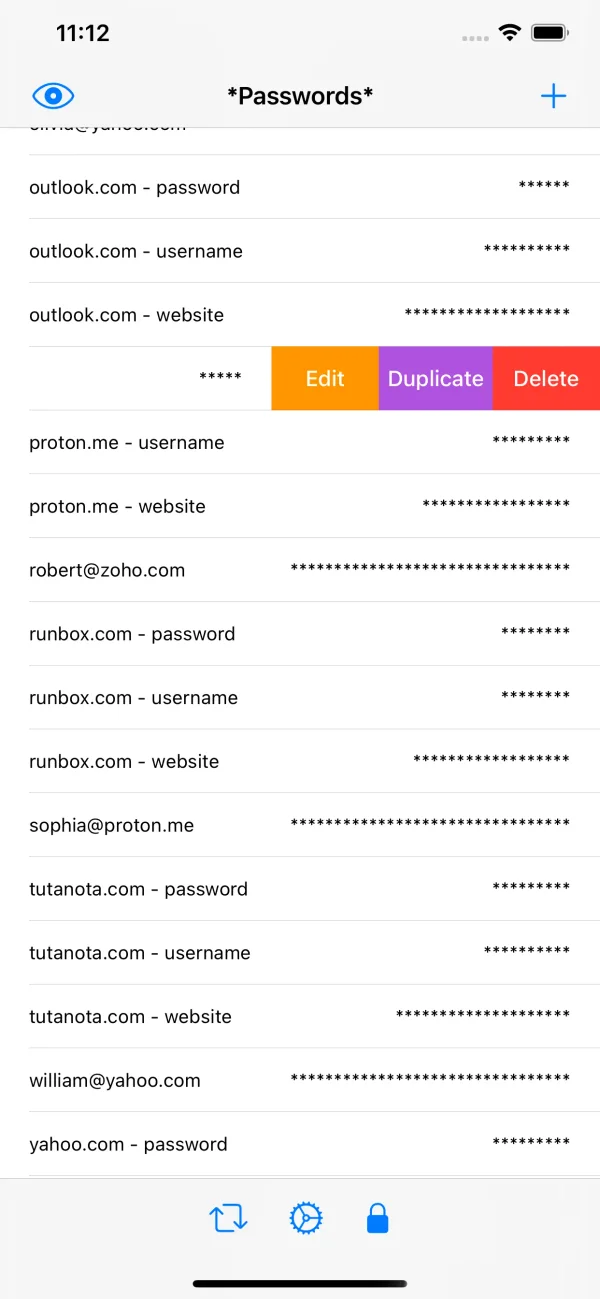
- Duplicate a password to easily create a similar one by editing it
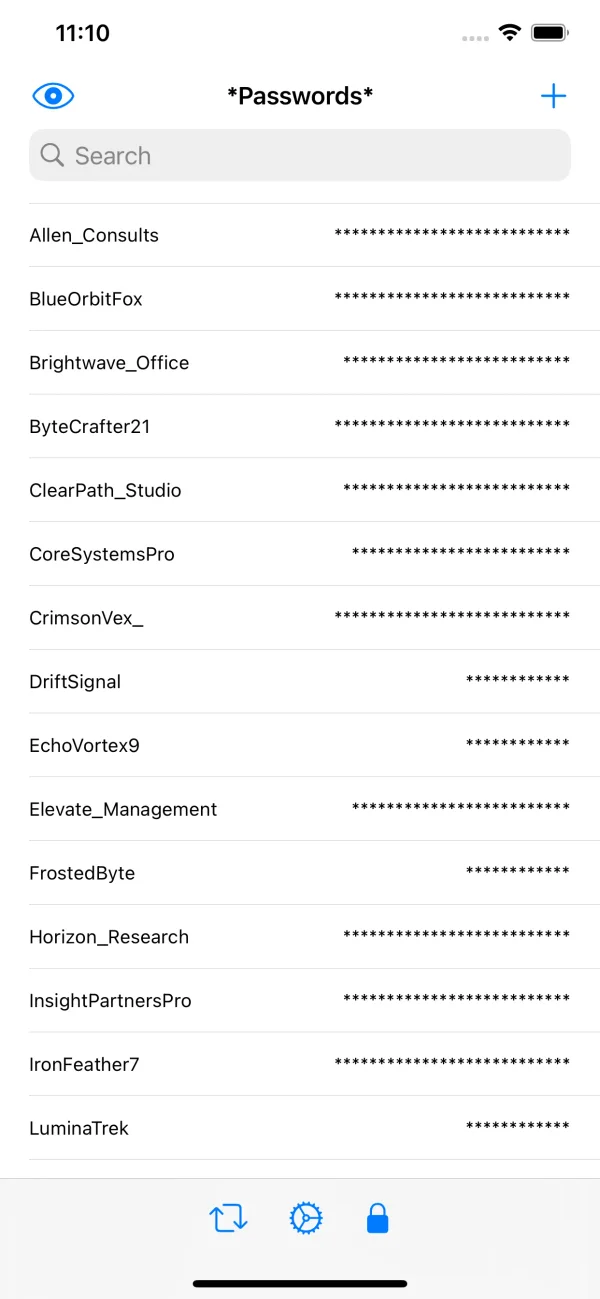
- Show/Hide all passwords in the list at once
- Instantly find any password or name by typing any part of it in the search field
- No Redundancy: Eliminates extra steps present in similar apps
- No Ads: 100% ad-free and designed to respect your privacy
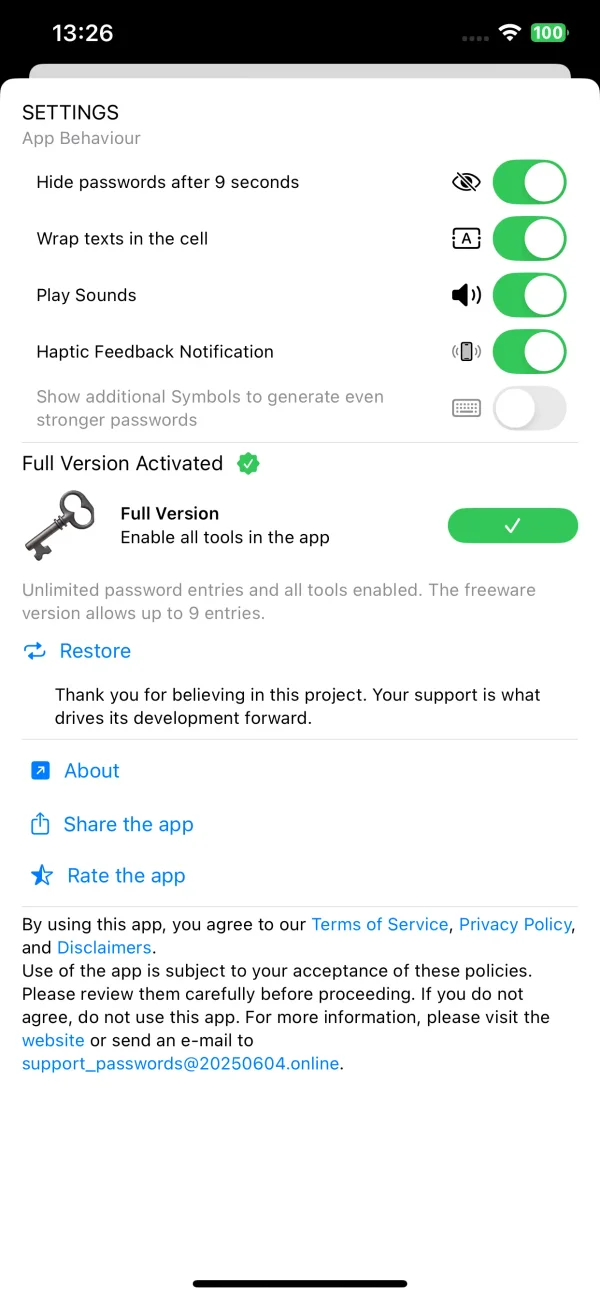
- No Extortion Walls: No friction when copying and pasting, exporting, or importing passwords
Ready to make your life easier and safer?
Download now for iOS and macOS.
Terms and conditions: https://passwords.398031.xyz/?g=term_and_conditions&l=en
Privacy policy: https://passwords.398031.xyz/?g=privacypolicy&l=en
Disclaimer: https://passwords.398031.xyz/?g=disclaimer&l=en
Available in 27 languages:
Arabic, Bengali, Chinese, Czech, Dutch, English, French, German, Greek, Hebrew, Hindi, Hungarian, Indonesian, Italian, Japanese, Korean, Malay, Persian, Polish, Portuguese, Romanian, Russian, Spanish, Swedish, Thai, Turkish, Vietnamese
What’s new
Version 5.2 · Aug 11, 2026
Updates:
- Cosmetic improvements;
- Links updated;
PS.: Don't worry, It's still the same useful and safe app.
App privacy
What Claudio Guirunas declares on the App Store about how this app handles data.
-
Data not collected
The developer does not collect any data from this app.
Privacy practices may vary, for example with the features you use or your age.
Information
- Seller
- Claudio Guirunas
- Category
- Productivity
- Version
- 5.2
- Updated
- Aug 11, 2026
- Released
- Dec 21, 2017
- Size
- 5.9 MB
- Requires
- iOS 18.0 or later
- Age rating
- 4+
- Price
- Free
- In-app purchases
- Yes
- Languages
- English, Arabic, Bengali, Czech, Dutch, French, German, Greek, Hebrew, Hindi, Hungarian, Indonesian + 15 more
- Copyright
- © 2017-2026 | Ind∃p.D∃v∃lop∃r
You might also like
-
 #1 Password ManagerManage & Secure Your Passwords
-
 KeyZ: Password ManagerAccess all your passwords
-
 Password Manager ManagerPassPassword keeper and generator
-
 aWallet Password ManagerWallet Password Manager
-
 Secrets - Password ManagerGenerate, AutoFill, Sync
-
 Avira Password ManagerSecure your passwords easily
-
 Password Manager ®Smart pass authenticator app
-
 iPassworder Password ManagerEasiest way to store passwords
-
 Lockit Secure Password ManagerVault, Passkeys & 2FA AutoFill
-
 Password Manager: SafePasskeys & 2FA