
2099 Techno: Generative Synth
Chaos-driven acid track writer
Designed for iPhone, iPad, Mac, iPod touch
Free · In-app purchases
- Age rating4+
- CategoryMusic
- DeveloperSoft Brew Mobile
- Size16.0 MB
Links to the official App Store page
Download.org hosts no file of 2099 Techno: Generative Synth. The button opens its official App Store page, published by Soft Brew Mobile. Listing last checked on Nov 24, 2026.
Screenshots
About
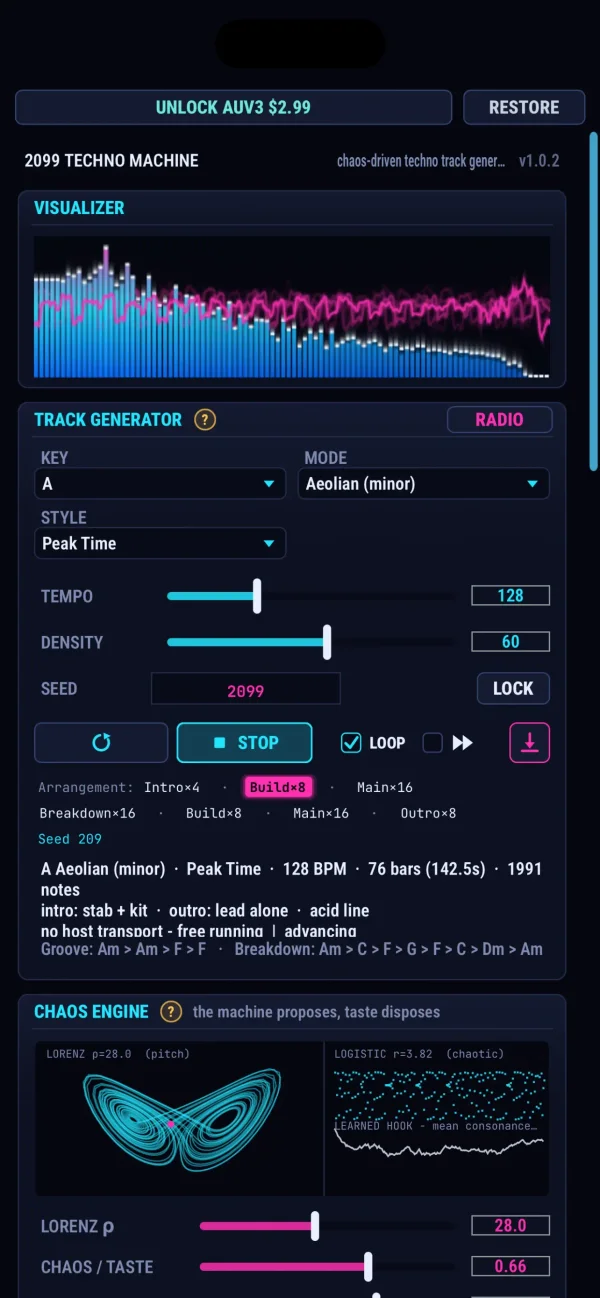
2099 Techno writes complete tracks. Press generate and you get 76 bars with an
intro, builds, two main sections, a breakdown and an outro, played by a
virtual-analog engine and a 909-style drum machine. Bass, acid, stabs, pad, a
lead line and the kit, through a dub delay, chorus and reverb.
Nothing is sampled. Every note is made on the fly and no two tracks come out
the same.
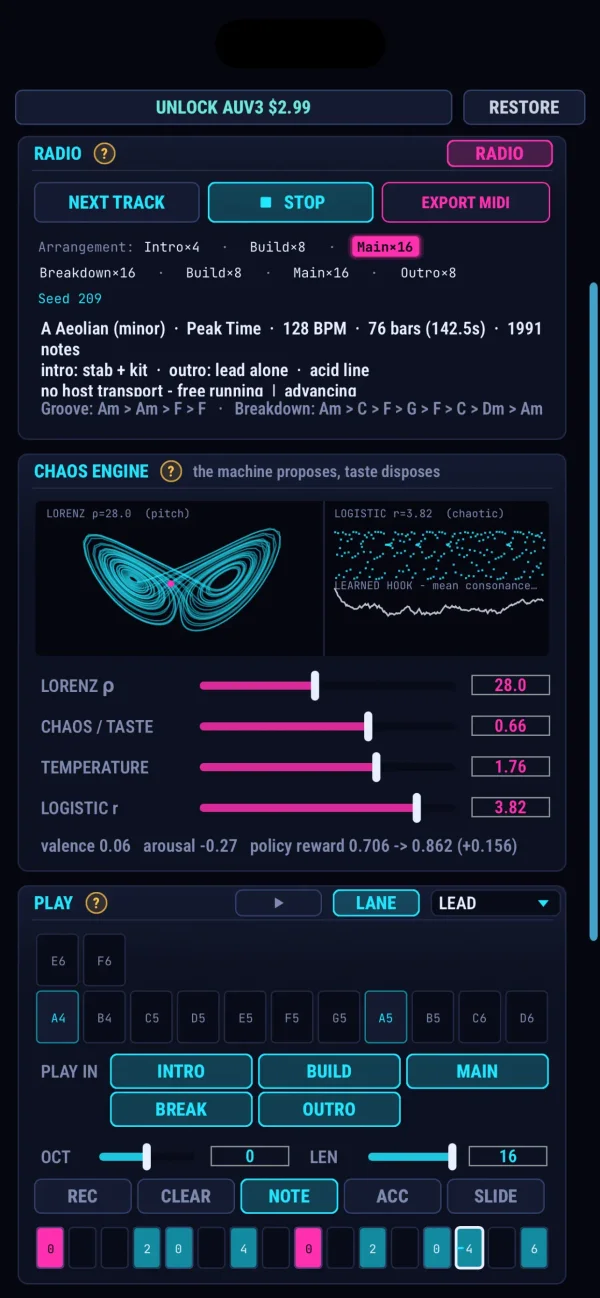
The music comes from chaos maths. Three Lorenz attractors shape the melody, the
rhythm and the mood. Three separate logistic maps run underneath the drums, the
bass and the acid line, so they wander independently: turn the logistic control
down and the hats and perc repeat every bar, turn it up and they never do.
Chaos on its own is noise, so a small model filters it. It gets rewarded for
consonant intervals and rehearses two hundred notes over the changes before it
writes anything. The CHAOS / TASTE slider decides how much say each one gets.
Eight styles, and they are properly different. Detroit rolls an off-beat bass
under syncopated stabs. Dub Techno holds one chord for four bars and lets the
delay do the work. Acid runs a 303 line with slides and accents. Hard pushes
past 140 with a Reese bass and the drive up. Minimal takes most of it away.
Every track is built from its seed. Write the seed down and you can have that
exact track again, note for note, whenever you want it.
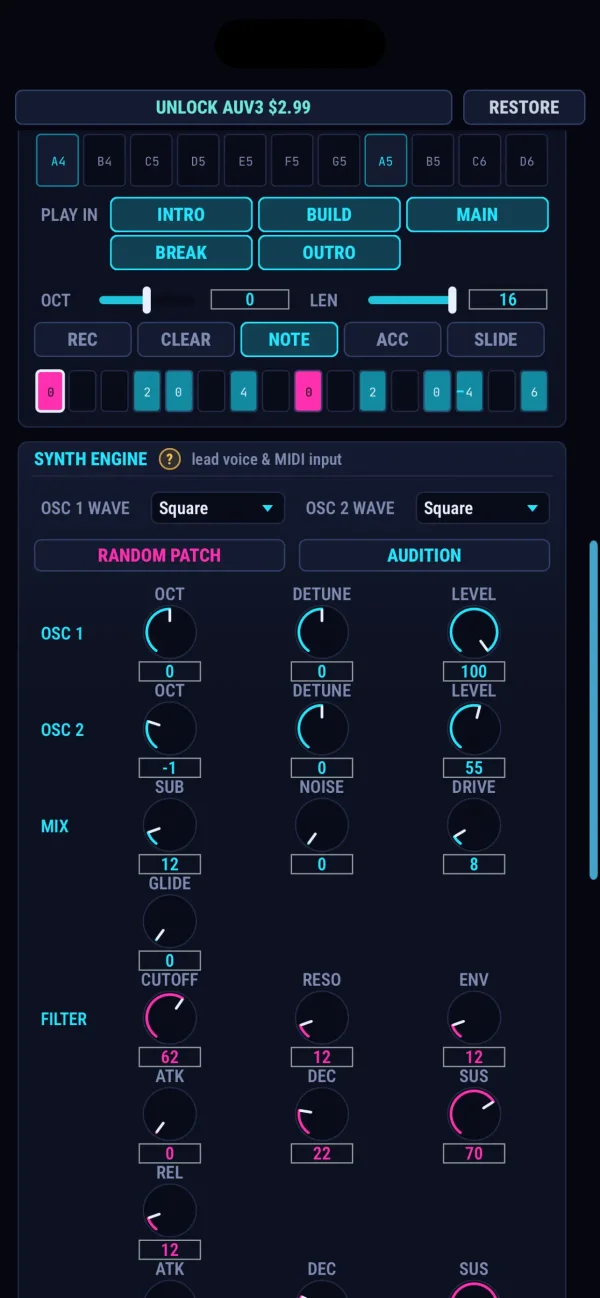
You can play over it, too. The pads are the notes of the track's key rather
than a piano keyboard, so nothing you touch is wrong, and the sixteen-step lane
runs in time with the track and follows your host. Both play any part you like:
bass, acid, stabs, pad or lead, through that part's sound and out on its MIDI
channel. Choose which sections the lane plays in - just the breakdown, say -
and preview it on its own without starting the track.
Make it yours. Write your own chords for each part of the track, from the key or
any chord at all, or play them in from a MIDI channel or as Tone Packets: REC
records them into the track, LIVE makes it follow them, changing on the next
bar. Put the sections in any order and length, tap one to jump to it, or hold
one with SECTION. A chord track and Tone Packets go out over MIDI, and the
Generate Track button, SECTION and the sound kit can all be automated from your
host.
Turn on RADIO and it keeps playing, picking a new key, mode, style, sound kit
and tempo for each track.
You also get:
• 8 styles, 6 dark modes, 12 keys, tempo and density
• Two-oscillator analog voice with sub, noise, resonant filter and glide
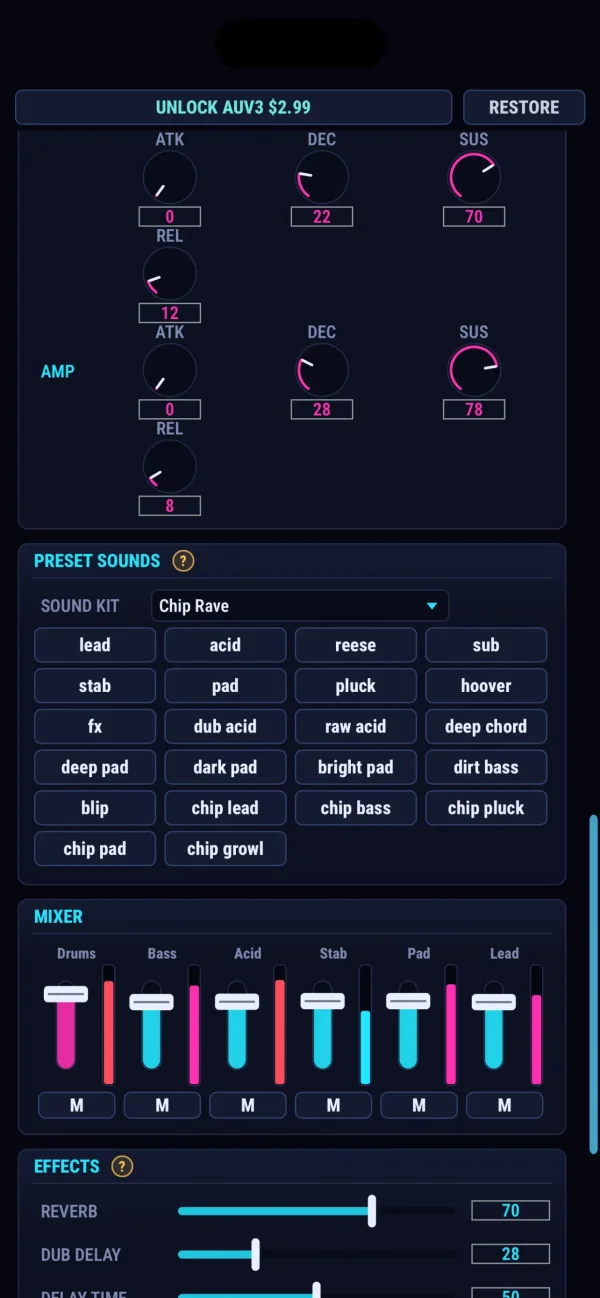
• 22 presets and 9 sound kits, from Warehouse to Game Boy, plus random patch
• Six-part mixer, dub delay, chorus, plate reverb and a global sweep filter
• A PLAY panel: pads in the track's own key, and a 16-step lane with accent
and slide, running in time with the track and only in the sections you pick
• MIDI in, so your keyboard plays whichever part you have selected
• Export a MIDI file, a WAV mix, or stems - one dry WAV per part plus the
mix (in the app; in a host you record the audio there)
• A note and a MIDI channel for every drum, not one channel for the whole kit
• UI scale, so the panel is not tiny on a big iPad
• Live spectrum, waveform and a view of the chaos engine at work
Two Audio Units, an instrument and a MIDI processor. Each part sends on its own
MIDI channel and every drum has a note and a channel of its own, so one instance
can drive a rack of them. The MIDI
version passes your keyboard through instead of swallowing it. Both follow your
host's tempo and transport. One install registers both.
The app is free and nothing in it is held back. Using the Audio Units inside
other apps is a one-time purchase, and each AUv3 session plays for two minutes
first so you can try them properly.
No account, no ads, no subscription. Works offline.
What’s new
Version 1.1.0 · Nov 22, 2026
New in 1.1 - chords and arrangement.
• CHORDS: write your own chords for each kind of section, from the key or any
chord at all. Every part follows them.
• Play chords in: hold them on a MIDI channel, or send them by name as Tone
Packets. REC records them into the track as it plays; LIVE makes the track
follow them, changing on the next bar.
• ARRANGEMENT: put the sections in any order, at any length, as often as you
like.
• Tap a section in the arrangement line and playback jumps there on the next
bar.
• SECTION holds playback in one kind of section until you pick another - made
for live sets.
• A chord track: the harmony on its own MIDI channel, and in MIDI exports.
• Tone Packets out: the chords sent by name, for apps that follow them.
• Automate the Generate Track button, SECTION and the sound kit from your host.
• PLAY OVER: play a part yourself and the generated one makes way. REPLACE
hands you the part; TAKEOVER only while you play.
• An improved PLAY panel, with more ways to write and edit your lanes.
• Every panel except the generator folds away, and stays the way you left it.
• With LOOP and AUTO-NEXT off, the track plays once and stops.
• Bug fixes and improvements.
App privacy
What Soft Brew Mobile declares on the App Store about how this app handles data.
-
Data not collected
The developer does not collect any data from this app.
Privacy practices may vary, for example with the features you use or your age.
Information
- Seller
- Wilfredo Jr Bigol
- Category
- Music
- Version
- 1.1.0
- Updated
- Nov 22, 2026
- Released
- Sep 1, 2026
- Size
- 16.0 MB
- Requires
- iOS 15.0 or later
- Age rating
- 4+
- Price
- Free
- In-app purchases
- Yes
- Copyright
- © Wilfredo Bigol Jr
You might also like
-
 KAGARIBI: AUv3 SynthShape, play, understand sound
-
 Contour — Ambient Morph SynthDrones, textures, pads, MIDI
-
 Pixelsynth: AUv3 Visual SynthPlay, shape & see your sound
-
 Tako KickGenerative Morphing Drums
-
 Texture LoomDual-Sample Atmosphere
-
 GraindadRealtime Granular FX
-
 mseqMusic from motion
-
 Transfigure - Redesign SoundTransfigure Your Audio
-
 Braindance - Glitch EffectsChop Audio and Remix
-
 Sightlines - Harmonic FilterMusical resonant filter bank