Acrobat Reader: PDF Editor
Documents Converter & Signer
Designed for iPhone, iPad
Free · In-app purchases
- Age rating4+
- CategoryBusiness
- DeveloperAdobe Inc.
- LanguagesEnglish+ 18 more
- Size584.8 MB
Links to the official App Store page
Download.org hosts no file of Acrobat Reader: PDF Editor. The button opens its official App Store page, published by Adobe Inc. Listing last checked on Nov 25, 2026.
Screenshots




About
Adobe Acrobat Reader is the free PDF reader for opening, reading, filling in, signing and commenting on PDFs on your iPhone or iPad. It’s the world’s most trusted PDF reader, PDF editor and PDF maker, with more than 635 million installs and an App Store Editors’ Choice award.
You also don’t need a subscription to read, fill in or sign PDFs.
Need to do more? With Acrobat Premium, you can create PDFs from photos and files, edit text, convert PDFs to Word, Excel or PowerPoint, combine PDFs into one file and reorder pages.
Free in Acrobat Reader:
PDF viewer and PDF signer
• Open and read any PDF, and use Liquid Mode to fit the text to your screen
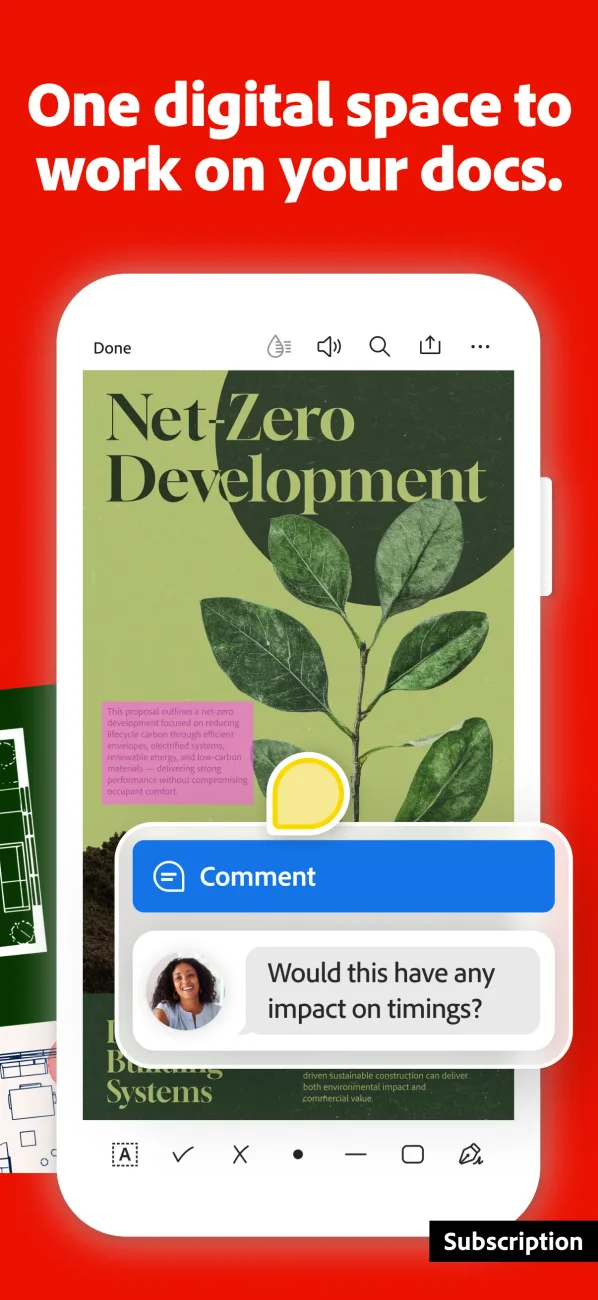
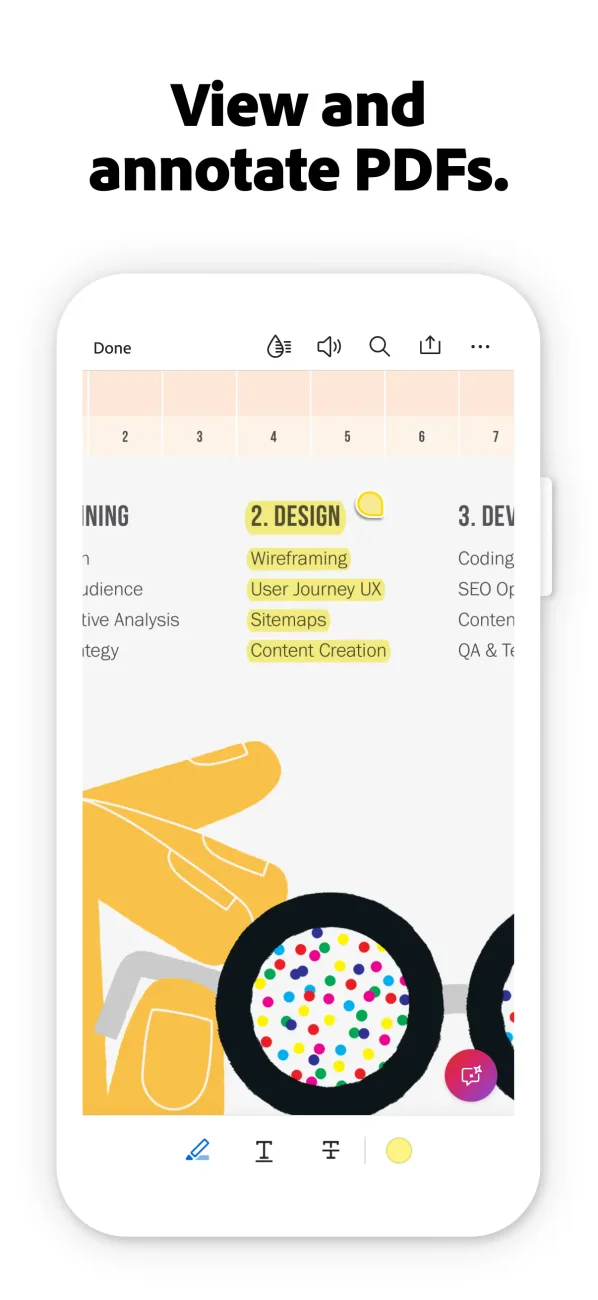
• Highlight text and add comments and sticky notes to your PDF
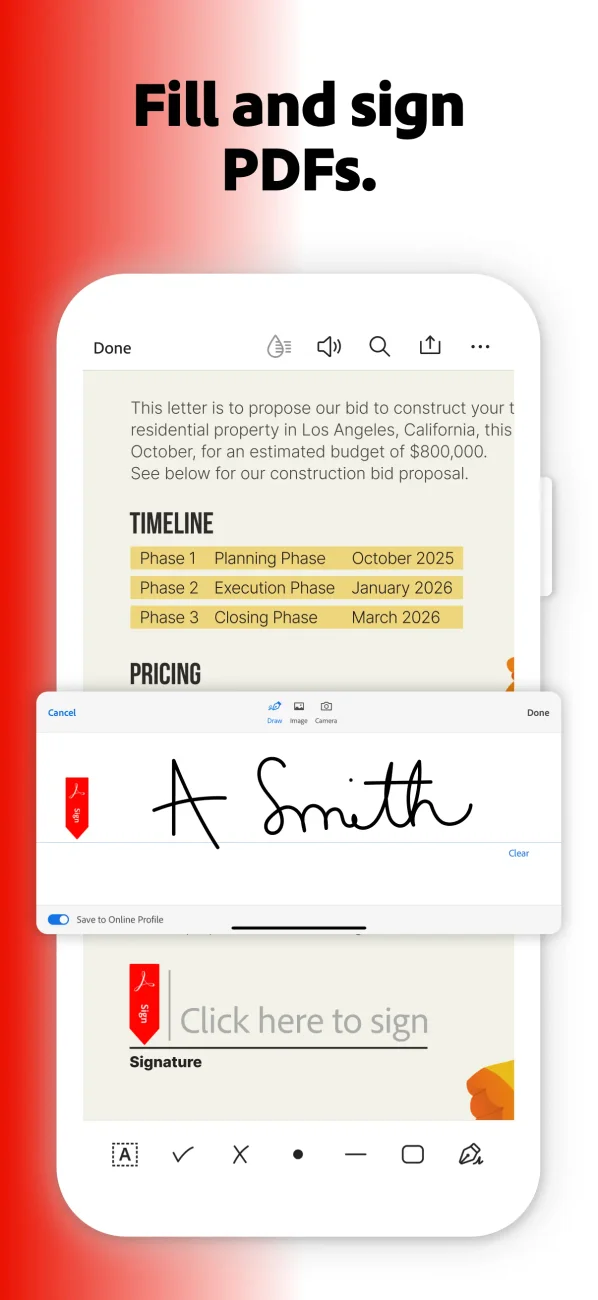
• Fill in PDF forms and sign them with your finger using Fill & Sign
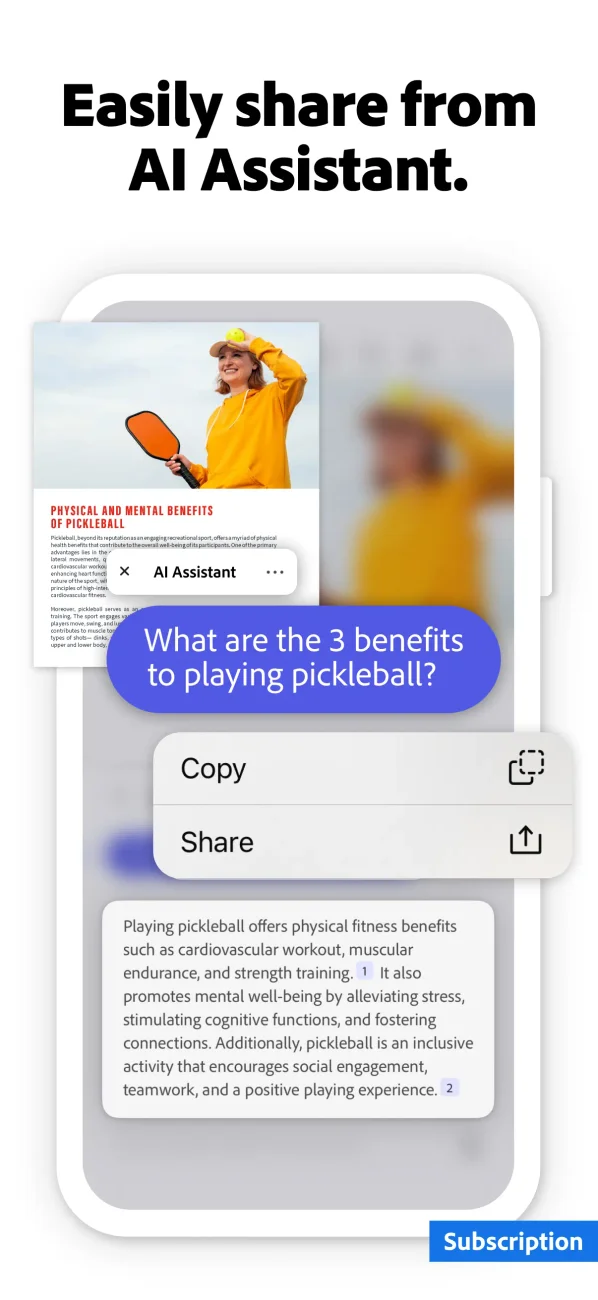
• Share PDFs straight from the app
• Open files and PDFs from your iPhone, email, Google Drive, OneDrive or Dropbox
• Store and manage files, and star important docs for quick access
• Open scans from the free Adobe Scan app to fill in, sign and share
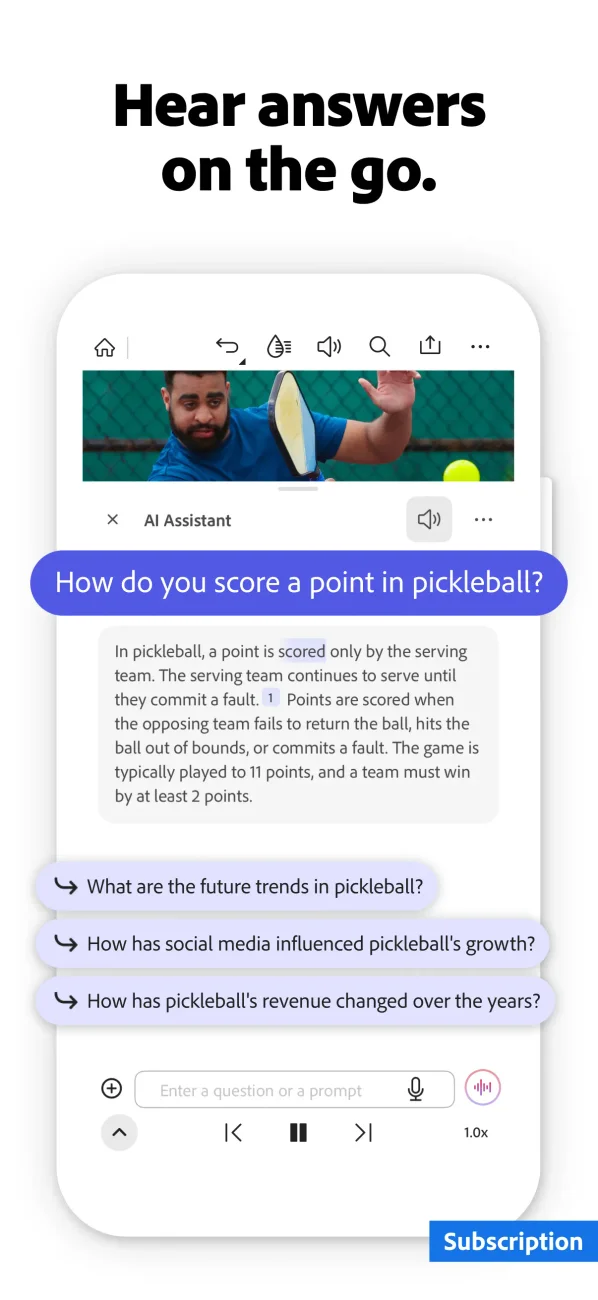
• Listen to PDFs read aloud with free voices
With Acrobat Premium:
PDF editor and PDF converter
Start with a 7-day free trial.
• Create a PDF from photos, Microsoft Office files, Google Docs or web pages
• Edit text and images, fix typos and add paragraphs
• Convert PDFs to Word, Excel, PowerPoint or image files, keeping fonts and formatting
• Merge or combine PDFs into one file, like a resume and cover letter for a job application
• Make a PDF smaller so it fits an email or upload limit
• Insert, reorder, rotate, delete, extract or crop pages, or split a PDF into several files
• Turn scanned docs into searchable, editable text with OCR
• Password-protect PDFs
• Edit, compress and export files and PDFs from Google Drive
• Listen with higher-quality read-aloud voices
Who Acrobat Reader is made for:
• Students: merge notes into one file, highlight and comment on PDFs, listen to notes, and chat with AI Assistant
• Mobile pros: open contracts and forms from email, fill and sign them, and send them back
• Small businesses: create PDF invoices, sign contracts, convert PDFs to Word files, create PDF Spaces for projects
• iPhone and iPad users: open PDFs from Files, Mail or your browser, set Acrobat Reader as your default PDF app, and go beyond viewing with comments and more
• Get PDFs read aloud through Apple CarPlay for hands-free listening on the road
Adobe Acrobat AI Assistant:
Paid feature*, free for a limited time.
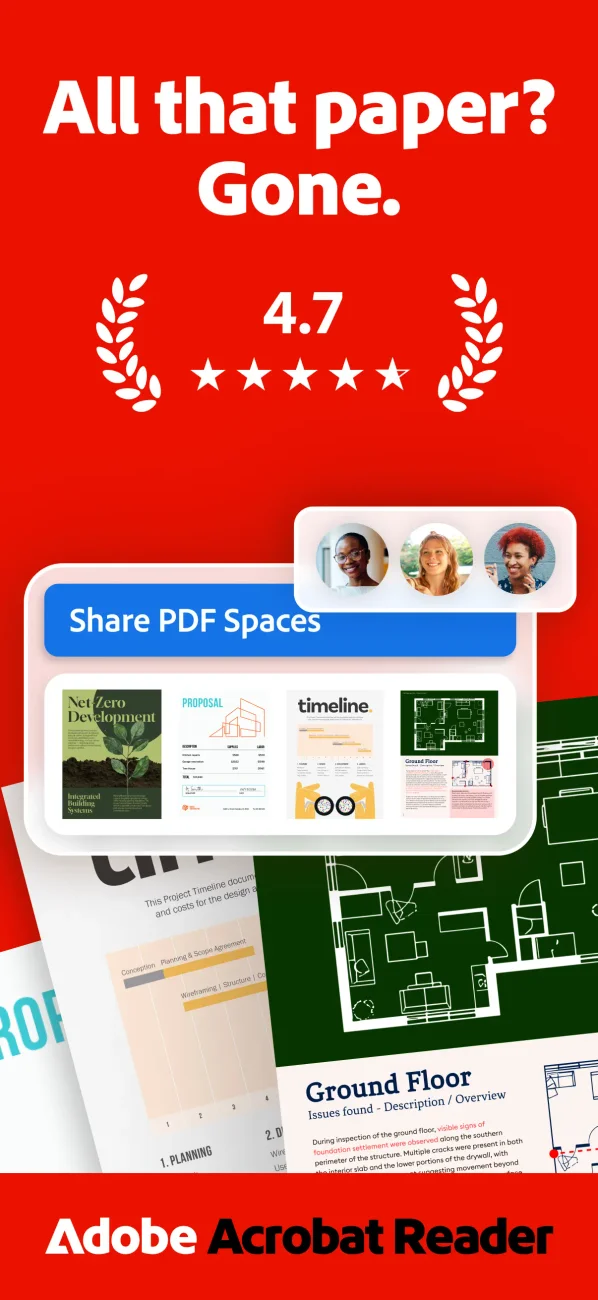
• Work across multiple files in one place with PDF Spaces. Collaborate, store and use AI Assistant across files
• Use voice or text prompts with AI Assistant chatbot and have answers read aloud
• Ask questions and get cited answers about info in your PDF docs, including charts, graphs and tables
• Use Hands-free to keep the conversation flowing with voice only
• Instantly generate summaries from your PDFs
• Get content for emails, text, study notes, blogs and more
What’s new in Acrobat Reader:
Collaborate and share your files in PDF Spaces, and turn your document summaries into podcast-style audio in Acrobat Studio.
Frequently asked questions:
Is Acrobat Reader free?
Yes. You can open, read, fill in and sign PDFs for free.
Do I need an Adobe account?
No. You can read PDFs without one. Sign in with a free Adobe account to store files in Adobe Document Cloud storage, access them across devices and use more tools.
Can I turn off AI features?
Yes. AI Assistant features are optional, and you can turn them off in Preferences.
The Acrobat Reader mobile app is designed to work with EMM enabled.
*An Adobe Acrobat AI Assistant add-on plan is available to Acrobat Individual customers. iOS 18.316 or above required.
Terms & Conditions: Your use of this application is governed by the Adobe General
Terms of Use http://www.adobe.com/go/terms_linkfree_en and the Adobe Privacy Policy http://www.adobe.com/go/privacy_policy_linkfree_en
Do not sell or share my personal information www.adobe.com/go/ca-rights-linkfree
What’s new
Version 26.10.51 · Nov 23, 2026
Bug fixes and performance improvements.
App privacy
What Adobe Inc. declares on the App Store about how this app handles data.
-
Data used to track you
May be used to track you across apps and websites owned by other companies.
- Identifiers
-
Data linked to you
May be collected and linked to your identity.
- Purchases
- Contact info
- Contacts
- User content
- Search history
- Identifiers
- Usage data
- Diagnostics
- Other data
Privacy practices may vary, for example with the features you use or your age.
Information
- Seller
- Adobe Inc.
- Category
- Business
- Version
- 26.10.51
- Updated
- Nov 23, 2026
- Released
- Oct 17, 2011
- Size
- 584.8 MB
- Requires
- iOS 18.3 or later
- Age rating
- 4+
- Price
- Free
- In-app purchases
- Yes
- Languages
- English, Czech, Danish, Dutch, Finnish, French, German, Italian, Japanese, Korean, Norwegian Bokmål, Polish + 7 more
- Copyright
- © 2011-2026 Adobe. All rights reserved.
You might also like
-
 PDF Editor ®Edit, Reader Converter Maker 7
-
 PDF Reader & PDF EditorRead, Edit, Sign PDF Files
-
 PDF Converter - PDF Editor・Scan, Convert to PDF Photo
-
 PDF Expert: Editor & ReaderFill & Sign, Annotate, Convert
-
 PDF Editor: Read, Scan & SignAnnotate, Scan, Convert to PDF
-
 Image to PDF Converter · EditScan & Convert Image to PDF
-
 PDF Converter, Image to PDFPDF Maker - Picture to PDF
-
 QR Code Reader & PDF ScannerDocs & Barcode: Scаn and Share
-
 PDF Scanner・Document ScannerScan ID Card, Sign, OCR & Edit
-
 Photos PDF : Scanner ConverterPhoto & image to Scan Document