
- Age rating4+
- CategoryLifestyle
- DeveloperJANOME Corporation
- LanguagesEnglish+ 1 more
- Size70.3 MB
Links to the official App Store page
Download.org hosts no file of AcuEdit. The button opens its official App Store page, published by JANOME Corporation. Listing last checked on Nov 18, 2026.
Screenshots
About
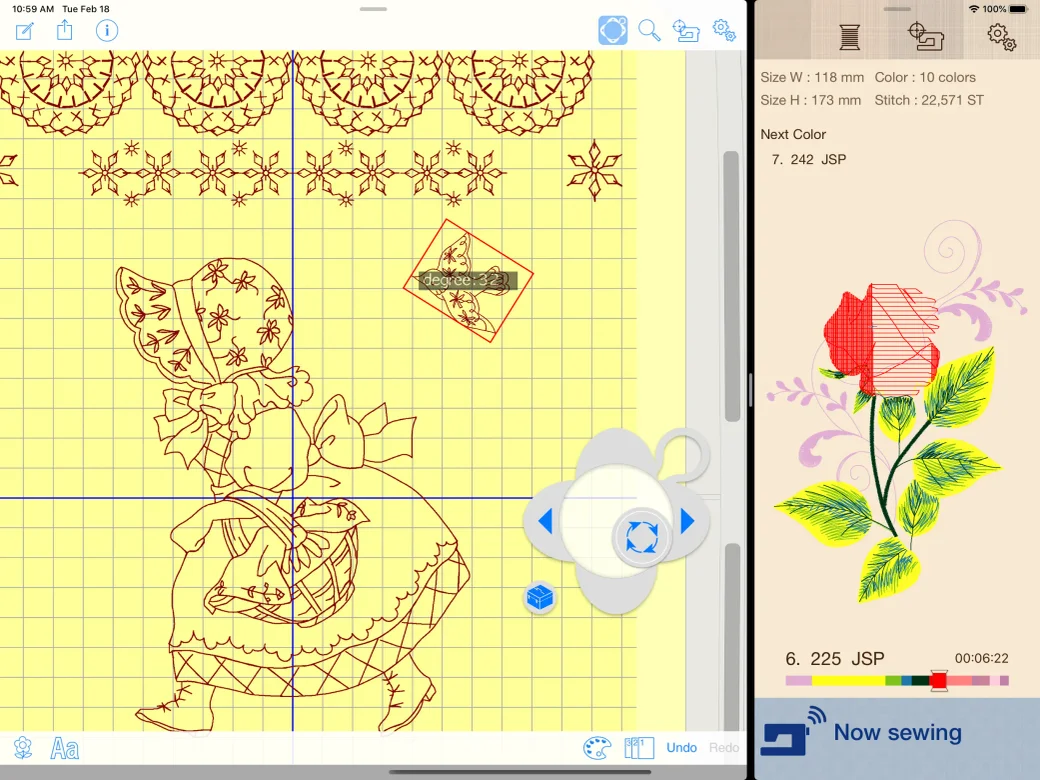
The AcuEdit app allows you to edit Janome embroidery designs on your iPad using Wireless LAN.
You can edit designs anywhere, anytime! Embroidery designs can even be edited when your machine is sewing.
Send the design data to your sewing machine and you are ready to go!
AcuEdit is compatible with the following sewing machine models:
Please refer to the following link :
https://www7.janome.co.jp/global/softupdate/acuedit/
Linking with sewing machine using Wireless LAN
* You can send embroidery data from your iPad to your sewing machine. The machine can start sewing your new designs upon receiving the data.
* AcuEdit can also receive embroidery designs from the Ready to Sew and Editing modes of your sewing machine.
AcuEdit Feature List
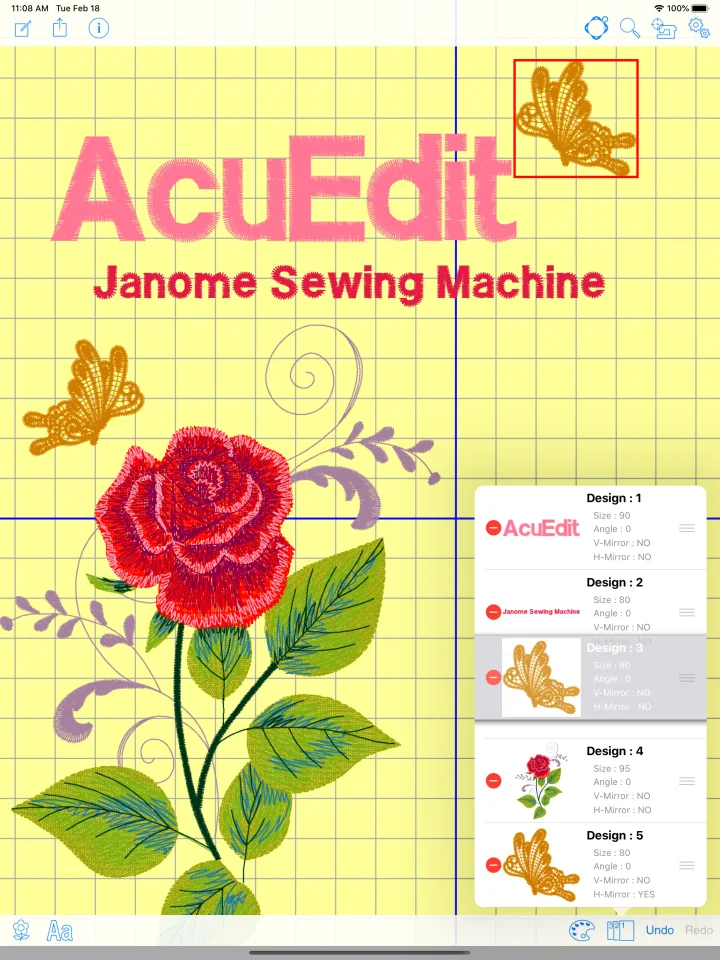
* Move
* Rotate
* Enlarge/Reduce
* Mirror image
* Vertical flip
* Centering
* Cornering
* Copy and paste
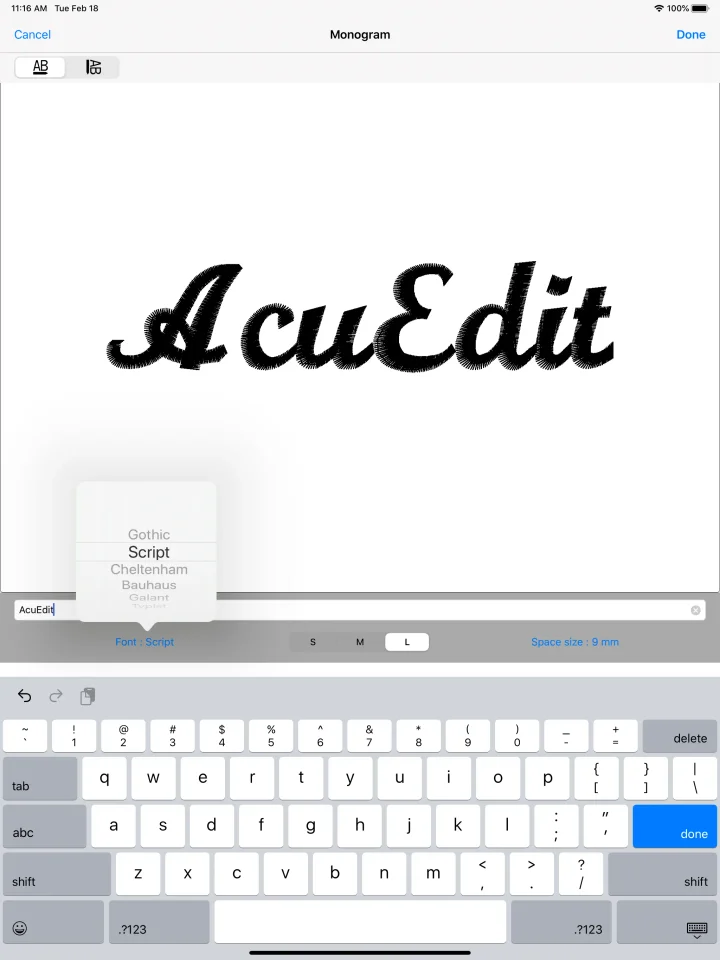
* Arching (monogramming)
* Space adjustment (monogramming)
* Delete
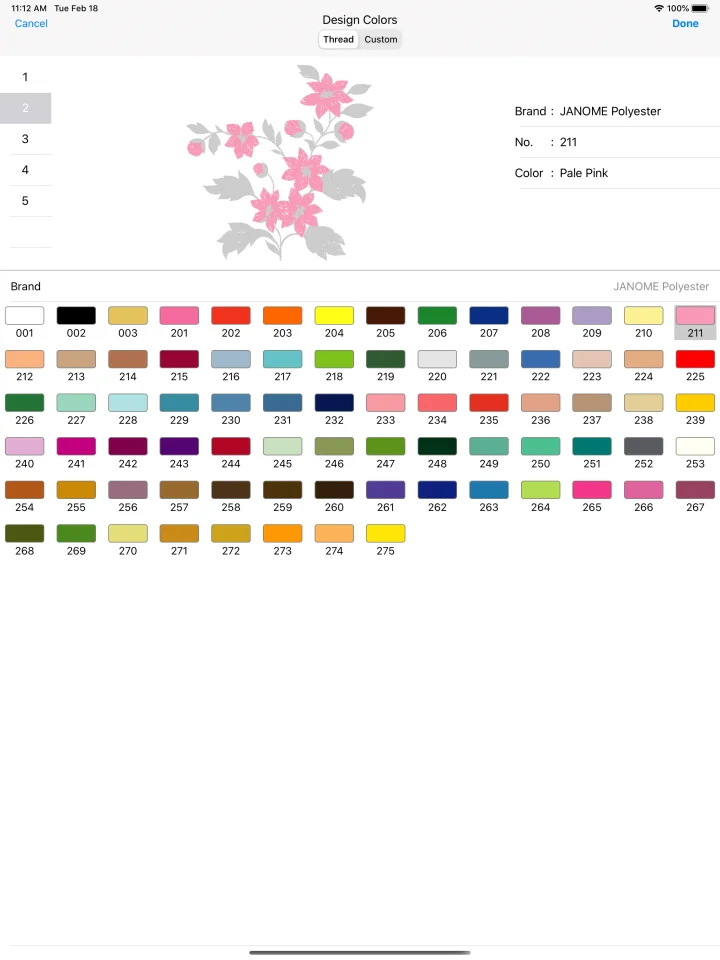
* Ability to change thread colors
* Ability to change sewing order
* Ability to Undo and Redo any change you make
* Edit embroidery designs by using the controller on the screen.
* Basic editing can also be made by moving two fingers across the screen.
* iPad photos can be displayed as the background of the editing screen.
Import embroidery designs
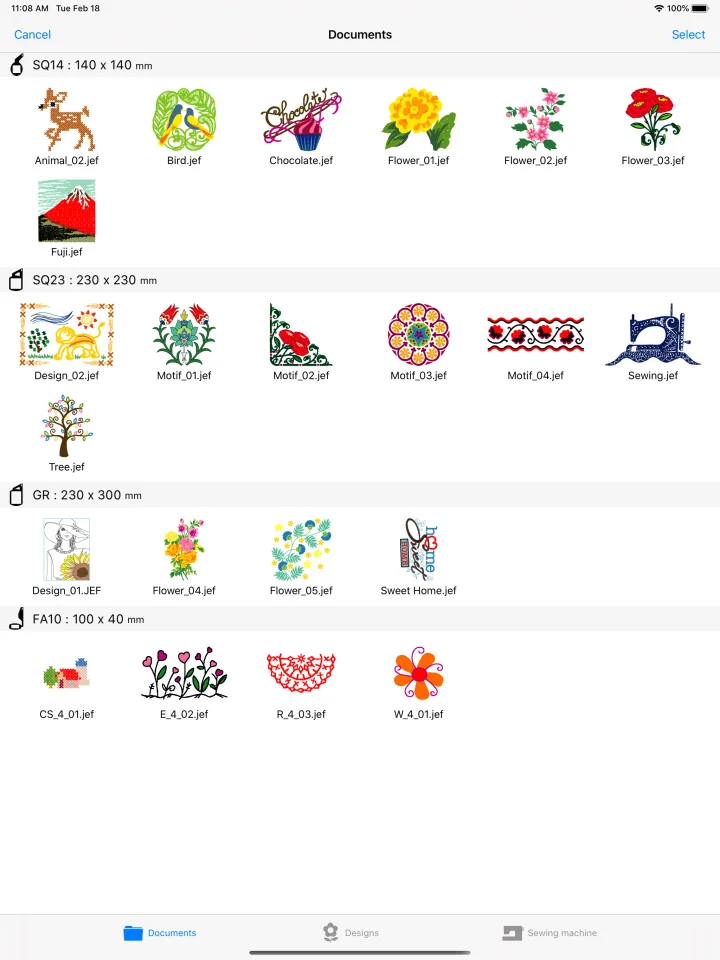
* Select designs from your embroidery collection on your iPad.
* You can use all built-in designs from compatible sewing machines.
(to use the built-in designs from Memory Craft 15000, first connect to your sewing machine and then you can download the latest embroidery designs from the sewing machine.)
(to use the built-in designs from SKYLINE S9/ atelier 9, it's necessary to download the embroidery designs from your sewing machine.)
* You can add monogramming designs by inputting them using the keypad.
* iTunes enables import of embroidery designs from the internet or your PC to your iPad.
* Embroidery designs can now be imported from email attachment files , online storage services and other apps.
Save embroidery designs
* Save embroidery designs on your iPad.
* View and delete thumbnails of embroidery designs.
Compatible embroidery formats
* jef
* jef+
* jpx
What’s new
Version 3.30 · Aug 26, 2025
* Enhanced embroidery expression for a more realistic and sophisticated presentation.
* Bug fixes.
App privacy
What JANOME Corporation declares on the App Store about how this app handles data.
-
Data not collected
The developer does not collect any data from this app.
Privacy practices may vary, for example with the features you use or your age.
Information
- Seller
- JANOME Corporation
- Category
- Lifestyle
- Version
- 3.30
- Updated
- Aug 26, 2025
- Released
- Aug 9, 2013
- Size
- 70.3 MB
- Requires
- iOS 16.0 or later
- Age rating
- 4+
- Price
- Free
- Languages
- English, Japanese
- Copyright
- © 2025 JANOME Corporation
You might also like
-
 Embroidery-LinkCreative Embroidery App
-
 dot CustomizerCreative Embroidery App
-
 Embroidery LetteringLettering for Embroiderers
-
 ThreadBookComplete Thread Reference
-
 FlorianiTLifestyle
-
 My QuiltsLifestyle
-
 CREATIVATEMake it all. Easier.
-
 TideStitch: Quilt DesignerSee your quilt before you sew
-
 Brother My Stitch MonitorMonitor embroidery machines
-
 SewCanShe Sewing BeeQuilting & Sewing Community