- Độ tuổi4+
- Danh mụcLối Sống
- Nhà phát triểnJANOME Corporation
- Ngôn ngữTiếng Anh+ 1 ngôn ngữ khác
- Kích thước70,3 MB
Liên kết đến trang App Store chính thức
Download.org không lưu trữ tệp nào của AcuEdit. Nút này mở trang ứng dụng trên App Store, nơi JANOME Corporation phát hành ứng dụng. Trang được kiểm tra lần cuối: 18/11/2026.
Ảnh chụp màn hình
Giới thiệu
Nhà phát triển chưa cung cấp nội dung này bằng ngôn ngữ của bạn.
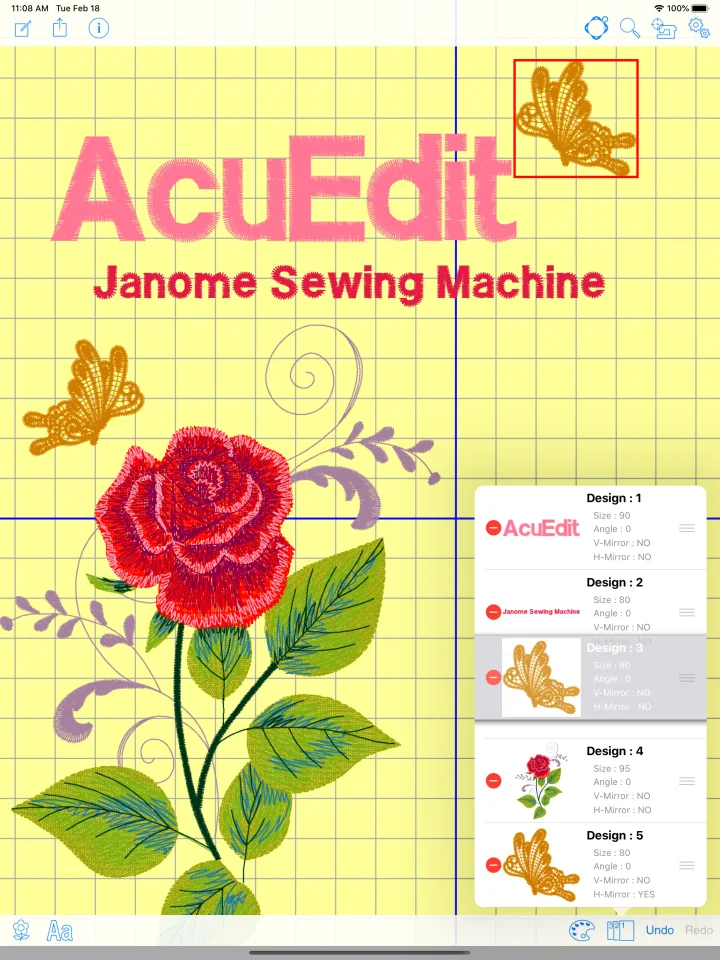
The AcuEdit app allows you to edit Janome embroidery designs on your iPad using Wireless LAN.
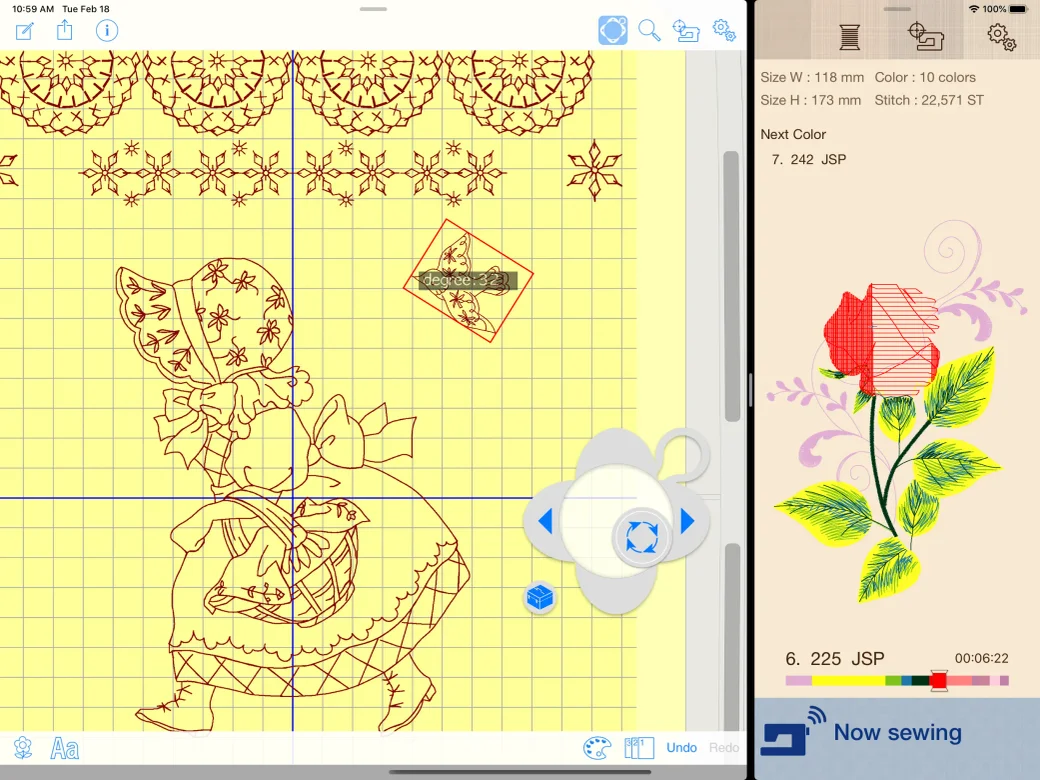
You can edit designs anywhere, anytime! Embroidery designs can even be edited when your machine is sewing.
Send the design data to your sewing machine and you are ready to go!
AcuEdit is compatible with the following sewing machine models:
Please refer to the following link :
https://www7.janome.co.jp/global/softupdate/acuedit/
Linking with sewing machine using Wireless LAN
* You can send embroidery data from your iPad to your sewing machine. The machine can start sewing your new designs upon receiving the data.
* AcuEdit can also receive embroidery designs from the Ready to Sew and Editing modes of your sewing machine.
AcuEdit Feature List
* Move
* Rotate
* Enlarge/Reduce
* Mirror image
* Vertical flip
* Centering
* Cornering
* Copy and paste
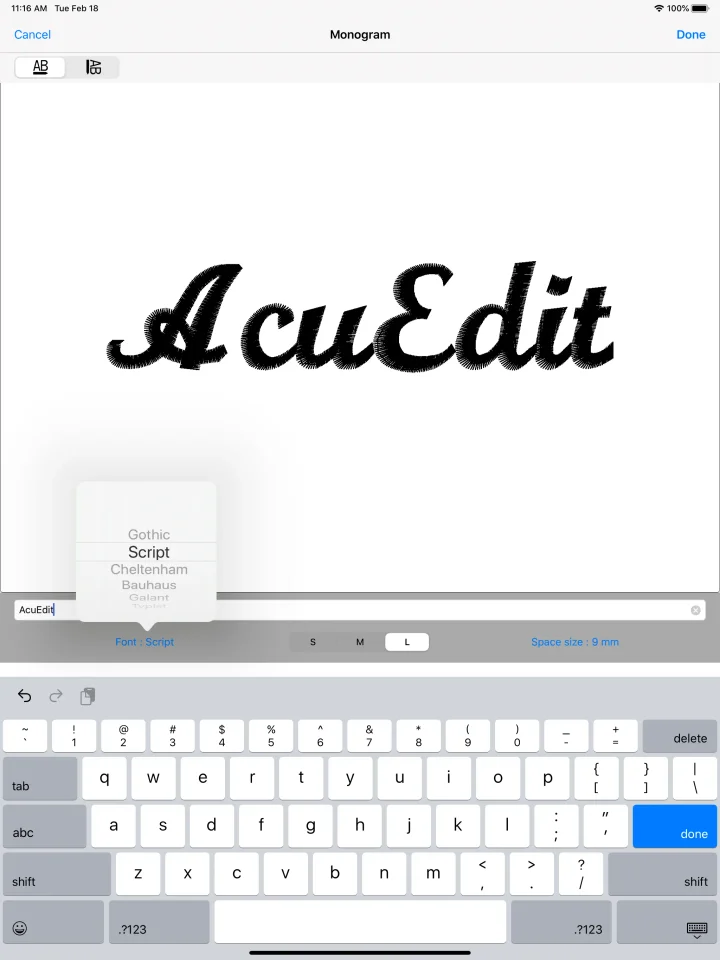
* Arching (monogramming)
* Space adjustment (monogramming)
* Delete
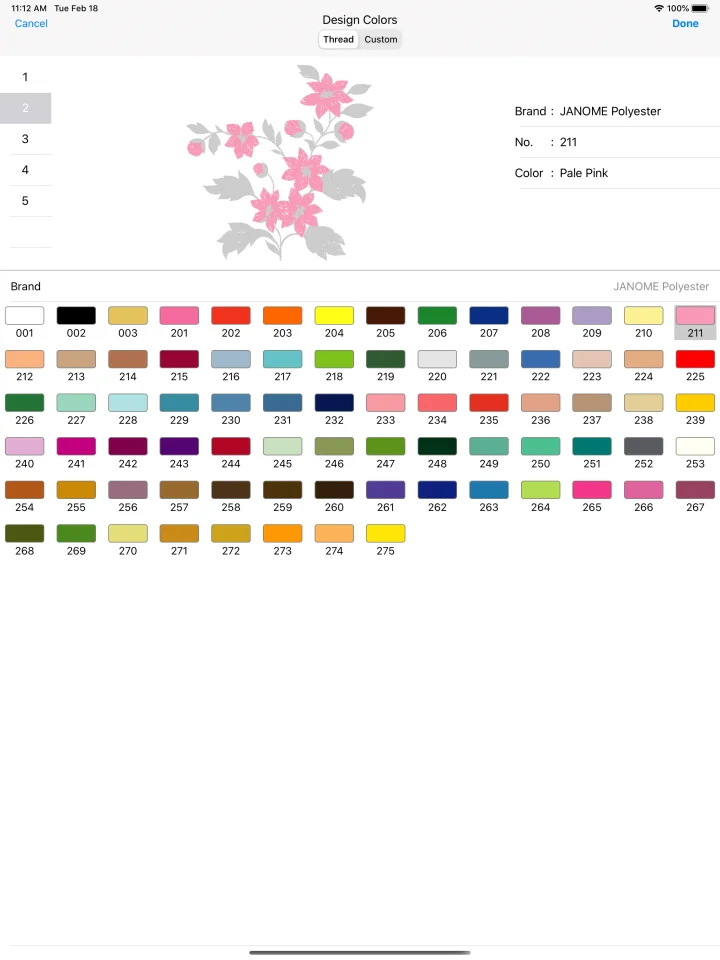
* Ability to change thread colors
* Ability to change sewing order
* Ability to Undo and Redo any change you make
* Edit embroidery designs by using the controller on the screen.
* Basic editing can also be made by moving two fingers across the screen.
* iPad photos can be displayed as the background of the editing screen.
Import embroidery designs
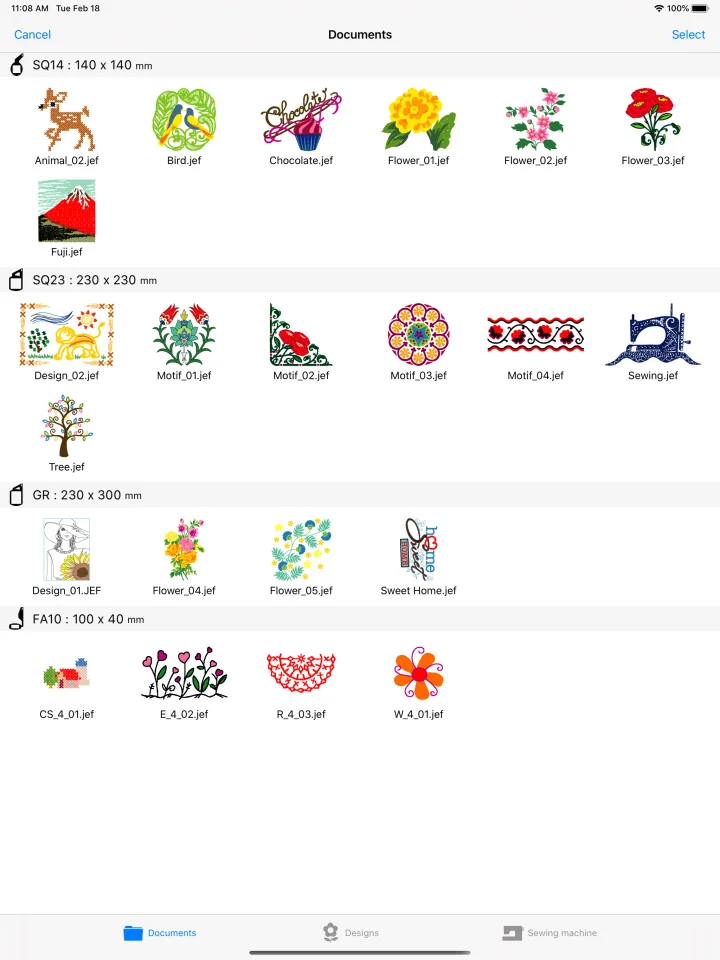
* Select designs from your embroidery collection on your iPad.
* You can use all built-in designs from compatible sewing machines.
(to use the built-in designs from Memory Craft 15000, first connect to your sewing machine and then you can download the latest embroidery designs from the sewing machine.)
(to use the built-in designs from SKYLINE S9/ atelier 9, it's necessary to download the embroidery designs from your sewing machine.)
* You can add monogramming designs by inputting them using the keypad.
* iTunes enables import of embroidery designs from the internet or your PC to your iPad.
* Embroidery designs can now be imported from email attachment files , online storage services and other apps.
Save embroidery designs
* Save embroidery designs on your iPad.
* View and delete thumbnails of embroidery designs.
Compatible embroidery formats
* jef
* jef+
* jpx
Có gì mới
Phiên bản 3.30 · 26/08/2025
* Enhanced embroidery expression for a more realistic and sophisticated presentation.
* Bug fixes.
Quyền riêng tư của ứng dụng
Những gì JANOME Corporation khai báo trên App Store về cách ứng dụng này xử lý dữ liệu.
-
Dữ liệu không được thu thập
Nhà phát triển không thu thập bất kỳ dữ liệu nào từ ứng dụng này.
Phương thức đảm bảo quyền riêng tư có thể khác nhau, chẳng hạn như tuỳ theo các tính năng bạn sử dụng hoặc độ tuổi của bạn.
Thông tin
- Người bán
- JANOME Corporation
- Danh mục
- Lối Sống
- Phiên bản
- 3.30
- Cập nhật
- 26/08/2025
- Phát hành
- 09/08/2013
- Kích thước
- 70,3 MB
- Yêu cầu
- iOS 16.0 trở lên
- Độ tuổi
- 4+
- Giá
- Miễn phí
- Ngôn ngữ
- Tiếng Anh, Tiếng Nhật
- Bản quyền
- © 2025 JANOME Corporation