- Age rating4+
- CategoryProductivity
- Developeryonggeon kim
- LanguagesEnglish
- Size42.4 MB
Links to the official App Store page
Download.org hosts no file of AI Frame Fix. The button opens its official App Store page, published by yonggeon kim. Listing last checked on Nov 16, 2026.
Screenshots


About
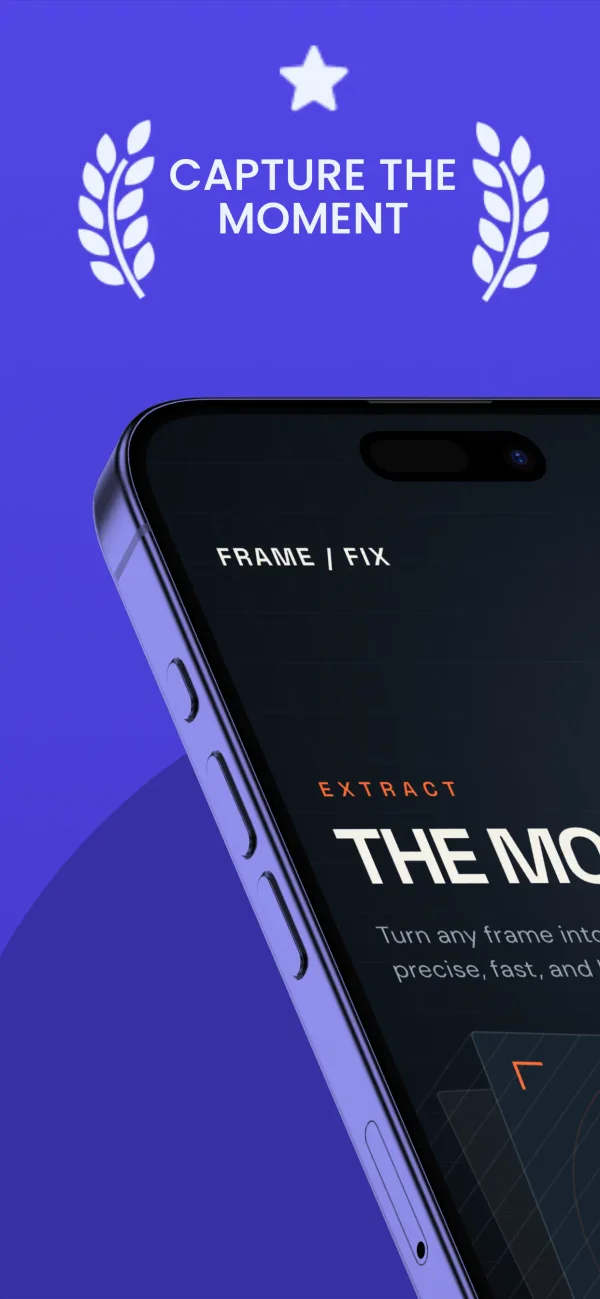
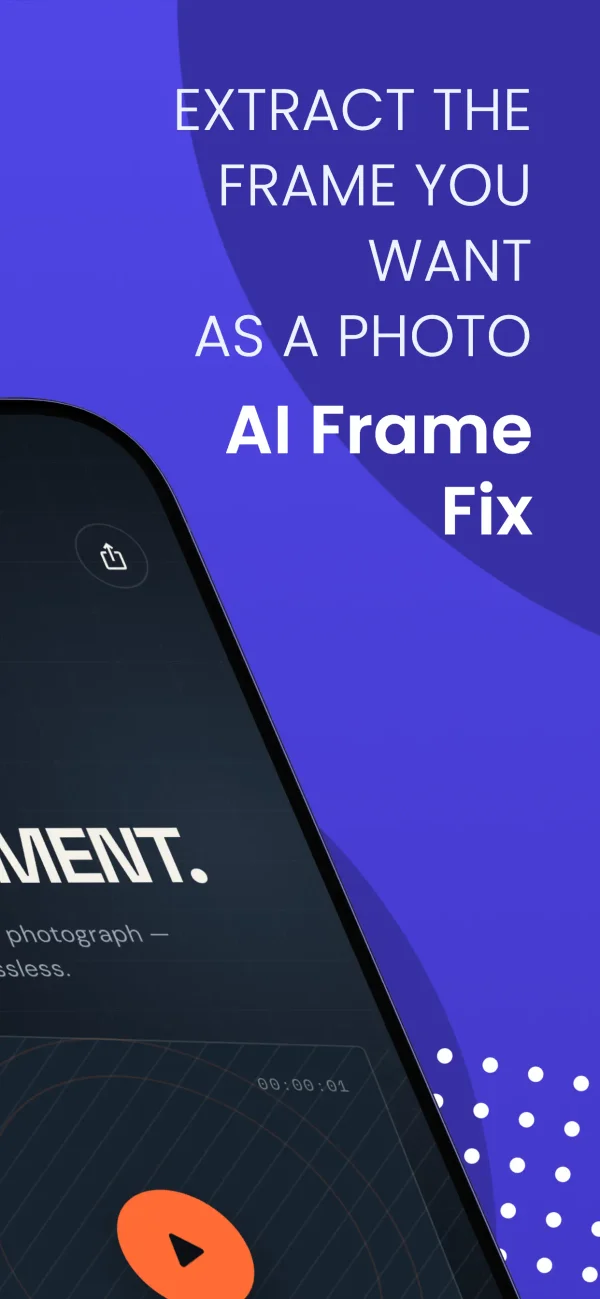
AI Frame Fix extracts the video frame you want as a high-quality still photo or image.
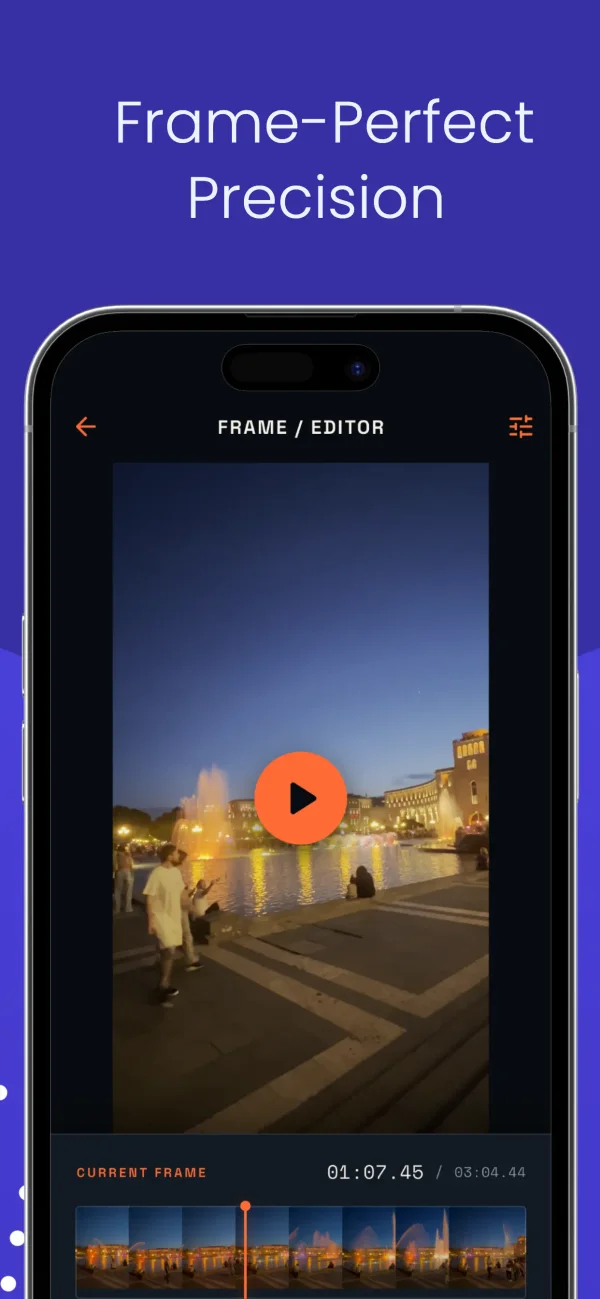
Sports highlights, travel clips, presentations, or that one perfect expression — scrub with precision, then save or share in a tap.
■ WHO IT'S FOR
• Anyone who needs a still from a video without clumsy screenshots
• Creators who want frame-accurate capture
• Users who prefer saving to Photos, a file, or sharing directly
• Anyone who wants JPEG, PNG, or HEIF output with quality control
■ KEY FEATURES
• Pick a video from your device and preview frames
• Timeline thumbnails for fast navigation
• Adjustable scrub speed for frame-level precision
• Extract the current frame as a photo
• Save to album, save as a file, or share
• Output formats: JPEG / PNG / HEIF
• Compression quality control
• Optional metadata on exported images
• Korean, English, Japanese, and Chinese UI
■ HOW TO USE
1. Tap Select Video on the home screen.
2. Scrub the timeline or step frame by frame to the moment you want.
3. Tap download to extract the frame.
4. Choose album save, file save, or share.
■ NOTES
• Some codecs or cloud-only files may not play or extract on device.
• An ad may appear before save or share.
• Use extracted images only for personal and lawful purposes. Respect copyrights and permissions.
Support: use the developer support link on the App Store product page.
What’s new
Version 1.0.2 · Nov 12, 2026
no ads purchase option
App privacy
What yonggeon kim declares on the App Store about how this app handles data.
-
Data not collected
The developer does not collect any data from this app.
Privacy practices may vary, for example with the features you use or your age.
Information
- Seller
- yonggeon kim
- Category
- Productivity
- Version
- 1.0.2
- Updated
- Nov 12, 2026
- Released
- Jan 15, 2026
- Size
- 42.4 MB
- Requires
- iOS 15.0 or later
- Age rating
- 4+
- Languages
- English
- Copyright
- © 2025 Smart AI Company, All rights reserved.
You might also like
-
 TapLogOne-Tap Activity Tracking
-
 Time NodesCount-up and count-down timer
-
 Stilllog – Did I Do It? LogA simple record you can trust
-
 DNS & Whois ToolkitDebug DNS and domains
-
 Blick for Microsoft 365Your workday at a glance
-
 Time Since: Countdown TrackerDays, Streak Counter & Widget
-
 AI DictationVoice-to-text keyboard
-
 LatentChat - Assistant LLMPrivate and Local AI Chatbot
-
 Nearify - Rec Trans SummProductivity
-
 HEIC To PDF AppHEIC To PDF Convertor