
AI Teleprompter - Video Script
Mirror Text・Captions・Autocue
Designed for iPhone, iPod touch
Free
- Age rating4+
- CategoryPhoto & Video
- Developer舰 何
- LanguagesEnglish
- Size47.8 MB
Links to the official App Store page
Download.org hosts no file of AI Teleprompter - Video Script. The button opens its official App Store page, published by 舰 何. Listing last checked on Nov 15, 2026.
Screenshots

About
In the digital content creation era, short videos have become an essential way to convey information and express creativity. Whether you're a professional speaker, corporate marketer, or social media content creator, the demand for efficient video creation tools is growing. This smart script recording and editing tool for short videos with teleprompter functionality is designed for creators who need to film, edit, and use a teleprompter, offering a complete solution for video creation while simplifying the process and increasing efficiency.
Versatile Teleprompter Features
The app offers three teleprompter modes to cater to different needs:
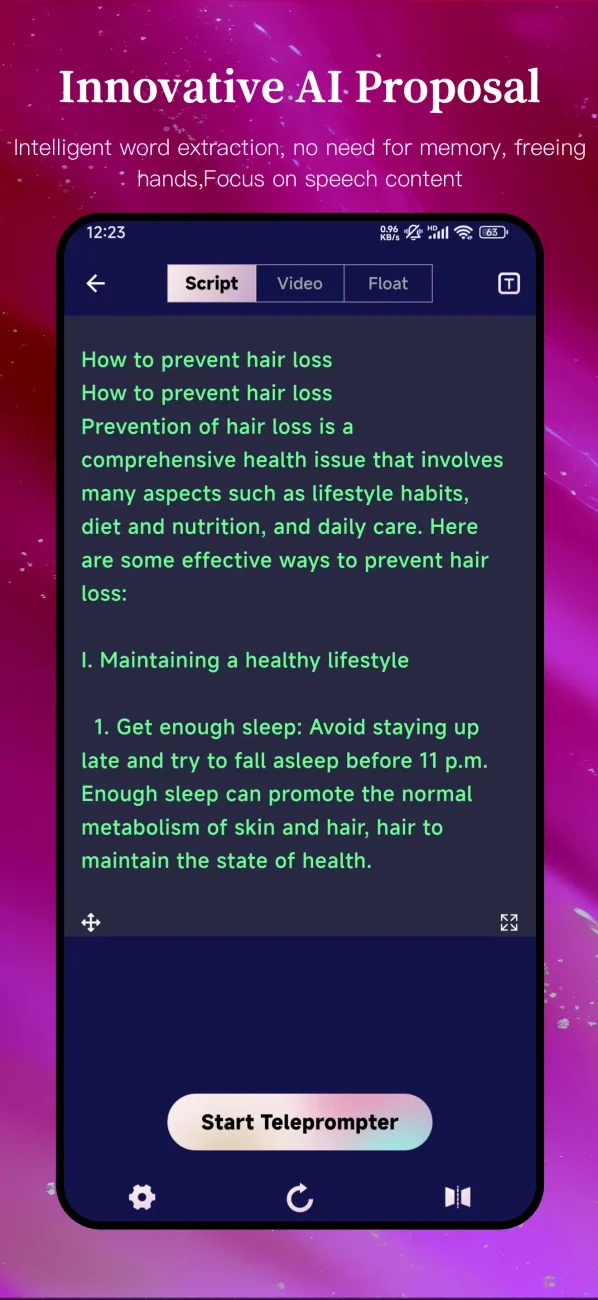
Script teleprompter: Enter your script or speech, and the app will automatically generate the teleprompter content, with adjustable scroll speed.
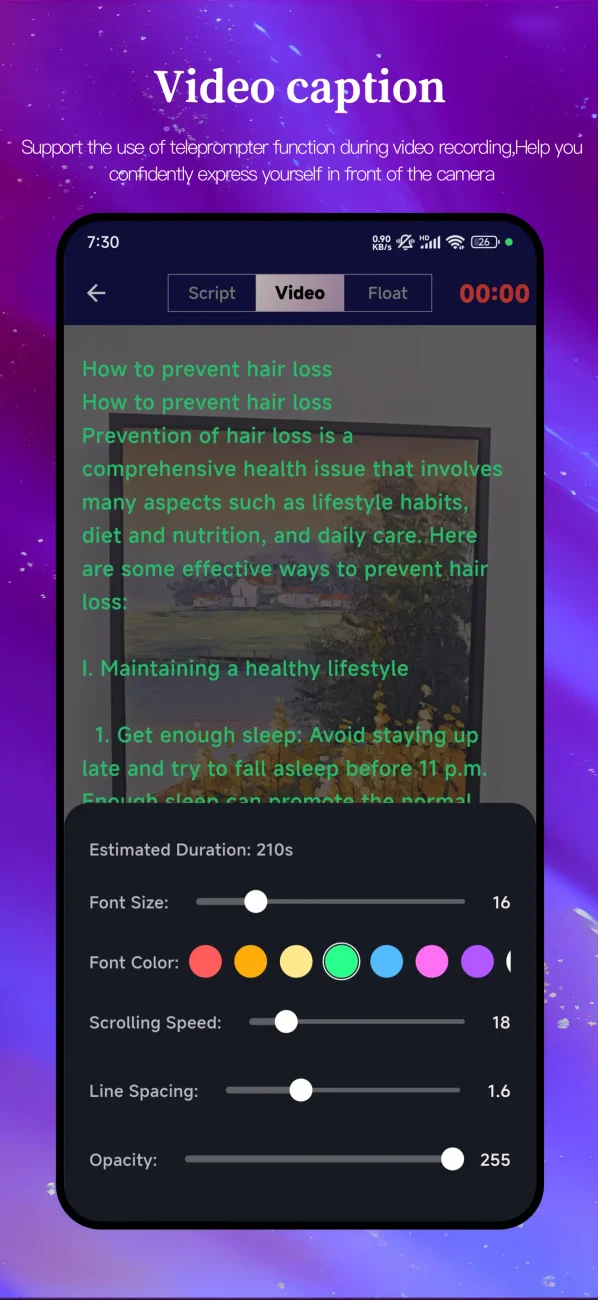
Video teleprompter: During video recording, the teleprompter content is displayed in real-time, helping with expression and reducing the need for memorization.
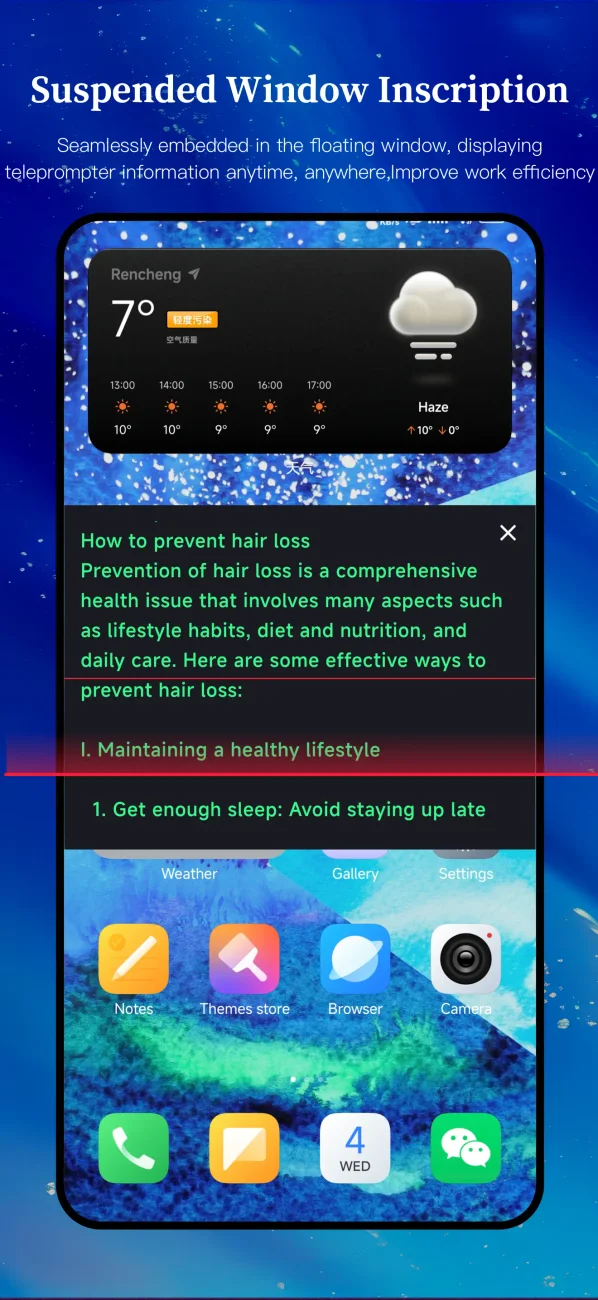
Floating teleprompter: Keeps the teleprompter visible while you perform other tasks, ideal for live streaming or multitasking.
Customizable Display Settings
Font size and color: Adjust font size and color to ensure readability in various lighting conditions.
Scroll speed and line height: Adjust scroll speed and line height to match your speaking pace.
Text transparency: Modify text transparency to blend with the background and optimize readability.
Efficient Recording and Editing
You can edit your video in real-time during recording, add subtitles, and adjust the audio. This significantly reduces post-production work and allows you to focus on the creative aspects of the content.
App privacy
What 舰 何 declares on the App Store about how this app handles data.
-
Data used to track you
May be used to track you across apps and websites owned by other companies.
- Identifiers
-
Data not linked to you
May be collected but is not linked to your identity.
- Identifiers
Privacy practices may vary, for example with the features you use or your age.
Information
- Seller
- 舰 何
- Category
- Photo & Video
- Version
- 1.0
- Updated
- Jan 7, 2025
- Released
- Jan 7, 2025
- Size
- 47.8 MB
- Requires
- iOS 14.2 or later
- Age rating
- 4+
- Price
- Free
- Languages
- English
- Copyright
- ©CICI
You might also like
-
 Teleprompter: Video ScriptsRecord better scripted video
-
 eZy TeleprompterRead script and record videos
-
 Teleprompter ·Subtitles Generator For Video
-
 Teleprompter-Read scriptRecord & caption
-
 Teleprompter TikCueRead Script, Prompt for Video
-
 Teleprompter-Floating DialogueShoot video teleprompter
-
 Teleprompt OverlayRead scripts over your camera
-
 NanoPrompter: TeleprompterFree Teleprompter for Video
-
 Teleprompter-float above appsTeleprompter for all creator
-
 Teleprompter for Video & VlogScript, Subtitle, Autocue app