AINotes: Note Taking & PDF
Handwriting & Infinite Canvas
Designed for iPhone, iPad
Free
- Age rating4+
- CategoryProductivity
- DeveloperPRODSOFT PTE LTD
- LanguagesEnglish+ 23 more
- Size192.7 MB
Links to the official App Store page
Download.org hosts no file of AINotes: Note Taking & PDF. The button opens its official App Store page, published by PRODSOFT PTE LTD. Listing last checked on Nov 23, 2026.
Screenshots

About
AINotes is a professional note-taking and document annotation app for iPad and iPhone, with smooth, paper-like handwriting.
Use Apple Pencil, an infinite canvas, freeform layout, multiple layers, and split-screen editing to capture ideas naturally and keep your study, work, and creative projects organized. AINotes is currently free to use, with no subscription required for its core features.
WRITE NATURALLY
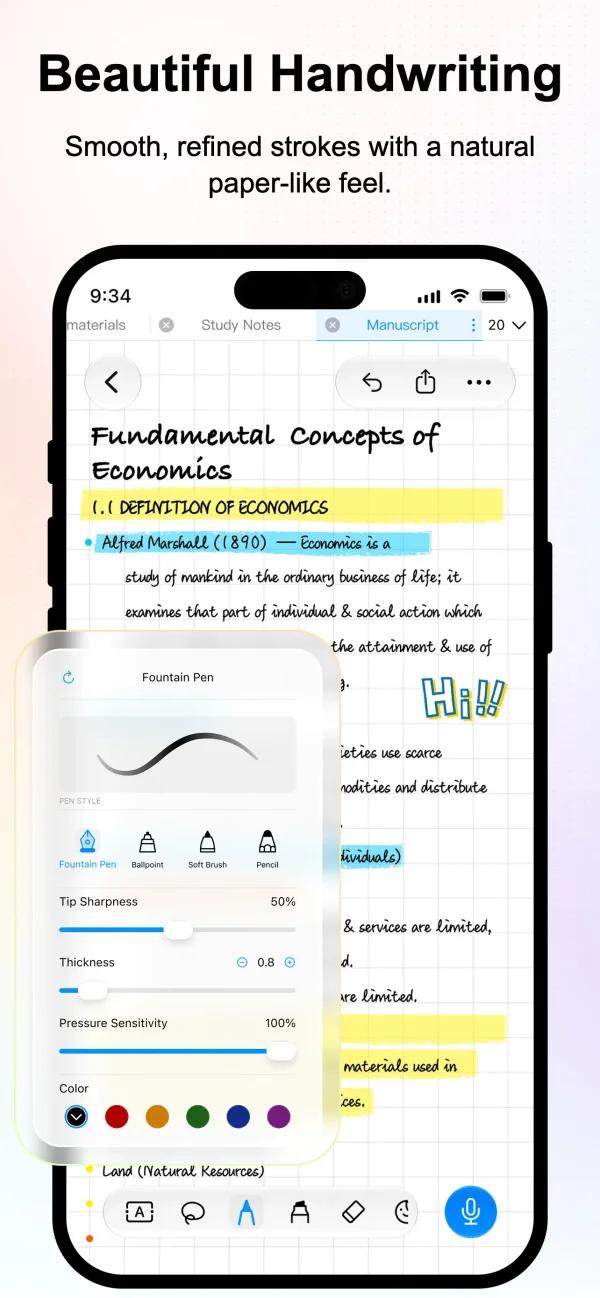
• Optimized for iPhone and every iPad size, with pressure sensitivity and tilt support on compatible Apple Pencil models
• Write and draw with a fountain pen, ballpoint pen, brush pen, or pencil
• Use a highlighter, shapes, magnifier, laser pointer, ruler, and other precision tools
• Customize stroke colors, widths, and styles, then refine content with the precision eraser and lasso tools
THINK WITHOUT LIMITS
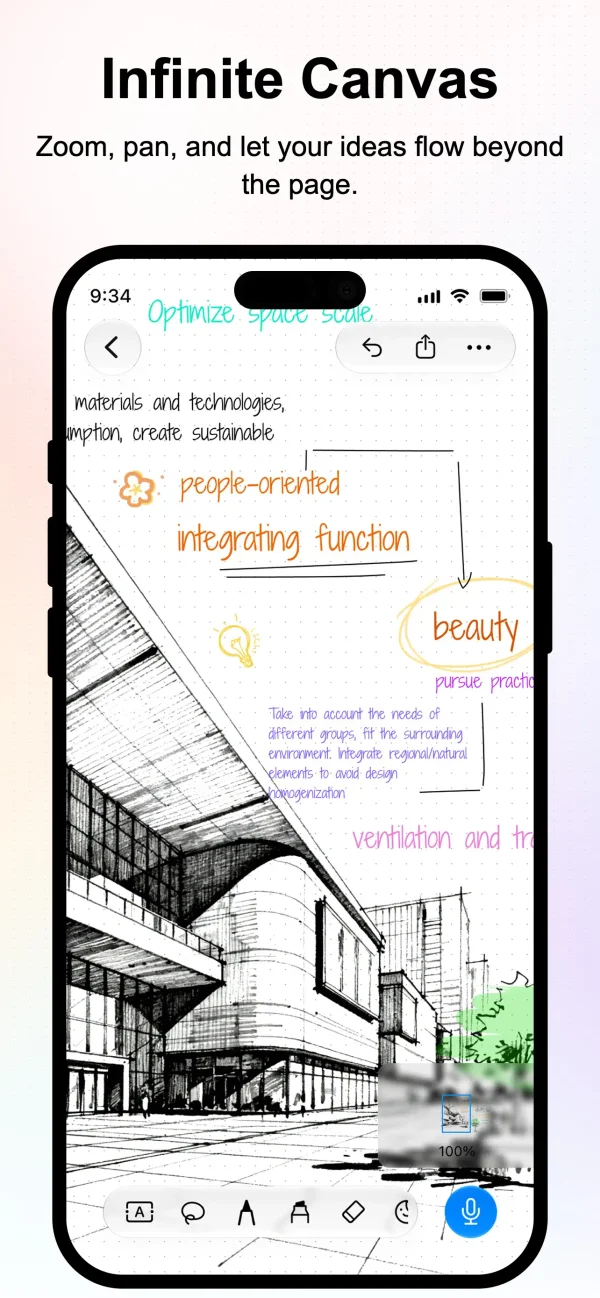
• Create structured paged notes or explore ideas freely on an infinite canvas
• Zoom and pan smoothly to organize outlines, build mind maps, plan projects, and develop creative sketches
• Freely move, resize, and rotate handwriting, text, images, and shapes
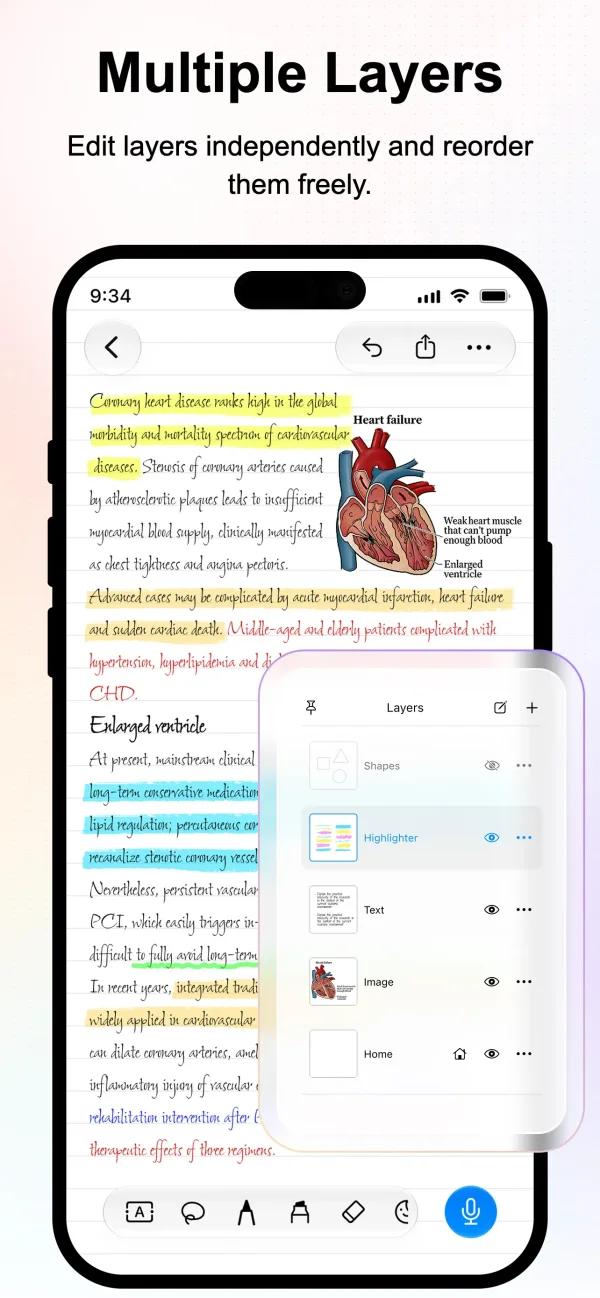
• Use multiple layers to edit complex content independently, and view or edit multiple notes side by side
READ & ANNOTATE MULTIPLE FORMATS
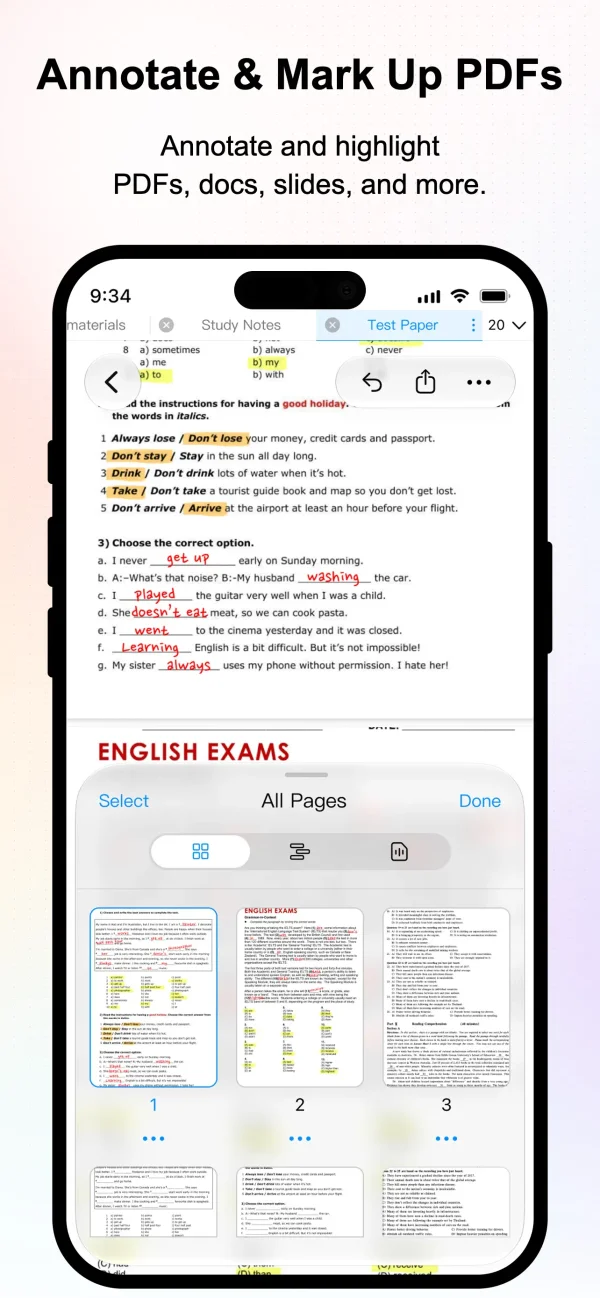
• Import PDF, DOC, and PPT files; Pages, Numbers, and Keynote documents; and ebooks in EPUB, MOBI, and AZW3 formats
• Read imported documents and ebooks, then add handwriting, highlights, shapes, text, and comments
• Import screenshots, photos, worksheets, exam papers, and other images, then crop, resize, rotate, and arrange them freely
• When you need to capture paper content, scan documents, recognize text with OCR, and use smart correction and filters for clearer results
• Export finished work as a PDF, individual images, or a single long image
STAY ORGANIZED, MAKE IT YOUR OWN
• Organize classes, projects, meetings, and personal notes with folders
• Search note titles and content to quickly find what you need
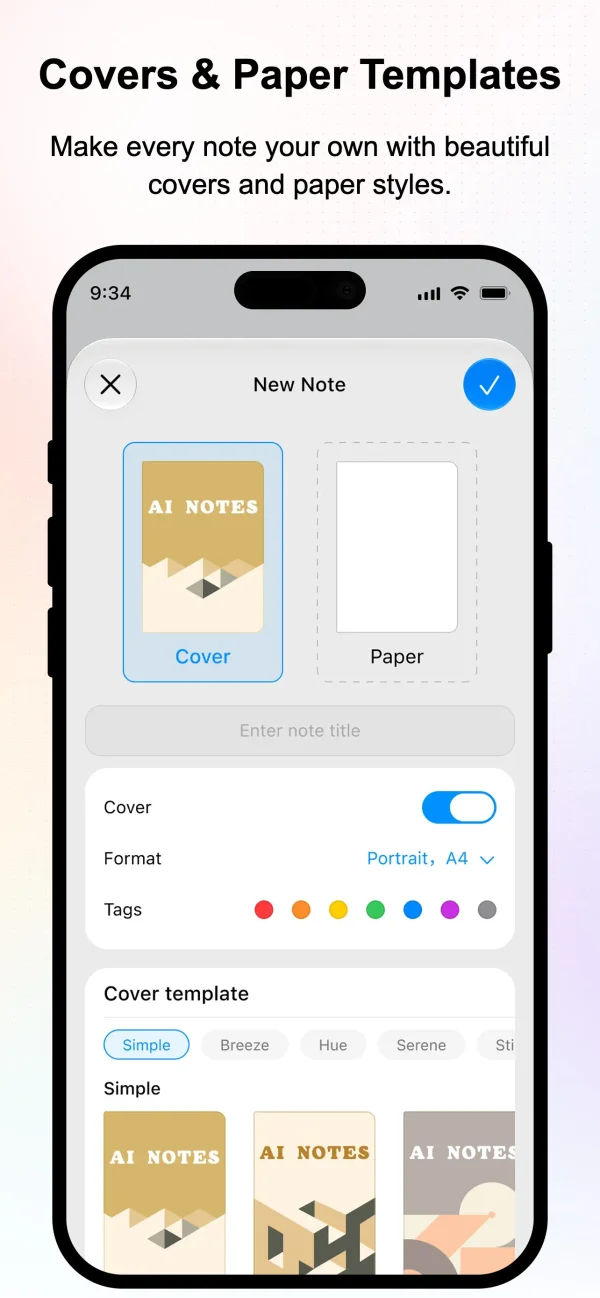
• Personalize notes with beautiful covers and ruled, grid, dot grid, blank, Cornell note, and other paper templates
• Write comfortably in low light with Dark Mode
• Sync notes between iPhone and iPad with iCloud, and create local backups that you can restore when needed
FREE TO USE
• No subscription or payment is required to access the core features
• Work offline and capture ideas wherever you are
• Export and share in multiple formats while keeping control of your notes and backups
BUILT FOR STUDY, WORK & CREATIVITY
Use AINotes for classroom notes, reviewing mistakes, lesson planning, handout annotation, meeting notes, document review, ebook reading, study notes, project planning, digital journaling, creative sketches, and everyday inspiration.
Start using AINotes today—write naturally, think without limits, and turn every idea into something clear and useful.
For technical support or feedback, contact us:
Email: feedback@prodsoft.net
Privacy Policy: https://www.prodsoft.net/privacy_policy.html
Terms of Use: https://www.prodsoft.net/terms_of_use.html
What’s new
Version 1.2.4 · Nov 19, 2026
1.2.4 makes it easier to work with large notes and gives you quicker access to the tools you use most.
• Infinite Canvas · Large canvases load faster and feel smoother when you pan or write. Use the Mini Map to revisit previous locations, move forward, or jump to the center of your content.
• Editor · In wide layouts, you can customize Quick Buttons separately for standard notes and Infinite Notes. Zoom controls are also available in full screen.
• Writing and erasing · With Pressure Eraser enabled, press and hold a pressure-sensitive Apple Pencil against the screen to switch temporarily to the eraser. If you write with your finger or an Apple Pencil without pressure sensitivity, hold in place to erase. Lift to return to your writing tool. Choose between Precision Eraser and Stroke Eraser.
• Document import · We’ve improved document imports and made imported spreadsheets easier to read.
• PDF export · Exported PDFs retain the original handwritten annotations along with any new ink you add. We also fixed an issue that prevented some PDFs with internal links from exporting.
• Covers and storage · Remove custom covers from your recent covers list, or go to Settings to check how much space your cache uses and clear it.
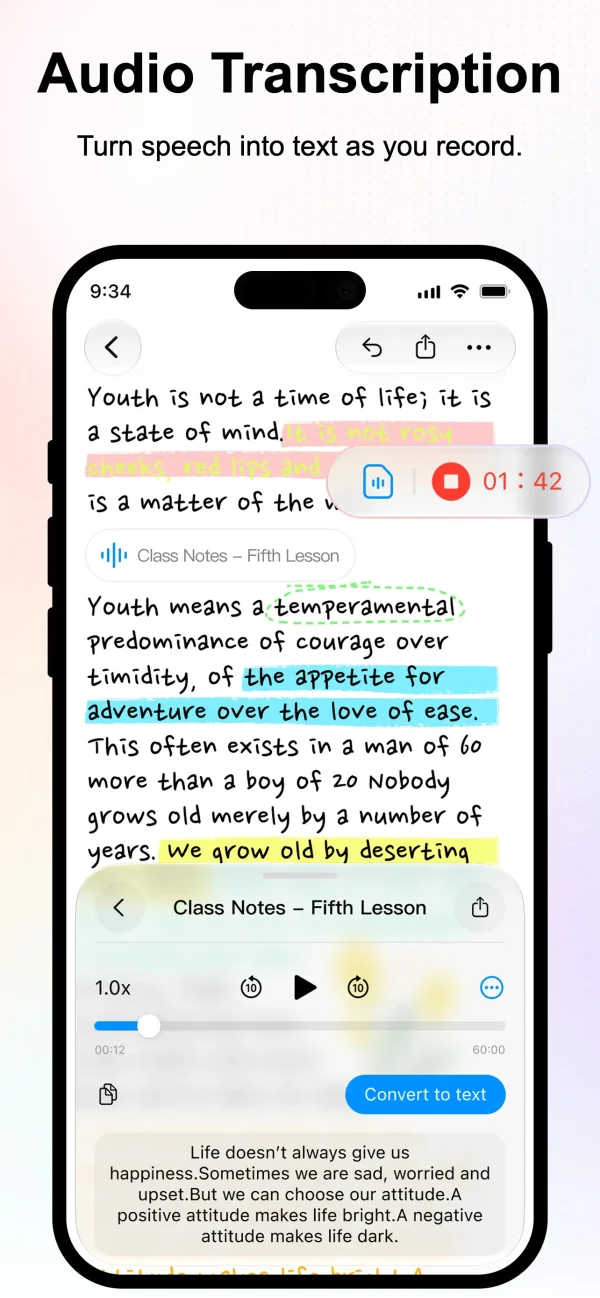
• Stability · Fixed issues with audio recording and transcription, and improved editing on iPadOS 17.
App privacy
What PRODSOFT PTE LTD declares on the App Store about how this app handles data.
-
Data not linked to you
May be collected but is not linked to your identity.
- Identifiers
- Usage data
- Diagnostics
Privacy practices may vary, for example with the features you use or your age.
Information
- Seller
- PRODSOFT PTE LTD
- Category
- Productivity
- Version
- 1.2.4
- Updated
- Nov 19, 2026
- Released
- Aug 12, 2026
- Size
- 192.7 MB
- Requires
- iOS 17.0 or later
- Age rating
- 4+
- Price
- Free
- Languages
- English, Arabic, Danish, Dutch, French, German, Hebrew, Indonesian, Italian, Japanese, Korean, Malay + 12 more
- Copyright
- © 2026 PRODSOFT PTE LTD
You might also like
-
 Pentip: Notes, Sketch & PDFPro Notes, Sketch & PDF Markup
-
 Simplify Notes: PDF NotebookHandwriting, Notes & Study
-
 Noteora - Notes & HandwritingWrite, Sketch & Export to PDF
-
 ScribblePad: Notes & PDFHandwriting notes & PDF markup
-
 Notepen: Notes & PlannerHandwriting, Sketch & Notebook
-
 NoteApp, Mindmap, PDF: InkNodeNote-taking & Handwriting App
-
 Pencil - PDF Notes with PencilHandwrite, Type, Draw, Mark Up
-
 OpenNotes: Notes & PDF MarkupHandwriting, PDFs, no account
-
 VelNotes: Handwriting NotesPDF, Voice & Study Notebook
-
 TidyNotes: Notes, Docs & PDFHandwriting, Planner, Journal